https://github.com/deepeshgodhwani/qr-code-generator-and-scanner
QR code generator and scanner tool is designed to simplify your life by allowing you to create and scan QR codes with ease. Whether you need to generate codes for business or personal use.
https://github.com/deepeshgodhwani/qr-code-generator-and-scanner
chakra-ui reactjs rest-api tailwindcss
Last synced: 2 months ago
JSON representation
QR code generator and scanner tool is designed to simplify your life by allowing you to create and scan QR codes with ease. Whether you need to generate codes for business or personal use.
- Host: GitHub
- URL: https://github.com/deepeshgodhwani/qr-code-generator-and-scanner
- Owner: Deepeshgodhwani
- Created: 2023-03-09T17:44:06.000Z (over 3 years ago)
- Default Branch: main
- Last Pushed: 2024-10-02T11:41:19.000Z (over 1 year ago)
- Last Synced: 2025-01-23T07:28:56.803Z (over 1 year ago)
- Topics: chakra-ui, reactjs, rest-api, tailwindcss
- Language: JavaScript
- Homepage: https://deepeshgodhwani.github.io/QR-Code-Generator-and-Scanner/
- Size: 4.17 MB
- Stars: 1
- Watchers: 1
- Forks: 0
- Open Issues: 0
-
Metadata Files:
- Readme: README.md
Awesome Lists containing this project
README
Scantor

Web application to Generate and Read QR Code.







Want to see live preview »
Report Bug ✧
Getting Started ✧ Installing ✧
Author ✧
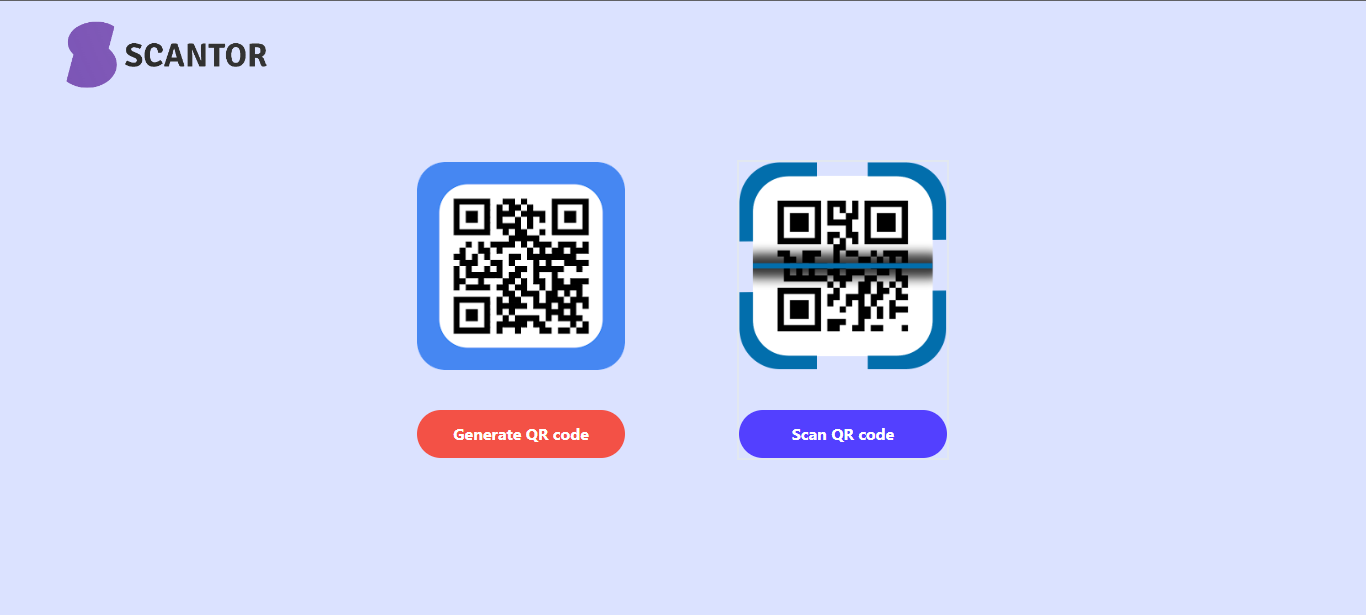
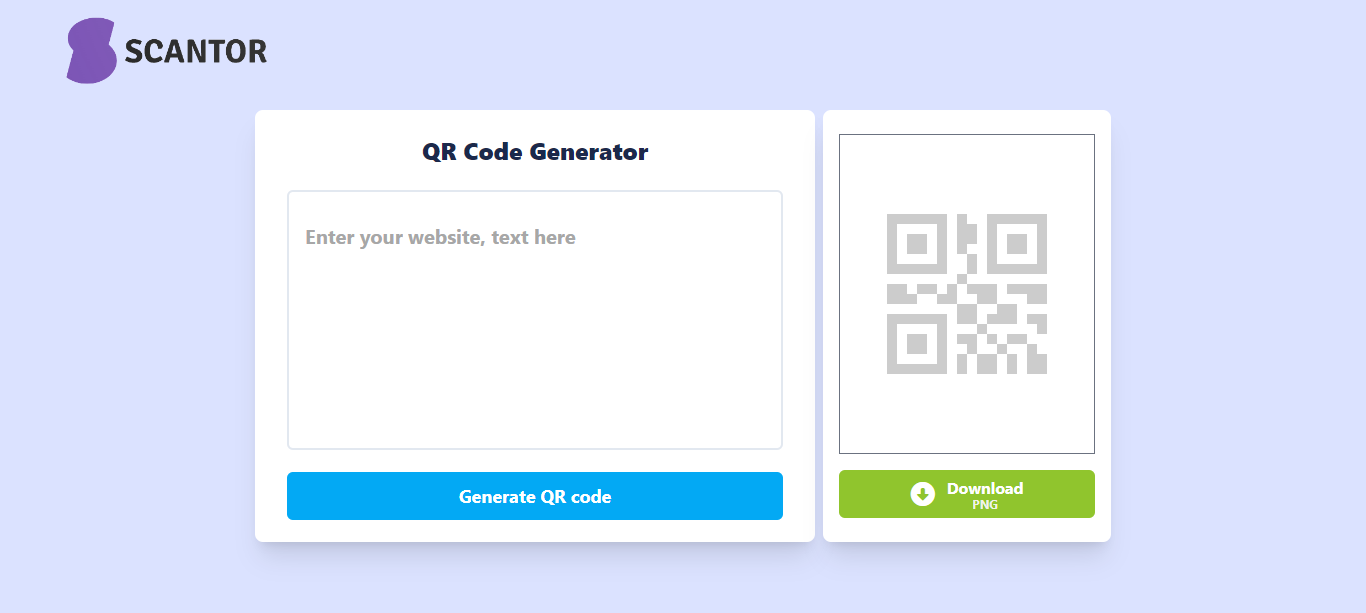
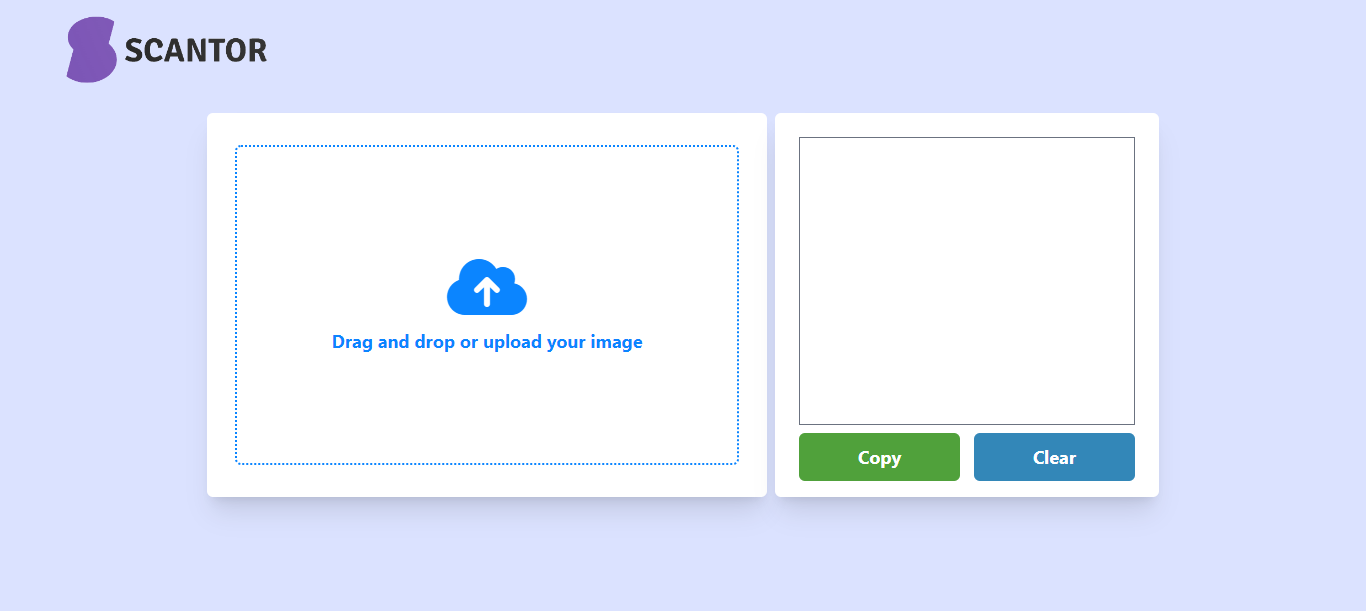
QR code generator and scanner tool is designed to simplify your life by allowing you to create and scan QR codes with ease. Whether you need to generate codes for business or personal use, you can quickly create QR codes for websites, products, events, and more, and scan codes to access information instantly.
## Glimpses of Scantor:
## Getting Started
This project was built using, Tailwind CSS, React, ChakraUI and Rest API. It is a web application and for running on your local environment you should follow these guidelines.
### Prerequisites
- NPM
### Setup
The project repository can be found in [GitHub link](https://github.com/Deepeshgodhwani/QR-Code-Generator-and-Scanner) or just clone the project using this command.
```
Using HTTPS
# git clone https://github.com/Deepeshgodhwani/QR-Code-Generator-and-Scanner.git
```
+ Open terminal on your workspace with
```
cd /home/workspace/QR-Code-Generator-and-Scanner
```
## Install
Install NPM
Check that you have node and npm installed
To check if you have Node.js installed, run this command in your terminal:
```
node -v
```
To confirm that you have npm installed you can run this command in your terminal:
```
npm -v
```
To install all the dependences of the project, run the following command:
```
npm install
```
To run the application, run the following command:
```
npm run dev
```
### Tools used on this project
- Visual Studio Code
## Contact
If you want to contact me, you can reach me through below handles.
[](https://linkedin.com/in/deeepesh-godhwani-4269531b0)
[](https://github.com/Deepeshgodhwani)
© 2023 Deepesh Godhwani
## Show your support
Give a ⭐️ if you like this project!