https://github.com/defuj/copilot-agent-kit
https://github.com/defuj/copilot-agent-kit
agentic-ai ai-agents copilot copilot-coding-agent
Last synced: 19 days ago
JSON representation
- Host: GitHub
- URL: https://github.com/defuj/copilot-agent-kit
- Owner: defuj
- Created: 2026-06-01T01:27:42.000Z (about 2 months ago)
- Default Branch: main
- Last Pushed: 2026-06-01T14:27:20.000Z (about 2 months ago)
- Last Synced: 2026-06-01T15:10:40.050Z (about 2 months ago)
- Topics: agentic-ai, ai-agents, copilot, copilot-coding-agent
- Language: HTML
- Homepage: https://defuj.github.io/copilot-agent-kit/
- Size: 253 KB
- Stars: 0
- Watchers: 0
- Forks: 0
- Open Issues: 0
-
Metadata Files:
- Readme: README.md
- Agents: AGENTS.md
Awesome Lists containing this project
README
# Agent Kit — Setup Guide

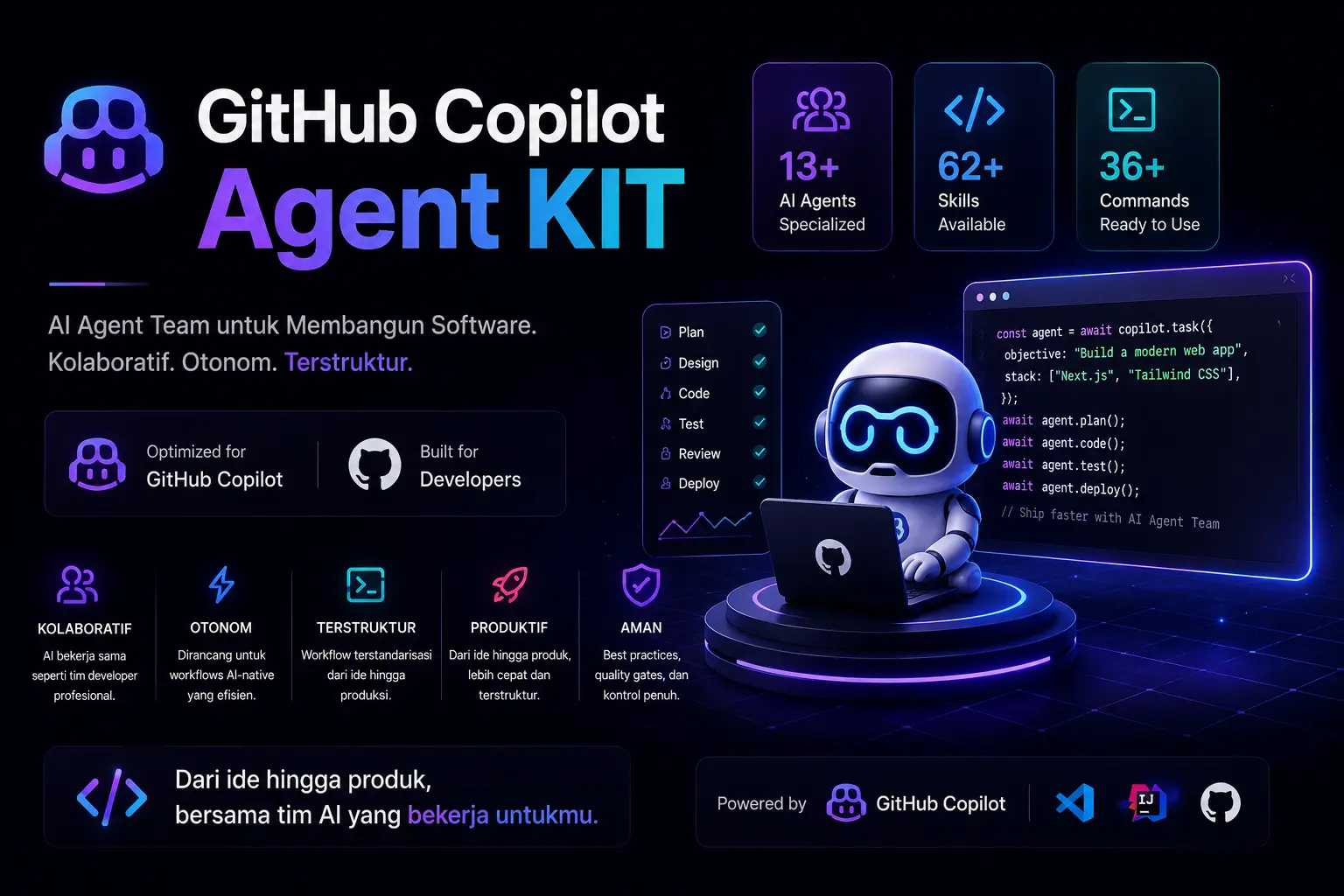
Complete setup guide for the **Agent Kit** — a portable multi-stack AI agent system for GitHub Copilot. Includes 13 specialized agents, 62 skill playbooks, 36 slash commands, and 6 MCP servers.

```bash

npx copilot-agent-kit init

```

---

## Quick Install

```bash

npx copilot-agent-kit init

```

This copies the full agent configuration into your project's `.github/agents/`, `.github/hooks/`, and `.github/workflows/` directories. Safe for existing projects — no overwrite.

Global install:

```bash

npm install -g copilot-agent-kit

cd /path/to/your-project

copilot-agent-kit init

```

---

## Overview

Think of Agent Kit as an AI development team you install into any GitHub Copilot project. An **IT Leader** orchestrates 12 specialized subagents — each one an expert in their stack. You describe what to build; the team handles the rest.

This repository contains a complete GitHub Copilot agent configuration with **13 Custom Agents** (1 primary orchestrator + 12 subagents) for software development teams.

### Agent Config

- Agent profiles: `.github/agents/`

  - `it-leader.agent.md` — IT Leader & Technical Project Manager (primary)

  - `frontend-nuxt.agent.md` — Frontend Developer (Nuxt/Vue) — `@frontend-nuxt`

  - `frontend-react.agent.md` — Frontend Developer (React/Next.js) — `@frontend-react`

  - `backend.agent.md` — Backend Developer (Node.js) — `@backend`

  - `laravel.agent.md` — Backend Developer (Laravel) — `@laravel`

  - `ci3.agent.md` — Fullstack Developer (CodeIgniter 3) — `@ci3`

  - `designer.agent.md` — UI/UX Designer — `@designer`

  - `reviewer.agent.md` — Code Reviewer / QA — `@reviewer`

  - `database.agent.md` — Database Specialist — `@database`

  - `devops.agent.md` — DevOps / Infrastructure — `@devops`

  - `seo.agent.md` — SEO Specialist — `@seo`

  - `android.agent.md` — Android Developer (Kotlin/Compose) — `@android`

  - `flutter.agent.md` — Flutter Developer (Dart) — `@flutter`

- Automation hooks: `.github/hooks/`

- CI/CD workflows: `.github/workflows/`

Designed for:

- **Frontend (Vue)**: Nuxt 4 + Nuxt UI + Vue 3 Composition API + TypeScript

- **Frontend (React)**: React 19 + Next.js 15 (App Router) + TypeScript + shadcn/ui

- **Backend**: Node.js + Express 5 + Prisma + PostgreSQL — or — Laravel 10+ / CodeIgniter 3

- **Mobile**: Android (Kotlin + Jetpack Compose) — or — Flutter (Dart)

## Installation

### New Project (NPM Package — Recommended)

```bash

cd /path/to/your-project

npx copilot-agent-kit init

```

This copies `.github/agents/`, `.github/hooks/`, and `.github/workflows/` into your project. Existing files are preserved.

### What Gets Installed

| File/Folder          | Content                         | Required |

| -------------------- | ------------------------------- | -------- |

| `.github/agents/`    | 13 agent profiles (`.agent.md`) | Yes      |

| `.github/hooks/`     | Automation hooks                | Optional |

| `.github/workflows/` | Copilot setup steps workflow    | Optional |

### Manual Copy

```bash

cp -R .github/agents /path/to/your-project/.github/agents/

```

### Verify Setup

After installation, go to [github.com/copilot/agents](https://github.com/copilot/agents) and select your repository. Click the agent selector to choose from 13 specialized agents.

## Available Agents

13 agents with **Leader → Subagent** architecture:

| Agent                 | File                      | Role                                                 |

| --------------------- | ------------------------- | ---------------------------------------------------- |

| **IT Leader**         | `it-leader.agent.md`      | Requirements analysis, architecture, task delegation |

| Frontend (Vue/Nuxt)   | `frontend-nuxt.agent.md`  | Vue/Nuxt implementation (components, Nuxt UI)        |

| Frontend (React/Next) | `frontend-react.agent.md` | React/Next.js implementation (RSC, shadcn/ui)        |

| Backend (Node.js)     | `backend.agent.md`        | Node.js API (Express, Prisma, DTO)                   |

| Backend (Laravel)     | `laravel.agent.md`        | Laravel (Blade, Livewire, REST API)                  |

| CodeIgniter 3         | `ci3.agent.md`            | CI3 MVC, REST API, JWT                               |

| UI/UX Designer        | `designer.agent.md`       | Design system, Stitch, accessibility                 |

| Code Reviewer / QA    | `reviewer.agent.md`       | Code quality, security audit, testing strategy       |

| Database Specialist   | `database.agent.md`       | PostgreSQL schema, query optimization, migrations    |

| DevOps / Infra        | `devops.agent.md`         | CI/CD, Docker, monitoring, infrastructure            |

| SEO Specialist        | `seo.agent.md`            | Meta tags, structured data, Core Web Vitals          |

| Android Developer     | `android.agent.md`        | Kotlin, Jetpack Compose, Gradle, Play Store          |

| Flutter Developer     | `flutter.agent.md`        | Dart, Flutter SDK, Material 3, Firebase              |

### Workflow

```

User Request

    │

    ▼

┌─────────────────┐

│   IT Leader     │ ← Primary orchestrator

│ (Primary)      │

└────────┬────────┘

         │

    ┌────┴────┬──────┬──────┬──────┬──────┬──────┐

    ▼         ▼      ▼      ▼      ▼      ▼      ▼

┌────────┐ ┌──────┐ ┌───┐ ┌────┐ ┌────┐ ┌────┐ ┌──────┐

│Frontend│ │Backend│ │Des│ │Rev │ │DB  │ │Dev │ │Mobile│

│Nuxt/React│ │Node/La│ │ign│ │iew │ │Spec│ │Ops │ │And/Fl│

└───┬────┘ └──┬───┘ └───┘ └────┘ └────┘ └────┘ └──┬───┘

    │         │                                    │

    └─────────┴────────────────────────────────────┘

                      │

                      ▼

          ┌──────────────────────────┐

          │   Integration Report      │

          │ (IT Leader combines)     │

          └──────────────────────────┘

```

### How It Works

1. You describe what you need — a feature, a bug fix, a full app

2. The **IT Leader** analyzes requirements, designs architecture, and breaks the work into tasks

3. Tasks are delegated to the right subagents — frontend, backend, mobile, designer, reviewer

4. The IT Leader integrates results and reports back with verification status

For small tasks, mention subagents directly with `@mention`:

```text

@frontend-nuxt Add a UButton "Save" in ProfileHeader.vue.

@frontend-react Create a server component ProductList with API fetch.

@backend Add endpoint POST /api/markets with DTO validation.

@laravel Build a CRUD product page with Blade + Livewire.

@ci3 Build a REST API for products with JWT auth.

@designer Review UX flow for checkout page.

@reviewer Audit security for the authentication module.

@database Optimize query for market listing with pagination.

@devops Setup CI/CD pipeline for Vercel deployment.

@seo Implement meta tags and structured data for product pages.

@android Build a login screen with Jetpack Compose + ViewModel.

@flutter Build a product list screen with Bloc pattern.

```

## Skills

Skills provide specialized instructions and workflows for specific tasks.

### Skills per Agent

| Agent                      | Key Skills                                                                                                                                                                                                                                     |

| -------------------------- | ---------------------------------------------------------------------------------------------------------------------------------------------------------------------------------------------------------------------------------------------- |

| IT Leader                  | coding-standards, backend-patterns, frontend-patterns                                                                                                                                                                                          |

| Frontend Developer (Vue)   | coding-standards, frontend-patterns, frontend-design, web-design-guidelines, nuxt-ui                                                                                                                                                           |

| Frontend Developer (React) | coding-standards, frontend-patterns, frontend-design, web-design-guidelines, vercel-react-best-practices, vercel-composition-patterns                                                                                                          |

| Backend Developer          | coding-standards, backend-patterns, postgres-patterns, security-review                                                                                                                                                                         |

| UI/UX Designer             | frontend-design, web-design-guidelines, building-components, nuxt-ui                                                                                                                                                                           |

| Code Reviewer / QA         | coding-standards, security-review, web-design-guidelines                                                                                                                                                                                       |

| Database Specialist        | postgres-patterns, backend-patterns                                                                                                                                                                                                            |

| DevOps / Infrastructure    | backend-patterns, coding-standards                                                                                                                                                                                                             |

| SEO Specialist             | frontend-patterns, web-design-guidelines, nuxt-ui                                                                                                                                                                                              |

| **Android Developer**      | coding-standards, android-jetpack-compose, edge-to-edge, navigation-3, firebase-basics, play-billing, camera1-to-camerax, r8-analyzer, migrate-xml-views-to-jetpack-compose, gpc-setup, gpc-release-flow, gpc-preflight, gpc-vitals-monitoring |

| **Flutter Developer**      | coding-standards, flutter (patterns), 10 Flutter skills, 9 Dart skills, firebase-basics                                                                                                                                                        |

### Skill Locations

Skills are loaded from available locations. Quick verification:

```bash

ls ~/.agents/skills

```

If skills are not yet on your machine, copy them from this repo:

```bash

# Core skills

mkdir -p ~/.agents/skills

cp -R ./.agents/skills/coding-standards ~/.agents/skills/

cp -R ./.agents/skills/frontend-patterns ~/.agents/skills/

cp -R ./.agents/skills/frontend-design ~/.agents/skills/

cp -R ./.agents/skills/web-design-guidelines ~/.agents/skills/

cp -R ./.agents/skills/nuxt-ui ~/.agents/skills/

cp -R ./.agents/skills/security-review ~/.agents/skills/

```

### Mobile Skills

```bash

# Flutter patterns & task skills

cp -R ./.agents/skills/flutter ~/.agents/skills/

cp -R ./.agents/skills/flutter-* ~/.agents/skills/

cp -R ./.agents/skills/dart-* ~/.agents/skills/

cp -R ./.agents/skills/jetpack-compose ~/.agents/skills/

cp -R ./.agents/skills/firebase-basics ~/.agents/skills/

```

## MCP Configuration

For Nuxt, Nuxt UI, Playwright, and Postman MCP support, add this to your repo **Settings > Copilot > Cloud agent > MCP configuration**:

```json

{

  "mcpServers": {

    "nuxt": {

      "type": "remote",

      "url": "https://nuxt-mcp.vercel.app",

      "tools": ["*"]

    },

    "nuxt-ui": {

      "type": "remote",

      "url": "https://nuxt-ui-mcp.vercel.app",

      "tools": ["*"]

    },

    "playwright": {

      "type": "local",

      "command": "npx",

      "args": ["@playwright/mcp"],

      "tools": ["*"]

    },

    "postman": {

      "type": "remote",

      "url": "https://api.postman.com",

      "tools": ["*"]

    }

  }

}

```

To enable Figma MCP:

```bash

export FIGMA_ACCESS_TOKEN="your-token"

```

To enable Google Stitch MCP:

```bash

export STITCH_API_KEY="your-api-key"

```

## Available Commands

```bash

# Planning & Architecture

/plan [feature description]          # Detailed implementation plan

/orchestrate [complex task]         # Multi-agent orchestration

# Review & Quality

/code-review [files]                 # Code quality review

/security [files]                     # Security audit

/refactor-clean [scope]              # Dead code cleanup

# Testing

/tdd [feature]                       # TDD workflow

/e2e [user flow]                     # Generate & run E2E tests

/test-coverage [scope]               # Analyze coverage

# Build & Errors

/build-fix [error message]           # Fix TypeScript/build errors

# Documentation

/update-docs [files]                 # Update documentation

/update-codemaps                     # Update code references

# Mobile

/android-build [variant]              # Build Android (debug/release/bundle)

/android-test [type]                  # Run Android tests (unit/instrumented)

/flutter-build [target]               # Build Flutter (apk/appbundle/ios/web)

/flutter-test [type]                  # Run Flutter tests with coverage

/gpc-release [track]                  # Publish to Google Play

```

## Usage

### Main Workflow (via IT Leader)

The IT Leader is the **primary agent** — auto-activated when a session starts. Give it your requirements:

```text

Build a marketplace feature with listing, detail, and create pages.

Backend API for CRUD markets with pagination and filters.

Setup CI/CD pipeline and SEO optimization.

```

The IT Leader will:

1. Analyze requirements and define scope

2. Design architecture (data flow, API contract, component structure)

3. Break into tasks and delegate to the right subagents

4. Integrate results and report status

### Direct Subagent Calls (small tasks)

For small tasks, mention subagents directly:

```text

@frontend-nuxt Add a UButton "Save" in app/components/profile/ProfileHeader.vue.

Task tiny, minimal diff, don't touch other files.

```

```text

@frontend-nuxt Implement status filters on the markets page.

Use the existing useApi pattern and report verification status.

```

```text

@backend Add endpoint POST /api/markets with DTO validation.

```

```text

@designer Create a design system for the product page with Nuxt UI.

```

```text

@reviewer Audit security for the authentication module.

```

```text

@database Optimize query for market listing with pagination.

```

```text

@devops Setup CI/CD pipeline for Vercel deployment.

```

```text

@seo Implement meta tags and structured data for product pages.

```

## Agent Output Standards

Agents are configured to always report:

- Changes made

- Files touched

- Verification status: `verified` / `partially_verified` / `not_verified`

- Manual commands if full verification cannot be run

## Operational Policies

- No commits unless requested by the user

- No PRs unless requested by the user

- No pushes unless requested by the user

- No touching files outside the request scope

## Quick Reference

- Agent profiles: `.github/agents/`

- Automation hooks: `.github/hooks/`

- CI/CD workflows: `.github/workflows/`

| Agent               | Command           |

| ------------------- | ----------------- |

| IT Leader           | `@it-leader`      |

| Nuxt Frontend       | `@frontend-nuxt`  |

| React Frontend      | `@frontend-react` |

| Node Backend        | `@backend`        |

| Laravel Backend     | `@laravel`        |

| CodeIgniter 3       | `@ci3`            |

| UI/UX Designer      | `@designer`       |

| Code Reviewer       | `@reviewer`       |

| Database Specialist | `@database`       |

| DevOps Engineer     | `@devops`         |

| SEO Specialist      | `@seo`            |

| Android Developer   | `@android`        |

| Flutter Developer   | `@flutter`        |

## Troubleshooting

### 1) Agents not visible

**Symptom:** Custom agents don't appear in the agent selector at [github.com/copilot/agents](https://github.com/copilot/agents).

**Fix:**

1. Ensure `.github/agents/` directory exists in your project with `.agent.md` files

2. Go to [github.com/copilot/agents](https://github.com/copilot/agents) and select your repository

3. If still not visible, run `npx copilot-agent-kit init --force` to reinstall

### 2) Skills not found

**Symptom:** skill name not visible when running `ls ~/.agents/skills`.

**Fix:**

```bash

echo $HOME

ls ~/.agents/skills

```

If missing, copy skills to that directory.

### 3) Skill exists but agent doesn't use it

**Symptom:** agent doesn't load the expected skill.

**Fix:**

Call the skill explicitly in the prompt:

```text

@frontend Load skill `nuxt-ui` then implement this form.

```

### 4) MCP not available

**Symptom:** Nuxt/Nuxt UI docs lookup fails.

**Fix:**

1. Ensure MCP servers are configured in repo **Settings > Copilot > Cloud agent > MCP configuration**

2. Ensure internet connection is active (remote MCP)

3. For Figma MCP, set the token:

```bash

export FIGMA_ACCESS_TOKEN="your-token"

```

### 5) Agent output too verbose

**Symptom:** changes spill over or explanations are too long.

**Fix:** Add constraints directly in the prompt:

```text

Task tiny. Minimal diff. Change 1 file only. Brief answer.

```

### 6) Project conventions not followed

**Symptom:** style/patterns don't match existing code.

**Fix:**

1. State conventions explicitly in the prompt (e.g., "use useApi", "don't change naming")

2. Reference example files to follow

3. Ask the agent to revise with a narrow scope on related files

---

## Copilot SDK Integration

For programmatic agent orchestration using the Copilot SDK:

```typescript

import { CopilotClient } from "@github/copilot-sdk";

import { createAIAgentKitSession } from "copilot-agent-kit/copilot/sdk/kit.js";

const client = new CopilotClient();

await client.start();

const session = await createAIAgentKitSession(client);

// 13 agents auto-configured with sub-agent orchestration

```