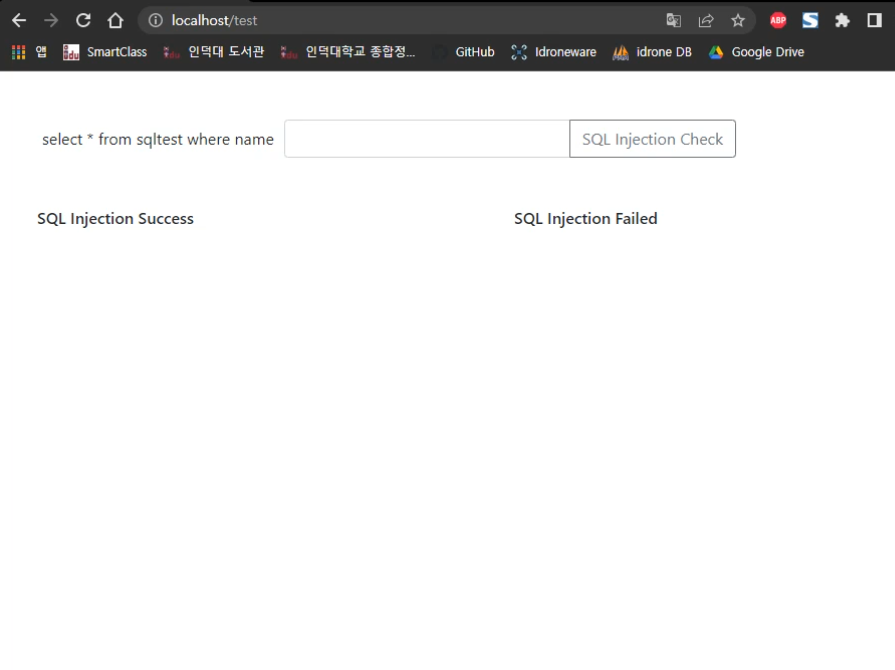
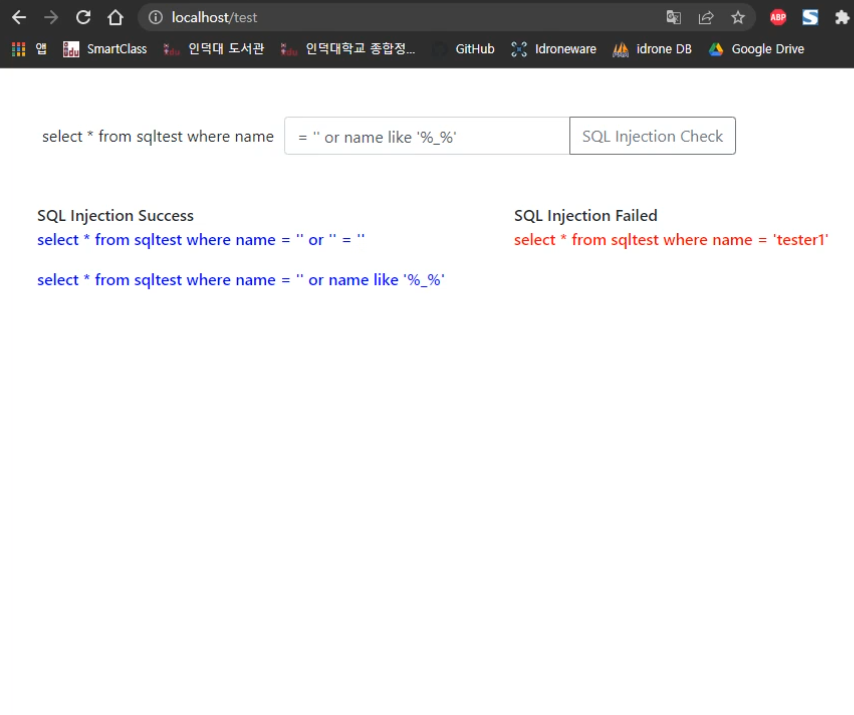
https://github.com/delight-hk3/sql_injection_check
This is a repository for checking SQL injection made with codeIgniter 3.
https://github.com/delight-hk3/sql_injection_check
ajax apache2 bootstrap4 codeigniter3 css3 javascript jquery mariadb mysql php
Last synced: 3 months ago
JSON representation
This is a repository for checking SQL injection made with codeIgniter 3.
- Host: GitHub
- URL: https://github.com/delight-hk3/sql_injection_check
- Owner: delight-HK3
- Created: 2022-06-18T23:40:20.000Z (almost 4 years ago)
- Default Branch: main
- Last Pushed: 2022-06-23T23:19:03.000Z (almost 4 years ago)
- Last Synced: 2025-01-29T10:30:48.857Z (about 1 year ago)
- Topics: ajax, apache2, bootstrap4, codeigniter3, css3, javascript, jquery, mariadb, mysql, php
- Language: PHP
- Homepage:
- Size: 378 KB
- Stars: 0
- Watchers: 1
- Forks: 0
- Open Issues: 0
-
Metadata Files:
- Readme: README.md
Awesome Lists containing this project
README
          # SQL injection check

>사용한 프레임워크 : codeigniter 3, bootstrap 4


>사용한 언어 : php8, css3, jquery, javascript, SQL


>사용한 DB : MariaDB


>사용한 DBMS : MySQL


>사용한 서버 : Apache2 server


>개발 Tool : Visual Studio Code


>테스트한 OS : Window


### 프로젝트 분류 : 개인 프로젝트
-
제작한 목적 : 특정 쿼리를 입력하면 Ajax를 실행하여 입력한 쿼리가 SQL Injection 공격을 일으키는지 확인합니다.
### 주의사항
- 이 프로젝트를 실행하기 위해서는 my 이름의 폴더가 있어야 합니다.
- /config/database.php 에서 데이터베이스를 새로 설정해주시기 바랍니다.
- 데이터베이스의 데이터 정렬방식은 utf8_general_ci로 통일했습니다.
- codeIgniter3 에서 Index 죽이기 작업을 하고 진행했습니다. 위의 코드를 실행시키려면 먼저 Index 죽이기 작업을 하셔야 합니다.
- index.php remove 방법 블로그 글

### 사용 결과