https://github.com/democracyos/keycloak
Keycloak wrapper for theme development
https://github.com/democracyos/keycloak
Last synced: 9 months ago
JSON representation
Keycloak wrapper for theme development
- Host: GitHub
- URL: https://github.com/democracyos/keycloak
- Owner: DemocracyOS
- Created: 2018-09-05T18:53:18.000Z (almost 8 years ago)
- Default Branch: master
- Last Pushed: 2018-11-08T19:00:03.000Z (over 7 years ago)
- Last Synced: 2025-06-28T11:43:00.622Z (about 1 year ago)
- Language: JavaScript
- Size: 8.69 MB
- Stars: 6
- Watchers: 3
- Forks: 22
- Open Issues: 0
-
Metadata Files:
- Readme: README.md
Awesome Lists containing this project
README
# DemocracyOS Docker Keycloak Image
This is [DemocracyOS](http://democracyos.org/) official [Keycloak](https://www.keycloak.org/) Docker image for development. It's based on [Keycloak Official Docker Image](https://hub.docker.com/r/jboss/keycloak/), starting with 4.4.0.Final version.
## Quickstart
---
### Pull this image
```bash
$ sudo docker pull democracyos/keycloak:4.4.0
```
### Start keycloak
*Nice to read multiline*
```bash
$ sudo docker run -d --name keycloak \
-p 8080:8080 \
-e "KEYCLOAK_USER=democracyos" \
-e "KEYCLOAK_PASSWORD=democracyos" \
-e "KEYCLOAK_WELCOME_THEME=democracyos" \
democracyos/keycloak:4.4.0.Final
```
*Copy & Paste friendly one-liner*
```bash
$ sudo docker run -d --name keycloak -p 8080:8080 -e "KEYCLOAK_USER=democracyos" -e "KEYCLOAK_PASSWORD=democracyos" -e "KEYCLOAK_WELCOME_THEME=democracyos" democracyos/keycloak:4.4.0.Final
```
### Access Keycloak
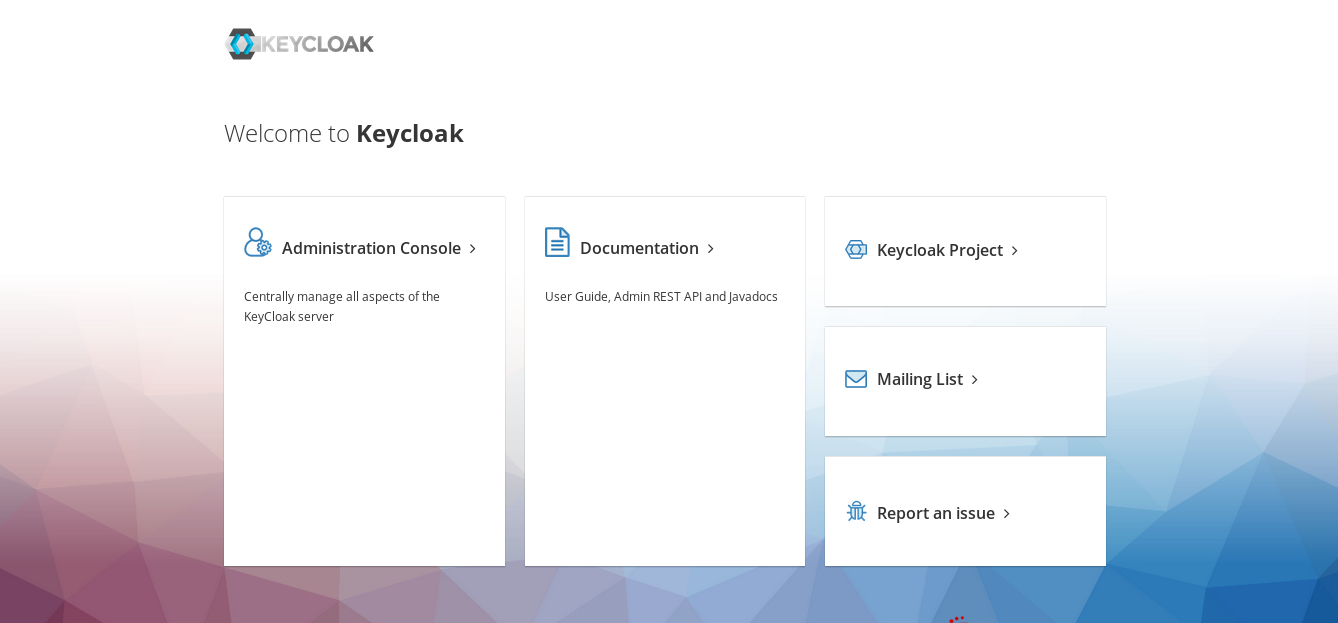
Browse to http://localhost:8080 and go to Administration Console.
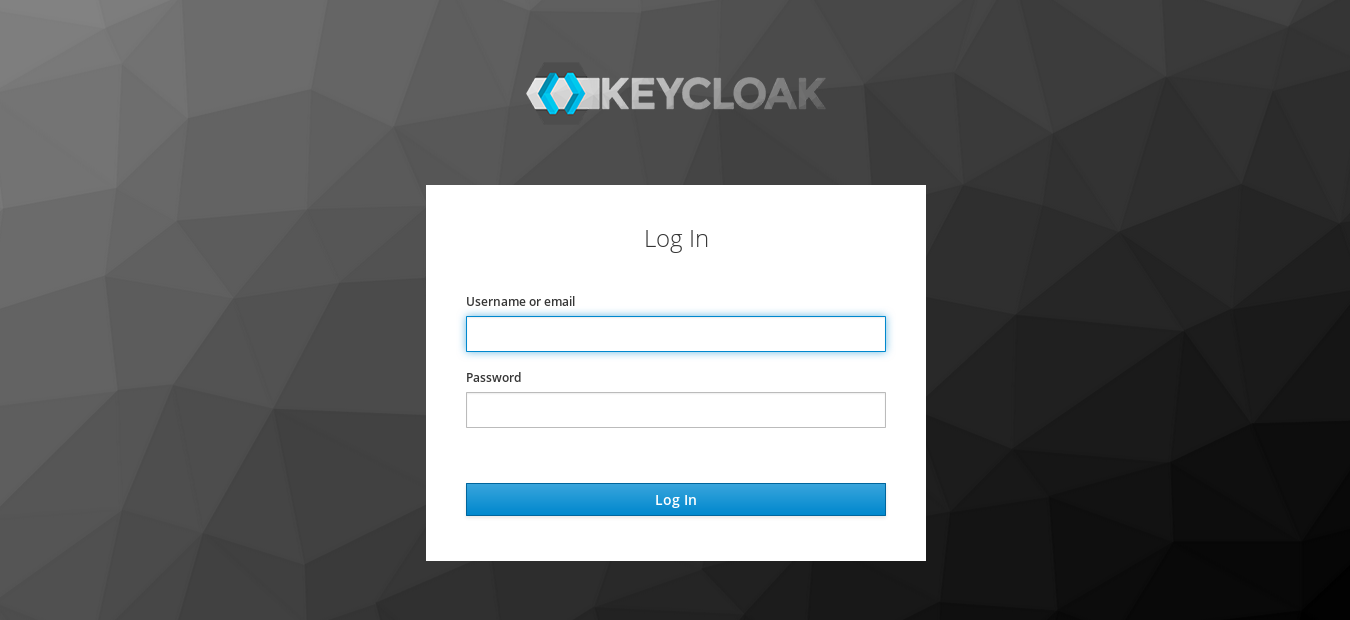
Login with user: democracyos and password: democracyos.
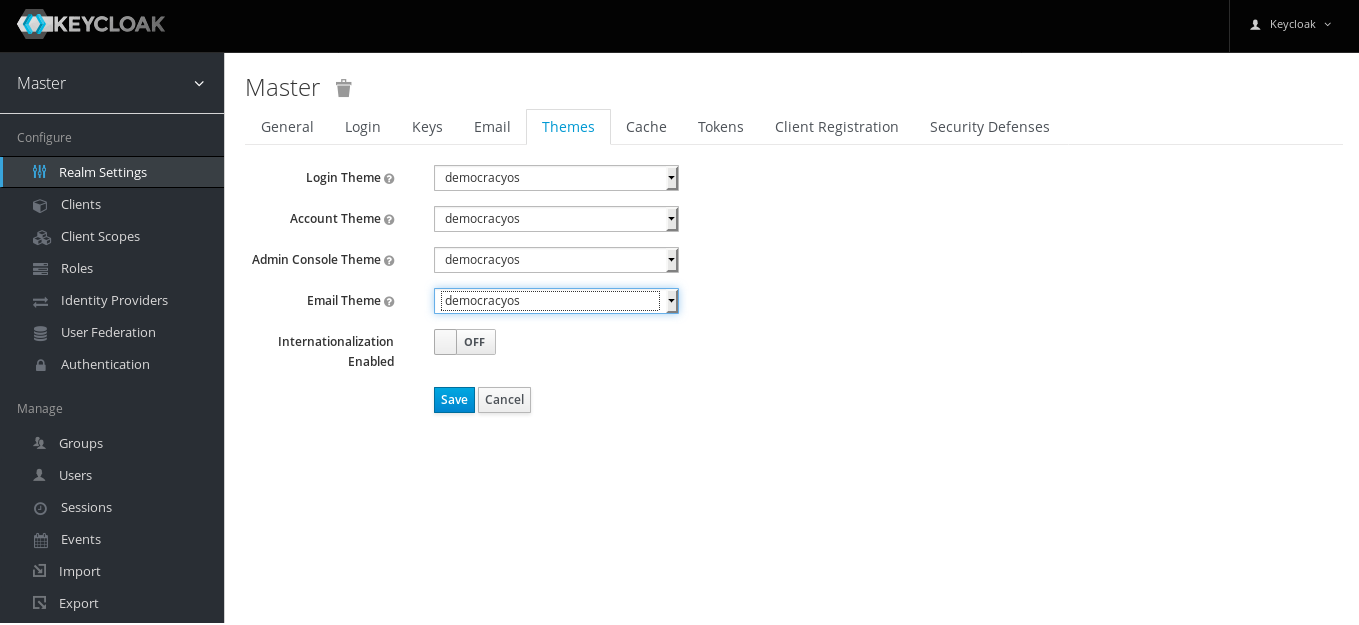
Set DemocracyOS theme
## Customize DemocracyOS theme
---
Themes are built with [Apache FreeMarker](https://freemarker.apache.org/). This keycloak docker installation is configured to instantly reflect changes in theme files for development purposes. More on this in the [Official Documentation](https://www.keycloak.org/docs/4.4/server_development/index.html#_themes).
To live edit DemocracyOS, with this repository files please run:
*Nice to read multiline*
```bash
$ sudo docker run -d --name keycloak \
-p 8080:8080 \
-e "KEYCLOAK_USER=democracyos" \
-e "KEYCLOAK_PASSWORD=democracyos" \
-e "KEYCLOAK_WELCOME_THEME=democracyos" \
-v $(pwd)/democracyos:/opt/jboss/keycloak/democracyos:rw
democracyos/keycloak:4.4.0.Final
```
*Copy & Paste friendly one-liner*
```bash
$ sudo docker run -d --name keycloak -p 8080:8080 -e "KEYCLOAK_USER=democracyos" -e "KEYCLOAK_PASSWORD=democracyos" -e "KEYCLOAK_WELCOME_THEME=democracyos" -v $(pwd)/democracyos:/opt/jboss/keycloak/democracyos:rw democracyos/keycloak:4.4.0.Final
```
### Docker Image files
DemocracyOS theme files are inside `democracyos/` directory while custom configurations reside in `customization` directory. All content is copied during docker build.
## Docker Environment Variables
---
As seen in _Start Keycloak_ section, some variables are needed to bootstrap Keycloak. As this is an extension of the official Docker image we recommend reading through the [Official Docker Image Documentation](https://hub.docker.com/r/jboss/keycloak/). Variables shown here are:
* `KEYCLOAK_USER`: set keycloak admin user. There's no default value, if it is not set then direct access to container shell is needed to use [kcadm](https://www.keycloak.org/docs/4.4/server_admin/#the-admin-cli).
* `KEYCLOAK_PASSWORD`: set keycloak admin user password. There's no default value, if it is not set then direct access to container shell is needed to use [kcadm](https://www.keycloak.org/docs/4.4/server_admin/#the-admin-cli).
* `KEYCLOAK_WELCOME_THEME`: specify the theme to use for welcome page (must be non empty and must match an existing theme name).