https://github.com/derthorsten/jupyterlite_demo
https://github.com/derthorsten/jupyterlite_demo
Last synced: 12 months ago
JSON representation
- Host: GitHub
- URL: https://github.com/derthorsten/jupyterlite_demo
- Owner: DerThorsten
- Created: 2022-05-21T12:54:37.000Z (about 4 years ago)
- Default Branch: main
- Last Pushed: 2022-05-24T07:50:02.000Z (about 4 years ago)
- Last Synced: 2025-02-14T18:49:08.023Z (over 1 year ago)
- Language: Jupyter Notebook
- Size: 20.3 MB
- Stars: 0
- Watchers: 3
- Forks: 0
- Open Issues: 0
-
Metadata Files:
- Readme: README.md
Awesome Lists containing this project
README
# JupyterLite Demo
[](https://jupyterlite.github.io/demo)
JupyterLite deployed as a static site to GitHub Pages, for demo purposes.
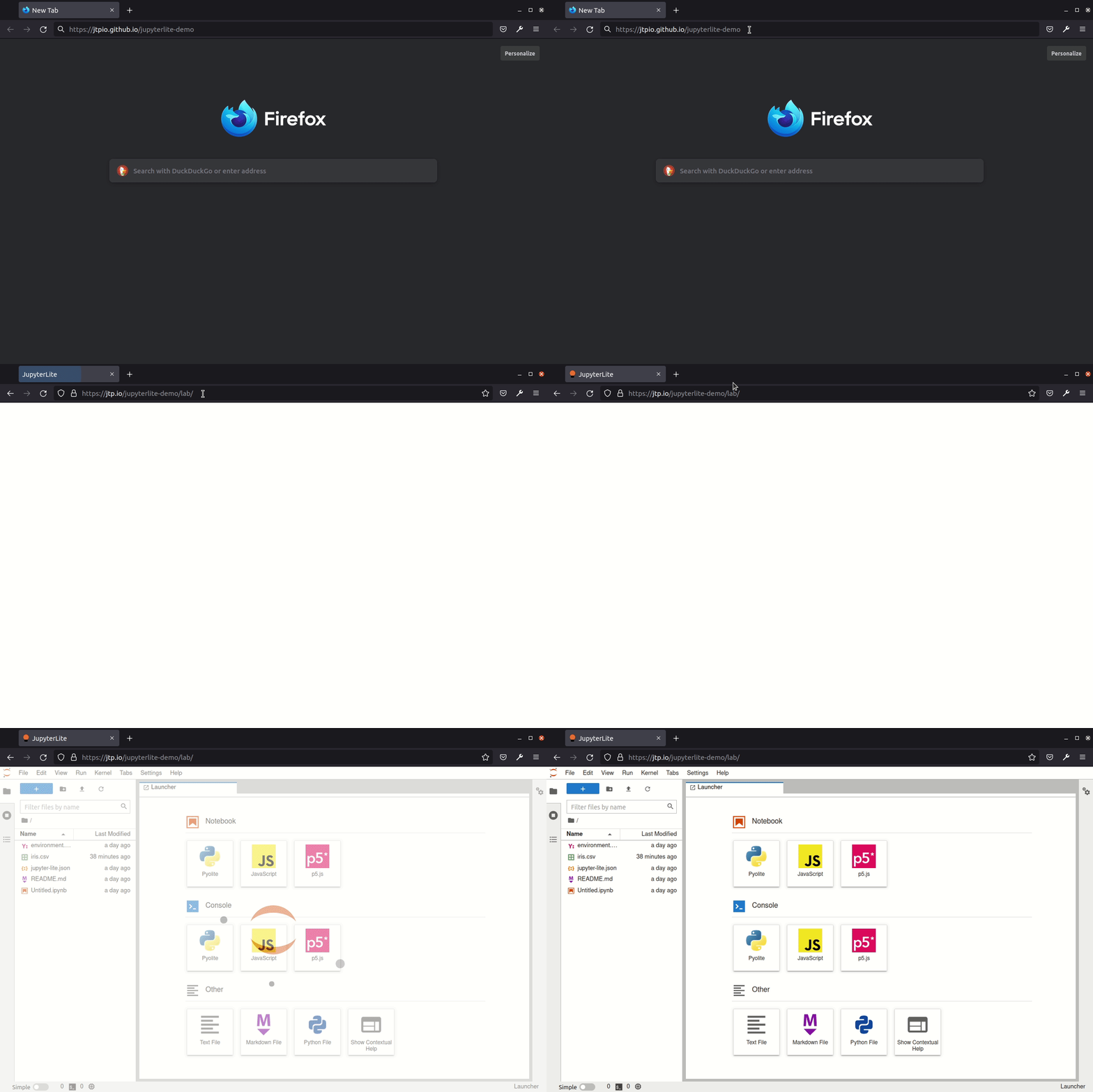
## ✨ Try it in your browser ✨
➡️ **https://DerThorsten.github.io/jupyterlite_demo**
## Requirements
JupyterLite is being tested against modern web browsers:
- Firefox 90+
- Chromium 89+
## Usage
This repository provides a demonstration of how to:
- build a JupyterLite release using prebuilt JupyterLite assets that bundles a collection of pre-existing Jupyter notebooks as part of the distribution;
- deploy the release to GitHub Pages.
The process is automated using Github Actions.
You can use this repository in two main ways:
- generate a new repository from this template repository and build and deploy your own site to the corresponding Github Pages site;
- build a release from a PR made to this repository and download the release from the created GitHub Actions artifact.
### Using Your Own Repository to Build a Release and Deploy it to Github Pages
*Requires Github account.*
Click on "Use this template" to generate a repository of your own from this template:

From the [*Actions*](./actions) tab on your repository, ensure that workflows are enabled. When you make a commit to the `main` branch, a Github Action will run to build your JupoyterLite release and deploy it to the repository's Github Pages site. By default, the Github Pages site will be found at `YOUR_GITHUB_USERNAME.github.io/YOUR_REPOSITORY-NAME`. *You can also check the URL from the Repository `Settings` tab `Pages` menu item.*
If the deployment failed, go to "Settings - Actions - General", in the "Workflow permissions" section, check "Read and write permissions". Update files such as readme, and commit so that GitHub rebuids and re-deploys the project. Go to "Settings - Pages", choose "gh-pages" as the source.
__Add any additional requirements as required to the `requirements.txt` file.__
*You can do this via the Github website by selecting the `requirements.txt` file, clicking to edit it, making the required changes then saving ("committing") the result to the `main` branch of your repository.*
__Modify the contents of the `contents` folder to include the notebooks you want to distribute as part of your distribution.__
*You can do this by clicking on the `contents` directory and dragging notebooks from your desktop onto the contents listing. Wait for the files to be uploaded and then save them ("commit" them) to the `main` branch of the repository.*
Check that you have Github Pages enabled for your repository: from your repository [*Settings*](./settings) tab, select the [*Pages*](./settings/pages) menu item and ensure that the source is set to `gh-pages`.
When you commit a file, an updated release will be built and published on the Github Pages site. Note that it may take a few minutes for the Github Pages site to be updated. Do a hard refresh on your Github Pages site in your web browser to see the new release.
### Further Information and Updates
For more info, keep an eye on the JupyterLite documentation:
- Configuring: https://jupyterlite.readthedocs.io/en/latest/configuring.html
- Deploying: https://jupyterlite.readthedocs.io/en/latest/deploying.html
### Deploy a new version of JupyterLite
To change the version of the prebuilt JupyterLite assets, update the `jupyterlite` package version in the [requirements.txt](./blob/main/requirements.txt) file.
The `requirements.txt` file can also be used to add extra prebuilt ("federated") JupyterLab extensions to the deployed JupyterLite website.
Commit and push any changes. The site will be deployed on the next push to the `main` branch.
## Development
Create a new environment:
```bash
mamba create -n jupyterlite-demo
conda activate jupyterlite-demo
pip install -r requirements.txt
```
Then follow the steps documented in the [Configuring](https://jupyterlite.readthedocs.io/en/latest/configuring.html) section.