https://github.com/dev2forge/bridgex
(GUI) Graphical interface for converting files to Markdown, built in Python and based on Pyside6 (Qt for Python). Its objective is to simplify access to the Markitdown library through a straightforward, modular visual experience.
https://github.com/dev2forge/bridgex
bridgex converter dev2forge fileconverter markdown markitdown pdfextraction utility
Last synced: 2 months ago
JSON representation
(GUI) Graphical interface for converting files to Markdown, built in Python and based on Pyside6 (Qt for Python). Its objective is to simplify access to the Markitdown library through a straightforward, modular visual experience.
- Host: GitHub
- URL: https://github.com/dev2forge/bridgex
- Owner: Dev2Forge
- License: mit
- Created: 2025-04-19T16:41:07.000Z (about 1 year ago)
- Default Branch: main
- Last Pushed: 2026-01-11T02:09:04.000Z (6 months ago)
- Last Synced: 2026-01-11T07:12:07.965Z (6 months ago)
- Topics: bridgex, converter, dev2forge, fileconverter, markdown, markitdown, pdfextraction, utility
- Language: Python
- Homepage: http://www.dev2forge.software/bridgex/
- Size: 10.2 MB
- Stars: 0
- Watchers: 1
- Forks: 0
- Open Issues: 0
-
Metadata Files:
- Readme: README.md
- Funding: .github/FUNDING.yml
- License: LICENSE
Awesome Lists containing this project
README
# Bridgex 🌉
[](https://github.com/Dev2Forge/bridgex/blob/main/translations/README_ES.md) [](./LICENSE)   [](https://pypi.org/project/bridgex/)  [](https://github.com/Dev2Forge/bridgex/issues)
Bridgex is an open‑source graphical interface for converting files to Markdown, built in Python and based on [Pyside6 (Qt for Python)](https://doc.qt.io/qtforpython-6/). Its objective is to simplify access to the [Markitdown](https://github.com/microsoft/markitdown) library through a straightforward, modular visual experience.
---
## Features ✨
* Cross‑platform graphical interface.
* Efficient file‑to‑Markdown conversion.
* Modularity: easy to adapt and extend.
* Support for multiple input formats.
* Lightweight editing prior to saving.
---
## Screenshots 🖼️
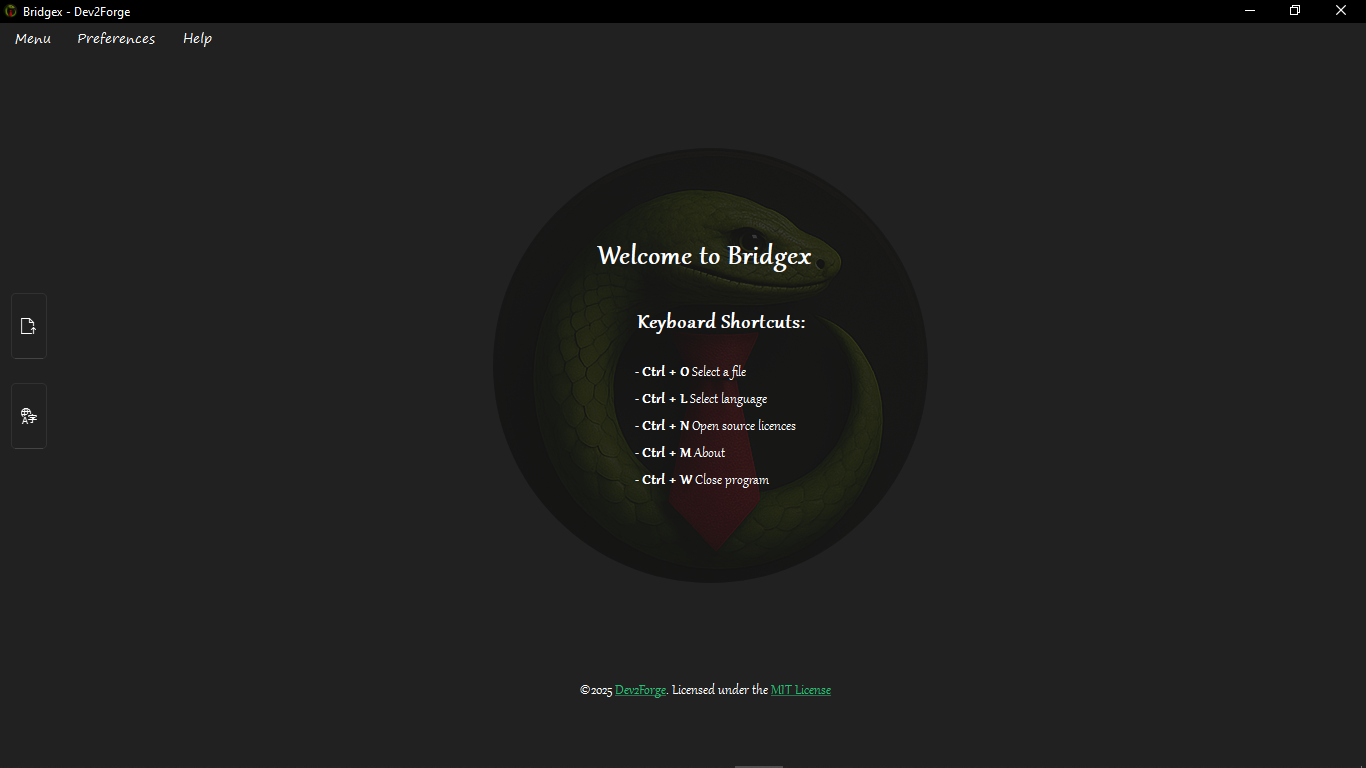
*Example of Bridgex’s main window.*
View interface previews
| Name | Preview |
|:----------------:|:---------------------:|
| Open File | 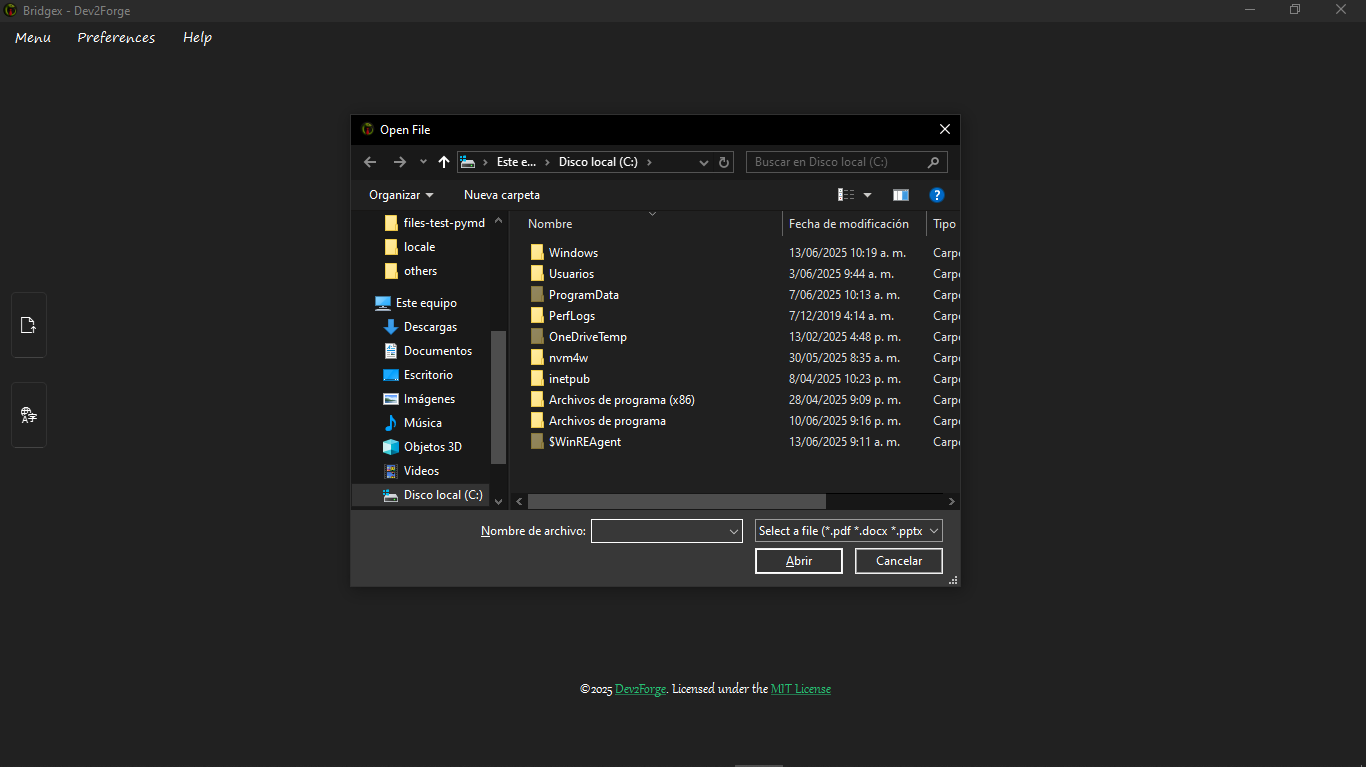 |
| Mini Editor | 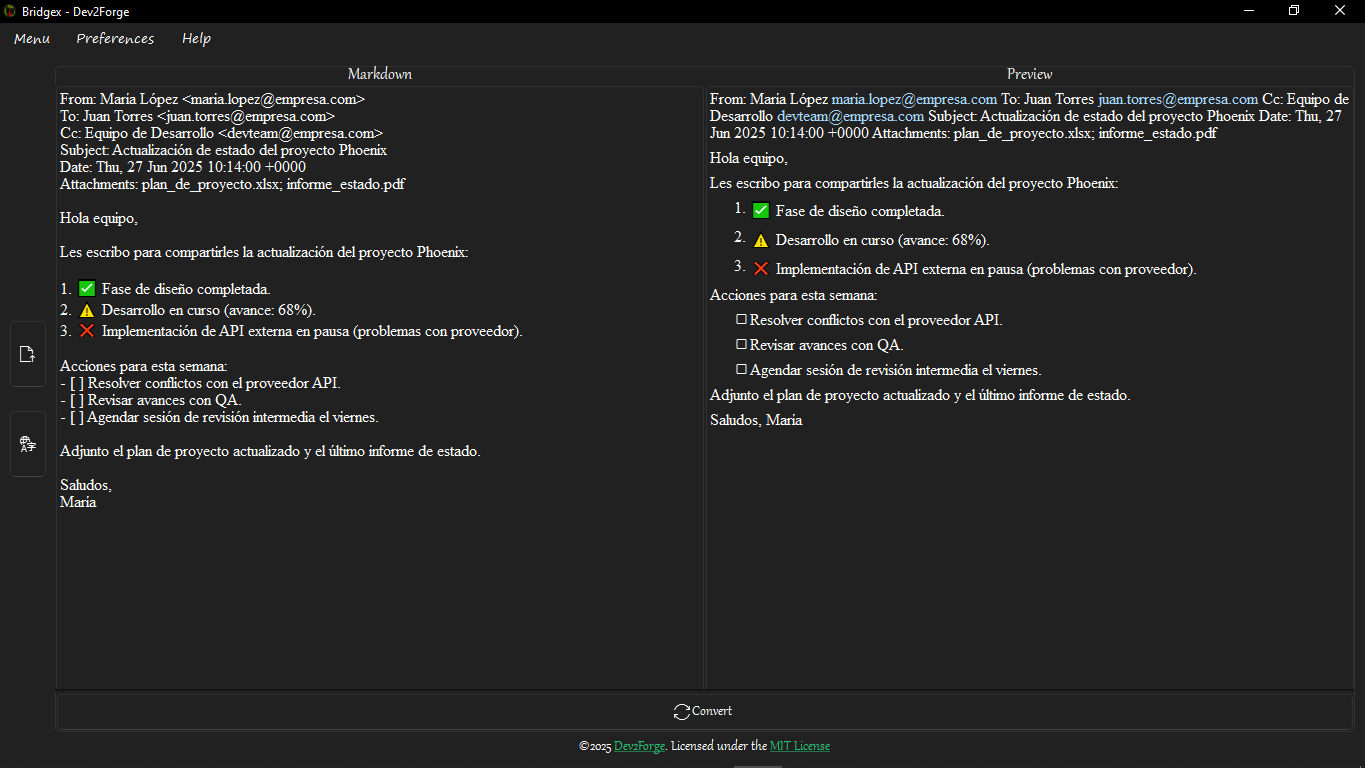 |
| Convert | 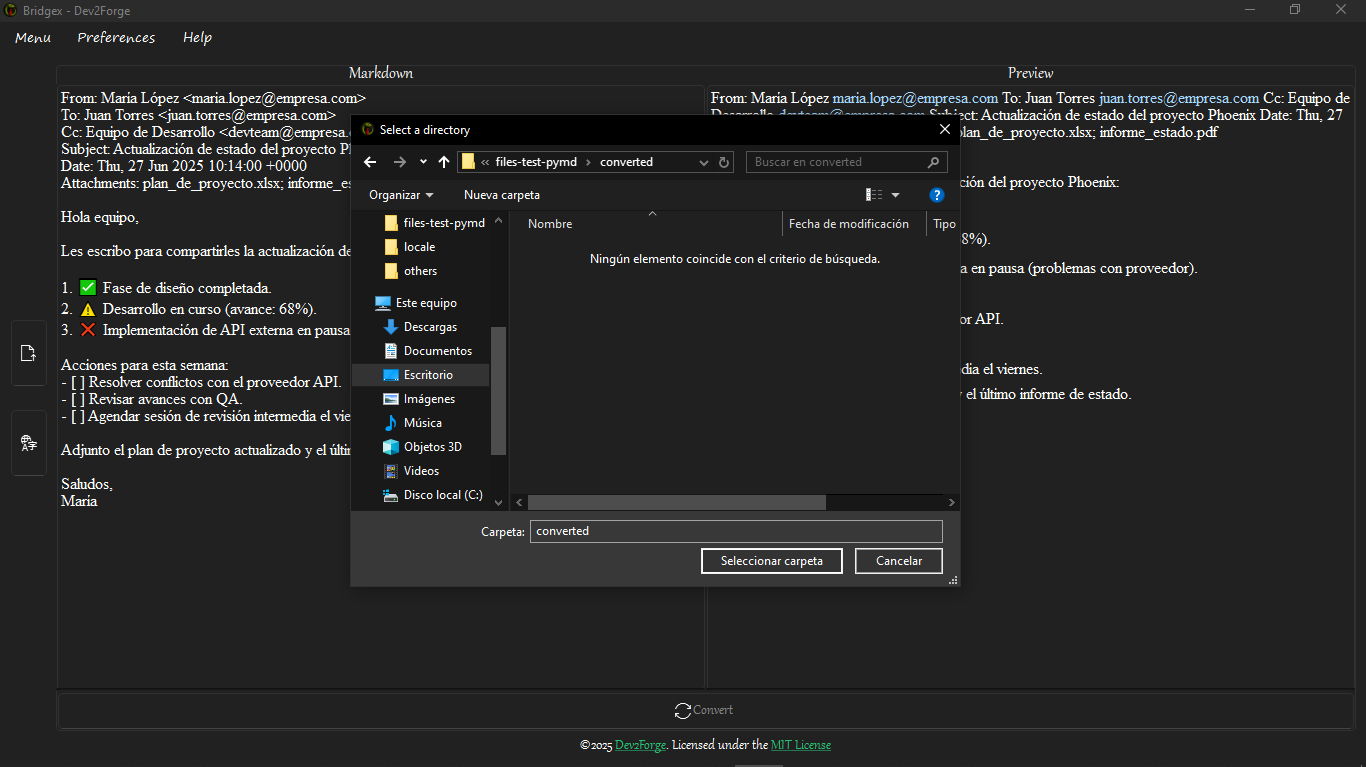 |
| Change Language | 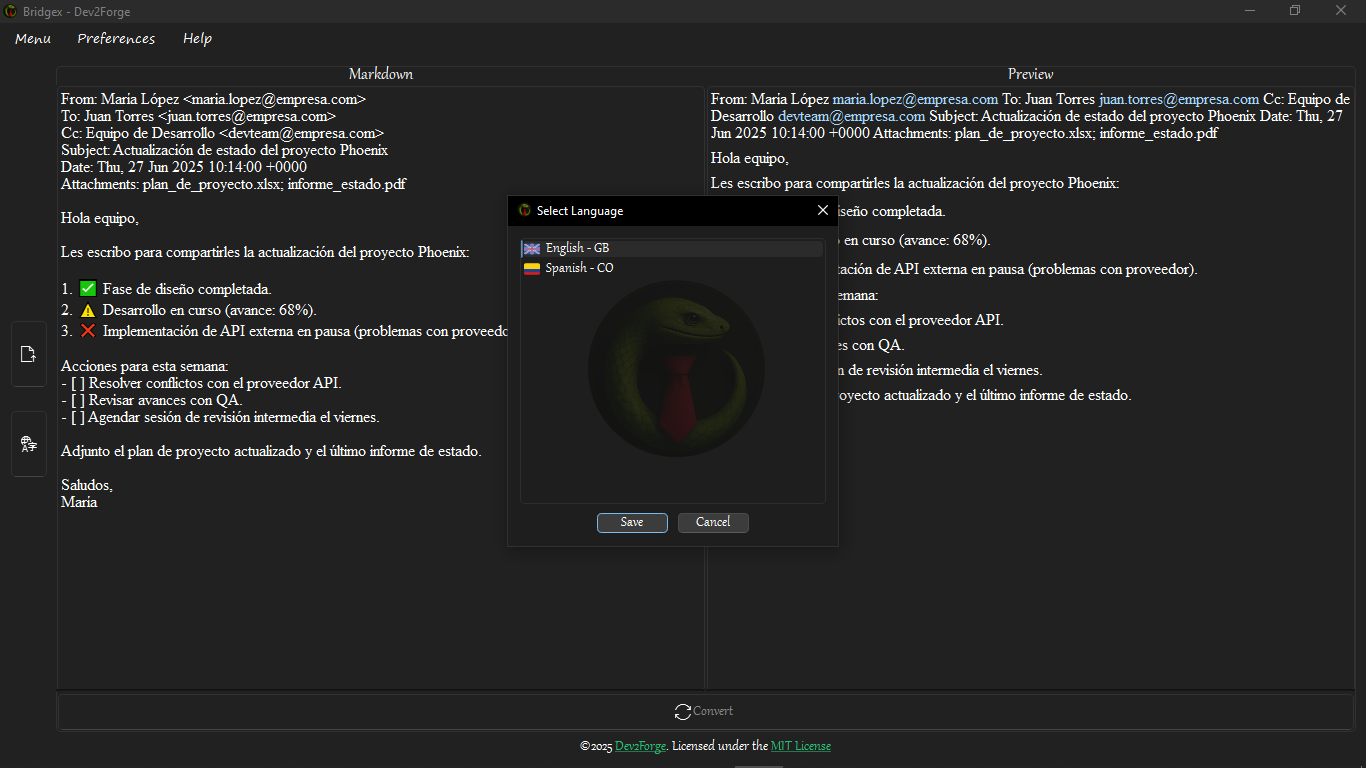 |
---
## Installation 📦
Requirements:
* Python ≥ **3.9** and ≤ **3.13**
Install via pip:
```sh
pip install bridgex
```
Start Bridgex from the terminal:
```sh
bridgex
```
It is recommended to use a virtual environment. To customise supported formats, edit the [`requirements.txt`](https://github.com/Dev2Forge/bridgex/blob/main/requirements.txt) file as needed.
---
## Local Cloning and Execution 💻
Clone the repository and run Bridgex locally:
1. Clone the repository.
```sh
git clone https://github.com/Dev2Forge/bridgex.git
```
2. Navigate to the project directory and set up a virtual environment.
```sh
cd bridgex
```
3. Create a virtual environment.
```sh
python -m venv .venv
```
4. Activate the virtual environment.
```sh
# On Windows
.venv\Scripts\activate
# source .venv/bin/activate # On Linux/MacOS
```
5. Install the required dependencies.
```sh
pip install -r requirements.txt
```
6. Run the application.
```sh
python -m src.bridgex
```
---
## Basic Usage 🚀
1. Run the application from the terminal or GUI.
2. Select the file to convert.
3. Review and edit the result if necessary.
4. Save the file in Markdown format.
---
## Supported Formats 📂
Bridgex supports conversion of the following file formats:
* PDF (`.pdf`)
* Word (`.docx`)
* PowerPoint (`.pptx`)
* Excel (`.xlsx`, `.xls`, `.csv`)
* Outlook Messages (`.msg`)
* Text (`.txt`, `.text`)
* Markdown (`.md`, `.markdown`)
* JSON (`.json`, `.jsonl`)
* XML (`.xml`)
* RSS/Atom (`.rss`, `.atom`)
* HTML/MHTML (`.html`, `.htm`, `.mhtml`)
* ePub (`.epub`)
* Compressed files (`.zip`)
* Jupyter Notebooks (`.ipynb`)
* Other formats supported by Markitdown
---
## Limitations ⚠️
Bridgex is not an IDE, text editor, Markdown editor, or document viewer. Its purpose is to serve as a bridgex between the user and Markdown conversion, offering lightweight editing without advanced editing features.
---
## Releases 🏷️
Check the published versions and release notes in the [Releases](https://github.com/Dev2Forge/bridgex/releases) section of the repository.
---
## Dependencies and Licences 📚
This project uses third‑party libraries, each with its own licence. See the [third‑party](https://github.com/Dev2Forge/bridgex/tree/main/third-party/) folder for more information.
---
## Contribute 🤝
Contributions are welcome. Please open an issue or pull request following the community’s best practices.
---
## Licence 📄
Distributed under the [MIT Licence](https://github.com/Dev2Forge/bridgex/blob/main/LICENSE).
©2025 Dev2Forge