https://github.com/devalone/flamingo
Cross-platform extensible program for learning foreign languages
https://github.com/devalone/flamingo
Last synced: 3 months ago
JSON representation
Cross-platform extensible program for learning foreign languages
- Host: GitHub
- URL: https://github.com/devalone/flamingo
- Owner: DevAlone
- License: other
- Created: 2017-07-04T19:16:57.000Z (about 9 years ago)
- Default Branch: master
- Last Pushed: 2017-12-17T13:45:05.000Z (over 8 years ago)
- Last Synced: 2025-01-14T14:26:55.388Z (over 1 year ago)
- Language: C++
- Homepage: https://devalone.github.io/Flamingo/
- Size: 183 MB
- Stars: 0
- Watchers: 3
- Forks: 0
- Open Issues: 0
-
Metadata Files:
- Readme: README.md
- License: COPYING
Awesome Lists containing this project
README
# Flamingo
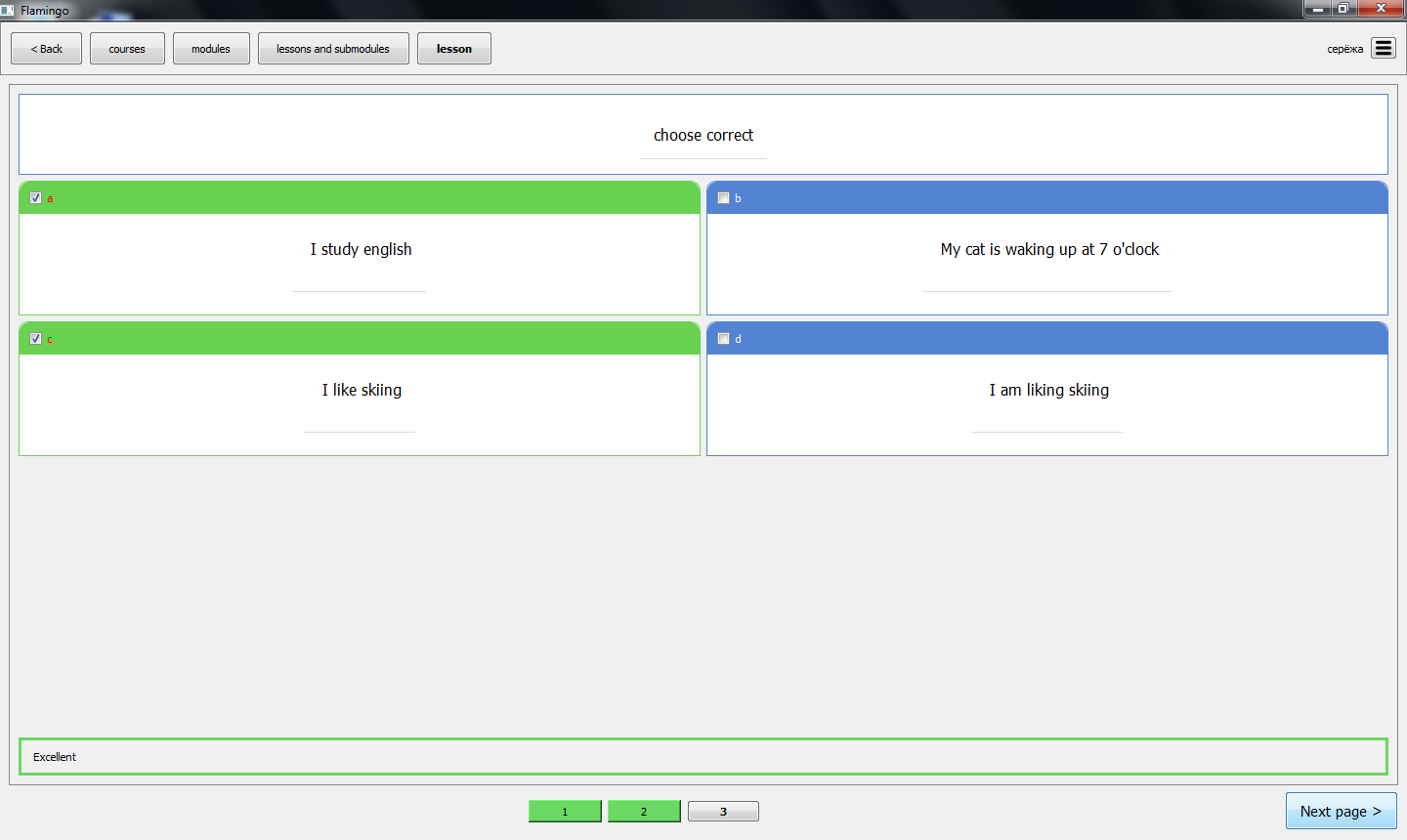
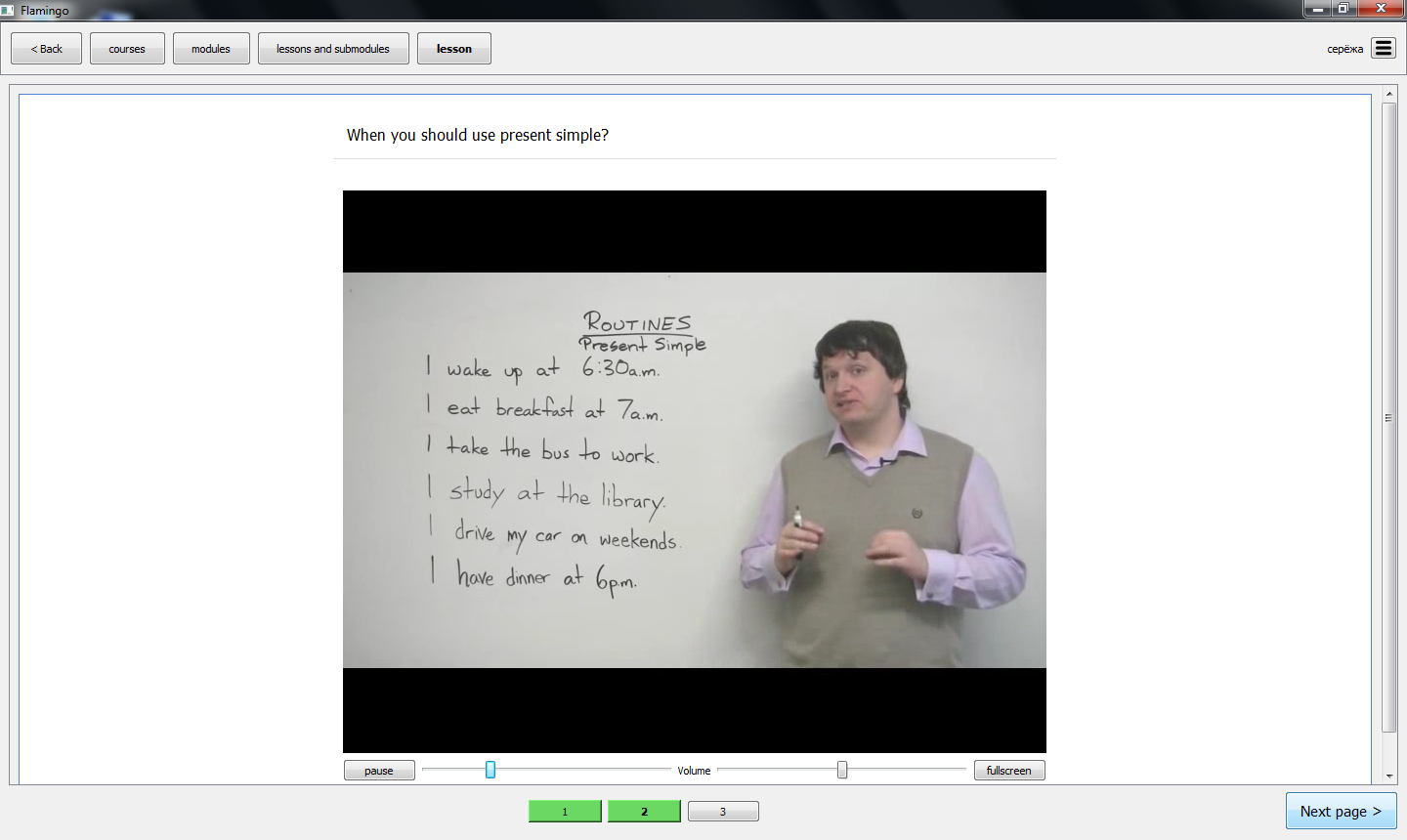
Flamingo is an open-source cross-platform program for learning foreign languages.
### Features:
* Multimedia. Lessons supports text, html, image, audio and video formats. Good design and usage of OOP helps to add new formats easy
* Ability to create courses by yourself. [Try it out](https://github.com/DevAlone/Flamingo/wiki/How-to-create-courses%3F)
* Crossplatform. Flamingo uses Qt which supports multiple platforms
### Installing on Linux
Now I have package for debian/ubuntu
just download it
`wget https://github.com/DevAlone/Flamingo/releases/download/v0.1/flamingo.deb`
and install
`sudo dpkg -i flamingo.deb`
maybe you also need to install dependencies after trying to install Flamingo
`sudo apt-get -f install`
### Building on Linux
Consider building on ubuntu:
1. Install `build-essential` package
`sudo apt install build-essential`
2. Install qt developer packages. It's better you to download last version of Qt, but version from repositories also good
`sudo apt install qt5-default qtmultimedia5-dev, libqt5sql5, libqt5sql5-sqlite, libqt5multimediawidgets5, libqt5widgets5, libqt5multimedia5, libqt5gui5, libqt5core5`
3. Clone the repository with Flamingo
`git clone https://github.com/DevAlone/Flamingo.git`
4. create build directory in it
```
cd Flamingo
mkdir build
cd build
```
5. Start building from sources
`cmake ../src/ && make`
6. Enjoy using last version of Flamingo
`./Flamingo`