https://github.com/devanshbatham/gloss
✨ making markdown rendering great again
https://github.com/devanshbatham/gloss
Last synced: about 2 months ago
JSON representation
✨ making markdown rendering great again
- Host: GitHub
- URL: https://github.com/devanshbatham/gloss
- Owner: devanshbatham
- License: mit
- Created: 2026-03-22T09:19:21.000Z (3 months ago)
- Default Branch: main
- Last Pushed: 2026-03-22T11:37:21.000Z (3 months ago)
- Last Synced: 2026-03-23T00:35:07.422Z (3 months ago)
- Language: Python
- Size: 2.09 MB
- Stars: 4
- Watchers: 0
- Forks: 0
- Open Issues: 0
-
Metadata Files:
- Readme: README.md
- License: LICENSE
Awesome Lists containing this project
README
# gloss
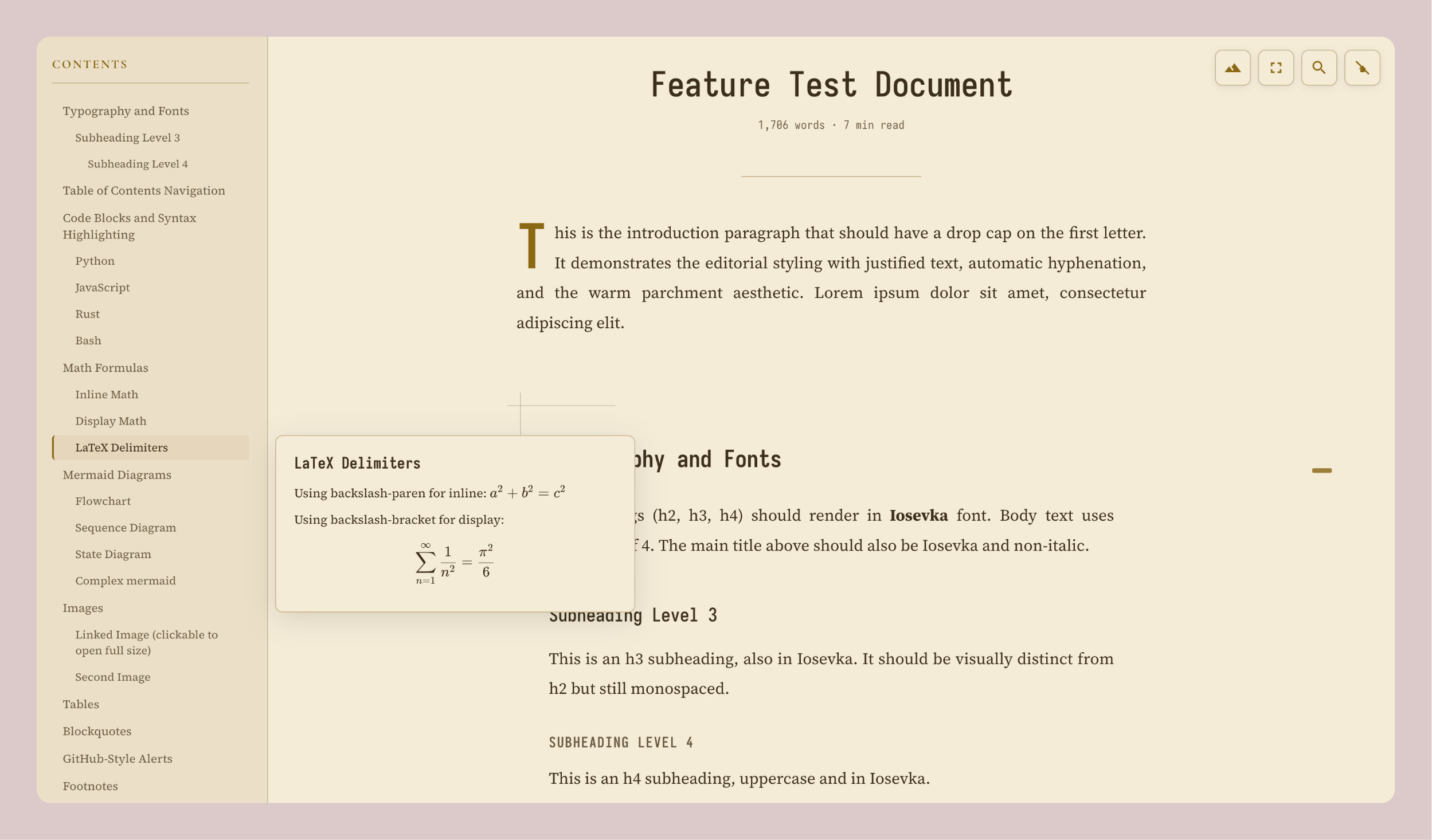
✨ Convert Markdown files into beautiful, editorial-style HTML pages.
## Features
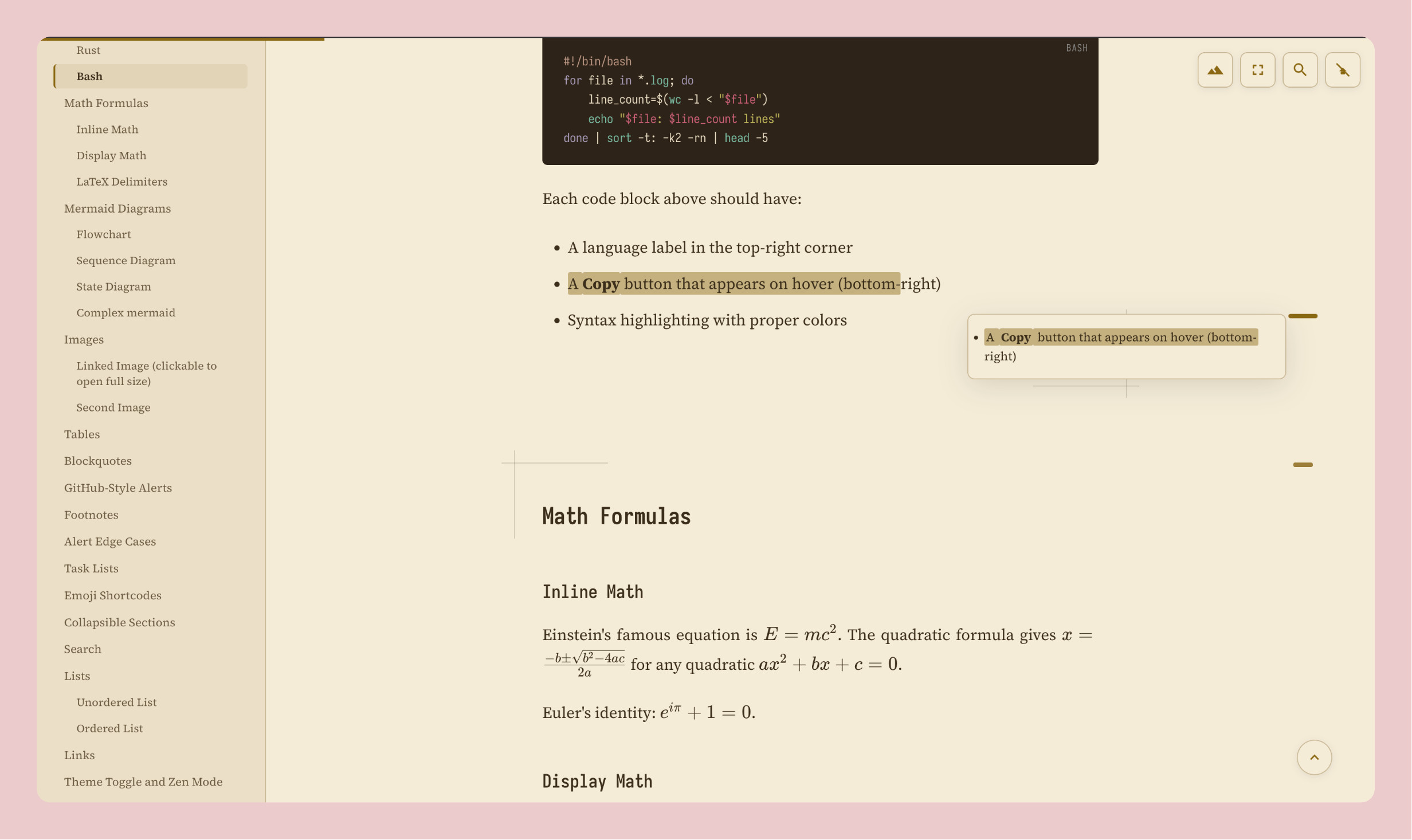
- **Editorial aesthetic**: with serif typography, drop caps, and crosshair section accents
- **8 themes**: Light, Dark, Sepia, Nord, Dracula, Green, Rose, Ocean
- **Zen mode**: for distraction-free reading
- **Table of contents**: sidebar with hover previews
- **Text highlighting**: select text, click the marker to highlight. Persists across refreshes.
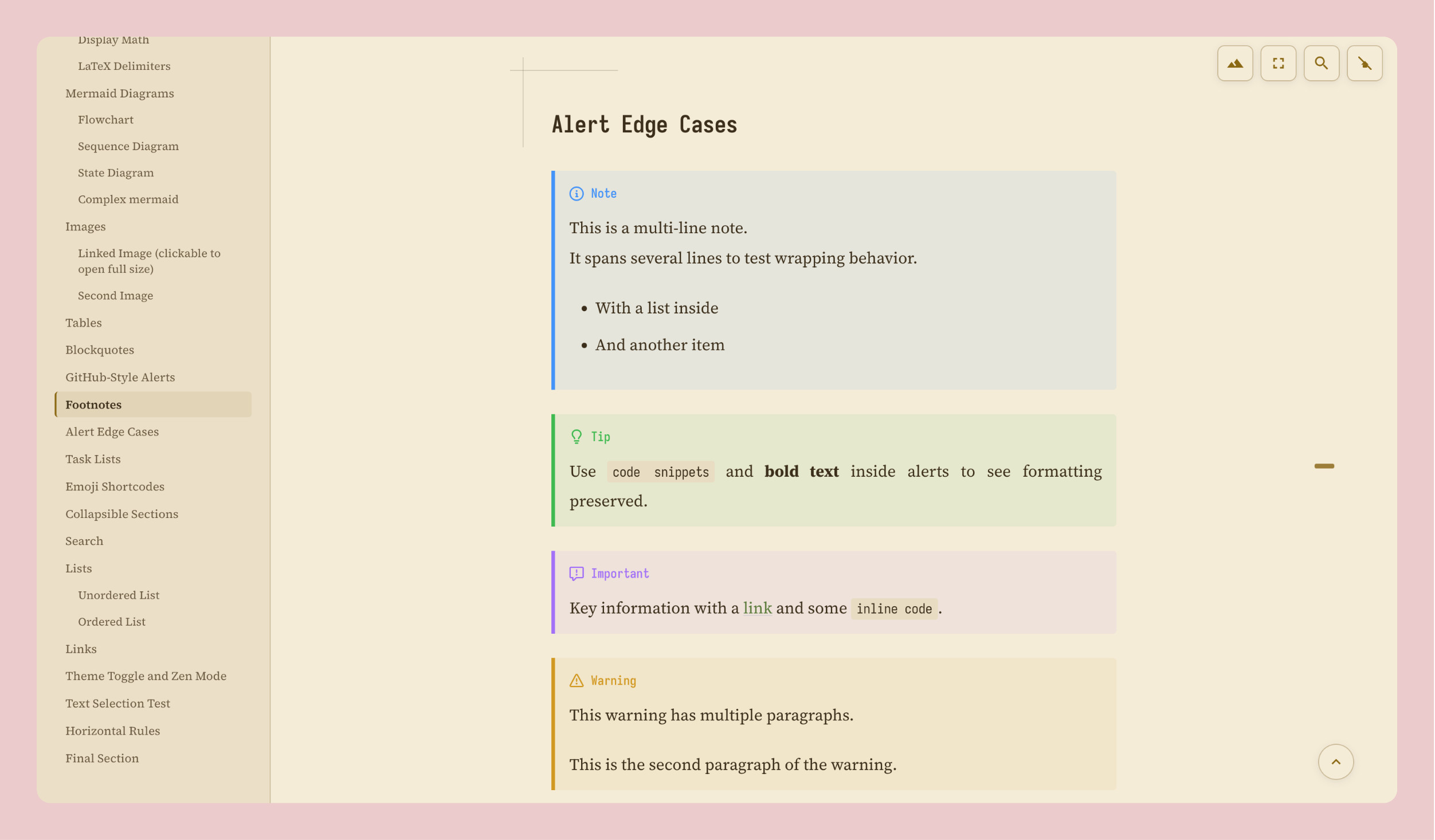
- **GitHub-style alerts**: `> [!NOTE]`, `> [!TIP]`, `> [!IMPORTANT]`, `> [!WARNING]`, `> [!CAUTION]`
- **Footnotes**: `[^1]` references with auto-numbered backlinks
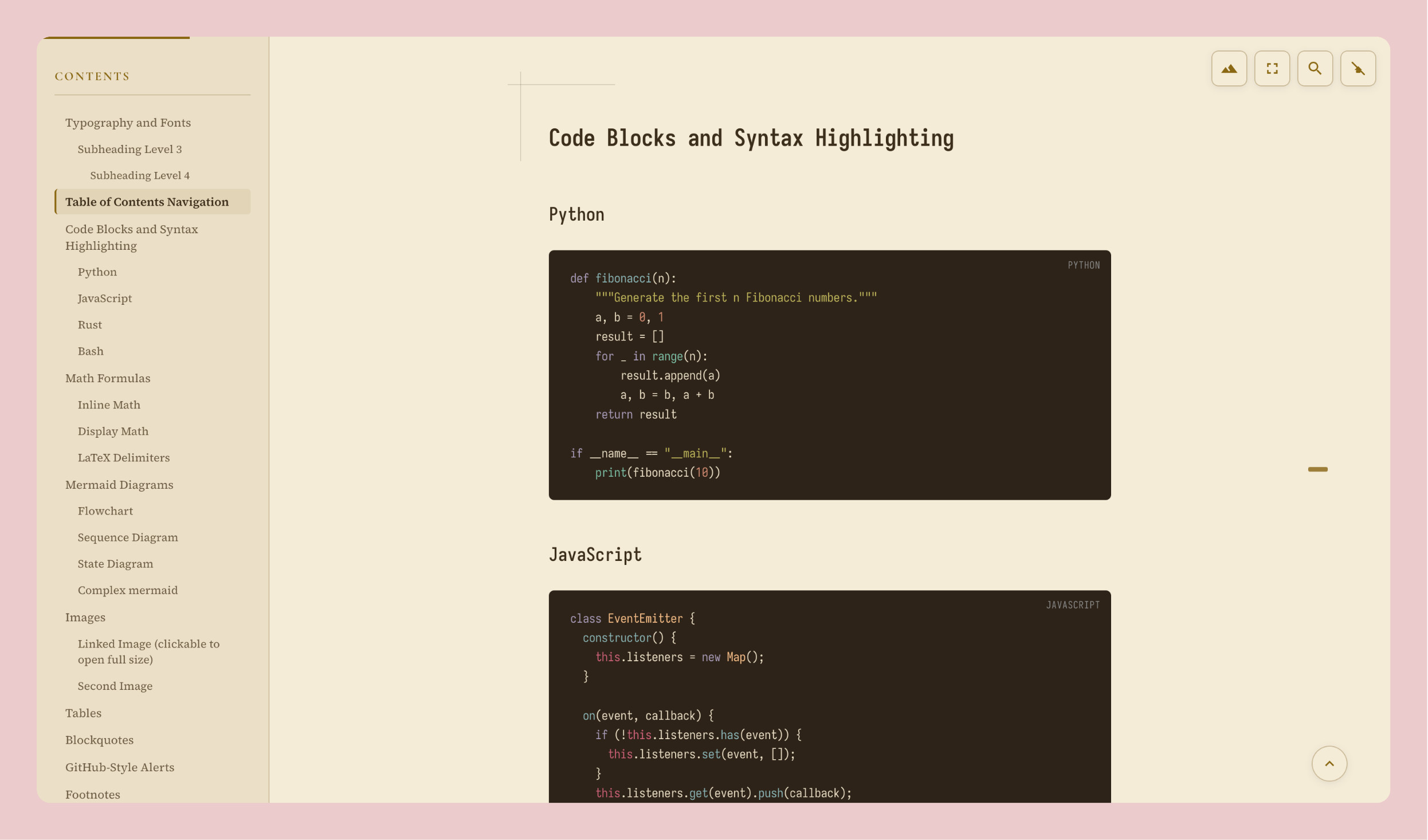
- **Syntax highlighting**: via highlight.js
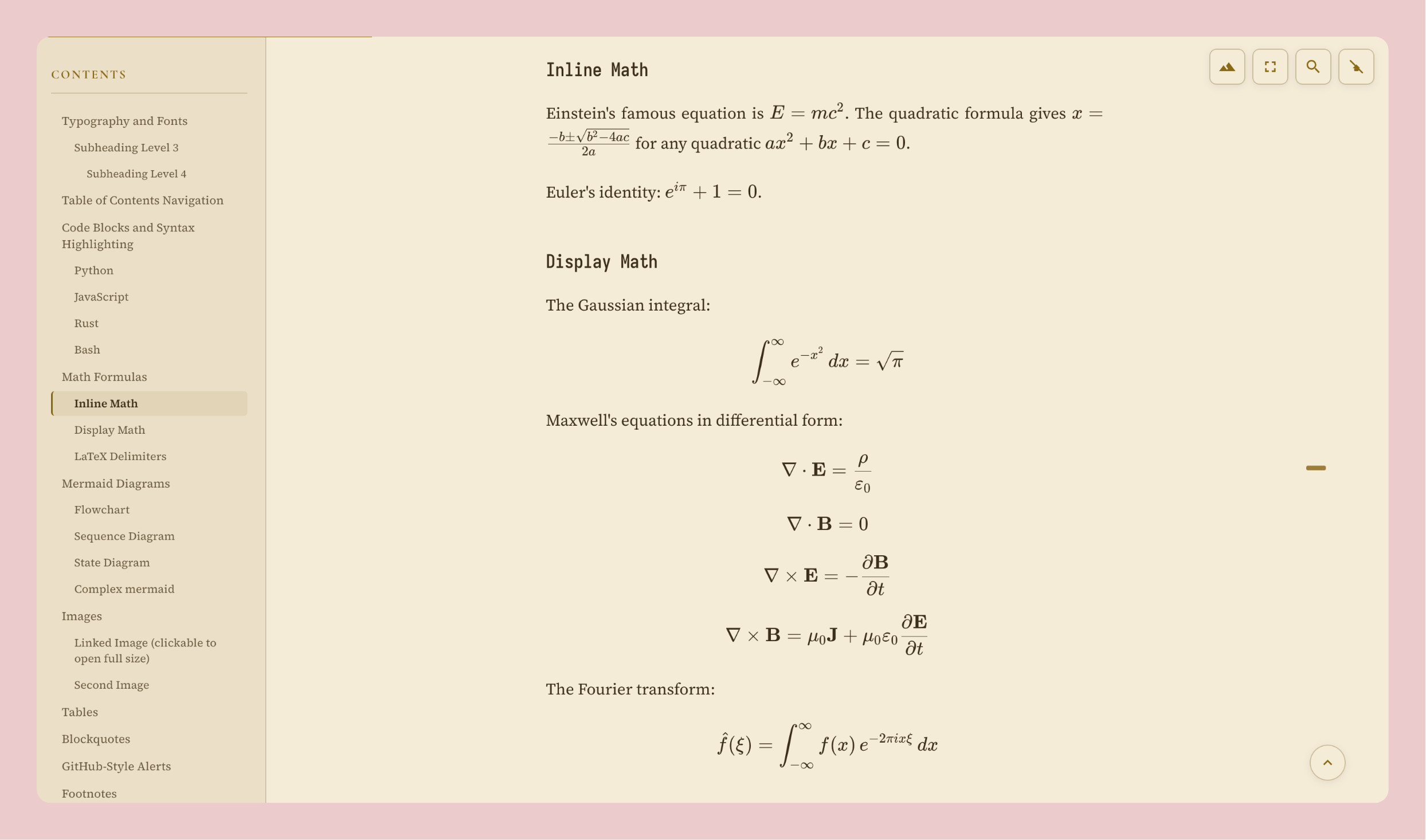
- **KaTeX**: math rendering
- **Mermaid**: diagram support
- **Image lightbox** — click images to zoom
- **Task lists**: `- [x]` / `- [ ]` rendered as styled checkboxes
- **Heading anchors**: hover any heading to get a `#` permalink (click to copy)
- **Reading time**: word count and estimated reading time under the title
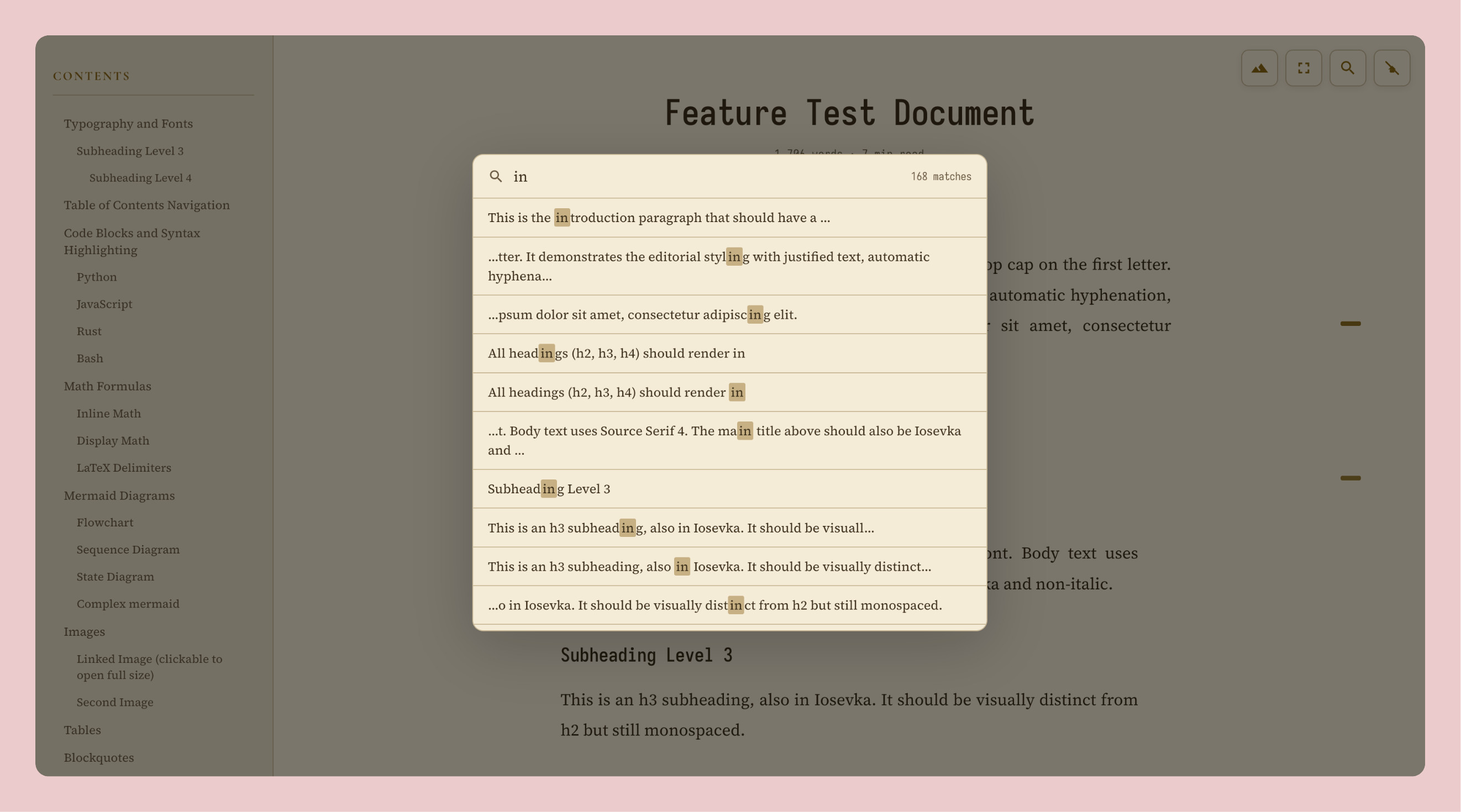
- **In-page search**: press `/` or `s` to search with keyboard navigation
- **Emoji shortcodes**: `:fire:` → 🔥, `:rocket:` → 🚀, `:check:` → ✅, and ~100 more
- **Back-to-top button**: floating arrow that appears on scroll
- **Reading progress bar**: thin accent-colored bar at the top of the page
- **Default theme flag**: `--theme` to set the initial theme
- Hover effects on code blocks, tables, and diagrams
- Smooth theme transitions
- Fully self-contained single HTML file output
## Install
### Global install (recommended)
Install `gloss` as a global CLI tool using [uv](https://docs.astral.sh/uv/):
```bash
uv tool install git+https://github.com/devanshbatham/gloss
```
Or from a local clone:
```bash
git clone https://github.com/devanshbatham/gloss.git
cd gloss
uv tool install .
```
This puts `gloss` on your PATH (`~/.local/bin/gloss`) so you can use it from anywhere.
### Project-local install
```bash
uv pip install .
```
## Usage
```bash
gloss input.md # outputs input.html
gloss input.md output.html # custom output path
gloss input.md --theme dracula # set default theme
```
Available themes: `light` (default), `dark`, `sepia`, `nord`, `dracula`, `green`, `rose`, `ocean`.
### Standalone (no install)
Run the single file directly:
```bash
python3 gloss.py input.md [output.html] [--theme THEME]
```
## Using as a Library
Install gloss into your project:
```bash
uv pip install git+https://github.com/devanshbatham/gloss
```
Convert a markdown string to a self-contained HTML string:
```python
import gloss
html = gloss.render("# Hello World\n\nThis is **gloss**.")
# With a specific default theme
html = gloss.render("# Hello World\n\nThis is **gloss**.", theme="nord")
# Write it yourself, serve it, embed it — whatever you need
with open("output.html", "w") as f:
f.write(html)
```
Convert a markdown file to an HTML file and return the HTML:
```python
import gloss
# Writes to report.html, returns the HTML string
html = gloss.convert("report.md", "report.html")
# output_path is optional — defaults to replacing .md with .html
html = gloss.convert("report.md") # writes report.html
# With a default theme
html = gloss.convert("report.md", theme="ocean")
```
## Keyboard Shortcuts
| Key | Action |
|-----|--------|
| `/` or `s` | Open search |
| `Escape` | Close search / lightbox / exit zen mode |
## Try It
The repo includes `test_all_features.md`, a comprehensive markdown file that exercises all supported features (headings, code blocks, math, mermaid diagrams, tables, images, blockquotes, alerts, footnotes, task lists, emoji, collapsible sections, etc.). Use it to see what gloss produces:
```bash
gloss test_all_features.md
open test_all_features.html
```
Or via the library:
```python
import gloss
html = gloss.convert("test_all_features.md")
```
Or via the standalone single file (no install needed):
```bash
python3 gloss.py test_all_features.md
open test_all_features.html
```