https://github.com/deveshrx/text-master-ocr
Optical character recognition for Android
https://github.com/deveshrx/text-master-ocr
android ocr-recognition
Last synced: 4 months ago
JSON representation
Optical character recognition for Android
- Host: GitHub
- URL: https://github.com/deveshrx/text-master-ocr
- Owner: DeveshRx
- Created: 2022-08-17T05:32:44.000Z (almost 4 years ago)
- Default Branch: master
- Last Pushed: 2024-12-28T07:19:14.000Z (over 1 year ago)
- Last Synced: 2025-05-14T05:35:06.507Z (about 1 year ago)
- Topics: android, ocr-recognition
- Language: Java
- Homepage: https://play.google.com/store/apps/details?id=devesh.app.ocr
- Size: 64.1 MB
- Stars: 41
- Watchers: 2
- Forks: 1
- Open Issues: 3
-
Metadata Files:
- Readme: README.md
- Funding: .github/FUNDING.yml
Awesome Lists containing this project
README
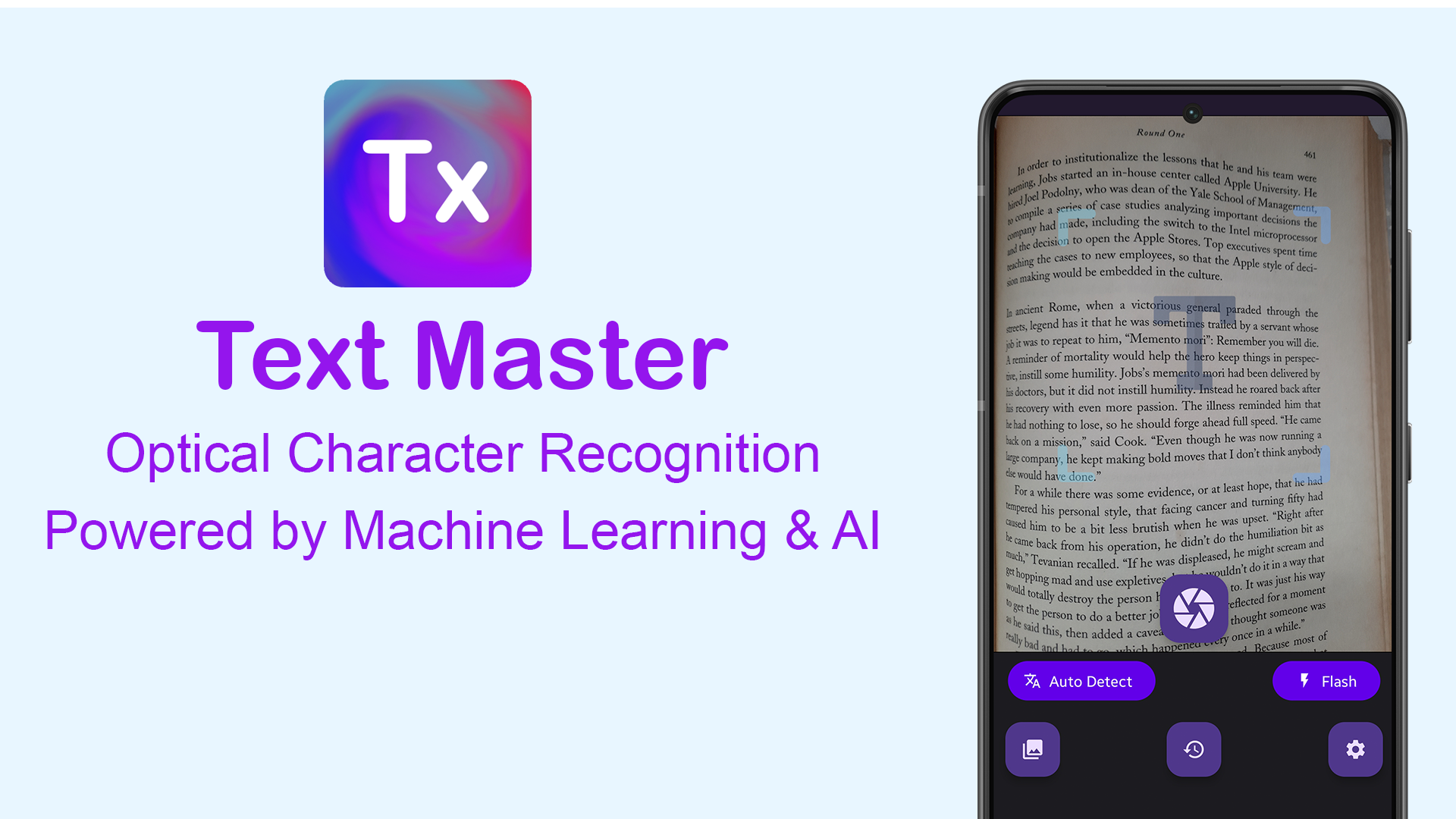
# Text Master
Text Master is Optical Character Recognition powered by Powerful Machine Learning & AI technology.
it automatically recognize the characters from an image/camera and Scan Printed Text to convert it into Digital Text with 99% accuracy.
## Features:
✅ Scan text from images by using phone's camera.
✅ Powered by Machine Learning & AI.
✅ Supports Multiple Languages, 100+ languages supported.
✅ Highly Accurate with 99% accuracy result.
✅ Share scanned text with clipboard, friends, messengers or other app.
## Download
[](https://play.google.com/store/apps/details?id=devesh.app.ocr)
[](https://www.amazon.com/gp/product/B0BB3BJ75K)
## Screenshots
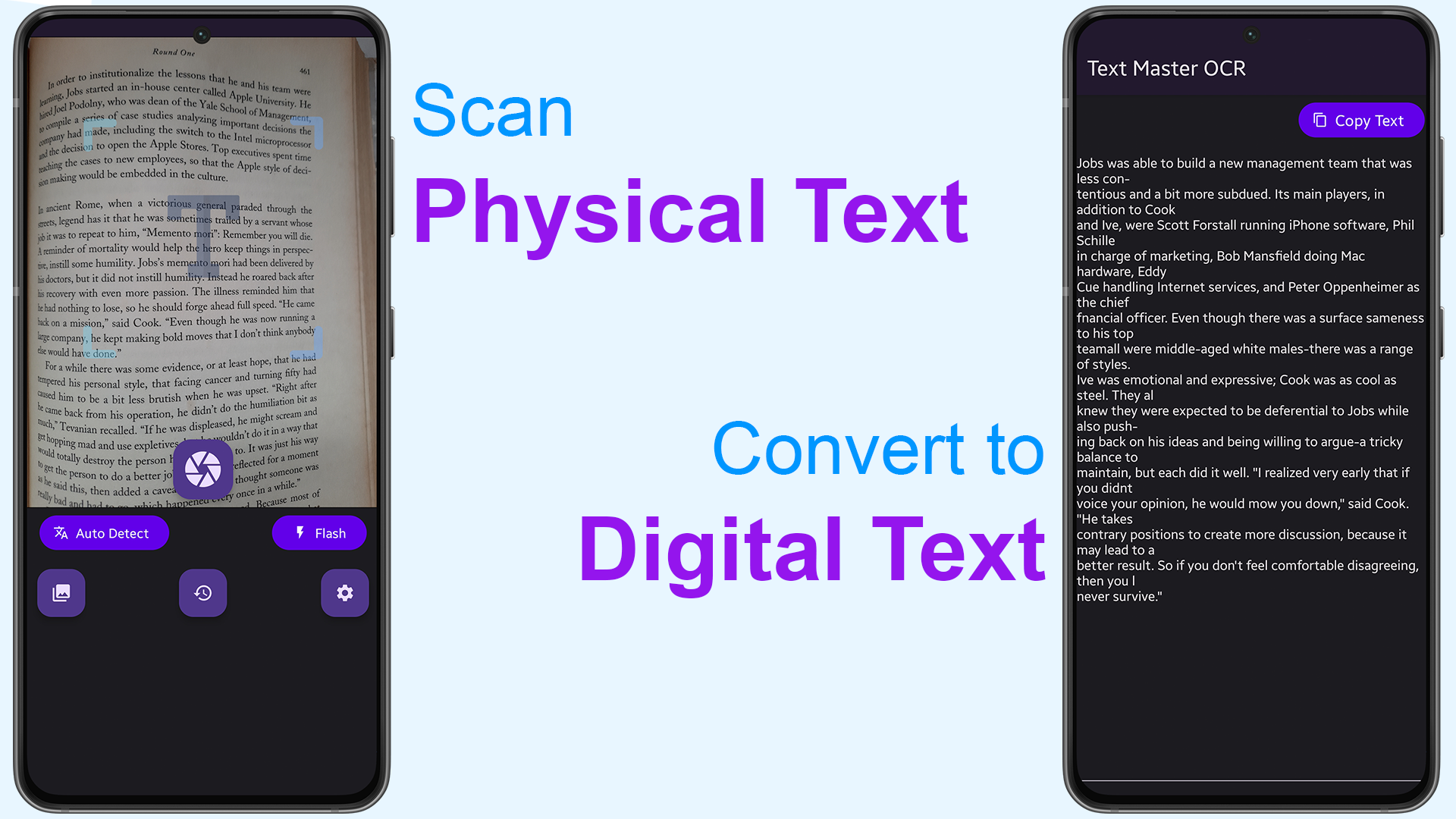
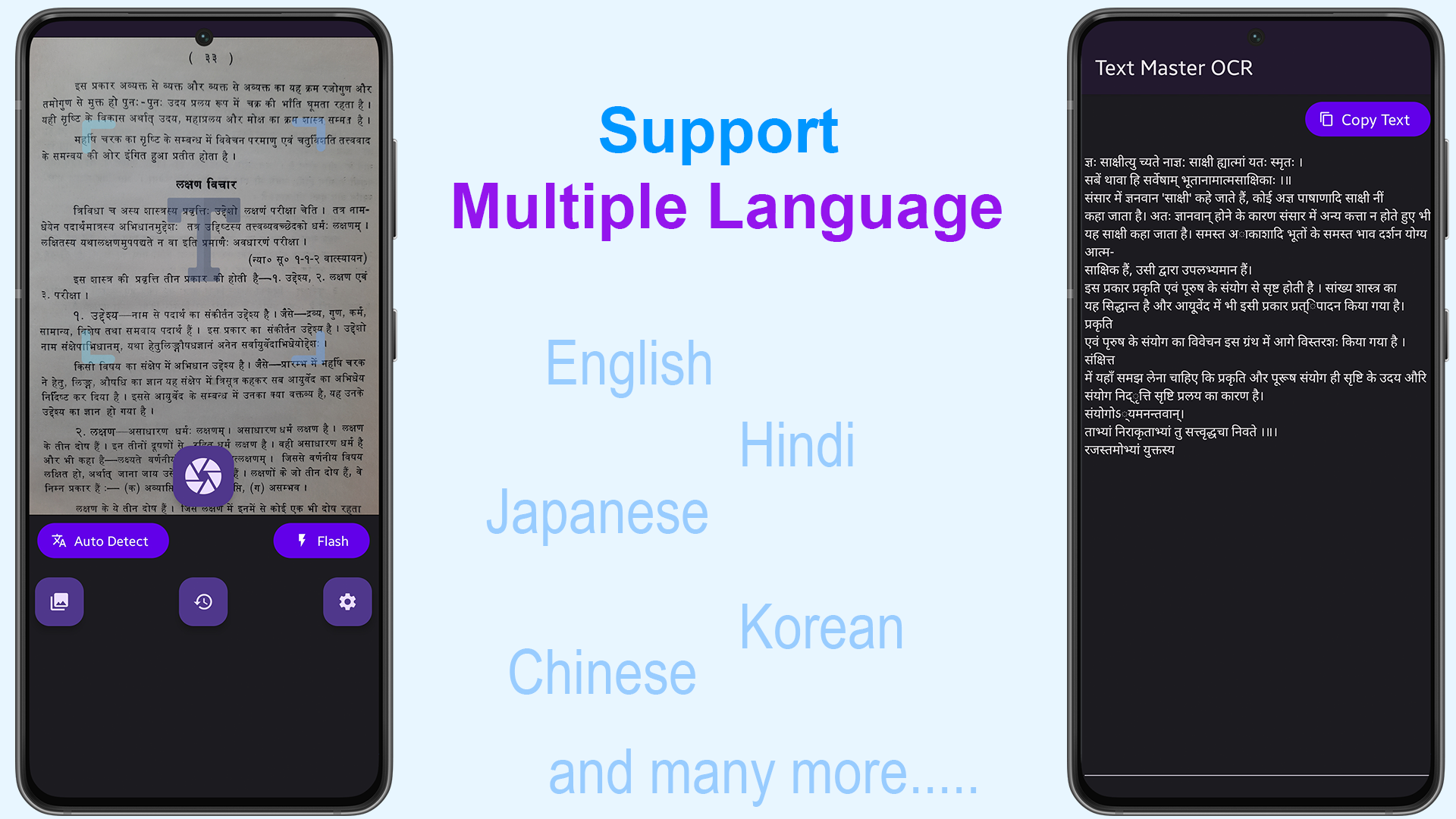
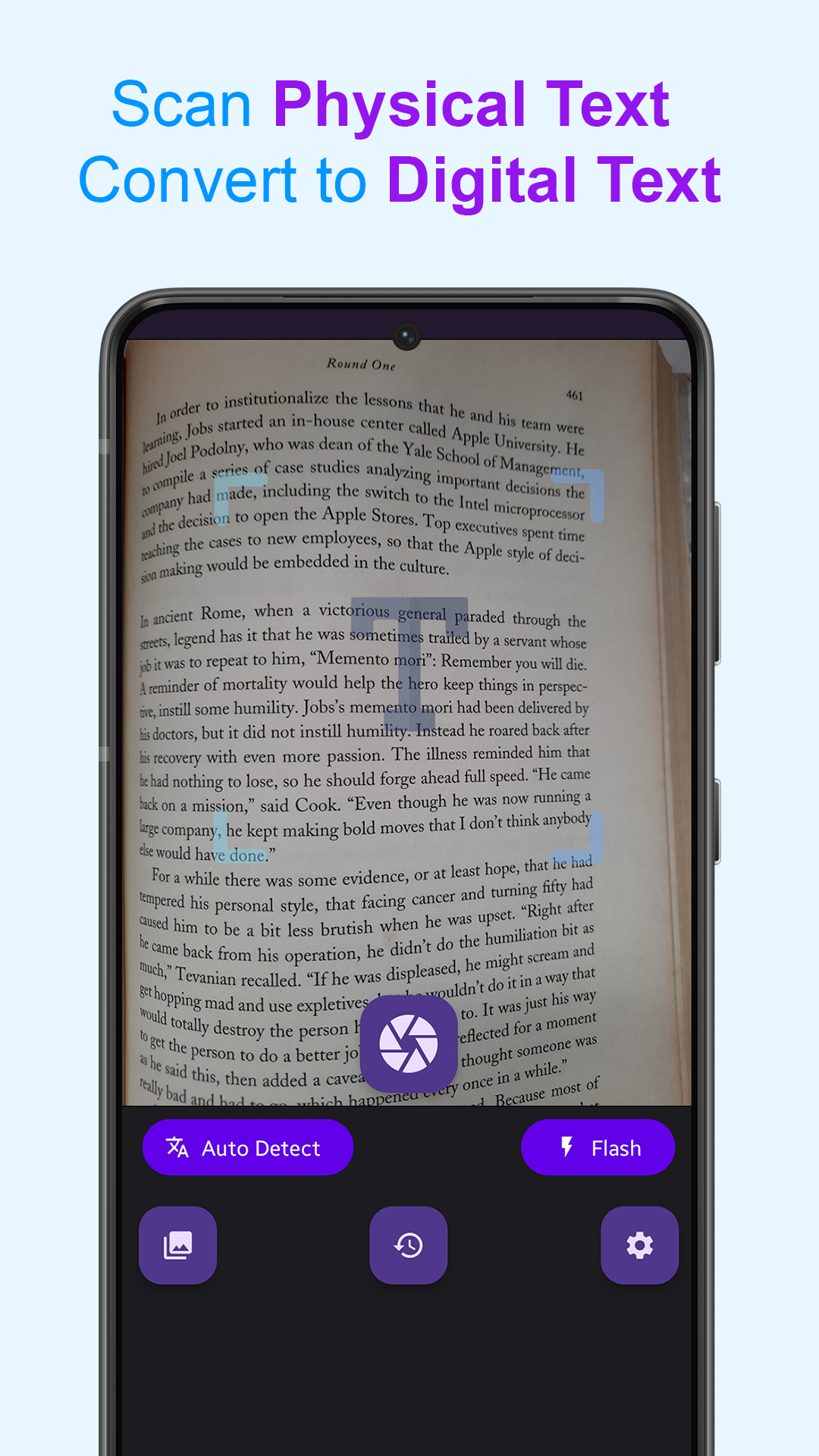
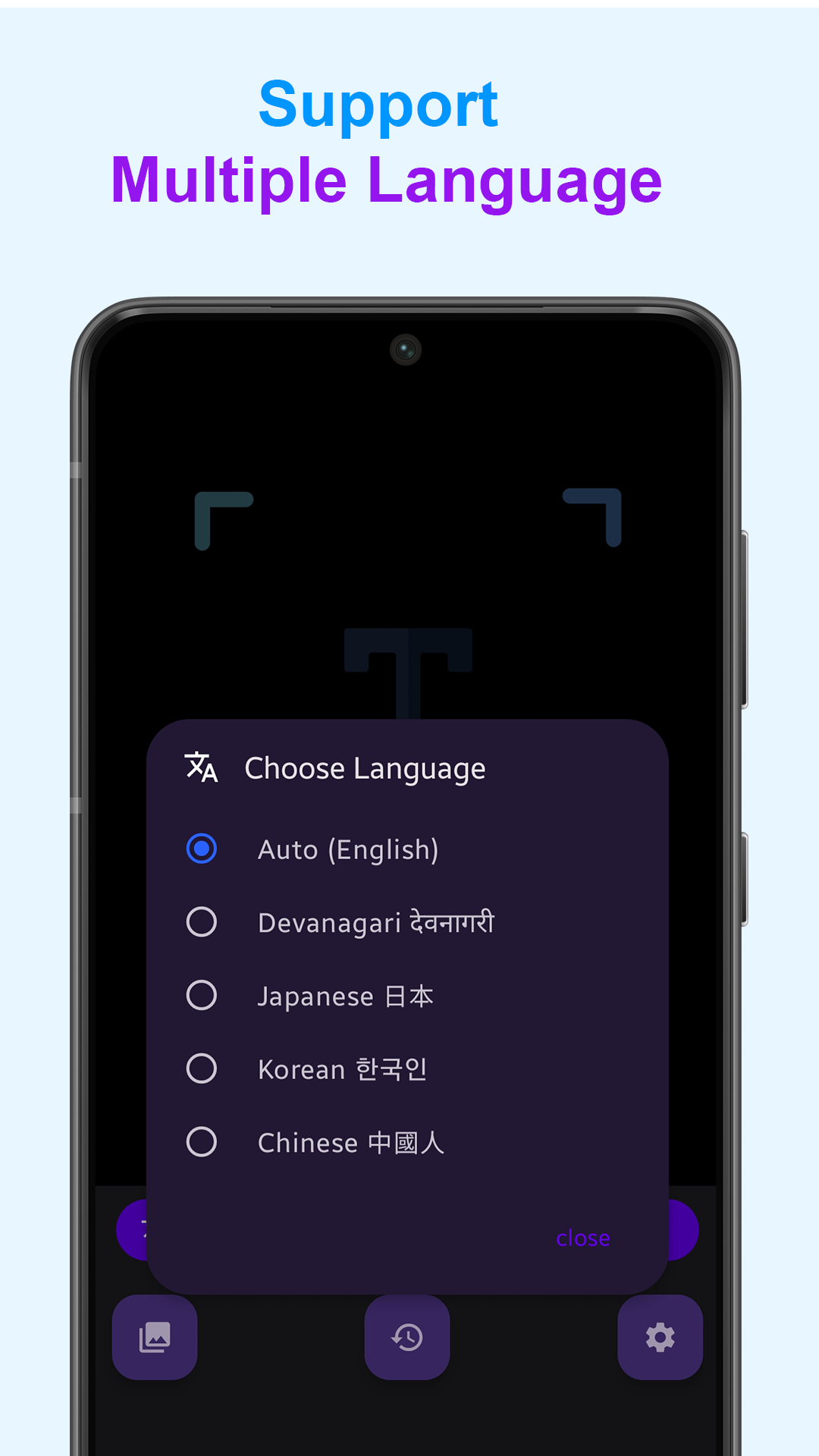
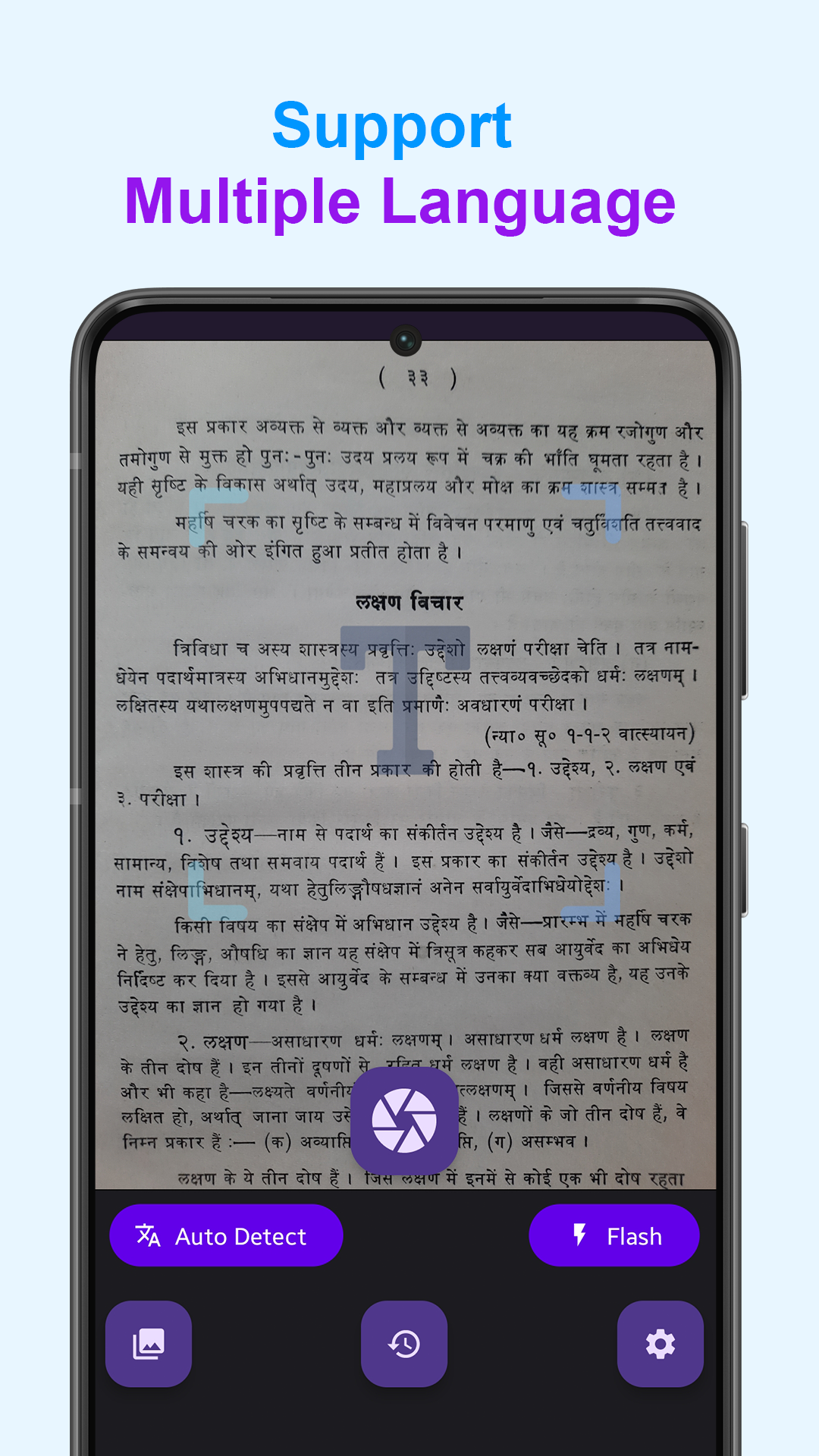
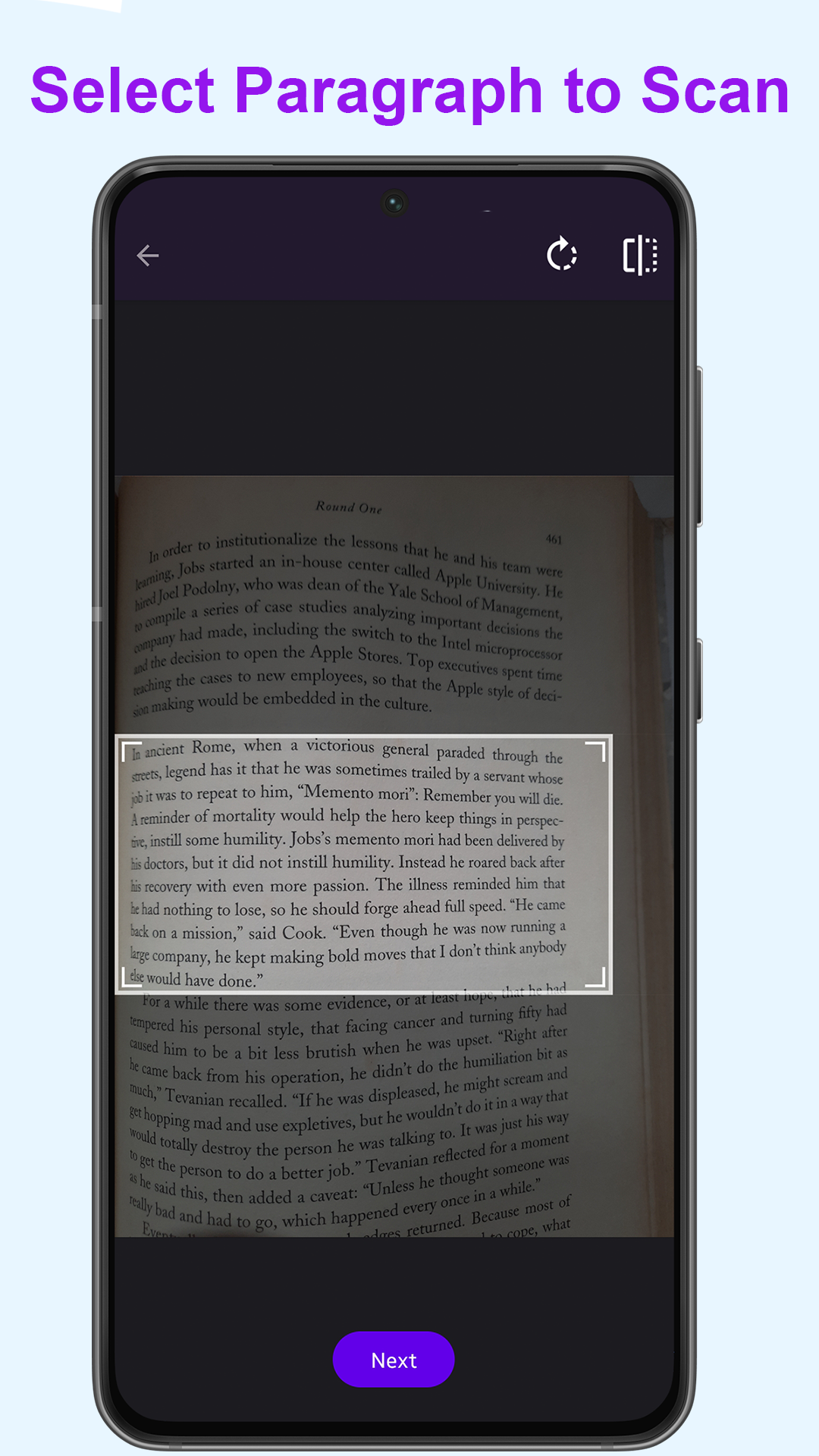

-----
## Build Instructions
1) Step Android Development Environment & Install Android Studio [https://developer.android.com/guide](https://developer.android.com/guide)
2) Rename file `local.properties.sample` to `local.properties`, located in the project root directory. Open the file & Add your api keys in it.
if `local.properties` file is already exists, then add your own api keys into it
3) Download `google-services.json` file from Your [Firebase Console](https://console.firebase.google.com/). Learn More at [https://firebase.google.com/docs/android/setup](https://firebase.google.com/docs/android/setup)
4) Copy-Paste `google-services.json` file into `/app` folder.
5) Now open the project in Android Studio & Debug :) .