https://github.com/devexcale/acsai-obsidian
My notes taken during my ACSAI journey
https://github.com/devexcale/acsai-obsidian
notes obsidian obsidian-notes sapienza sapienza-university
Last synced: 10 months ago
JSON representation
My notes taken during my ACSAI journey
- Host: GitHub
- URL: https://github.com/devexcale/acsai-obsidian
- Owner: devExcale
- Created: 2021-12-07T09:16:01.000Z (over 4 years ago)
- Default Branch: master
- Last Pushed: 2023-10-24T20:51:19.000Z (over 2 years ago)
- Last Synced: 2025-04-05T02:01:57.781Z (about 1 year ago)
- Topics: notes, obsidian, obsidian-notes, sapienza, sapienza-university
- Homepage: https://acsai.di.uniroma1.it/
- Size: 8.52 MB
- Stars: 8
- Watchers: 1
- Forks: 0
- Open Issues: 0
-
Metadata Files:
- Readme: README.md
Awesome Lists containing this project
README
# Applied Computer Science and Artificial Intelligence
This is a collection of notes I work on after classes by myself,
to set the concepts in my mind and to have a repository full of inter-linked information.
[//]: # (TK: course introduction)
Every class has a README file, to make the navigation easier.
These files should link every note in the respective class in the order they were written, feel free to browse for yourself.
Some of the courses
## Course Index
**First Year - First Semester**
- Calculus 1 - Unit 1
- [Computer Architecture - Unit 1](/Computer Architecture/README.md)
- [Linear Algebra](/Linear Algebra/README.md)
- Programming 1 - Unit 1
- Programming 1 - Unit 2
**First Year - Second Semester**
- [Algorithms](/Algorithms/Algorithms.md)
- Calculus 1 - Unit 2
- [Computer Architecture - Unit 2](/Computer Architecture/README.md)
- [Physics](/Physics/README.md)
- Programming 2
**Second Year - First Semester**
- Calculus 2
- [Data Management and Analysis - Unit 1](/Data Management and Analysis/README.md)
- [Probability](/Probability/README.md)
- [Systems and Networking - Unit 1](/Systems and Networking/Systems and Networking.md)
- [Systems and Networking - Unit 2](/Systems and Networking/Systems and Networking.md)
**Second Year - Second Semester**
- [Artificial Intelligence and Machine Learning - Unit 1](/AI and ML/README.md#Unit 1)
- [Artificial Intelligence and Machine Learning - Unit 2](/AI and ML/README.md#Unit 2)
- [Computer Vision and Natural Language Processing](/Computer Vision and NLP/README.md)
- [Data Management and Analysis - Unit 2](?TK)
- [Statistics](/Statistics/README.md)
**Other**
- [Workbench](/Workbench.md)
- [Latex Definitions](/Latex Definitions.md)
## Obsidian
:warning: **The whole repository is edited through [Obsidian](https://obsidian.md/), a powerful note-taking software. Notes are written in [markdown](https://www.markdownguide.org/) and [LaTeX](https://www.latex-project.org/); the best way to ensure full compatibility of the notes is cloning the repository and opening them through Obsidian.**
My end-goal is to have a net of information where I can link an argument from one class to another, hopefully something that will look like this.
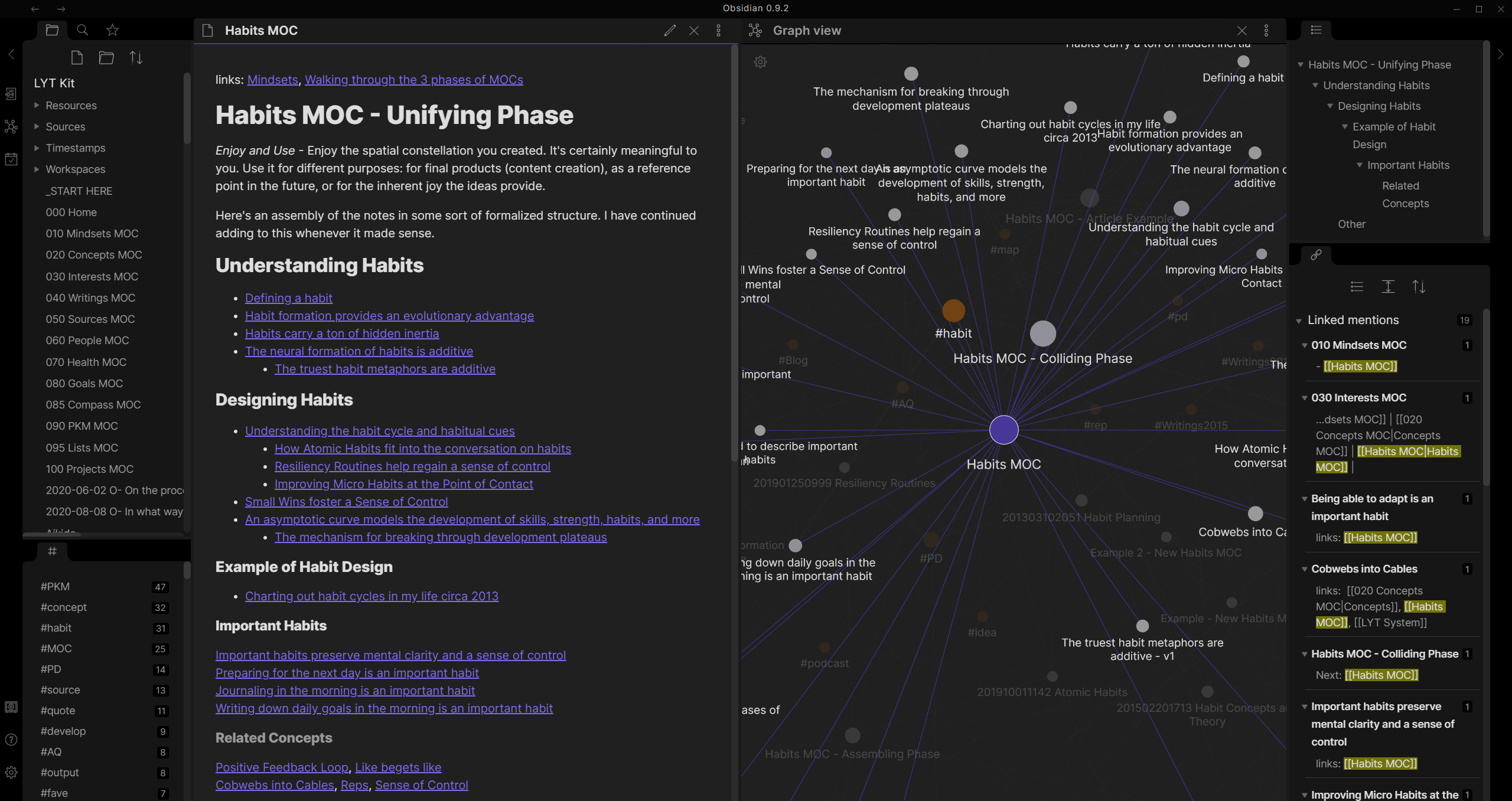
## Knowledge Graph
This is the state of the knowledge graph, updated on `march 26th, 2023`.
- The nodes are markdown notes
- The edges are links between notes

*Every colour is a root folder, a list will follow.*
## Used Plugins
A part of the `.obsidian` folder is uploaded in the repository, so plugins should be downloaded automatically. Regardless, here is a list of plugins I'm using to edit the notes.
| **Name** | **Description** | **Home** |
| ----------------------- | --------------------------------------------------- | ------------------------------------------------------------------------ |
| Admonition | Add callouts to notes | *[GitHub](https://github.com/valentine195/obsidian-admonition)* |
| Advanced Tables | Advanced support for markdown tables | *[GitHub](https://github.com/tgrosinger/advanced-tables-obsidian)* |
| Editor Syntax Highlight | TK | *[GitHub](https://github.com/deathau/cm-editor-syntax-highlight-obsidian)* |
| Emoji Toolbar | TK | *[GitHub](https://github.com/oliveryh/obsidian-emoji-toolbar)* |
| File Tree Alternative | Transform Obsidian's file explorer into a file tree | *[GitHub](https://github.com/ozntel/file-tree-alternative)* |
| Hider | Hide some UI components | *[GitHub](https://github.com/kepano/obsidian-hider)* |
| Minimal Theme Settings | Add more customization to Minimal Theme | *[GitHub](https://github.com/kepano/obsidian-minimal-settings)* |