https://github.com/devfans/wand
Wand is targeted as UI framework for web canvas based web applications.
https://github.com/devfans/wand
Last synced: 9 months ago
JSON representation
Wand is targeted as UI framework for web canvas based web applications.
- Host: GitHub
- URL: https://github.com/devfans/wand
- Owner: devfans
- License: gpl-3.0
- Created: 2019-09-23T02:47:18.000Z (almost 7 years ago)
- Default Branch: master
- Last Pushed: 2023-01-07T10:00:48.000Z (over 3 years ago)
- Last Synced: 2025-09-14T17:42:00.817Z (10 months ago)
- Language: Rust
- Size: 770 KB
- Stars: 5
- Watchers: 1
- Forks: 0
- Open Issues: 21
-
Metadata Files:
- Readme: README.md
- License: LICENSE
Awesome Lists containing this project
README
# wand
Wand is targeted as UI framework for web canvas based web applications.
[![Build Status][travis-image]][travis-url] [![Crates.io][s2]][ci]
[s2]: https://img.shields.io/crates/v/wand.svg
[ci]: https://crates.io/crates/wand/
[travis-image]: https://img.shields.io/travis/devfans/moba-proto/master.svg
[travis-url]: https://travis-ci.org/devfans/moba-proto
# Get Started
`examples` shows a basic sample application made with wand.
```
use wand;
use wasm_bindgen::prelude::*;
#[wasm_bindgen]
pub struct Application {
app: wand::core::Application,
}
#[wasm_bindgen]
impl Application {
pub fn new() -> Self {
let mut app = wand::Application::new_with_canvas_id("canvas");
let state = app.get_state();
let mut scene = wand::Scene::default(state.clone());
let section1 = app.new_section("section1", 1., 0.8, 0.01);
// let section2 = app.new_section("section2", 0.8, 0.5, 0.01);
let section3 = app.new_section("section3", 0.8, 1., 0.2);
let section4 = app.new_section("section4", 1., 1., 0.2);
let cursor_span = wand::TextSpan::new(state.clone(), "cursor", "Cursor:(N/A)", 1., 1.);
{
let mut section4_mut = section4.borrow_mut();
section4_mut.add_span(cursor_span);
}
let section5 = app.new_section("section5", 1.,1., 0.2);
let span = wand::TextSpan::new(state.clone(), "sample_span", "TextSpan", 1., 1.);
{
let mut section5_mut = section5.borrow_mut();
section5_mut.add_span(span);
}
{
let mut sec = section1.borrow_mut();
sec.add_section(§ion3);
sec.add_section(§ion4);
}
scene.add_section(§ion1);
/*
scene.add_section(§ion2);
*/
// scene.add_section(§ion4);
scene.add_section(§ion5);
app.register(scene);
Self {
app,
}
}
pub fn draw(&self) {
self.app.draw();
}
pub fn on_size_change(&mut self) {
self.app.on_resize();
}
pub fn on_mouse_move(&mut self, x: f64, y: f64) {
self.app.on_mouse_move(x, y);
{
let state = self.app.get_state();
let state = state.borrow();
let cursor = state.get_span("cursor").unwrap().upgrade().unwrap();
let mut cursor = cursor.borrow_mut();
cursor.as_mut().set_text(&format!("Cursor: x: {}, y: {}", x, y));
}
self.app.draw();
}
}
```
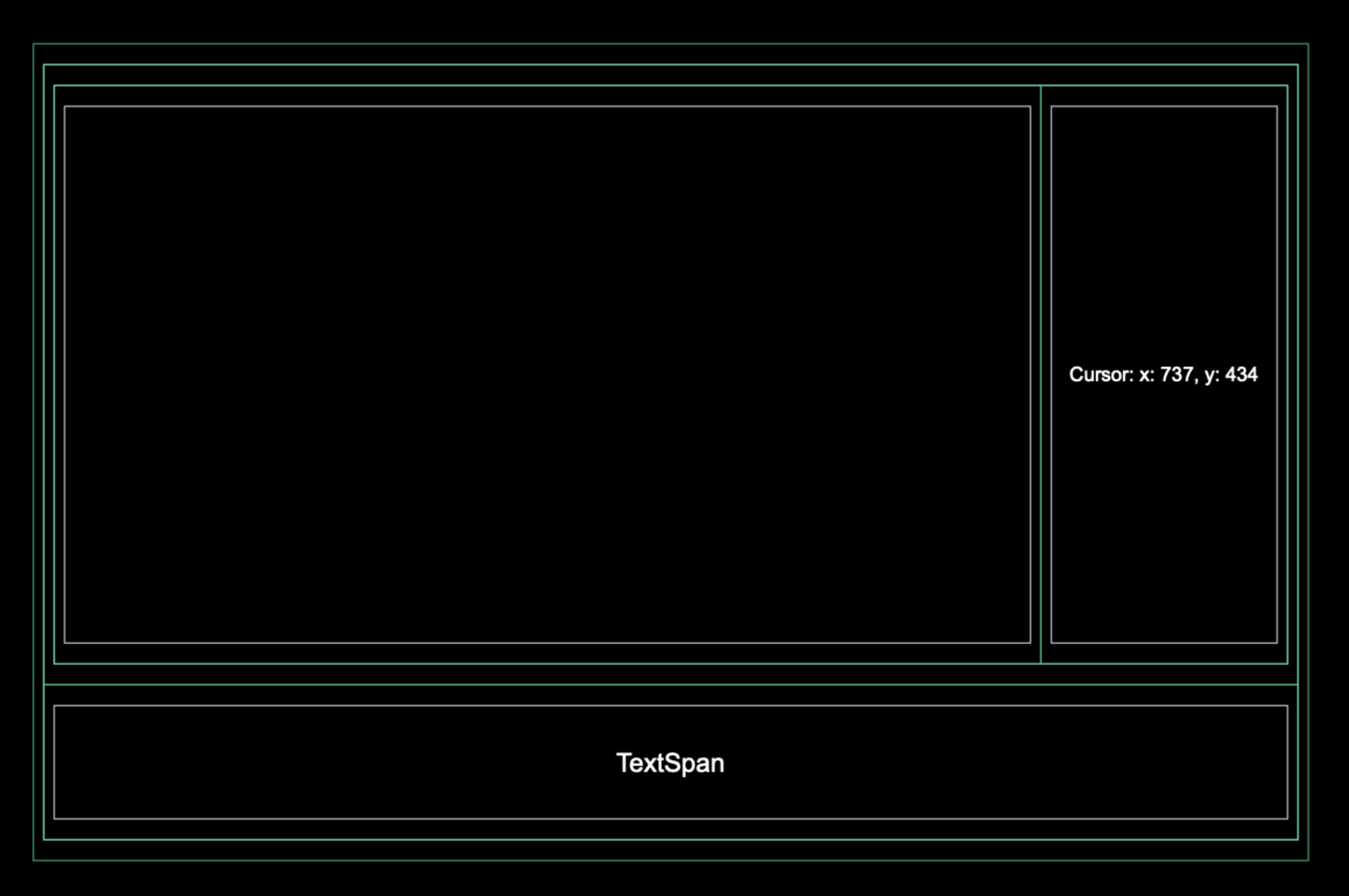
The window will looks like: