https://github.com/devmahmud/django-producthuntclone
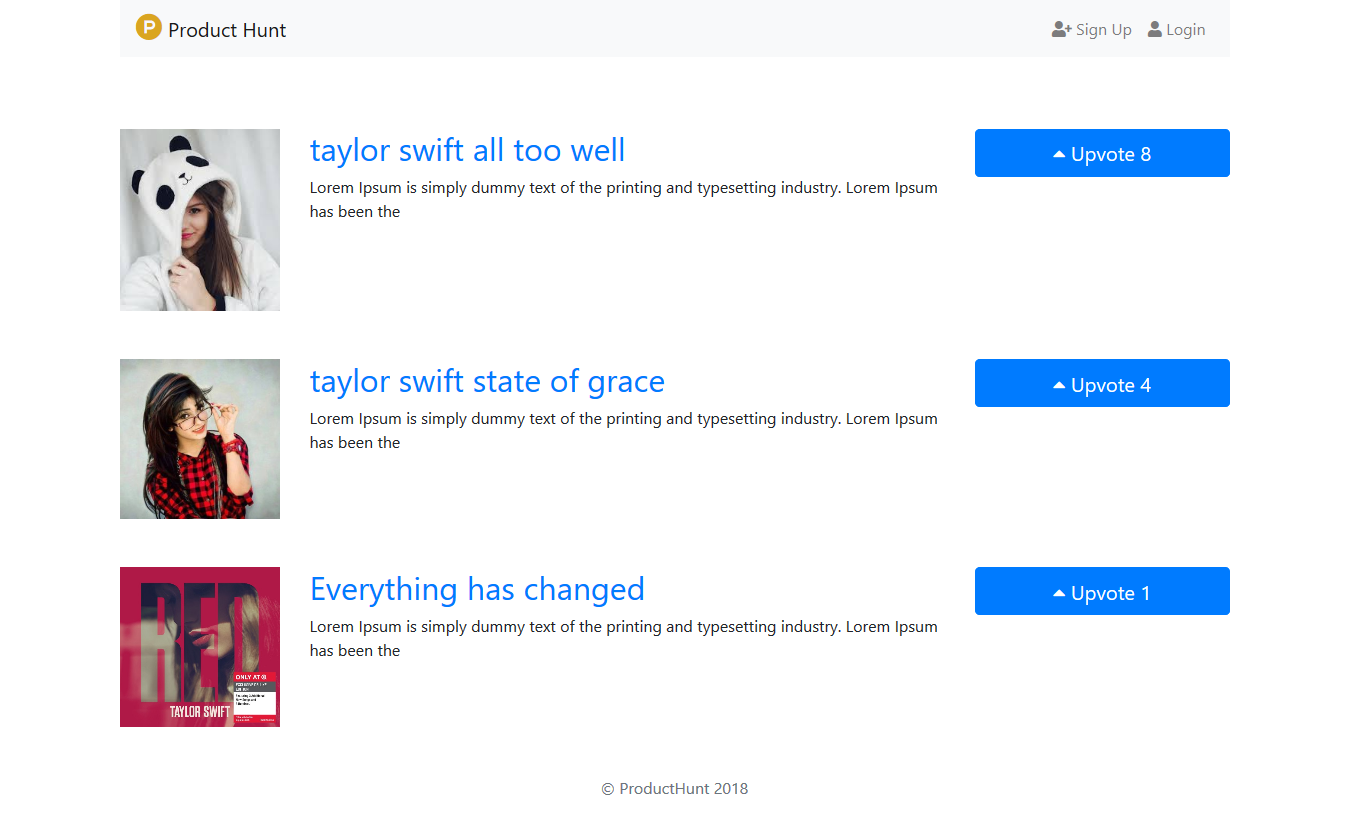
Django product hunt clone is a project where member can add product and can give vote to a product. A member can add product and also can delete the product which are only added by him. Products will be appear in the page by their votes.
https://github.com/devmahmud/django-producthuntclone
bootstrap django web-application
Last synced: 3 months ago
JSON representation
Django product hunt clone is a project where member can add product and can give vote to a product. A member can add product and also can delete the product which are only added by him. Products will be appear in the page by their votes.
- Host: GitHub
- URL: https://github.com/devmahmud/django-producthuntclone
- Owner: devmahmud
- License: mit
- Created: 2018-12-30T12:02:00.000Z (over 7 years ago)
- Default Branch: master
- Last Pushed: 2019-01-23T22:26:54.000Z (over 7 years ago)
- Last Synced: 2025-05-07T05:40:58.125Z (over 1 year ago)
- Topics: bootstrap, django, web-application
- Language: Python
- Size: 14.6 KB
- Stars: 2
- Watchers: 1
- Forks: 0
- Open Issues: 0
-
Metadata Files:
- Readme: README.md
- License: LICENSE
Awesome Lists containing this project
README
# Django-ProductHuntClone
Django product hunt clone is a project where member can add product and can give vote to a product. A member can add product and also can delete the product which are only added by him. Products will be appear in the page by their votes.
Getting Started
These instructions will get you a copy of the project up and running on your local machine for development and testing purposes.
Prerequisites
python== 3.5 or up and django==2.1.4
Installing
open terminal and type
git clone https://github.com/devmahmud/Django-ProductHuntClone.git
or simply download using the url below
https://github.com/devmahmud/Django-ProductHuntClone.git
Database Migrations
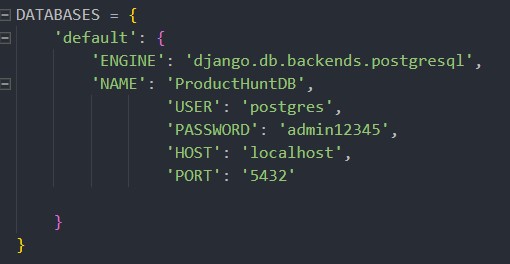
In this project i have used Postgresql Database.
First open project settings and change the information below with your database information
To migrate the database open terminal in project directory and type
python manage.py makemigrations
python manage.py migrate
To use admin panel you need to create super user using this command
python manage.py createsuperuser
To run the program in local server use the following command
python manage.py runserver
Then go to http://127.0.0.1:8000 in your browser
Author
Mahmudul alam
Email: expelmahmud@gmail.com
Project snapshot
Home page
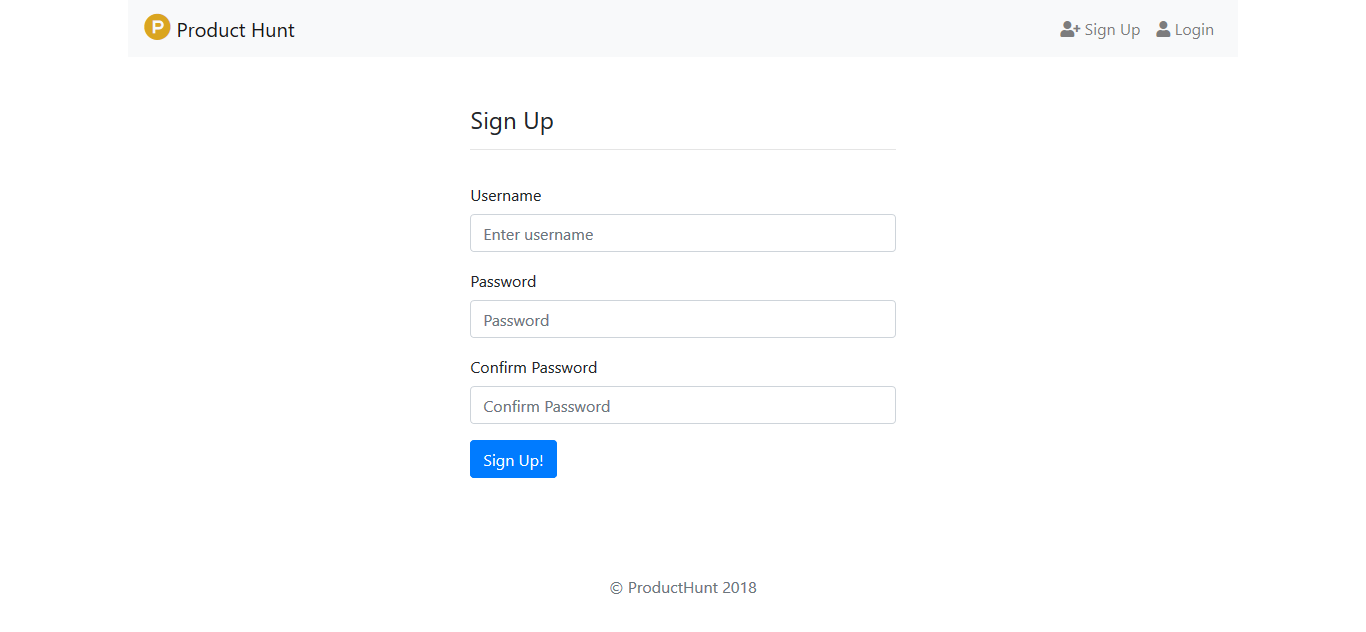
Sign Up page
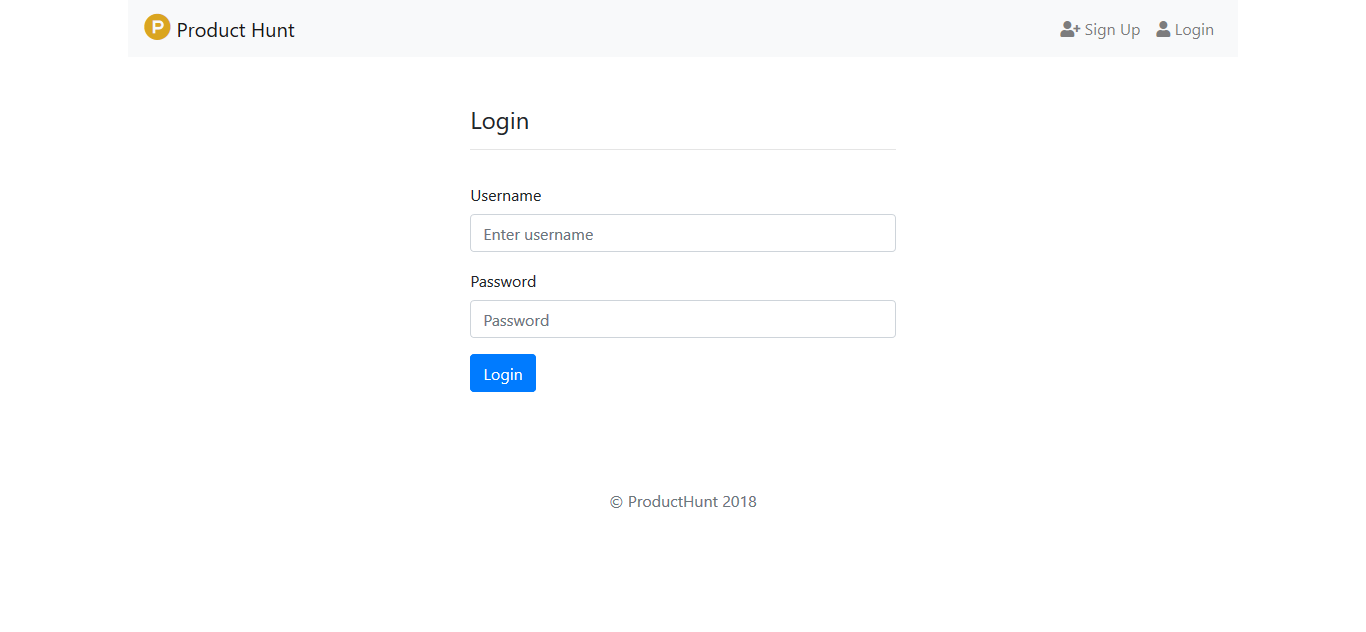
Sign in page
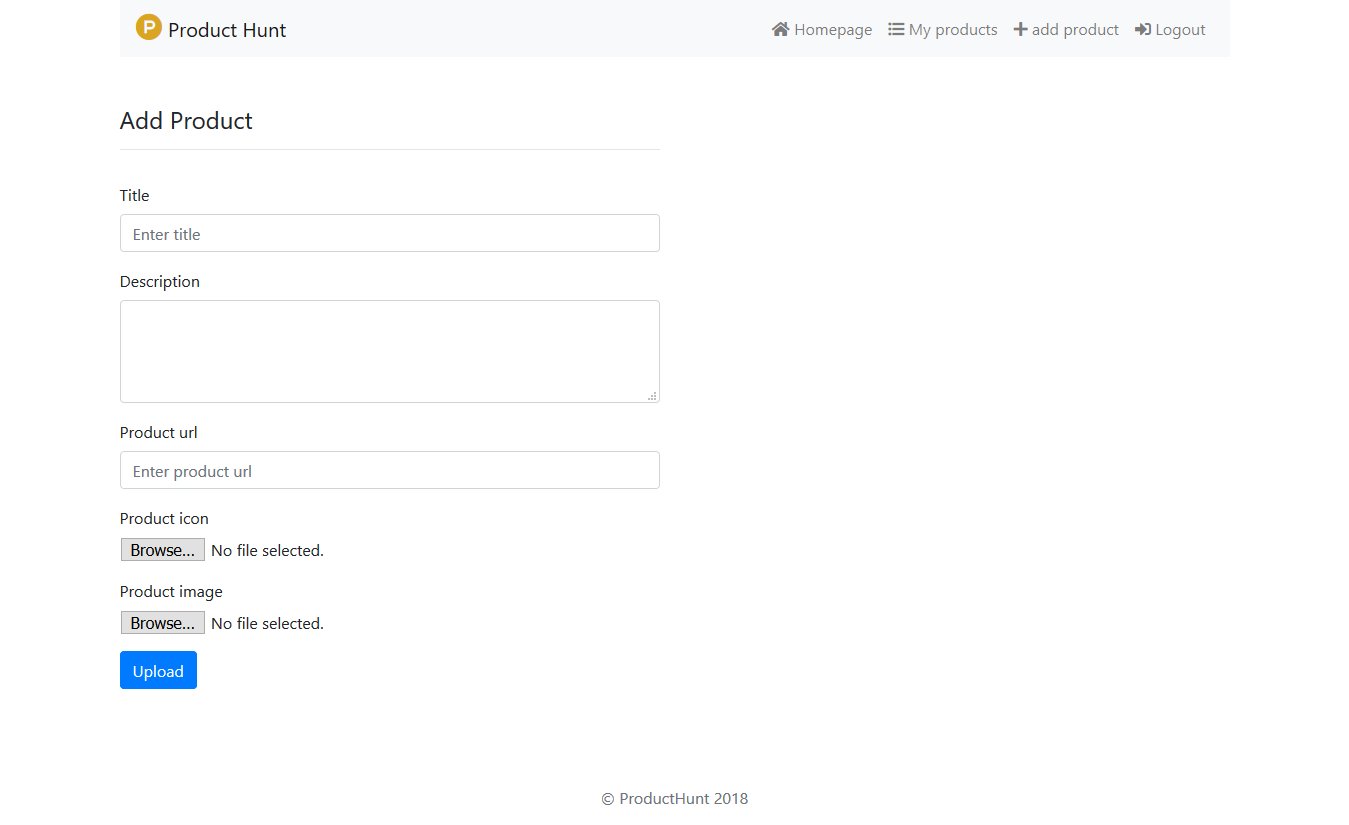
Add product page
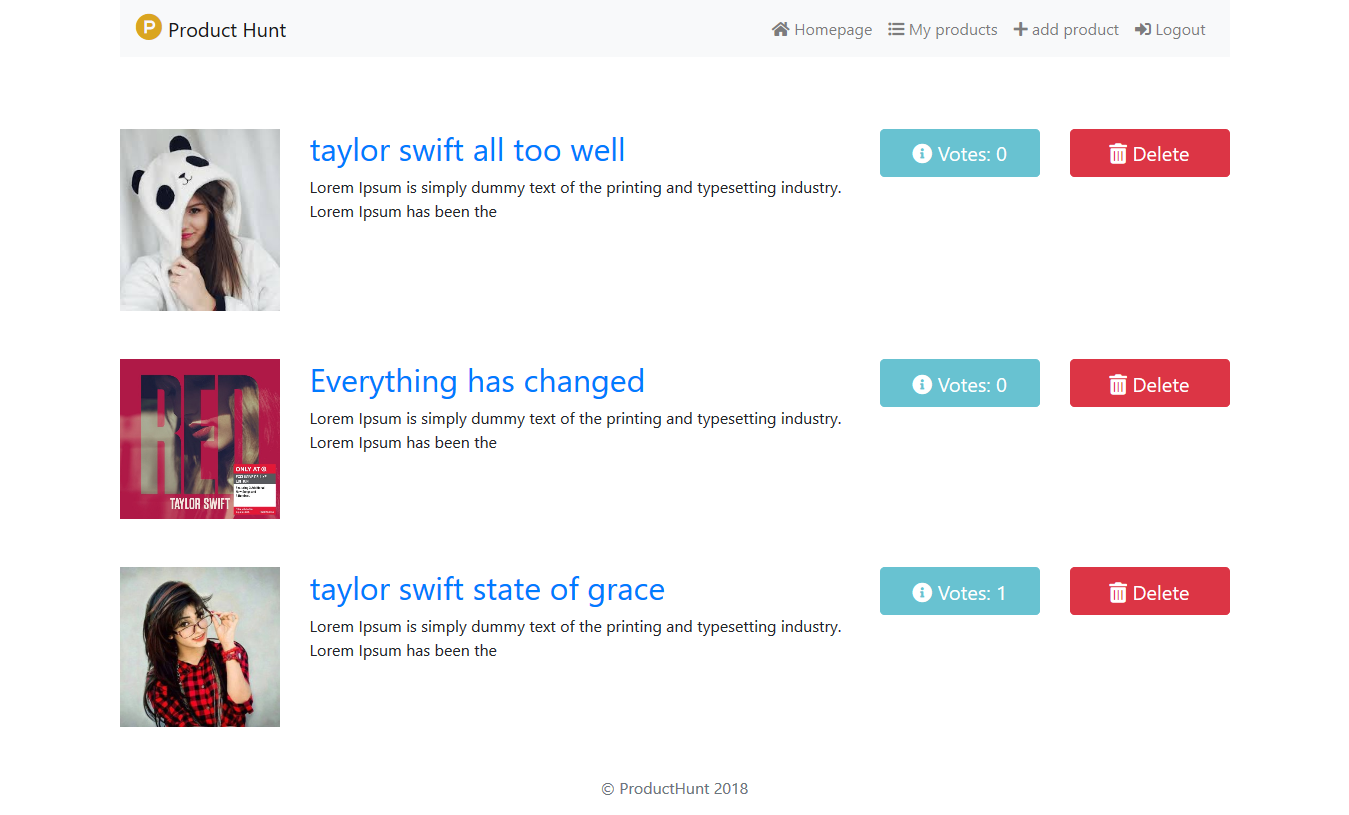
User Dashboard
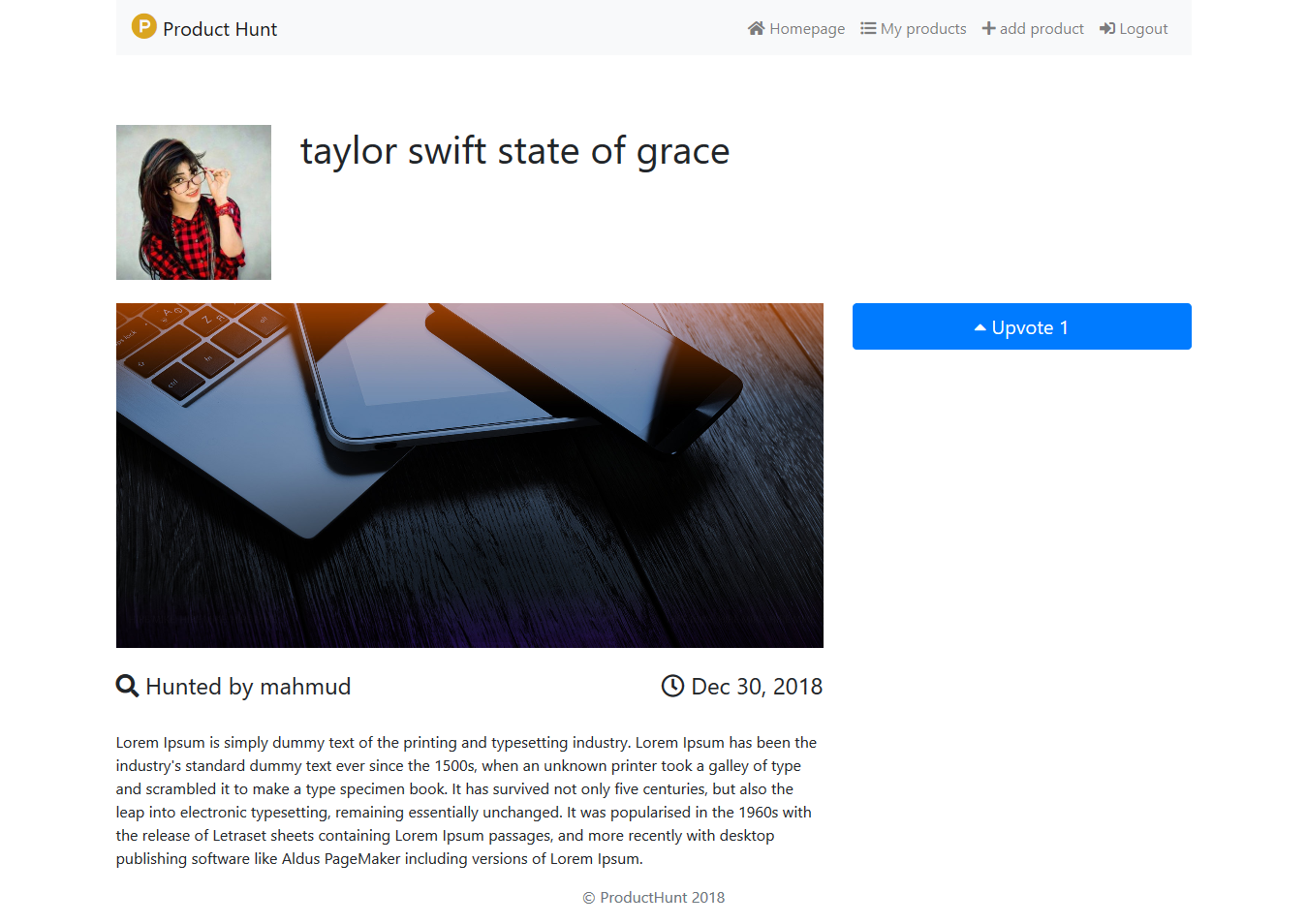
Product details page
========Thank You !!!=========