https://github.com/devnoname120/devutils-app
https://github.com/devnoname120/devutils-app
Last synced: 10 months ago
JSON representation
- Host: GitHub
- URL: https://github.com/devnoname120/devutils-app
- Owner: devnoname120
- License: other
- Created: 2024-11-24T13:39:19.000Z (over 1 year ago)
- Default Branch: master
- Last Pushed: 2024-11-26T23:00:01.000Z (over 1 year ago)
- Last Synced: 2025-03-24T20:08:46.885Z (about 1 year ago)
- Language: Swift
- Size: 3.58 MB
- Stars: 0
- Watchers: 1
- Forks: 1
- Open Issues: 0
-
Metadata Files:
- Readme: README.md
- Contributing: CONTRIBUTING.md
- License: LICENSE.md
Awesome Lists containing this project
README
DevUtils.app
Developer Utilities for macOS
🚀 Download | 🎬 Demo & Screenshots | 📝 View source | 📣 Follow on Twitter


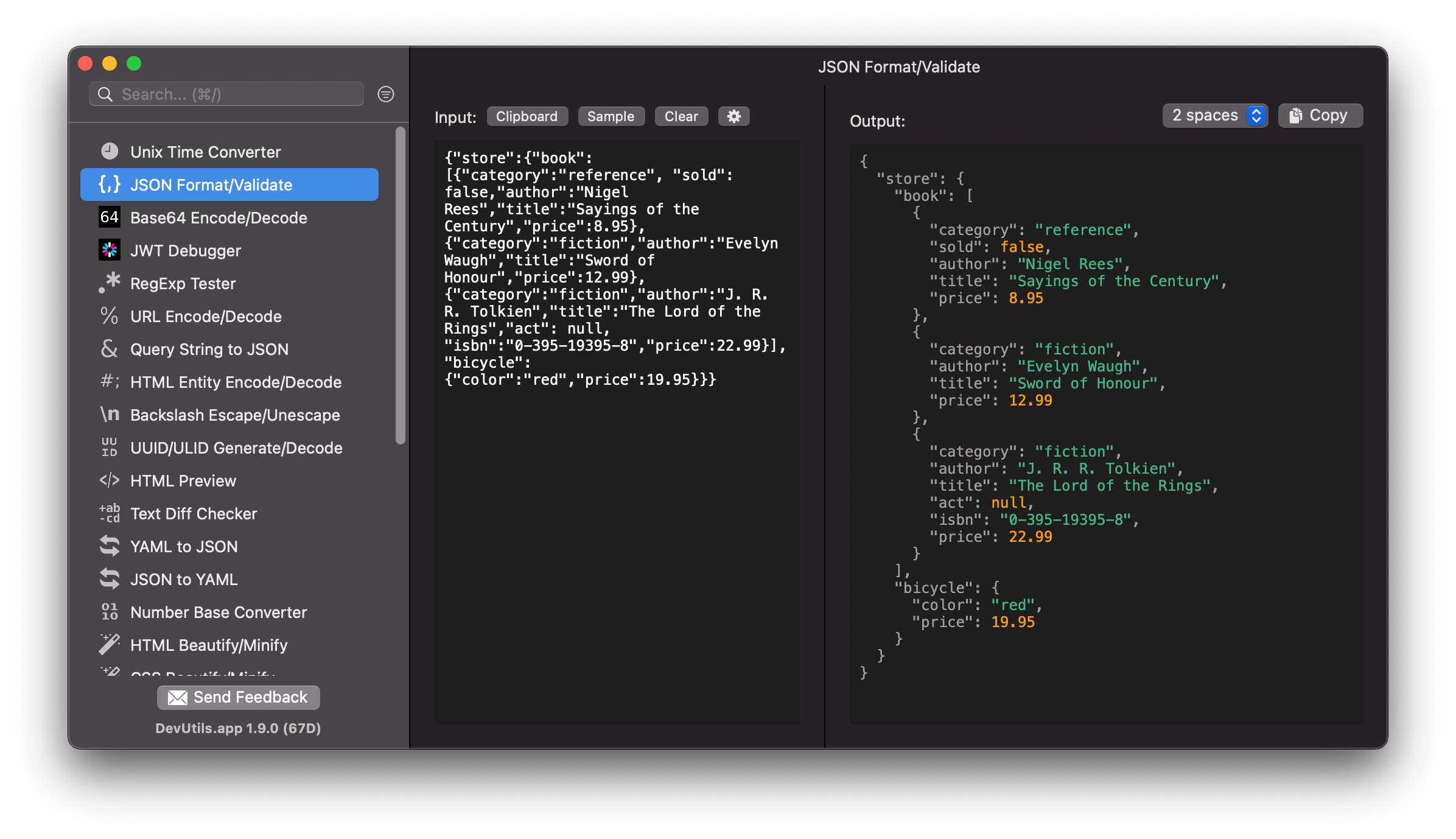
Format/Validate JSON, encode/decode Base64, convert timestamps, debug JWT… with just one click! Native macOS app and works offline.
# A friendly note ❤️
DevUtils is a **paid "source-available"** app. That means I'm selling the pre-built version of the app. It takes time and effort to develop, distribute, maintain, and provide supports. If you like the app, please consider [buying here](https://devutils.app) (one-time purchase). That would help me a lot! Thank you very much! 🙏
# Source code
This source code is a delayed version of DevUtils.
Development environment:
- Homebrew
- Swift 5.1+
- Xcode 11.1+
- Swift Package Manager
- Carthage
# Build Instructions
- Clone the repository and open a terminal in it.
- Install Xcode (if needed):
```shell
sudo xcode-select --install
sudo xcode-select -s /Applications/Xcode.app/Contents/Developer
sudo xcodebuild -license accept
```
- Install carthage using Homebrew:
```shell
brew install carthage
```
- Use Carthage to fetch the dependencies, delete the iOS dependency because it breaks the build, and finally build with xcode:
```shell
cd DevUtilsApp
arch -arch x86_64 /bin/sh
carthage update --no-build
rm Carthage/Checkouts/Highlightr/Highlightr.xcodeproj/xcshareddata/xcschemes/Highlightr-iOS.xcscheme
carthage build --platform macOS
xcodebuild -scheme DevUtils CODE_SIGN_IDENTITY="" DEVELOPMENT_TEAM="" build
```
- Congrats, you can now open the folder where you will find the built `DevUtils.app`:
```shell
open ~/Library/Developer/Xcode/DerivedData/DevUtils-*/Build/Products/Debug/
```
# Contributing
Please see [CONTRIBUTING.md](https://github.com/DevUtilsApp/DevUtils-app/blob/master/CONTRIBUTING.md)
# Contact
- **FAQs**: https://devutils.app/faqs
- **Email**: admin@devutils.app
- **Twitter**: https://twitter.com/devutils_app