https://github.com/devutilsapp/base64decode.app
Base64 Encode/Decode offline macOS app
https://github.com/devutilsapp/base64decode.app
app base64 macos native offline
Last synced: 9 months ago
JSON representation
Base64 Encode/Decode offline macOS app
- Host: GitHub
- URL: https://github.com/devutilsapp/base64decode.app
- Owner: DevUtilsApp
- Created: 2020-11-21T03:04:25.000Z (over 5 years ago)
- Default Branch: main
- Last Pushed: 2020-11-25T14:04:24.000Z (over 5 years ago)
- Last Synced: 2025-07-17T17:18:32.572Z (9 months ago)
- Topics: app, base64, macos, native, offline
- Language: HTML
- Homepage: https://base64decode.app
- Size: 6.84 KB
- Stars: 5
- Watchers: 0
- Forks: 0
- Open Issues: 0
-
Metadata Files:
- Readme: README.md
Awesome Lists containing this project
README
Base64 Encoder/Decoder
======================
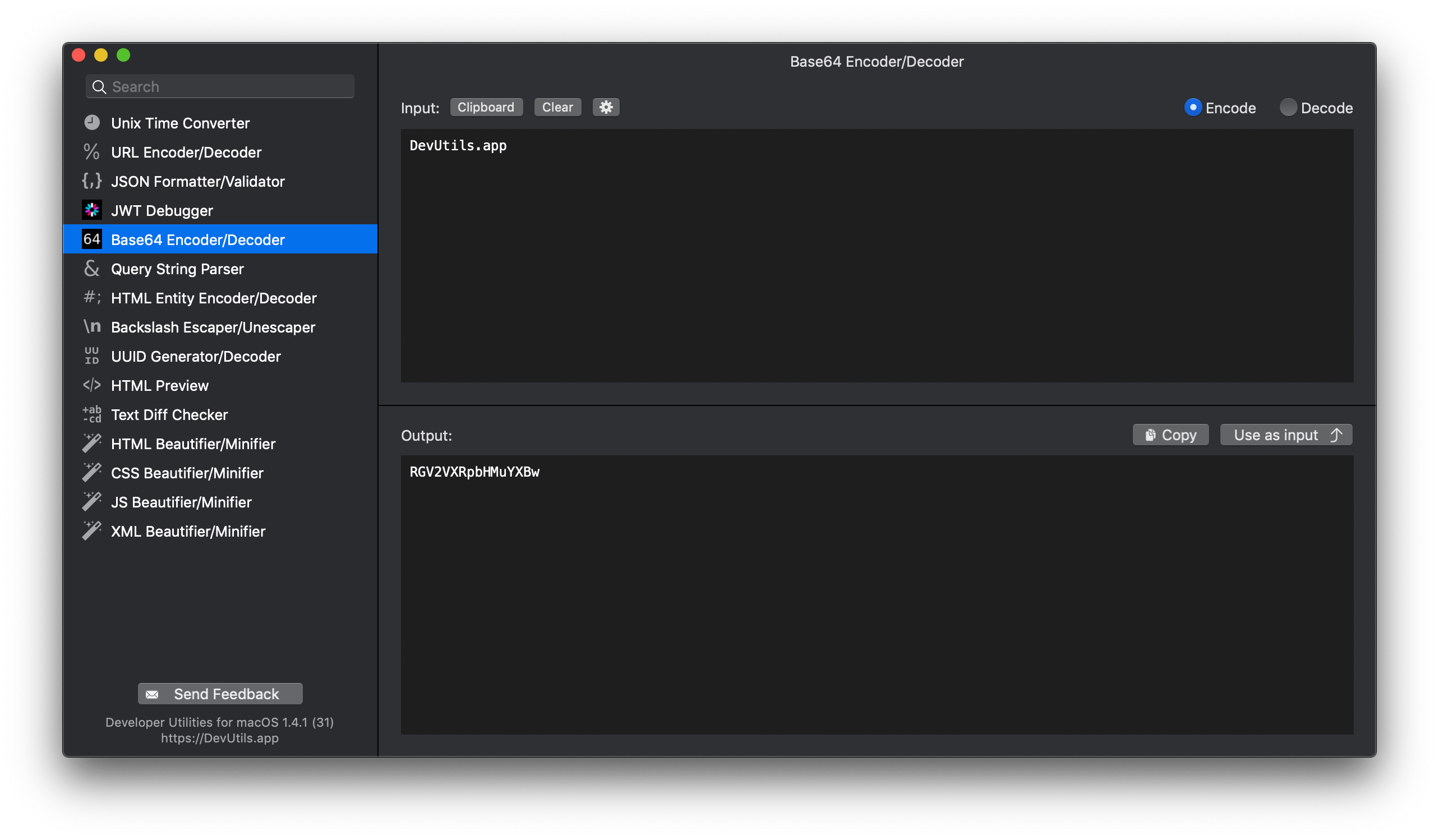
Encode and decode a Base64 string without online tools. [DevUtils.app](https://devutils.app) allows you to quickly encode and decode Base64 string without any internet connection.
🚀 Download | 🎬 Demo & Screenshots | 📝 View source
Quickly decode a Base64 string
------------------------------
You can decode a Base64 string from anywhere in your macOS (terminal, in email, web browser,...).**DevUtils** will inspect your clipboard content and automatically select the Base64 Encoder/Decoder tool if the content is a Base64 string. Activate the app by:
* Copy text ► Press ⌃⌥⌘Space `(Or your own customized hotkey, up to you)`
* Copy text ► Click to icon  in the status bar
* Select text ► Right-click ► "Inspect in DevUtils.app" `(This menu appears after you install the app)`
Input
-----
Enter your string in the input textbox, select Encode or Decode based on your need.
Output
------
The encoded/decoded string will be displayed in the bottom text view. Click "Copy" to copy the output string to your clipboard.
Options
-------
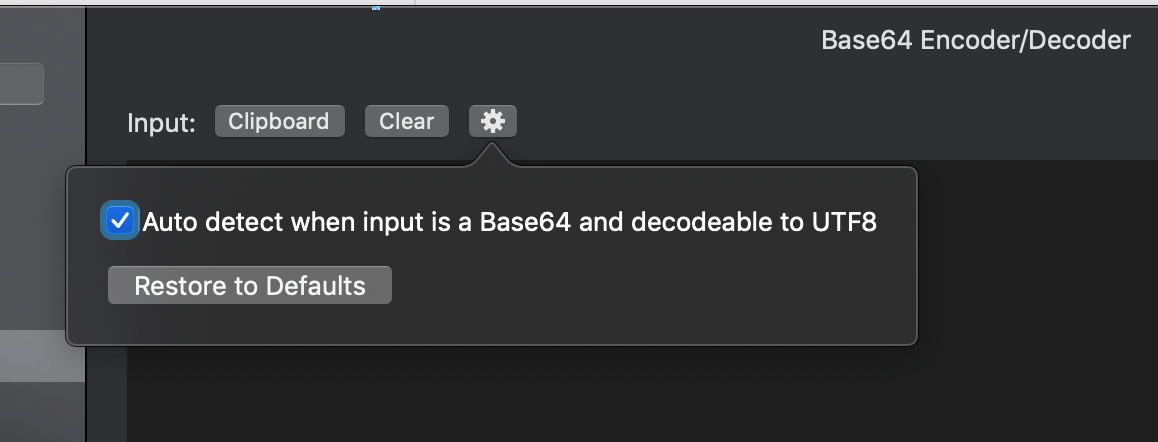
When you activate the app, **DevUtils** will inspect your clipboard content and automatically select the Base64 Encoder/Decoder tool if the content is a Base64 string. You can disable this automatic feature by unticking the option in the setting panel (the gear icon).