https://github.com/dexbytesinfotech/image2pdf-flutter
Image to PDF converter flutter or Convert image to PDF in flutter
https://github.com/dexbytesinfotech/image2pdf-flutter
Last synced: 5 months ago
JSON representation
Image to PDF converter flutter or Convert image to PDF in flutter
- Host: GitHub
- URL: https://github.com/dexbytesinfotech/image2pdf-flutter
- Owner: dexbytesinfotech
- License: apache-2.0
- Created: 2023-04-21T06:22:59.000Z (over 3 years ago)
- Default Branch: main
- Last Pushed: 2024-09-17T08:22:18.000Z (almost 2 years ago)
- Last Synced: 2025-10-23T01:28:47.562Z (9 months ago)
- Language: Dart
- Size: 722 KB
- Stars: 2
- Watchers: 1
- Forks: 1
- Open Issues: 0
-
Metadata Files:
- Readme: README.md
- Changelog: CHANGELOG.md
- License: LICENSE
Awesome Lists containing this project
README
# PDF creation library for dart/flutter
This library is divided into two parts:
- a low-level PDF creation library that takes care of the PDF bits generation.
- a Widgets system similar to Flutter's, for easy high-level PDF creation.
| | Android | iOS |
| :-------------| :---------| :------|
| **Support** | SDK 21+ | 10.0+ |
# image2pdf Implementation Guide
## Features
Use this plugin in your Flutter app to:
* Create Pfd with multi pages by selecting images.
* Share created PDF.
## Getting started
This plugin relies on the flutter core.
## Usage
To use the plugin you just need to add image2pdf-flutter: ^1.0.1 into your pubspec.yaml file and run
pub get.
## Add following into your package's pubspec.yaml (and run an implicit dart pub get):
image2pdf-flutter: ^1.0.1
## Multi Step Form UI Sample
[comment]: <> (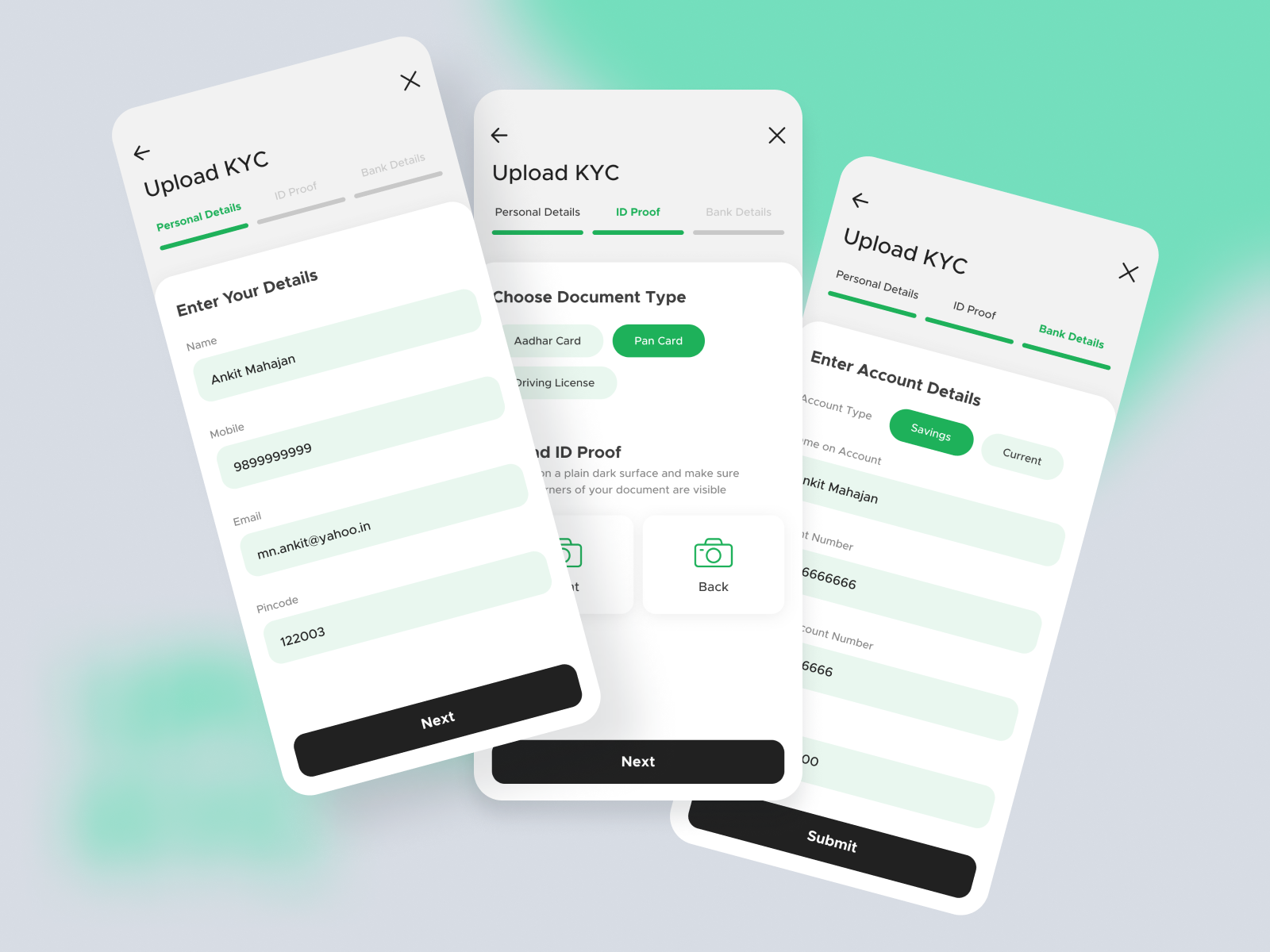)
[comment]: <> (Credit for sample UI: )
## Example
import 'dart:async';
import 'package:image2pdf_flutter/image_to_pdf.dart';
Future main() async {
WidgetsFlutterBinding.ensureInitialized();
await ImageToPdfMain.initValue();
Configuration.instance!.editDocumentNameTextStyle = Configuration .instance!.editDocumentNameTextStyle!.copyWith(fontSize: 14, color: Colors.black);
Configuration.instance!.cameraIconBgColor = Colors.black; // Configuration.instance!.cameraIcon =
Icon(Icons.add, size: 80);
runApp(ImageToPdfMain(pdfPathCallBack: (String pdfPath) {}));
}
## Changelog
All notable changes to this project will be documented in [this file](./CHANGELOG.md).
## Issues
To report your issues, submit them directly in
the [Issues](https://github.com/dexbytesinfotech/image2pdf-flutter/issues) section.
## License
[this file](./LICENSE).