https://github.com/diegovictor/ecoleta-app
Project built during Rocketseat's Next Level Week #1
https://github.com/diegovictor/ecoleta-app
android app coverage-report ecoleta expo javascript js nlw nlw-booster node nodejs react react-native rocketseat ts typescript
Last synced: 4 months ago
JSON representation
Project built during Rocketseat's Next Level Week #1
- Host: GitHub
- URL: https://github.com/diegovictor/ecoleta-app
- Owner: DiegoVictor
- License: mit
- Created: 2020-06-05T00:05:47.000Z (about 6 years ago)
- Default Branch: main
- Last Pushed: 2025-07-02T12:45:20.000Z (about 1 year ago)
- Last Synced: 2025-10-28T08:37:53.345Z (8 months ago)
- Topics: android, app, coverage-report, ecoleta, expo, javascript, js, nlw, nlw-booster, node, nodejs, react, react-native, rocketseat, ts, typescript
- Language: TypeScript
- Homepage:
- Size: 20.9 MB
- Stars: 2
- Watchers: 1
- Forks: 0
- Open Issues: 7
-
Metadata Files:
- Readme: README.md
- License: LICENSE
Awesome Lists containing this project
README
# [App] Ecoleta
[](https://ci.appveyor.com/project/DiegoVictor/ecoleta-app)
[](https://www.typescriptlang.org/)
[](https://reactnative.dev/)
[](https://styled-components.com/)
[](https://eslint.org/)
[](https://github.com/airbnb/javascript)
[](https://jestjs.io/)
[](https://expo.io/)
[](https://codecov.io/gh/DiegoVictor/ecoleta-app)
[](https://raw.githubusercontent.com/DiegoVictor/ecoleta-app/main/LICENSE)
[](http://makeapullrequest.com)
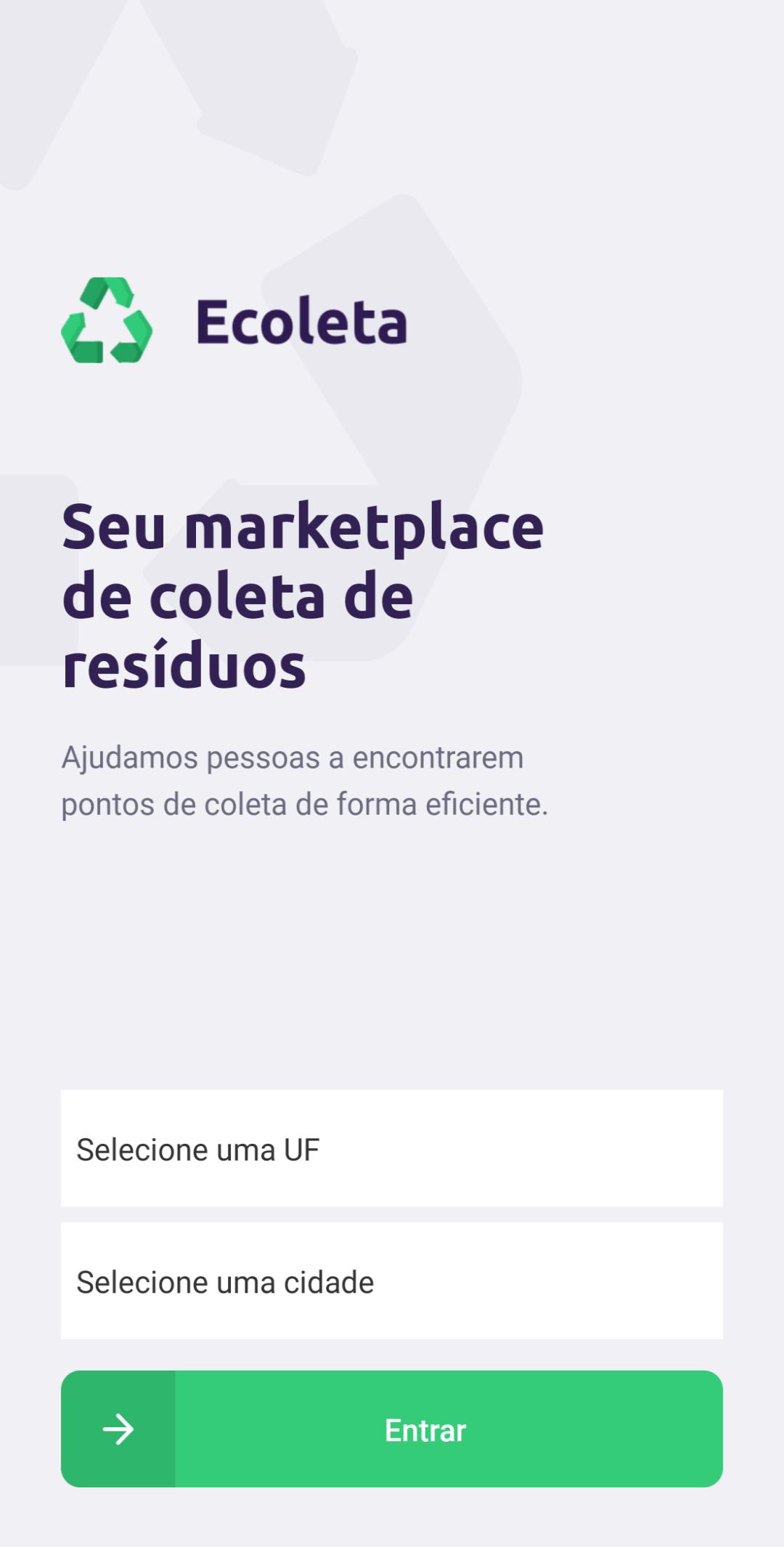
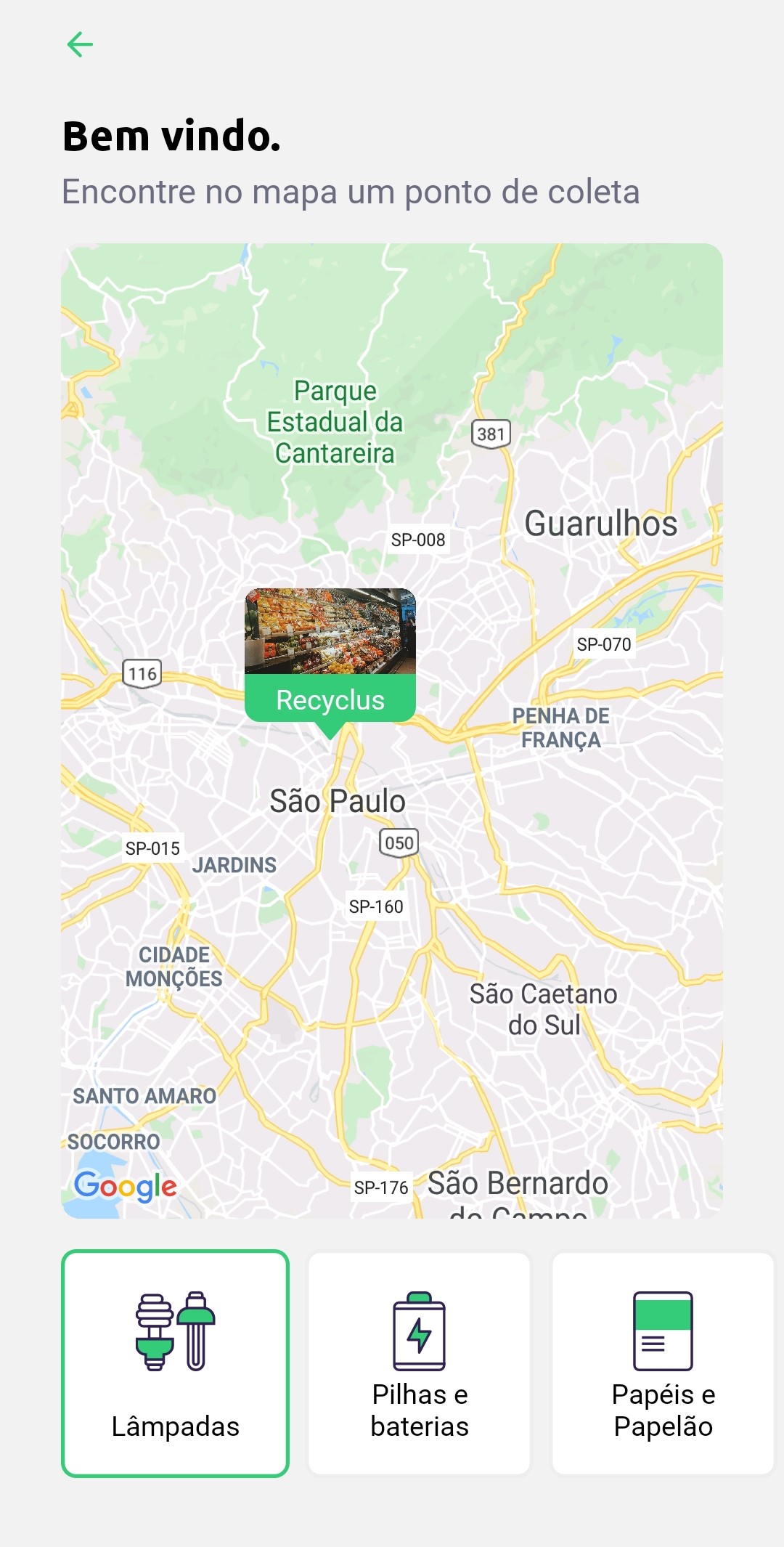
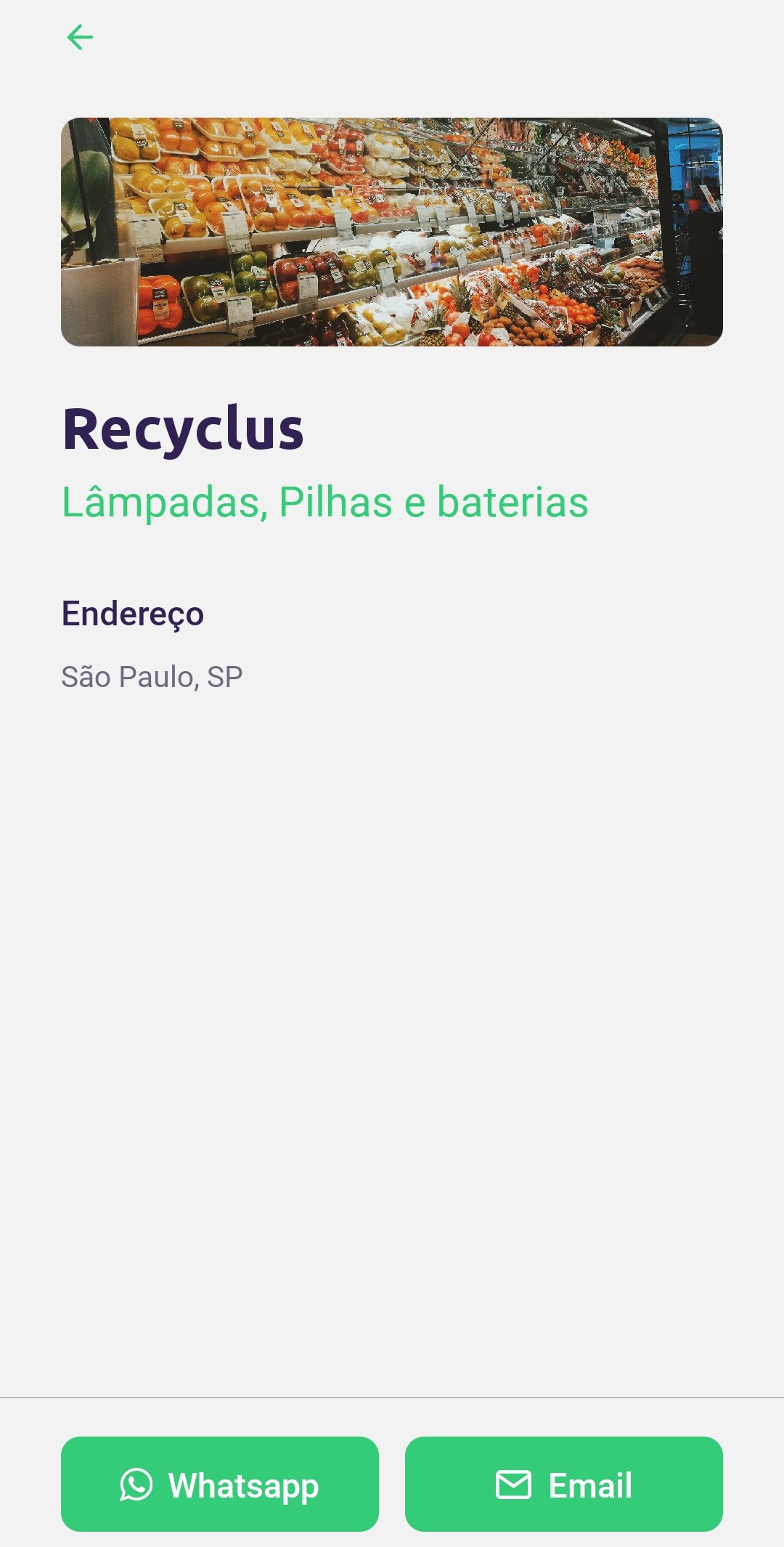
This app version allow everyone to see all collect points near of you or other locations. All the resources used by this application comes from its [`API`](https://github.com/DiegoVictor/ecoleta-api).
## Table of Contents
* [Screenshots](#screenshots)
* [Installing](#installing)
* [Configuring](#configuring)
* [.env](#env)
* [API](#api)
* [Usage](#usage)
* [Expo](#expo)
* [OS](#os)
* [Running the tests](#running-the-tests)
* [Coverage report](#coverage-report)
# Screenshots
Click to expand.
# Installing
Easy peasy lemon squeezy:
```
$ yarn
```
Or:
```
$ npm install
```
> Was installed and configured the [`eslint`](https://eslint.org/) and [`prettier`](https://prettier.io/) to keep the code clean and patterned.
## Configuring
Configure your environment variables and remember to start the [API](https://github.com/DiegoVictor/ecoleta-api) before to start this app.
### .env
In this file you may configure the API's url. Rename the `.env.example` in the root directory to `.env` then just update with your settings.
key|description|default
---|---|---
API_URL|API's url with version (v1)|`http://localhost:3333/v1`
### API
Start the [`API`](https://github.com/DiegoVictor/ecoleta-api) (see its README for more information). In case of any change in the API's `port` or `host` remember to update the `app.json`'s `API_URL` property too.
> Also, maybe you need run reverse command to the API's port: `adb reverse tcp:3333 tcp:3333` or use the `expo` host (e.g. `192.168.0.9`)
# Usage
To start the app run:
```
$ yarn start
```
Or:
```
$ npm run start
```
> This project was built with [Expo](https://expo.io), to know how to run it in your phone see [Expo client for iOS and Android](https://docs.expo.io/versions/v37.0.0/get-started/installation/#2-mobile-app-expo-client-for-ios) and in your computer see [Running the Expo client on your computer](https://docs.expo.io/versions/v37.0.0/get-started/installation/#running-the-expo-client-on-your-computer).
## OS
This app was tested only with Android through USB connection and [Genymotion](https://www.genymotion.com/) (Emulator), is strongly recommended to use the same operational system, but of course you can use an emulator or a real device connected through wifi or USB.
# Running the tests
[Jest](https://jestjs.io/) was the choice to test the app, to run:
```
$ yarn test
```
Or:
```
$ npm run test
```
## Coverage report
You can see the coverage report inside `tests/coverage`. They are automatically created after the tests run.