https://github.com/dimibe/study-planner
Build with Flutter for web and Firebase.
https://github.com/dimibe/study-planner
dart firebase flutter
Last synced: about 1 year ago
JSON representation
Build with Flutter for web and Firebase.
- Host: GitHub
- URL: https://github.com/dimibe/study-planner
- Owner: Dimibe
- Created: 2020-09-29T15:16:24.000Z (over 5 years ago)
- Default Branch: main
- Last Pushed: 2023-05-08T22:03:40.000Z (about 3 years ago)
- Last Synced: 2025-05-05T22:57:06.520Z (about 1 year ago)
- Topics: dart, firebase, flutter
- Language: Dart
- Homepage: https://studyplanner.begnis.dev
- Size: 1.74 MB
- Stars: 6
- Watchers: 1
- Forks: 0
- Open Issues: 12
-
Metadata Files:
- Readme: README.md
Awesome Lists containing this project
README
# Study Planner!

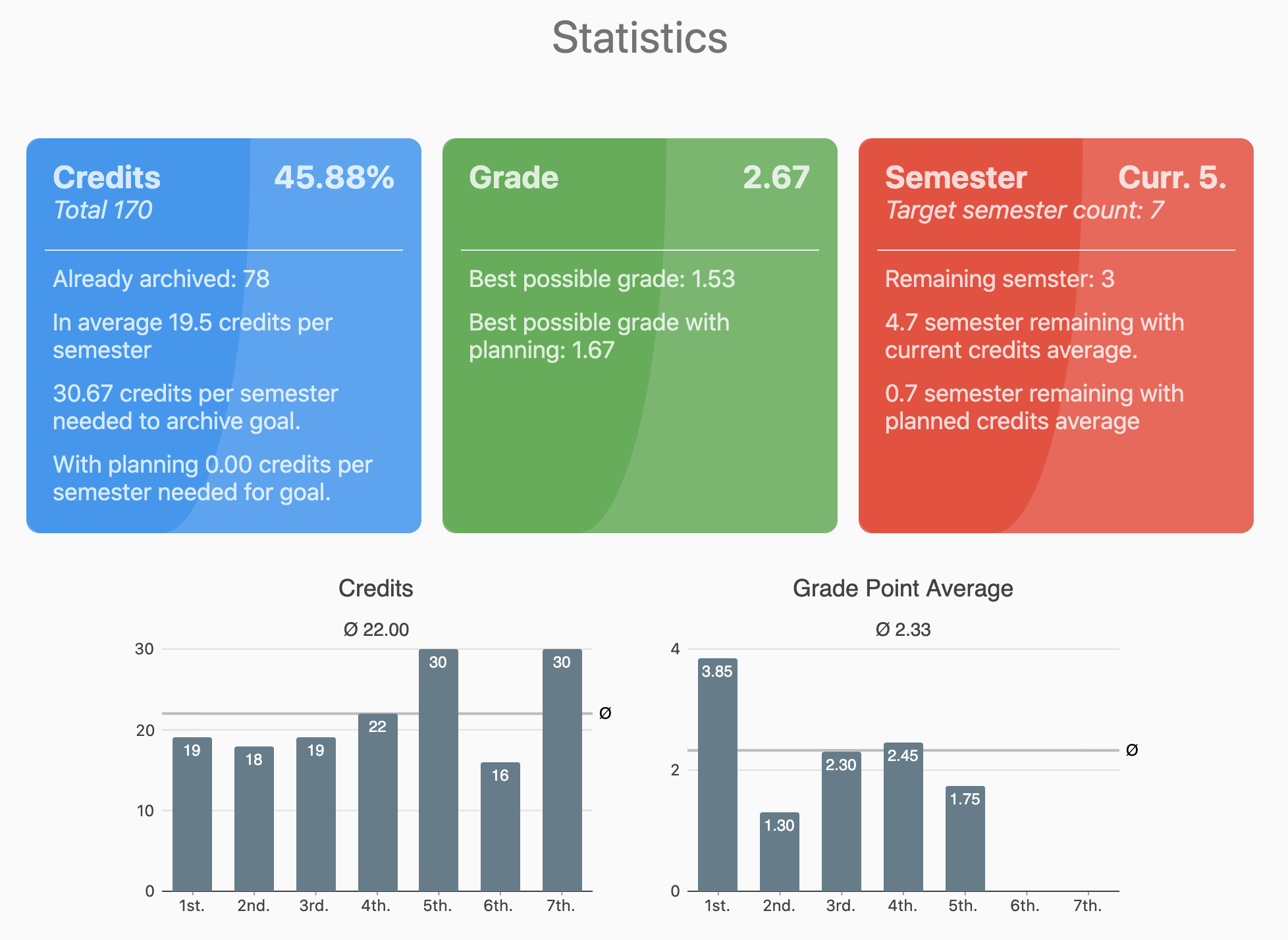
Plan and analyse your course of studies with Study Planner!
## Getting Started
For Flutter Web development the flutter beta channel must be used. Follow [this](https://flutter.dev/docs/get-started/web) guideline for setup.
* Generate dart classes with `flutter pub run build_runner build`
* Run for dev with `flutter run -d chrome`
* Build for web with `flutter build web`
# Structure
```
| - assets
| - build
| - web
| - fonts
| - web
| - lib
| - main.dart
| - models
| - pages
| - services
| - utils
| - widgets
| - common
| - pubspec.yaml
```
The whole code is under the lib folder, categorized by models, pages, services, utils or widgets. Common widgets are in the common folder with a "CW" as prefix, where as widget specific for this app are in the root widgets folder and have the prefix "SP". The entry point of the app is main.dart which lays directly under the lib folder.
Assets are located in the assets folder, the index.html is located in the web folder. When building a (release) version all sources (including the index.html) are located under build/web.
## Impressions