https://github.com/directvt/vtm
Text-based desktop environment
https://github.com/directvt/vtm
desktop-environment htui hybrid-tui multiplexer terminal text-based windows-console
Last synced: 5 months ago
JSON representation
Text-based desktop environment
- Host: GitHub
- URL: https://github.com/directvt/vtm
- Owner: directvt
- License: mit
- Created: 2019-09-19T22:01:31.000Z (almost 7 years ago)
- Default Branch: master
- Last Pushed: 2026-02-15T22:41:39.000Z (5 months ago)
- Last Synced: 2026-02-16T06:23:21.943Z (5 months ago)
- Topics: desktop-environment, htui, hybrid-tui, multiplexer, terminal, text-based, windows-console
- Language: C++
- Homepage:
- Size: 27.3 MB
- Stars: 3,241
- Watchers: 25
- Forks: 75
- Open Issues: 20
-
Metadata Files:
- Readme: readme.md
- License: LICENSE
Awesome Lists containing this project
- awesome-cli-apps-in-a-csv - vtm - Virtual terminal multiplexer delivered as a single executable; It runs in native Windows or standard consoles, wraps any CLI app and supports infinite nesting to create a text-based desktop that bridges the gap between TUI and GUI. (<a name="terminal"></a>Terminals)
- awesome-cli-apps - vtm - Virtual terminal multiplexer delivered as a single executable; It runs in native Windows or standard consoles, wraps any CLI app and supports infinite nesting to create a text-based desktop that bridges the gap between TUI and GUI. (<a name="terminal"></a>Terminals)
README
# vtm
Vtm is a virtual terminal multiplexer delivered as a single executable. It runs identically in native windows or standard consoles, wraps any CLI app, and supports infinite nesting to create a text-based desktop that bridges the gap between TUI and GUI.
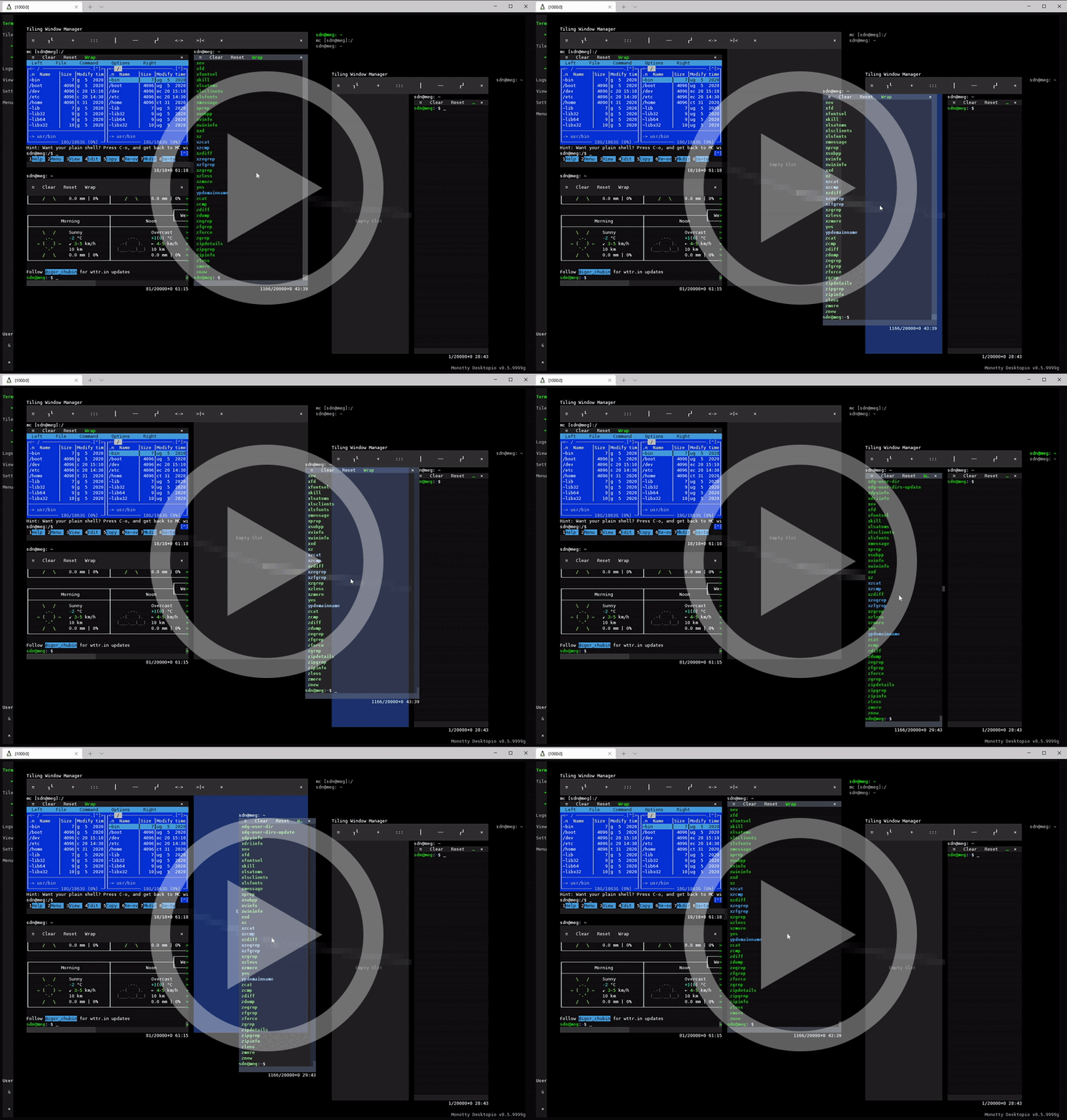
## Get started
### Desktop mode
Run `vtm` to start the desktop environment.
### Terminal mode
Run `vtm --run term []` to use vtm as a full-fledged standalone terminal emulator.
### Binary connection via SSH
Accessing vtm via SSH using the DirectVT protocol outperforms the classic connection:
```bash
vtm ssh user@host vtm
```
### Demos
Check out VT2D power (Windows only for now):
```bash
vtm --run test
```
HybridTUI (HTUI) app examples (just concepts):
```bash
vtm --run calc
vtm --run text
vtm --run gems
```
## Supported platforms
- Windows
- Windows 8.1 and later (including Windows Server Core and Windows PE)
- [Unix-like](https://en.wikipedia.org/wiki/Unix-like)
- Linux
- macOS
- FreeBSD
- NetBSD
- OpenBSD
- [`...`](https://en.wikipedia.org/wiki/POSIX#POSIX-oriented_operating_systems)
[Tested Terminals](https://github.com/directvt/vtm/discussions/72)
Currently, rendering into a native GUI window is only available on the Windows platform; on Unix-like platforms, a terminal emulator is required.
## Binary downloads
 [](https://github.com/directvt/vtm/releases/latest/download/vtm_linux_x86_64.tar.7z) [](https://github.com/directvt/vtm/releases/latest/download/vtm_linux_arm64.tar.7z) [](https://github.com/directvt/vtm/releases/latest/download/vtm_linux_x86.tar.7z) [](https://github.com/directvt/vtm/releases/latest/download/vtm_linux_arm32.tar.7z)
 [](https://github.com/directvt/vtm/releases/latest/download/vtm_windows_x86_64.7z) [](https://github.com/directvt/vtm/releases/latest/download/vtm_windows_arm64.7z) [](https://github.com/directvt/vtm/releases/latest/download/vtm_windows_x86.7z)
 [](https://github.com/directvt/vtm/releases/latest/download/vtm_macos_x86_64.tar.7z) [](https://github.com/directvt/vtm/releases/latest/download/vtm_macos_arm64.tar.7z)
## Documentation
- [Quickstart](doc/architecture.md#quickstart)
- [Architecture](doc/architecture.md)
- [Building from source](doc/build.md)
- [Command-line options](doc/command-line-options.md)
- [User interface](doc/user-interface.md)
- [Settings](doc/settings.md)
- [VT2D](doc/character_geometry.md)