https://github.com/diversen/electron-markdown-editor
A simple electron markdown editor made with Uikit, Codemirror and markdown-it. Support for MathJax, code highlighting, live preview, and more.
https://github.com/diversen/electron-markdown-editor
electron electron-markdown-editor markdown-editor mathjax uikit
Last synced: 12 months ago
JSON representation
A simple electron markdown editor made with Uikit, Codemirror and markdown-it. Support for MathJax, code highlighting, live preview, and more.
- Host: GitHub
- URL: https://github.com/diversen/electron-markdown-editor
- Owner: diversen
- Created: 2015-12-27T20:47:15.000Z (over 10 years ago)
- Default Branch: master
- Last Pushed: 2022-12-07T18:06:37.000Z (over 3 years ago)
- Last Synced: 2024-04-14T12:33:49.778Z (over 2 years ago)
- Topics: electron, electron-markdown-editor, markdown-editor, mathjax, uikit
- Language: JavaScript
- Size: 1.23 MB
- Stars: 57
- Watchers: 2
- Forks: 14
- Open Issues: 11
-
Metadata Files:
- Readme: README.md
Awesome Lists containing this project
README
# Electron markdown editor
## Screenshot
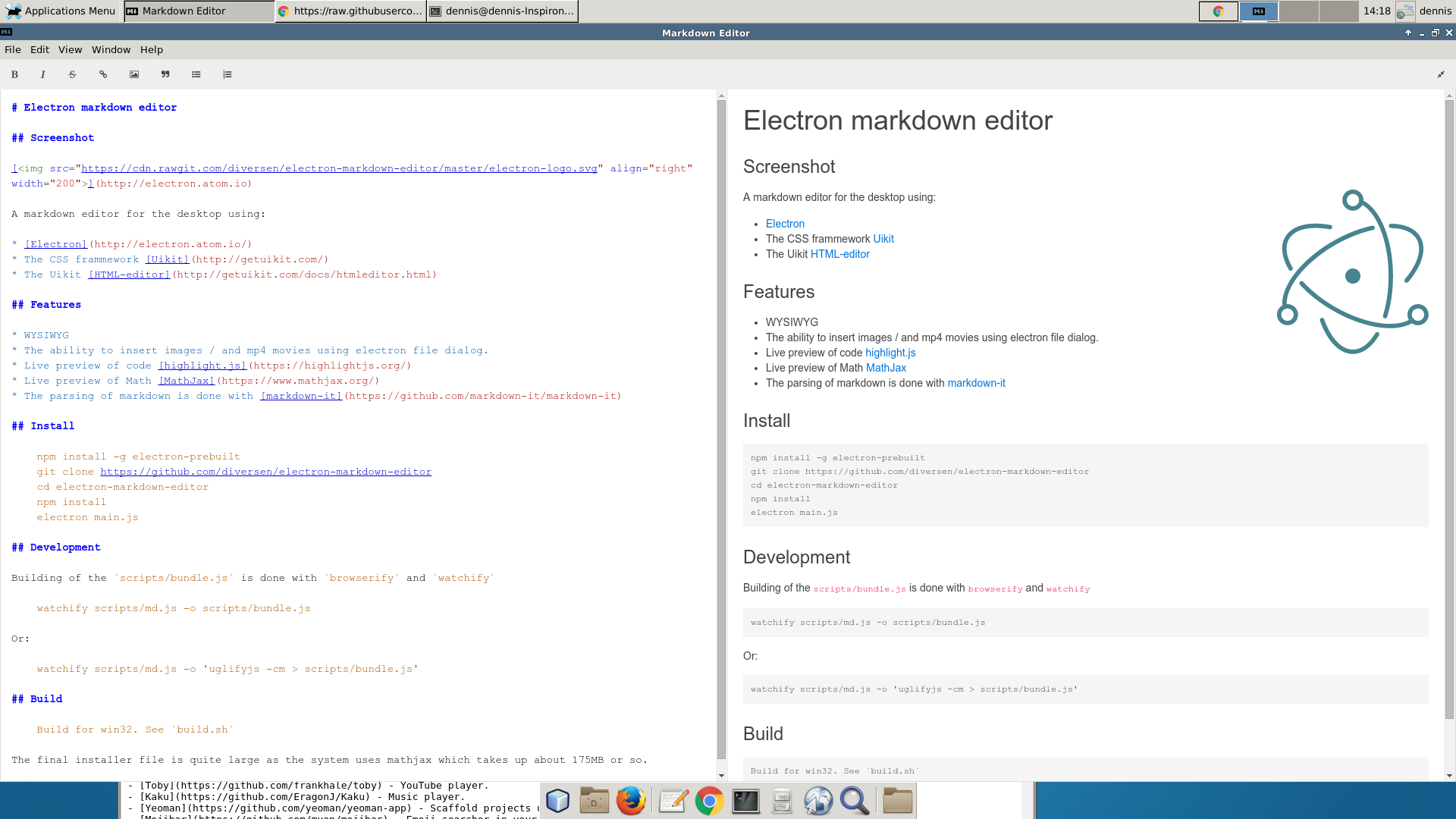
[ ](http://electron.atom.io)
A markdown editor for the desktop using:
* [Electron](http://electron.atom.io/)
* The CSS frammework [Uikit](http://getuikit.com/)
* The Uikit [HTML-editor](http://getuikit.com/docs/htmleditor.html) which uses the [CodeMirror editor](https://codemirror.net/)
## Features
* WYSIWYG
* Shortcuts (ctrl-S, Ctrl-O) `save` and `open`
* Dialog for image
* Dialog for videos (mp4)
* Dialog for tables
* Live preview of code [highlight.js](https://highlightjs.org/) with `tiles`, e.g.:
\~~~php
<?php
echo "hello world";
?>
\~~~
Becomes:
~~~php
~~~
* Live preview of Math [MathJax](https://www.mathjax.org/), e.g.:
$$\sum_{i=0}^n i^2 = \frac{(n^2+n)(2n+1)}{6}$$
(You will not be able to see parsing of MathJax on github.com or npmjs.com - but only when using the editor).
* The parsing of markdown is done with [markdown-it](https://github.com/markdown-it/markdown-it)
## Install
Use npm:
Global:
sudo npm install electron-markdown-editor -g
You can specify a file on the commandline. E.g.:
electron-markdown-editor README.md
## Development:
git clone https://github.com/diversen/electron-markdown-editor
cd electron-markdown-editor
npm install
Run electron-markdown-editor:
./bin/electron-markdown-editor README.md