https://github.com/djade007/flutter_paystack_client
Flutter Paystack plugin with support for Web, Android and iOS
https://github.com/djade007/flutter_paystack_client
flutter-plugin payment paystack
Last synced: 5 months ago
JSON representation
Flutter Paystack plugin with support for Web, Android and iOS
- Host: GitHub
- URL: https://github.com/djade007/flutter_paystack_client
- Owner: djade007
- License: apache-2.0
- Created: 2021-03-15T20:49:38.000Z (over 5 years ago)
- Default Branch: main
- Last Pushed: 2021-03-16T22:09:59.000Z (over 5 years ago)
- Last Synced: 2025-10-23T03:42:02.065Z (9 months ago)
- Topics: flutter-plugin, payment, paystack
- Language: Dart
- Homepage: https://pub.dev/packages/flutter_paystack_client
- Size: 453 KB
- Stars: 4
- Watchers: 1
- Forks: 3
- Open Issues: 2
-
Metadata Files:
- Readme: README.md
- Changelog: CHANGELOG.md
- License: LICENSE
Awesome Lists containing this project
README
# flutter_paystack_client
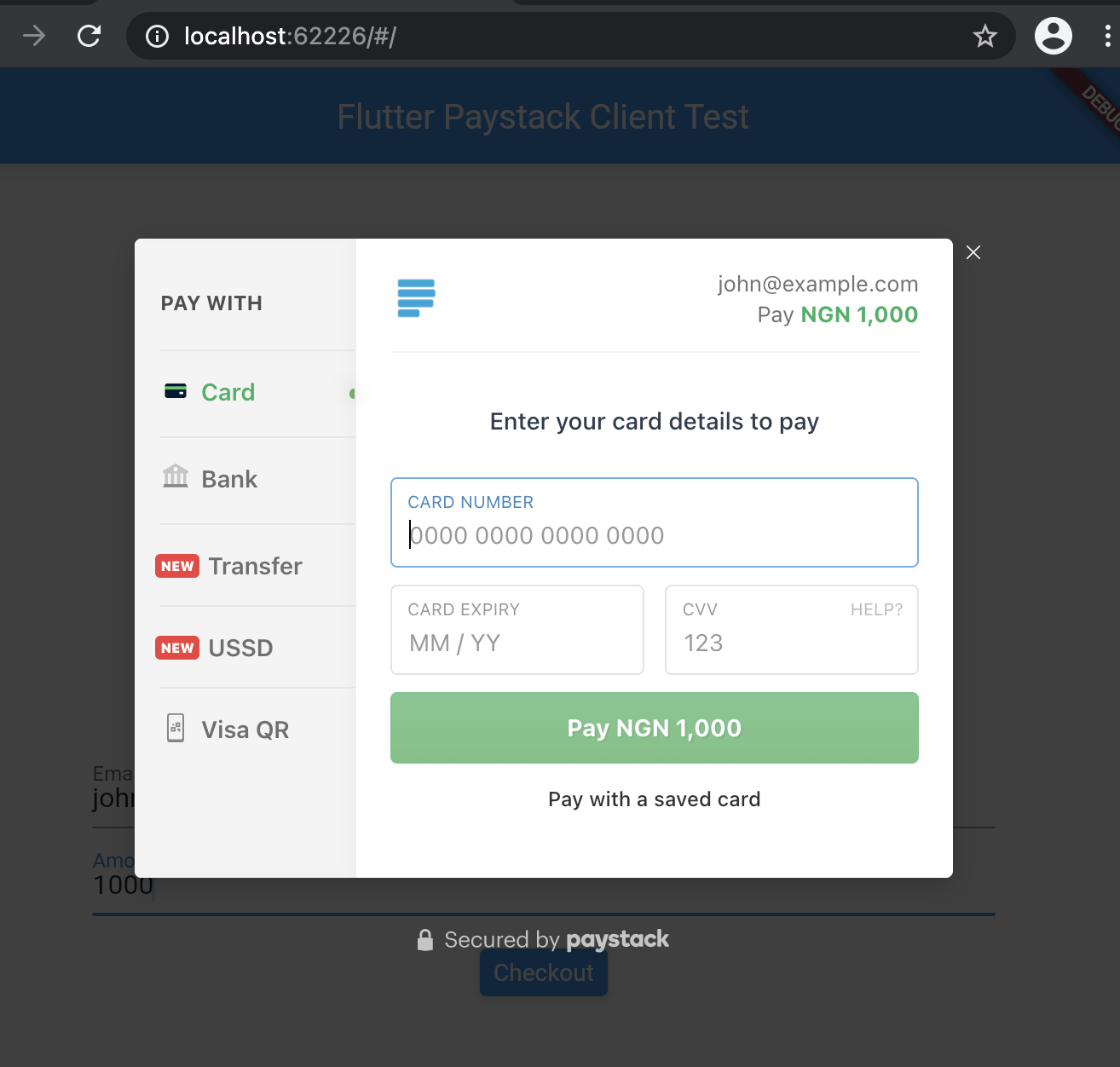
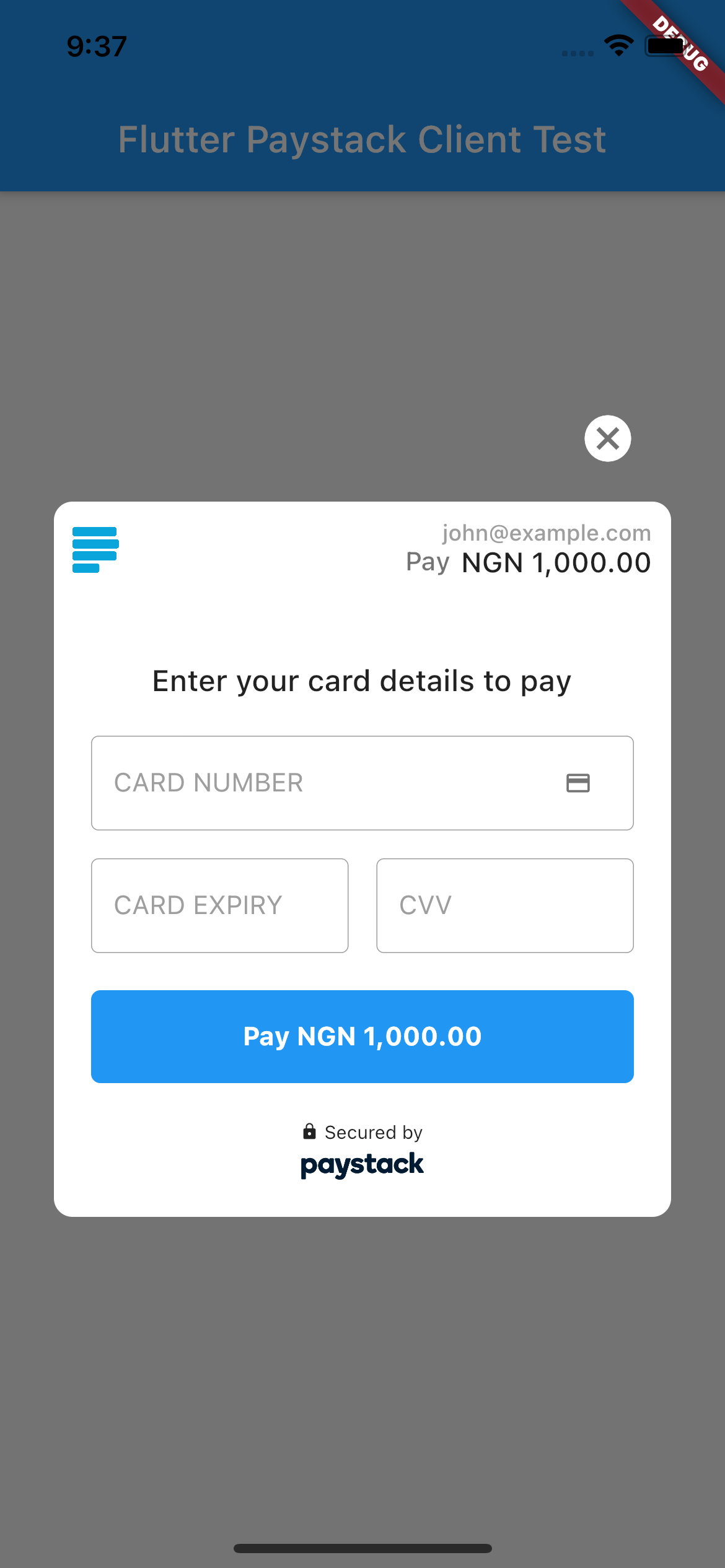
A Flutter plugin for making payments via Paystack Payment Gateway. Supports web, and mobile devices as a wrapper
around https://pub.dev/packages/flutter_paystack
## :rocket: Installation
To use this plugin, add `flutter_paystack_client` as
a [dependency in your pubspec.yaml file](https://flutter.dev/platform-plugins/).
Then initialize the plugin preferably in the `initState` of your widget.
``` dart
import 'package:flutter_paystack_client/flutter_paystack_client.dart';
class _PaymentPageState extends State {
var publicKey = '[YOUR_PAYSTACK_PUBLIC_KEY]';
@override
void initState() {
PaystackClient.initialize(publicKey);
}
}
```
### Web
Include the Paystack JS script in your index.html file
```
```
### Usage
```dart
Charge charge = Charge()
..amount = 10000
..reference = _getReference()
..email = 'customer@email.com';
CheckoutResponse response = await PaystackPlugin.checkout(
context context,
charge: charge,
);
```
It is recommended that when `PaystackClient.checkout()` returns, the
payment should be
[verified](https://developers.paystack.co/v2.0/reference#verify-transaction)
on your backend.