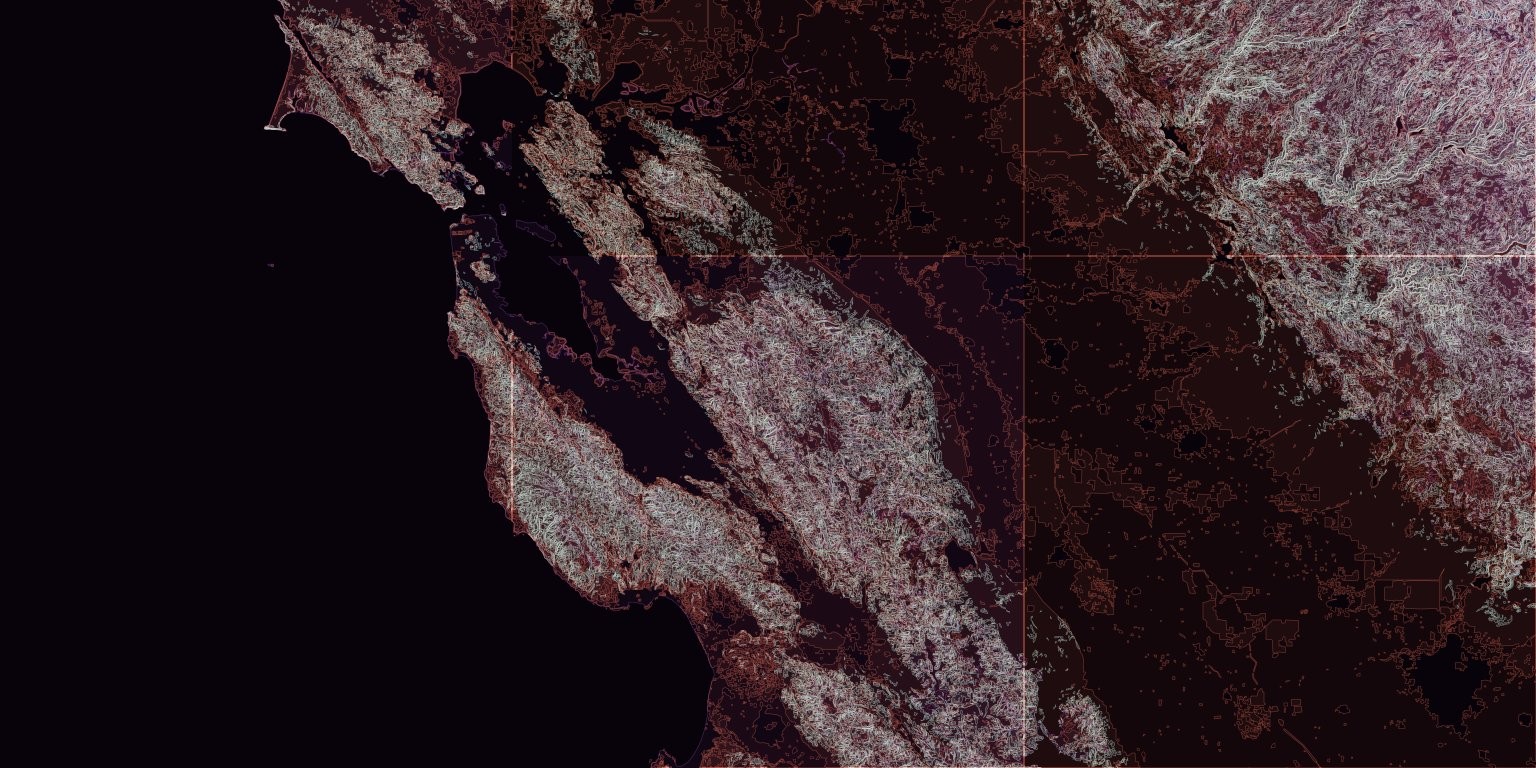
https://github.com/dkaoster/mapboxed
Generate assembled mapbox tiles.
https://github.com/dkaoster/mapboxed
Last synced: about 1 year ago
JSON representation
Generate assembled mapbox tiles.
- Host: GitHub
- URL: https://github.com/dkaoster/mapboxed
- Owner: dkaoster
- License: mit
- Created: 2020-12-17T10:25:35.000Z (over 5 years ago)
- Default Branch: main
- Last Pushed: 2024-09-27T06:20:56.000Z (over 1 year ago)
- Last Synced: 2025-03-28T21:02:14.468Z (about 1 year ago)
- Language: JavaScript
- Homepage:
- Size: 944 KB
- Stars: 12
- Watchers: 3
- Forks: 3
- Open Issues: 2
-
Metadata Files:
- Readme: README.md
- License: LICENSE
Awesome Lists containing this project
README
# Mapboxed
Generate assembled mapbox tilesets.
## CLI Usage
```
Usage: mapboxed [options]
Downloads tiles from mapbox and stitches them together into one image file
Options:
-V, --version output the version number
-z, --zoom zoom level
-l, --location string query specifying the location of interest
-x1 left longitude boundary
-x2 right longitude boundary
-y1 top latitude boundary
-y2 bottom latitude boundary
-o, --outfile output filename (default: "mapboxed.jpg")
-t, --tileset mapbox tileset id (default: "mapbox.satellite")
-k, --key mapbox token (will override read from MAPBOX_TOKEN
environment variable)
-f, --format image format to download (jpg90 | jpg80 | jpg70 |
png256 | png128 | png64 | png32 | png) (default: "jpg90")
-p, --parallel Number of parallel connection to make to mapbox (default: "5")
-r, --res2x fetch @2x size resolution
-s, --silent do not confirm download size
-c, --cache keep and read from temp tile files in .mapboxed
-h, --help display help for command
```
The output file stitches together the tiles specified by the parameters given. Note that if the coordinate boundaries specified in the arguments do not fall precisely on a tile boundary, mapboxed will output a file up to the nearest tile still containing your entire coordinate boundaries. This final boundary is written to the image's metadata in the description field as a serialized array in the form of `[lng1, lat1, lng2, lat2]`.
## Examples
with [npm version 5.2.0 or up](https://github.com/npm/npm/releases/tag/v5.2.0), directly run the following commands in the terminal, no extra installation necessary. (Note: you will need a [mapbox access token](https://account.mapbox.com/) to be set with the environment variable `MAPBOX_TOKEN` or passed in with `-k`)
```
npx mapboxed -z 9 -x1 -123.0652 -y1 38.1799 -x2 -120.1163 -y2 37.1431
```
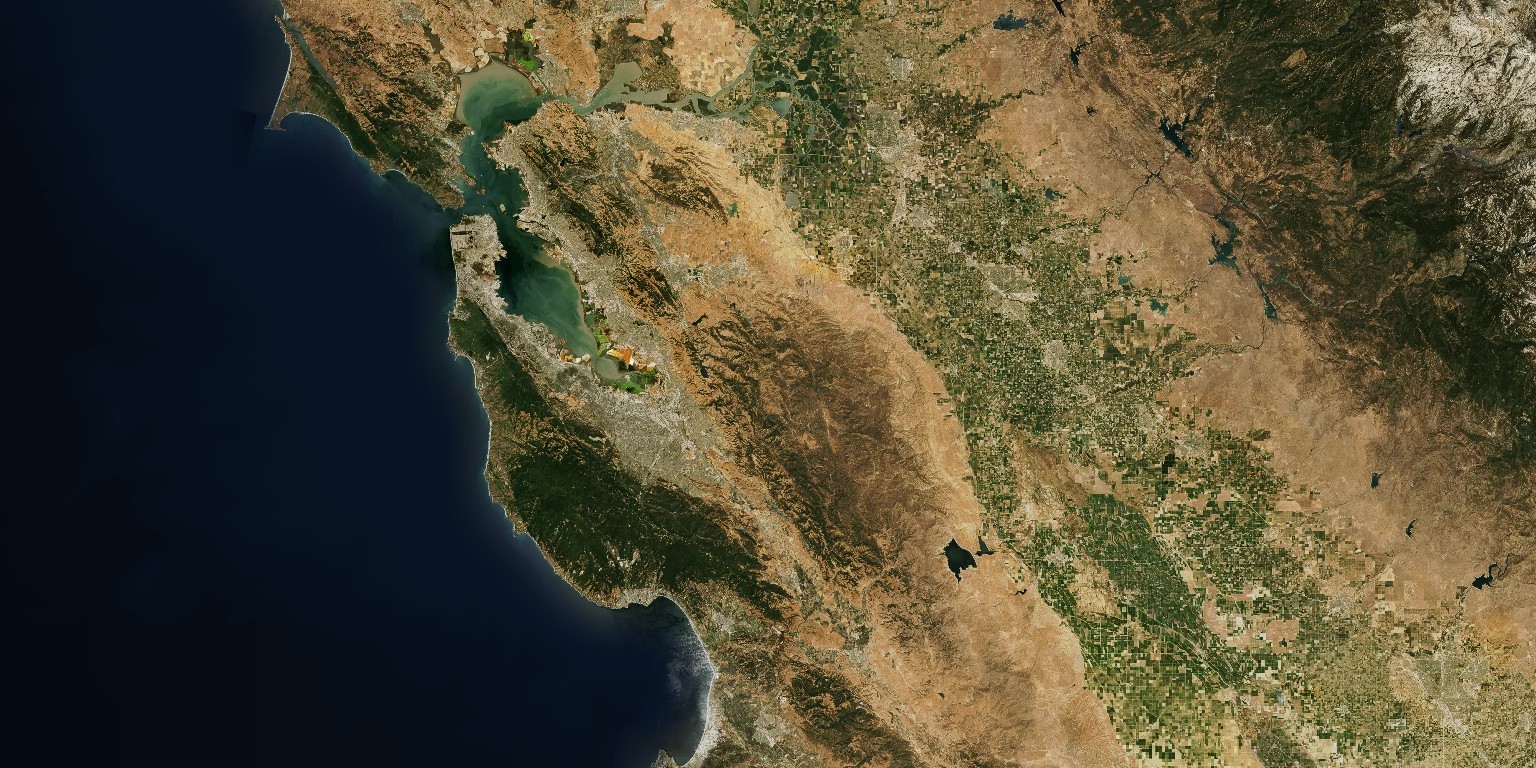
```
npx mapboxed -z 9 -x1 -123.0652 -y1 38.1799 -x2 -120.1163 -y2 37.1431 -t mapbox.mapbox-terrain-v2
```