https://github.com/dklesev/slidev-theme-ebpf-vienna
eBPF Vienna theme for slidev
https://github.com/dklesev/slidev-theme-ebpf-vienna
ebpf meetup slidev-theme vienna
Last synced: 4 months ago
JSON representation
eBPF Vienna theme for slidev
- Host: GitHub
- URL: https://github.com/dklesev/slidev-theme-ebpf-vienna
- Owner: dklesev
- License: mit
- Created: 2025-01-06T15:15:34.000Z (over 1 year ago)
- Default Branch: main
- Last Pushed: 2026-01-31T10:32:11.000Z (5 months ago)
- Last Synced: 2026-01-31T22:55:10.752Z (5 months ago)
- Topics: ebpf, meetup, slidev-theme, vienna
- Language: CSS
- Homepage: https://www.meetup.com/de-DE/ebpf-vienna/
- Size: 1.64 MB
- Stars: 4
- Watchers: 2
- Forks: 0
- Open Issues: 1
-
Metadata Files:
- Readme: README.md
- Changelog: CHANGELOG.md
- Contributing: CONTRIBUTING.md
- License: LICENSE
Awesome Lists containing this project
README
# slidev-theme-ebpf-vienna
[](https://github.com/dklesev/slidev-theme-ebpf-vienna/packages)
[](./LICENSE)
[](https://nodejs.org)
A Slidev theme designed for [eBPF Vienna](https://www.meetup.com/ebpf-vienna/) meetup presentations. This theme provides a clean, modern interface tailored for technical presentations about eBPF (extended Berkeley Packet Filter).
## Features
- 🎨 Custom layouts optimized for technical content
- 🖼️ eBPF Vienna branding and styling
- 📦 Pre-configured with useful Slidev addons
- 🔧 Syntax highlighting for C code examples
- 📱 QR code support for easy sharing
## Installation
This package is published to GitHub Packages. First, configure npm to use GitHub Packages for the `@dklesev` scope:
```bash
# Create or edit ~/.npmrc
echo "@dklesev:registry=https://npm.pkg.github.com" >> ~/.npmrc
```
Then install the theme:
```bash
npm install @dklesev/slidev-theme-ebpf-vienna
```
Or using pnpm:
```bash
pnpm add @dklesev/slidev-theme-ebpf-vienna
```
## Usage
Add the following frontmatter to your `slides.md`:
```yaml
---
theme: @dklesev/ebpf-vienna
---
```
Start Slidev and the theme will be automatically applied:
```bash
pnpm run dev
```
## Layouts
This theme provides the following layouts:
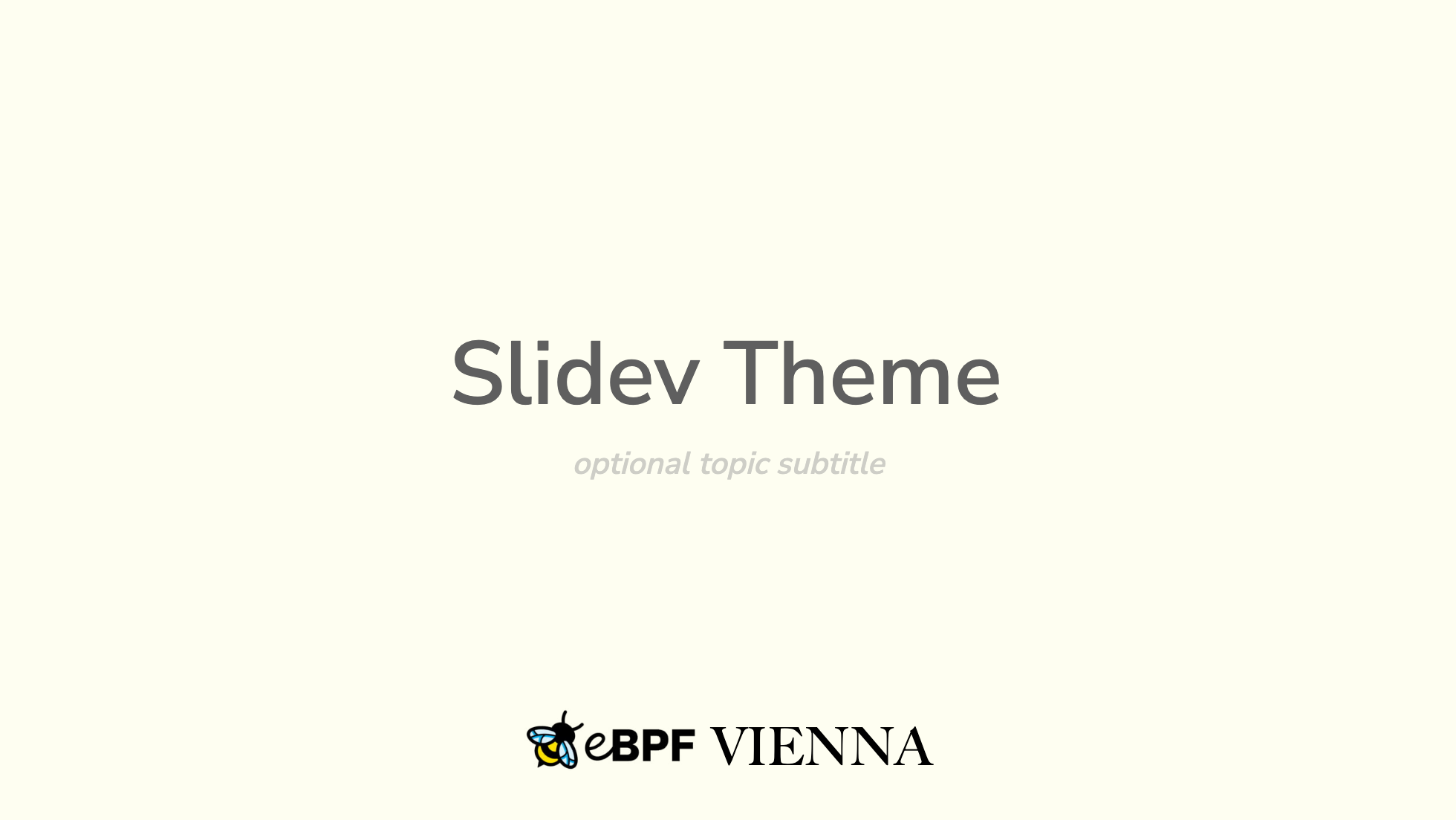
### `cover`
The title slide layout with eBPF Vienna branding. Features centered content with the eBPF logo and "VIENNA" text at the bottom.
```yaml
---
layout: cover
---
# Your Presentation Title
optional subtitle
```
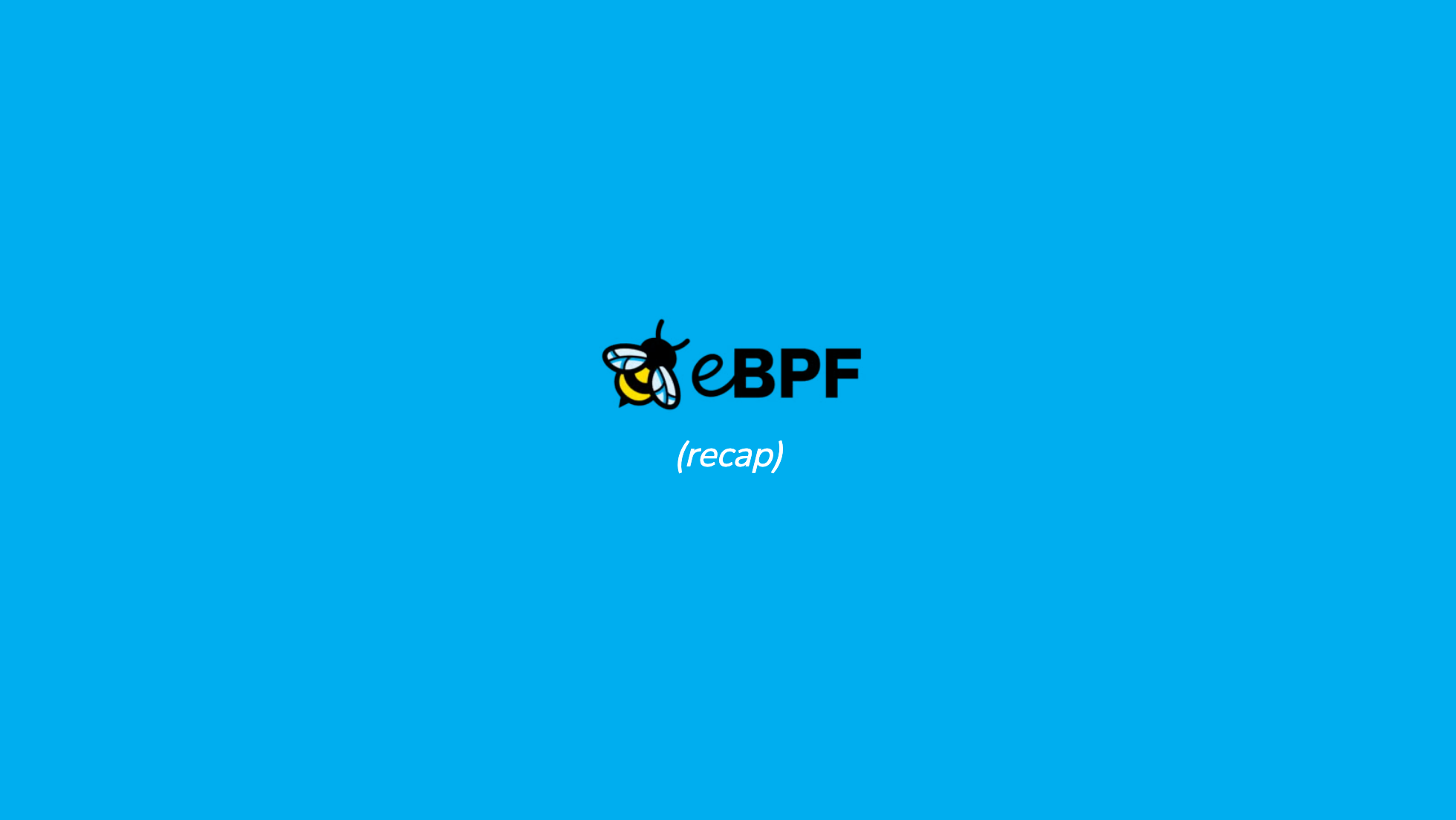
### `lead`
A layout for section dividers or emphasis slides. Content is vertically centered.
```yaml
---
layout: lead
---
# Section Title
```
### `intro`
Similar to lead layout, used for introductory content with centered text.
```yaml
---
layout: intro
---
# Introduction
Your intro content
```
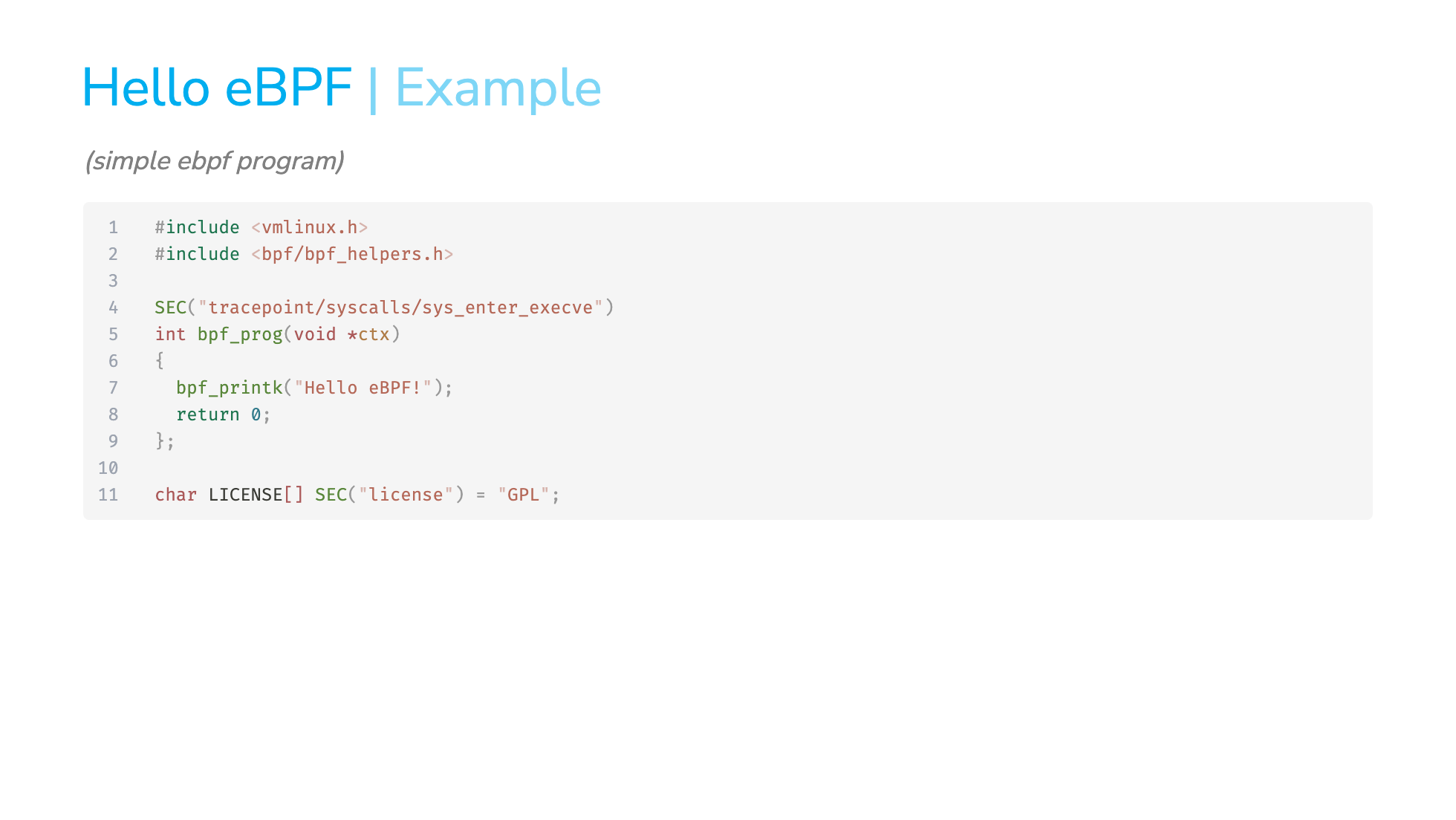
### `default`
Standard slide layout for regular content.
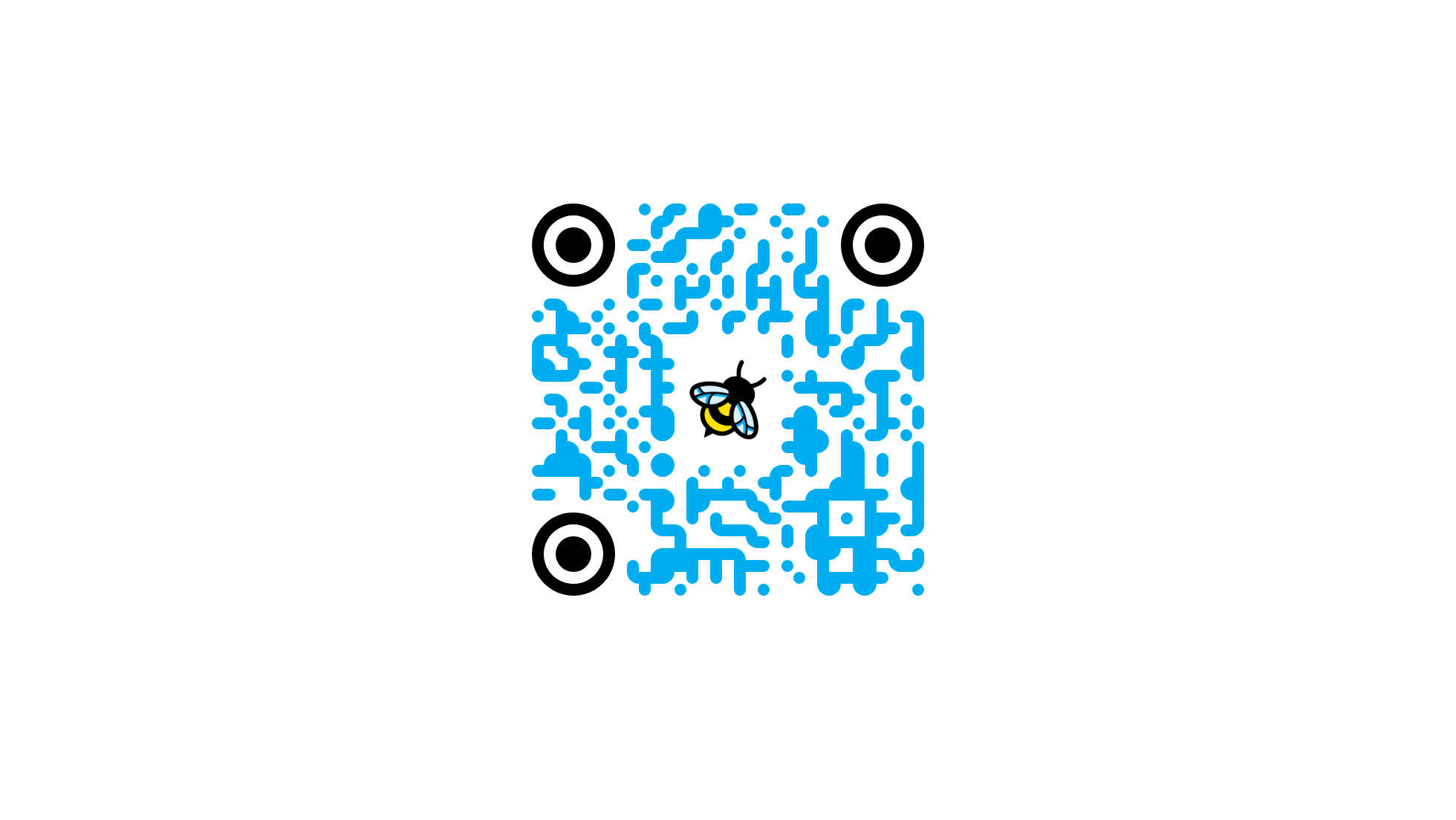
### `empty`
Blank layout with no default styling, useful for custom content like QR codes.
```yaml
---
layout: empty
---
```
## Included Addons
This theme comes pre-configured with:
- **[slidev-component-spotlight](https://github.com/Zerodya/slidev-component-spotlight)** - Highlight specific areas of your slides
- **[slidev-addon-qrcode](https://github.com/Zhengqbbb/slidev-addon-qrcode)** - Generate QR codes for easy link sharing
## Example
See [example.md](./example.md) for a complete example presentation showcasing all available layouts and features.
To preview the example:
```bash
pnpm run dev
```
## Development
To develop this theme locally:
```bash
# Install dependencies
pnpm install
# Start dev server with example slides
pnpm run dev
# Build example slides
pnpm run build
# Export example to PDF
pnpm run export
# Generate PNG screenshots
pnpm run screenshot --output ./screenshots
```
## Contributing
Contributions are welcome! Please feel free to submit issues and pull requests.
1. Fork the repository
2. Create your feature branch (`git checkout -b feature/amazing-feature`)
3. Commit your changes (`git commit -m 'Add some amazing feature'`)
4. Push to the branch (`git push origin feature/amazing-feature`)
5. Open a Pull Request
## License
MIT License - see the [LICENSE](./LICENSE) file for details.
## Links
- [eBPF Vienna Meetup](https://www.meetup.com/ebpf-vienna/)
- [eBPF Foundation](https://ebpf.io)
- [Slidev Documentation](https://sli.dev)
## Credits
Created for the [eBPF Vienna](https://www.meetup.com/ebpf-vienna/) community.