https://github.com/dlech/ev3dev-photo-booth
Webcam app for LEGO MINDSTORMS EV3 running ev3dev
https://github.com/dlech/ev3dev-photo-booth
Last synced: 8 months ago
JSON representation
Webcam app for LEGO MINDSTORMS EV3 running ev3dev
- Host: GitHub
- URL: https://github.com/dlech/ev3dev-photo-booth
- Owner: dlech
- Created: 2016-02-09T02:21:48.000Z (over 10 years ago)
- Default Branch: master
- Last Pushed: 2016-03-17T19:50:28.000Z (over 10 years ago)
- Last Synced: 2025-04-13T11:52:50.519Z (about 1 year ago)
- Language: Python
- Size: 6.84 KB
- Stars: 6
- Watchers: 2
- Forks: 5
- Open Issues: 0
-
Metadata Files:
- Readme: README.md
Awesome Lists containing this project
README
ev3dev Photo Booth
==================
A webcam app for LEGO MINDSTORMS EV3 running [ev3dev].
[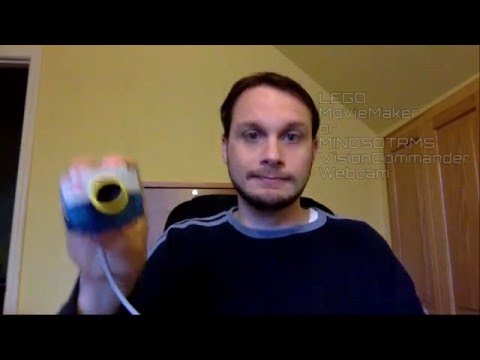](http://www.youtube.com/watch?v=b3qE2un9-HQ "How to take an ev3dev selfie")
[ev3dev]: http://www.ev3dev.org
Installation
------------
* Install `fswebcam` on your EV3.
sudo apt-get update && sudo apt-get install fswebcam
* Copy `ev3dev-photo-booth.py` to the `/home/robot` directory on your EV3.
wget https://raw.githubusercontent.com/dlech/ev3dev-photo-booth/master/ev3dev-photo-booth.py
* Make sure the executable bit is set.
chmod +x ev3-photo-booth.py
Usage
-----
* Run `ev3-photo-booth.py` from the file browser on your EV3.
* Press the ENTER button (center button on the EV3) or the button on the webcam
itself if it has one to start the countdown.
* Strike a pose. The picture is captured when the screens says "Cheese!".
* The picture will appear on the screen of the EV3.
* Press the BACKSPACE (back button on the EV3) button to exit.