https://github.com/dmhendricks/wordpress-whmcs-licensing-example-plugin
An example plugin for validating license keys via the WHMCS Licensing Addon
https://github.com/dmhendricks/wordpress-whmcs-licensing-example-plugin
license license-checking whmcs wordpress-plugin
Last synced: about 1 year ago
JSON representation
An example plugin for validating license keys via the WHMCS Licensing Addon
- Host: GitHub
- URL: https://github.com/dmhendricks/wordpress-whmcs-licensing-example-plugin
- Owner: dmhendricks
- Created: 2017-12-31T06:26:30.000Z (over 8 years ago)
- Default Branch: master
- Last Pushed: 2017-12-31T06:32:37.000Z (over 8 years ago)
- Last Synced: 2025-04-10T12:07:18.285Z (about 1 year ago)
- Topics: license, license-checking, whmcs, wordpress-plugin
- Language: PHP
- Size: 146 KB
- Stars: 5
- Watchers: 2
- Forks: 6
- Open Issues: 2
-
Metadata Files:
- Readme: README.md
Awesome Lists containing this project
README
[](https://www.danhendricks.com)
[](https://paypal.me/danielhendricks)
[](http://bit.ly/WPEnginePlans)
[](https://raw.githubusercontent.com/dmhendricks/wordpress-whmcs-licensing-example-plugin/master/LICENSE)
[](https://twitter.com/danielhendricks)
# WHMCS Licensing Example WordPress Plugin
## Description
This is a very simple example of how to do license key checks against the [Software Licensing](https://www.whmcs.com/software-licensing/) addon for WHMCS.
The author of this plugin has no affiliation with and this plugin is neither endorsed nor supported by WHMCS Limited.
## Requirements
* WordPress 4.5 or higher
* PHP 5.6 or higher
* [Software Licensing](https://www.whmcs.com/software-licensing/) for [WHMCS](https://www.whmcs.com/)
## Installation
### WordPress
Download the [installable ZIP](https://f001.backblazeb2.com/file/hendricks/projects/github/dmhendricks/wordpress-whmcs-licensing-example-plugin/licensing-addon-example.zip) file and upload it to your plugins directory via WP Admin > Plugins > Add New.
### Composer
1. Clone the repository to your WordPress plugins directory.
2. Run `composer install` in the directory from the command prompt.
## Configuration
Before you can test the plugin, you need to modify the `plugin.json` file in the root of the plugin folder.
- `url` - The URL to your WHMCS installation.
- `product_key` - The "Secret Key" as configured in your licensed product in WHMCS.
- `local_key_expire_days` - The number of days between license checks.
- `allow_check_fail_days` - The number of days to allow failed validations (in the event that your WHMCS installation is inaccessible).
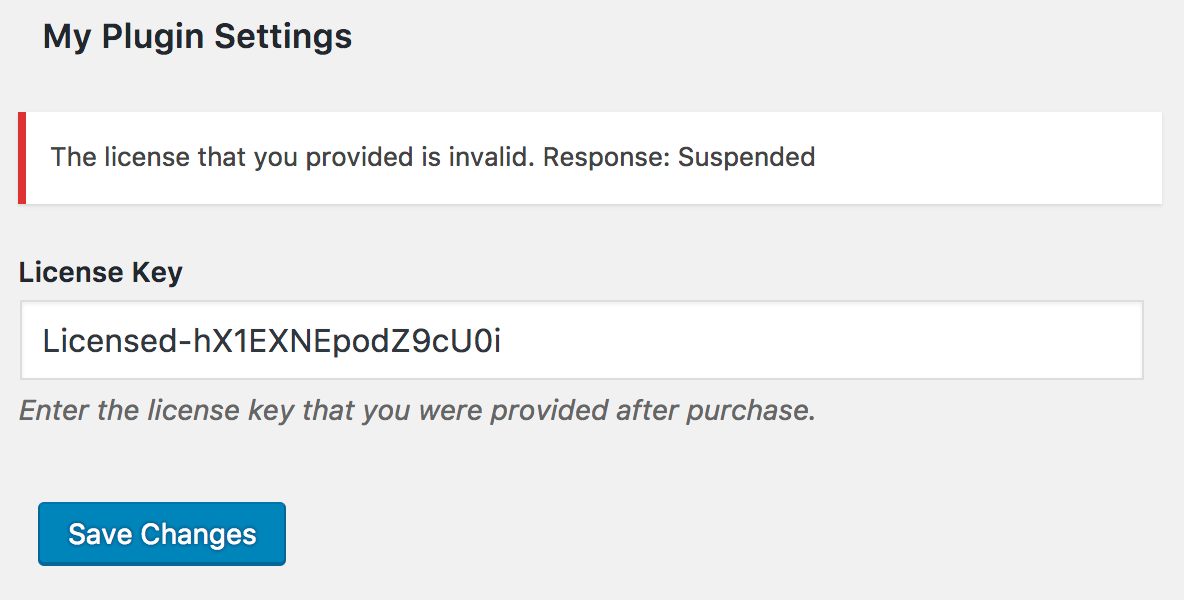
## Screenshot