https://github.com/dmolina/daemonmode.jl
Client-Daemon workflow to run faster scripts in Julia
https://github.com/dmolina/daemonmode.jl
hacktoberfest
Last synced: over 1 year ago
JSON representation
Client-Daemon workflow to run faster scripts in Julia
- Host: GitHub
- URL: https://github.com/dmolina/daemonmode.jl
- Owner: dmolina
- License: mit
- Created: 2020-07-01T09:57:37.000Z (about 6 years ago)
- Default Branch: master
- Last Pushed: 2024-07-13T11:35:20.000Z (almost 2 years ago)
- Last Synced: 2025-03-29T18:05:49.215Z (over 1 year ago)
- Topics: hacktoberfest
- Language: Julia
- Homepage:
- Size: 1.95 MB
- Stars: 278
- Watchers: 3
- Forks: 17
- Open Issues: 34
-
Metadata Files:
- Readme: README.md
- Changelog: CHANGELOG.md
- License: LICENSE
Awesome Lists containing this project
README
# DaemonMode

[](https://dmolina.github.io/DaemonMode.jl/dev/)
[](https://zenodo.org/badge/latestdoi/276341198)
# Introduction
Julia is a great language, but the Just-in-Time compiler implies that loading a package could takes a considerable time, this is called the _first plot problem_.
It is true that this time is only required for the first time (and there are options, like using and the package [Revise](https://github.com/timholy/Revise.jl)). However, it is a great disadvantage when we want to use Julia to create small scripts.
This package solves that problem. Inspired by the daemon-mode of Emacs, this
package uses a server/client model. This allows julia to run scripts a lot
faster, because the package is maintained in memory between the runs of (to run
the same script several times).
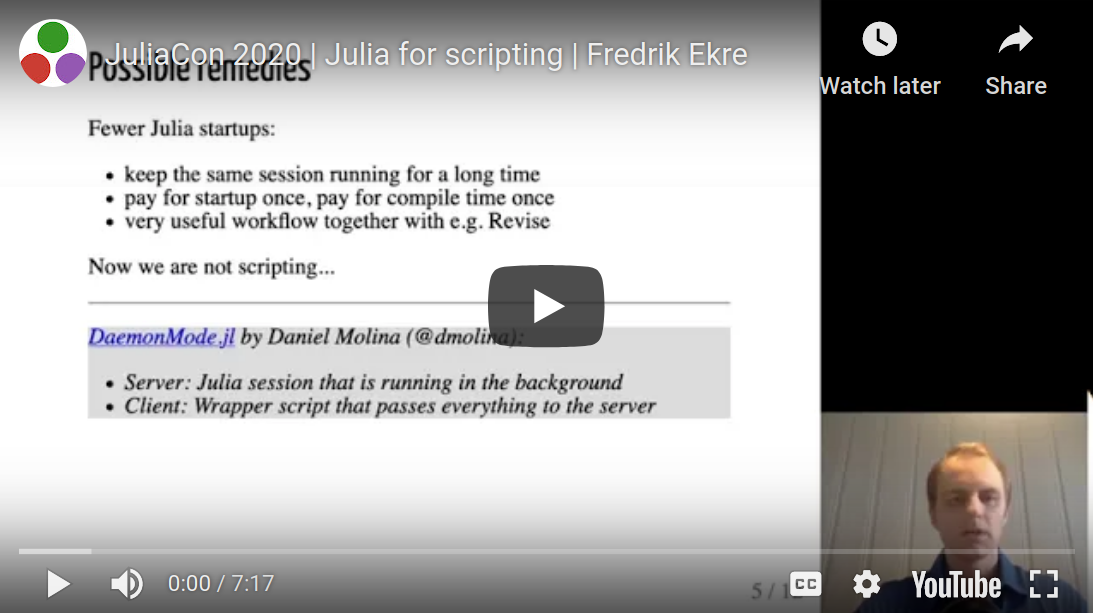
# Introduced in JuliaCon 2020
This package has been mentioned in JuliaCon 2020, Thank you, Fredrik Ekre!
[](https://www.youtube.com/watch?v=IuwxE3m0_QQ)
# Presented in JuliaCon 2021
I gave a talk *Faster scripts in Julia with DaemonMode.jl*
about the package and its advantages in the JuliaCon 2021 in the [Talk in
JuliaCon 2021](https://pretalx.com/juliacon2021/talk/KJNRGA/). Now it is online at:
[](https://www.youtube.com/watch?v=wCkuXAdE8E0).
# Usage
- The server, that is responsible for running all julia scripts:
```julia
julia --startup-file=no -e 'using DaemonMode; serve()'
```
- A client, that sends to the server the file to be run, and returns the output obtained (without --startup-file=no could be slow, use that option unless you know you want your .julia/config/startup.jl file run):
```julia
julia --startup-file=no -e 'using DaemonMode; runargs()' program.jl
```
You can use an alias:
```sh
alias juliaclient='julia --startup-file=no -e "using DaemonMode; runargs()"'
```
then, instead of `julia program.jl` you can do `juliaclient program.jl`. The output should be the same, while running much faster.
# Process
The process is the following:
1. The client process sends the program *program.jl* with the required arguments to the server.
2. The server receives the program name, and run it, returning the output to the client process.
3. The client process receives the output and shows it to the console.
# Example
Suppose that we have the script *test.jl*
```julia
using CSV, DataFrames
fname = only(ARGS)
df = CSV.File(fname) |> DataFrame
println(first(df, 3))
```
The normal method is:
```sh
$ time julia test.jl tsp_50.csv
...
3×2 DataFrame
│ Row │ x │ y │
│ │ Float64 │ Float64 │
├─────┼──────────┼────────────┤
│ 1 │ 0.420169 │ 0.628786 │
│ 2 │ 0.892219 │ 0.673288 │
│ 3 │ 0.530688 │ 0.00151249 │
real 0m18.831s
user 0m18.670s
sys 0m0.476s
```
Only loading the CSV, DataFrames, and reading a simple file takes 18 seconds on my computer. Every time that you run the program is going to take these 18 seconds.
using DaemonMode:
```sh
$ julia --startup-file=no -e 'using DaemonMode; serve()' &
$ time juliaclient test.jl tsp_50.csv
3×2 DataFrames.DataFrame
│ Row │ x │ y │
│ │ Float64 │ Float64 │
├─────┼──────────┼────────────┤
│ 1 │ 0.420169 │ 0.628786 │
│ 2 │ 0.892219 │ 0.673288 │
│ 3 │ 0.530688 │ 0.00151249 │
real 0m18.596s
user 0m0.329s
sys 0m0.318s
```
But next time (and thereafter), it is a lot faster (I accept donations :-)):
```sh
$ time juliaclient test.jl tsp_50.csv
3×2 DataFrames.DataFrame
│ Row │ x │ y │
│ │ Float64 │ Float64 │
├─────┼──────────┼────────────┤
│ 1 │ 0.420169 │ 0.628786 │
│ 2 │ 0.892219 │ 0.673288 │
│ 3 │ 0.530688 │ 0.00151249 │
real 0m0.355s
user 0m0.336s
sys 0m0.317s
```
A reduction from 18s to 0.3s, the **next run only take a 2% of the original time*.
Also, you can change the file and the performance is maintained:
*test2.jl*:
```julia
using CSV, DataFrames
fname = only(ARGS)
df = CSV.File(fname) |> DataFrame
println(last(df, 10))
```
```sh
$ time juliaclient test2.jl tsp_50.csv
10×2 DataFrames.DataFrame
│ Row │ x │ y │
│ │ Float64 │ Float64 │
├─────┼──────────┼──────────┤
│ 1 │ 0.25666 │ 0.405932 │
│ 2 │ 0.266308 │ 0.426364 │
│ 3 │ 0.865423 │ 0.232437 │
│ 4 │ 0.462485 │ 0.049489 │
│ 5 │ 0.994926 │ 0.887222 │
│ 6 │ 0.867568 │ 0.302558 │
│ 7 │ 0.475654 │ 0.607708 │
│ 8 │ 0.18198 │ 0.592476 │
│ 9 │ 0.327458 │ 0.354397 │
│ 10 │ 0.765927 │ 0.806685 │
real 0m0.372s
user 0m0.369s
sys 0m0.300s
```
# Evaluate an expression on the server
Alternatively, a String can be passed to the server which is then parsed and evaluated in its global scope.
```julia
using DaemonMode
runexpr("using CSV, DataFrames")
fname = "tsp_50.csv";
runexpr("""begin
df = CSV.File("$fname") |> DataFrame
println(last(df, 3))
end""")
3×2 DataFrames.DataFrame
│ Row │ x │ y │
│ │ Float64 │ Float64 │
├─────┼──────────┼────────────┤
│ 1 │ 0.420169 │ 0.628786 │
│ 2 │ 0.892219 │ 0.673288 │
│ 3 │ 0.530688 │ 0.00151249 │
```
# Avoid conflict of names
The function names could conflict with the variable and function name of new
files, because they are constants. In order to avoid any possible problem
`DaemonMode` run all files in its own module to avoid any conflict of names.
Thus, if we have two files like:
```julia
# conflict1.jl
f(x) = x + 1
@show f(1)
```
and
```julia
# conflict2.jl
f = 1
@show f + 1
```
The DaemonMode client could run each one of them after the other one without any
problem.
# Running several clients at the same time
In previous versions, the server run one task for each client. However, since
v0.1.5 DaemonMode is able to run each client in parallel. However, you can run the
server function with the parameter async=false to have the previous behaviour.
```sh
$ julia -e 'using DaemonMode; serve(async=false)'
```
With the optional parameter async=true to server, the server run each client in
a new task.
```sh
$ julia -e 'using DaemonMode; serve(async=true)'
```
That command will allow to run different clients parallel, but it will use only one CPU.
If you want to use several threads, you can do:
```sh
$ julia -t auto -e 'using DaemonMode; serve(async=true)'
```
Auto allows DaemonMode to use all processors of the computer, but you can put
*-t 1*, *-t 2*, ...
The async mode have several advantages:
- You can run any new client without waiting the previous close.
- If one process ask for close the Daemon, it will wait until all clients have
been finished.
- With several threads (indicated with *-t*), you can run several clients in
different CPUs, without increasing the time for each client. If there is only
one process, the processing time will be divided between the different
clients.
The main drawback is that the @show and logs in console can be send to the last task.
# Automatically reload the modified packages
DaemonMode would execute the codes that are directly passed
to the server, so each time the codes are updated, you would
get the up-to-date results. However, sometimes you may also
be developing some packages in the same time, and want they
got reloaded when modified. You can use Revise together with
DaemonMode for this purpose. You only need to add `using
Revise`, before starting the DaemonMode server:
```julia
julia --startup-file=no -e 'using Revise; using DaemonMode; serve()'
```
# Features
- [X] Performance, because packages are maintained in memory. This is especially interesting with common external packages like CSV.jl, DataFrames.jl, ...
- [X] The code is run using the current directory as working directory.
- [X] Robust, if the file has an error, the server continues working (for other scripts, stops for your current one).
- [X] It accepts parameters without problems.
- [X] Run complete file and also specific code.
- [X] Run in multiple modules to avoid conflicts of names.
- [X] Error Stack as it was run directly.
- [X] logging output in console working nicely.
- [X] Return 1 when an error occurs.
- [X] Multi-threading version.
- [X] Fix redirect with several tasks.
- [X] Allow to use function exit in client.
- [X] Update isinteractive() to show that the run is run in a interactive way.
- [X] Compatible with Revise.
- [X] Apply the eval function (required for running MLJ code).
# TODO
- [ ] Automatically detect if the daemon is previously run to simplify its usage.
- [ ] Remote version (in which the Server would be in a different computer of the client).
- [ ] Automatic installation of required packages.