https://github.com/docsaidlab/pyface
An Integrated Python Package for Face Analysis
https://github.com/docsaidlab/pyface
face-depth face-detection face-landmarks face-recognition
Last synced: 10 months ago
JSON representation
An Integrated Python Package for Face Analysis
- Host: GitHub
- URL: https://github.com/docsaidlab/pyface
- Owner: DocsaidLab
- License: apache-2.0
- Created: 2025-02-07T09:05:21.000Z (over 1 year ago)
- Default Branch: main
- Last Pushed: 2025-08-24T17:43:08.000Z (11 months ago)
- Last Synced: 2025-08-24T18:42:01.738Z (11 months ago)
- Topics: face-depth, face-detection, face-landmarks, face-recognition
- Language: Python
- Homepage:
- Size: 271 KB
- Stars: 3
- Watchers: 0
- Forks: 0
- Open Issues: 1
-
Metadata Files:
- Readme: README.md
- License: LICENSE
Awesome Lists containing this project
README
# PyFace
[](./LICENSE)
[](./pyproject.toml)
[](https://github.com/DocsaidLab/PyFace/releases)
[](https://pypi.org/project/pyface-docsaid/)
[](https://pypi.org/project/pyface-docsaid/)
## Introduction
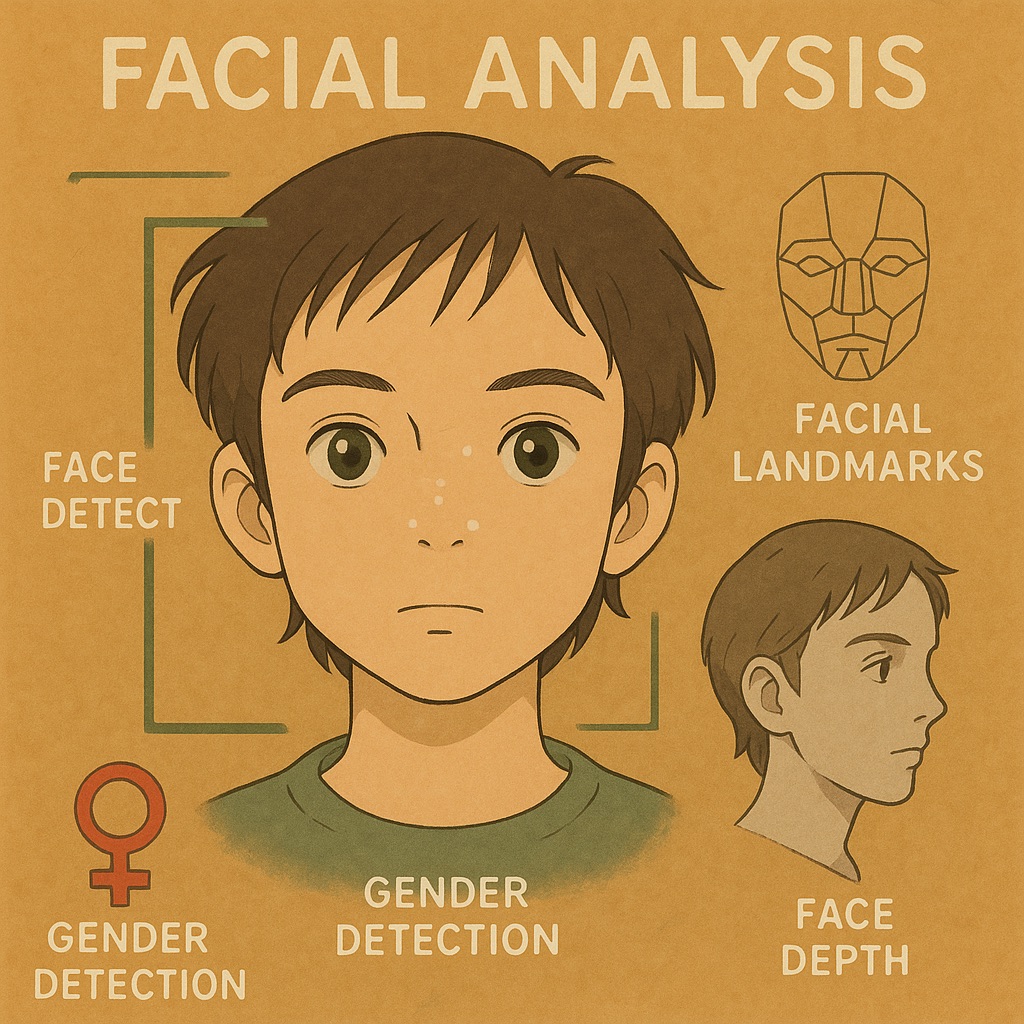
PyFace is a Python library for face detection, face landmark, face depth, face recognition, etc.
## Installation
### Requirements
- Python 3.10+
### Install via pypi
```bash
pip install -U pip wheel
pip install setuptools # for python 3.12
pip install pyface-docsaid
```
### Install via GitHub
```bash
pip install -U pip wheel
pip install setuptools # for python 3.12
pip install git+https://github.com/DocsaidLab/PyFace.git
```
## Usage
You can see [demo](demo) for more details.
### General usage
We recommend to use `FaceService` for integrating all face models.
```python
import capybara as cb
import pyface as pf
face_service = pf.FaceService(
batch_size=1,
enable_recognition=True,
enable_depth=True,
enable_landmark=True,
face_bank='path/to/face_bank',
recog_level='High',
detect_kwargs={"gpu_id": 0, "backend": "cuda"}, # if you want to use GPU on detection
landmark_kwargs={"backend": "cpu"}, # if you want to use CPU on landmark
...
)
img = cb.imread('path/to/image')
faces_on_img = face_service([img])[0]
# Plotted faces on image
cb.imwrite('path/to/output', faces_on_img.gen_info_img())
```
## Citation
```bibtex
@misc{lin2025pyface,
author = {Kun-Hsiang Lin},
title = {PyFace: An Integrated Python Package for Face Analysis},
year = {2025},
publisher = {GitHub},
howpublished = {\url{https://github.com/DocsaidLab/PyFace}}
}
```