https://github.com/docsion/rfsh
RFSH: Run shell scripts in batch, concurrently, fully customized with variable .
https://github.com/docsion/rfsh
Last synced: 7 months ago
JSON representation
RFSH: Run shell scripts in batch, concurrently, fully customized with variable .
- Host: GitHub
- URL: https://github.com/docsion/rfsh
- Owner: docsion
- Created: 2023-09-14T09:19:33.000Z (almost 3 years ago)
- Default Branch: main
- Last Pushed: 2023-12-14T07:49:13.000Z (over 2 years ago)
- Last Synced: 2024-04-22T04:50:41.480Z (about 2 years ago)
- Language: Shell
- Homepage:
- Size: 27.2 MB
- Stars: 20
- Watchers: 1
- Forks: 0
- Open Issues: 0
-
Metadata Files:
- Readme: README.md
Awesome Lists containing this project
- awesome-cli-apps-in-a-csv - rfsh - Run shell scripts in batch, concurrently, fully customized with variable. (<a name="system"></a>System tools)
- awesome-cli-apps - rfsh - Run shell scripts in batch, concurrently, fully customized with variable. (<a name="system"></a>System tools)
README

RFSH
[](https://github.com/docsion/rfsh/releases)
[](https://github.com/docsion/rfsh#install)
> @RUNFLOW_SH
Run shell scripts in batch, concurrently, fully customized with variable .
## What is it?
At the first point of view, I want to create a tool which can help our team run the bash script easier, faster, safer, with clearly reports, so I build RFSH.
You put a .csv file, a bash script as a template file, RFSH will take care the rest, then you will receive the clearly reports after all. Things happen on your machine, safe and sound.
## How it works?
RFSH works by 3 simple steps:
1. Parse your .csv file to a list of variable and its value, `variable_name` defined at the first row of the .csv file.
2. Combine value + template file, by `{{variable_name}}` matching, to scripts.
3. Run scripts concurrently.
## Features
1. Concurrently run template with values from a CSV file, http/https URL, Github, Google Spreadsheet or stdin.
2. Effectively run with rate limit, retries on failure, dry run.
3. Generate an all-in-one job file which contains input data, template script, command flags that can run anywhere.
4. Test with script template.
5. Customize exports file's column.
6. Send reports to remotely stream. Support: telegram.
## Sample
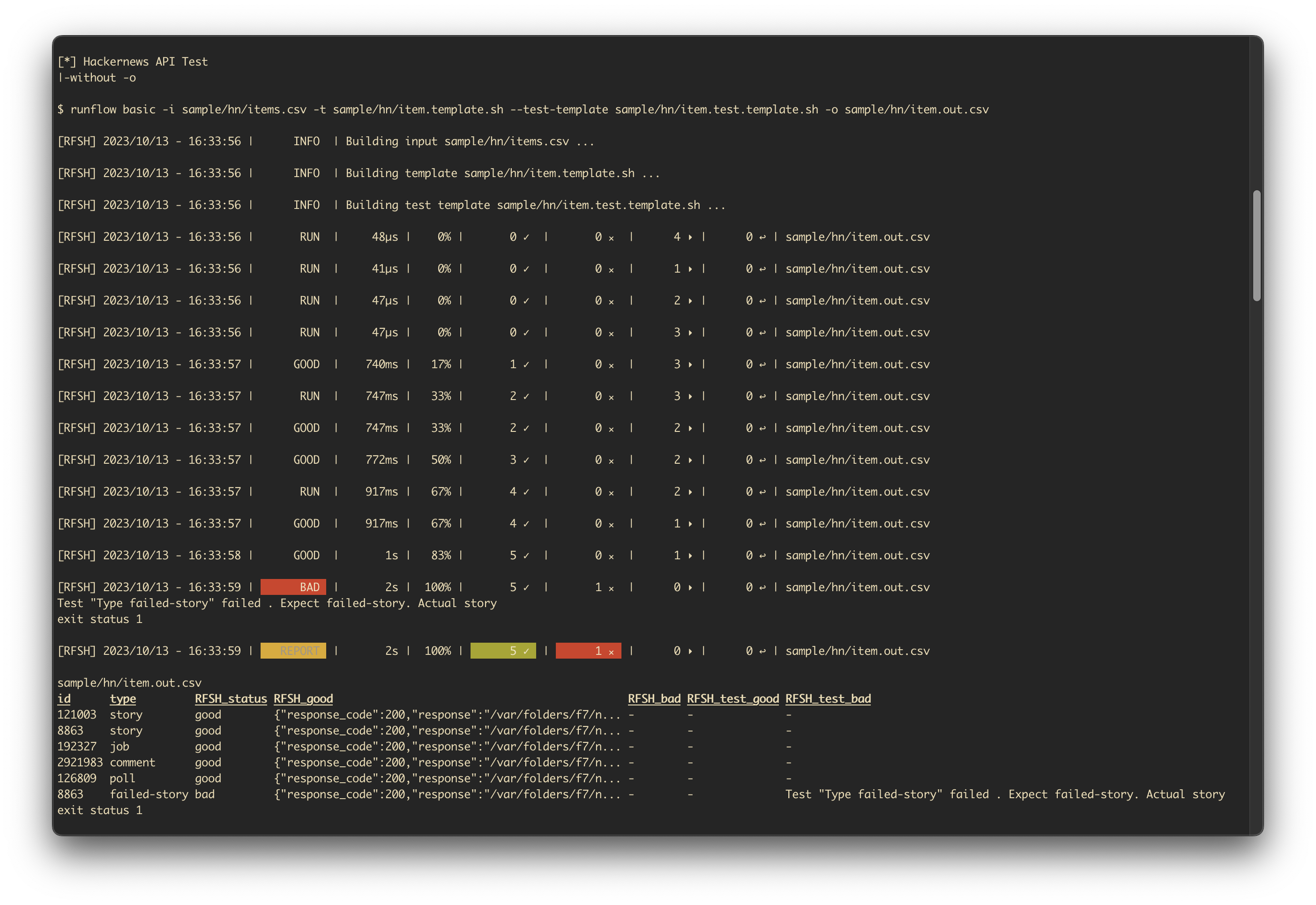
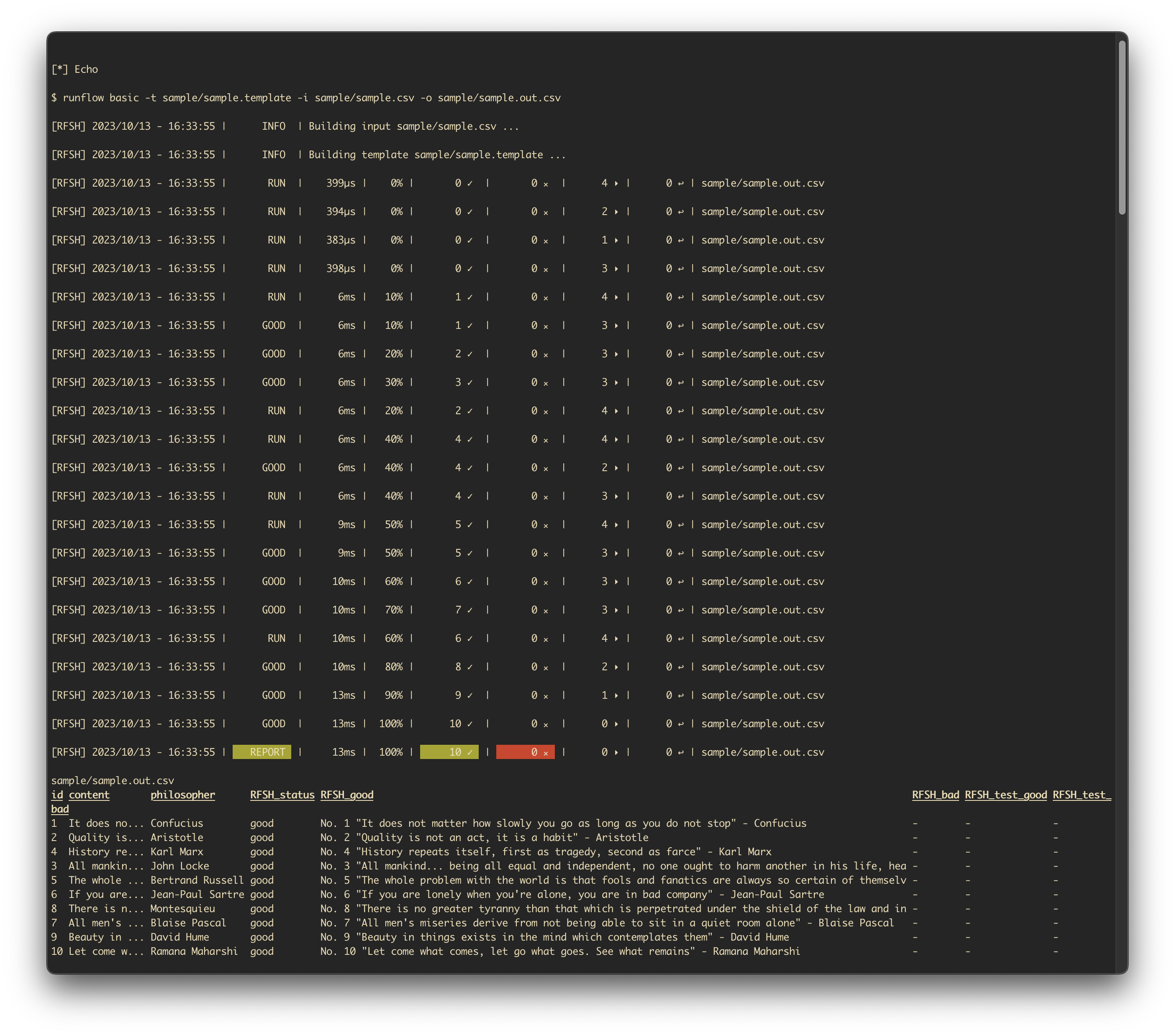
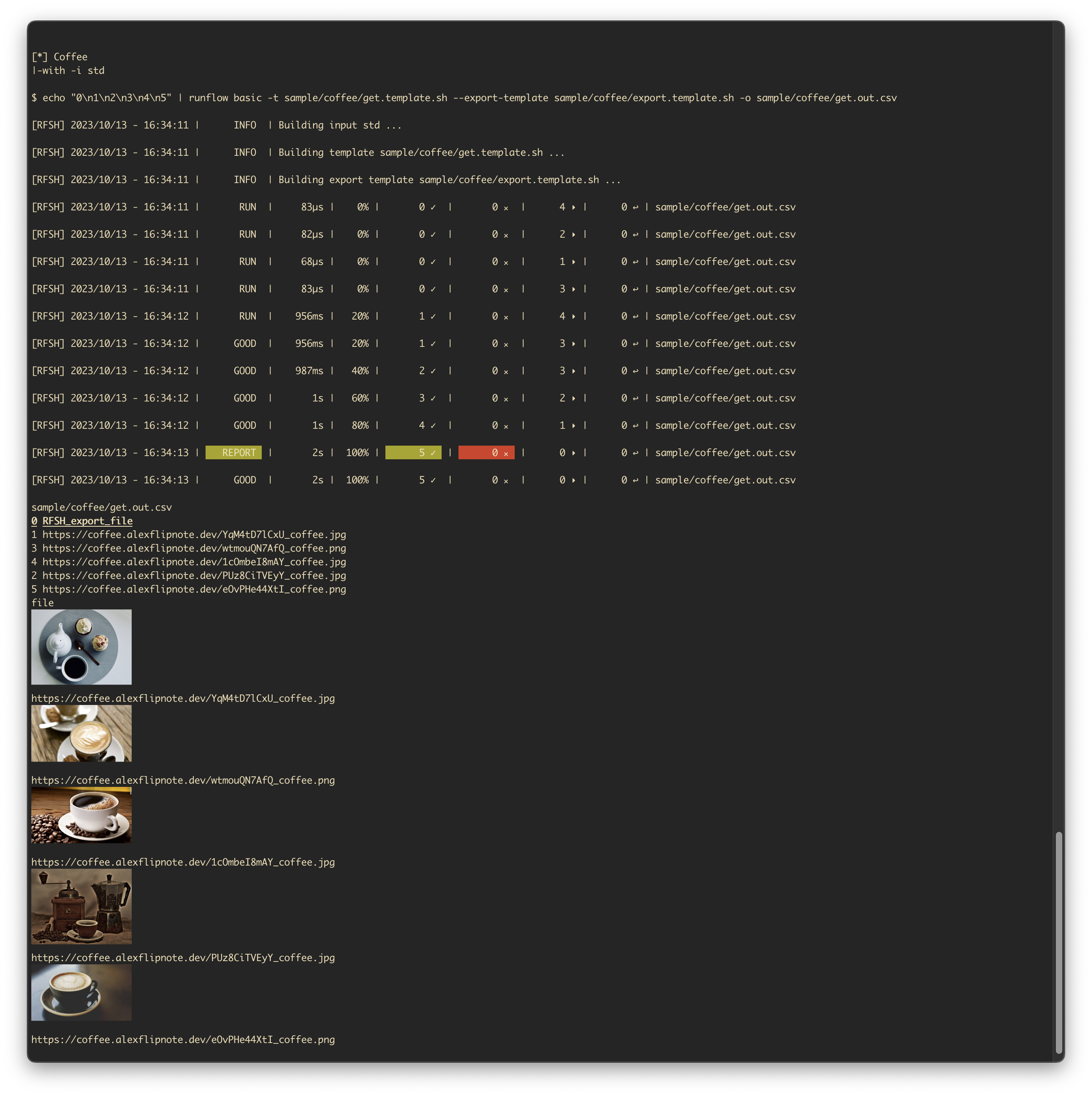

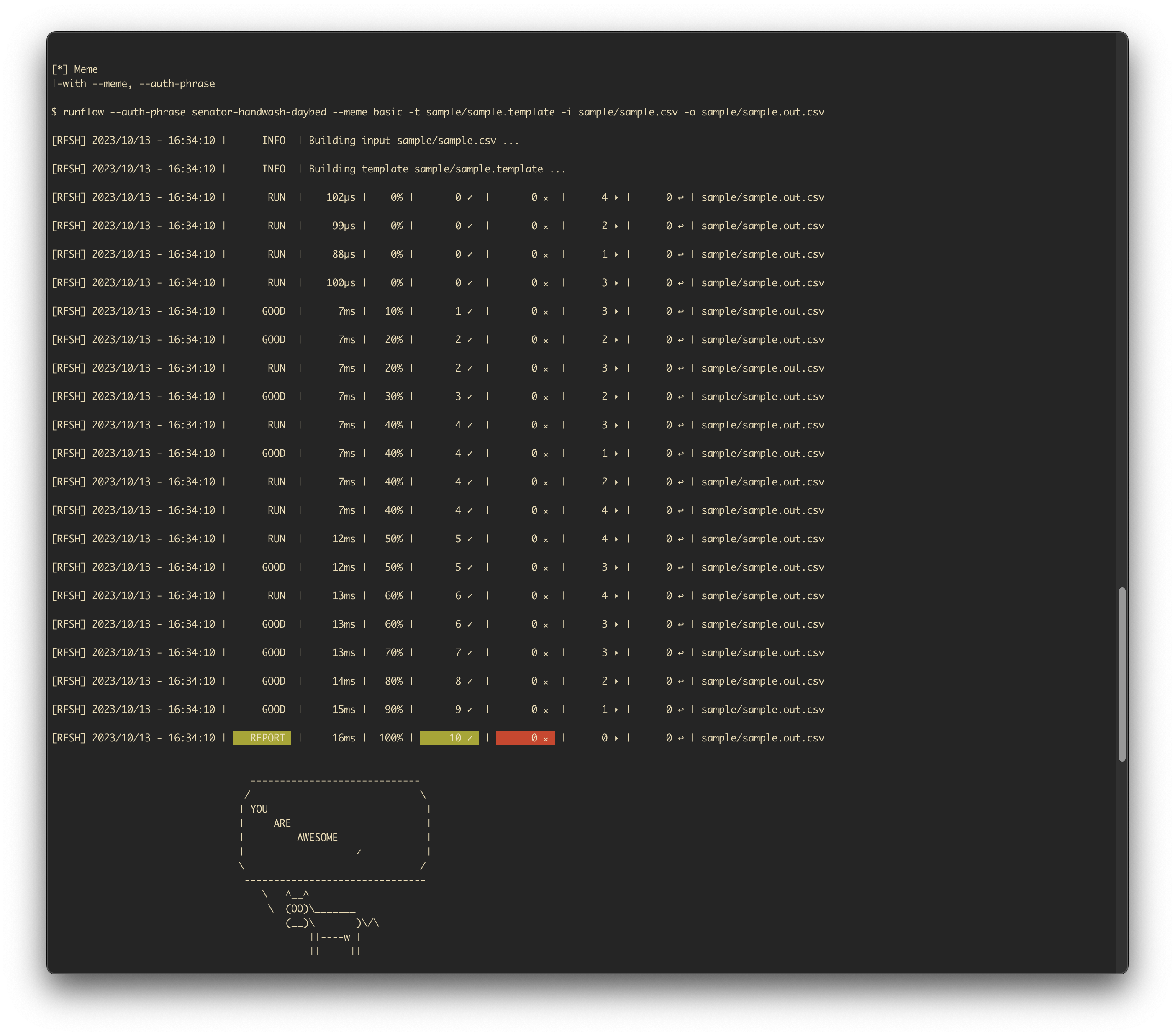
🎥 Sample Test Runs
Raw link (Just in case the video player does not work)
### Basic
```
runflow basic -i sample/sample.csv -t sample/sample.template
```
Or run the following stand-alone job script.
```
curl https://raw.githubusercontent.com/docsion/rfsh/main/sample/4411d688-6988-11ee-a507-f297ad799bdb.sh | sh
#
# |- generated by:
# |- $ runflow --generate-job basic -i https://github.com/docsion/rfsh/blob/main/sample/sample.csv -t https://github.com/docsion/rfsh/blob/main/sample/sample.template
```
You can find more examples at [test.sh](test.sh).
## Install
Run the following install script to install the latest version of RFSH:
```
curl https://raw.githubusercontent.com/docsion/rfsh/main/i.sh | sh
```
## Command
### help
```
$ runflow help
runflow - Supercharge your shell scripts - Run shell scripts in batch, concurrently, fully customized with variable .
Usage: runflow [options...] command [options...]
Commands:
basic Execute a basic flow .
version Show the version .
Options:
--generate-job Generate an all-in-one job file which contains input data, template script, command flags that can run anywhere .
--auth-phrase value Provide an auth phrase to automatically authenticate the running flow as your *supercharge* .
--built-in Print built-in functions .
--meme *Supercharge* Show meme at the end of reports .
Author:
Beast. D
Copyright:
(c) 2023 Docsion Team .
```
### basic
```
$ runflow basic
runflow basic - Execute a basic flow .
Usage: runflow basic [options...]
Description:
Concurrently run a template with values from a CSV file .
Example: $runflow basic -i sample.csv -t sample.template
More info: https://github.com/docsion/rfsh#sample
Options:
-i file, --input file CSV file with values in comma-separated format. Headers define variable_name(s). Support: file, url (http/https), github, spreadsheets . (default: "std")
-t file, --template file Location of the template file. Variables are in the format {{variable_name}}. Support: file, url (http/https), github .
-o file, --output file Location of the export file .
--test-template file Location of the test template file, which use to validate running result. More info: https://github.com/docsion/rfsh#--test-template .
--export-template file Location of the export template file, which use to customize output file. More info: https://github.com/docsion/rfsh#--export-template .
--retries value Number of retries on failure . (default: 0)
--concurrent value Number of concurrent workers . (default: 4)
--rate-limit value Rate limit. Usage: ,. Example: 10,100 means 10 requests per 100 seconds .
--dry-run Only print the script to --output that would execute, without executing it .
--report-remote-stream value Send reports to remotely stream. Support: telegram .
--report-telegram-token value Telegram Bot Token. More info: https://github.com/docsion/rfsh#telegram .
--report-telegram-channel value Telegram channel .
--continuous Run continuously on current job run until done . Note: --output must be fixed .
```
## Flag
### --template
Template is the require bash script when using RFSH. It's a bash script file, so you can write anything you want in bash. RFSH will pass the value from `--input` to your `--template` by matching `{{variable_name}}`.
You can find the sample at [sample/sample.template](https://github.com/docsion/rfsh/blob/main/sample/sample.template):
```
echo No. {{id}} {{content}} - {{philosopher}}
```
You can also use [built-in](https://github.com/docsion/rfsh/blob/main/script/built_in.sh) functions in template file, likes [sample/built-in/item.template.sh](https://github.com/docsion/rfsh/blob/main/sample/built-in/item.template.sh):
```
rf_http https://hacker-news.firebaseio.com/v0/item/{{id}}.json
```
### --test-template
You can write test with `--test-template`. Runflow will pass the result as input data (stdin) to your test template file after running script. Please note that, the input result is base64 encoded as default. Use `exit` command to mark the result as bad. You can also retrive the variable with format `{{variable_name}}` .
Run the following job script to explore how it works:
```
curl https://raw.githubusercontent.com/docsion/rfsh/main/sample/30969f5a-6369-11ee-a32e-f297ad799bdb.sh | sh
#
# |- generated by:
# |- $ runflow --generate-job basic -i sample/sample.csv -t sample/sample.template --test-template sample/sample.test.template --export-template sample/sample.export.template
```
You can find sample test at [sample/sample.test.template](https://github.com/docsion/rfsh/blob/main/sample/sample.test.template):
```
# RESULT FROM SCRIPT RUNS
# $RESULT_IN
# TEST START HERE
if [[ ! "$RESULT_IN" =~ "{{id}}" ]];
then
echo "ops!!!" >&2 # print to stderr
exit 1
fi
echo "good" "{{content}}"
```
Or using built-in function [sample/built-in/item.test.template.sh](https://github.com/docsion/rfsh/blob/main/sample/built-in/item.test.template.sh)
```
# http status
rf_asserts "Status 200" \
200 \
$(rf_result_in | jq -r '.response_code')
```
### --export-template
If you want to add more column the export .csv (--output) file. Use --export-template options. You receive the input JSON result (via stdin), customize then reply the output as JSON with format: `{"new_column_name": "new_column_value"}`. Please note that, the input result is base64 encoded as default.
Run the following job script to explore how it works:
```
curl https://raw.githubusercontent.com/docsion/rfsh/main/sample/30969f5a-6369-11ee-a32e-f297ad799bdb.sh | sh
#
# |- generated by:
# |- $runflow --generate-job basic -i sample/sample.csv -t sample/sample.template --test-template sample/sample.test.template --export-template sample/sample.export.template
```
You can find sample test at [sample/sample.export.template](https://github.com/docsion/rfsh/blob/main/sample/sample.export.template):
```
# RESULT FROM SCRIPT RUNS
# $RESULT_IN
# CUSTOM EXPORT START HERE
value="ohhh!"
# THEN OUTPUT JSON
echo '{"new_custom_column_name": "'$value'"}'
```
### --built-in
RFSH support built-in functions to help you writing template easier. You can find the latest built-in functions at [script/built_in.sh](https://github.com/docsion/rfsh/blob/main/script/built_in.sh). And, check it out [sample/built-in](https://github.com/docsion/rfsh/tree/main/sample/built-in) to understand how easy it is.
### --auth-phrase
> Provide an auth phrase to automatically authenticate the running flow as your *supercharge*
You can find the --auth-phrase [here](auth_phrase.txt) for the period running flows (phrase will be expired in 3 months - You can renew it anytime, free & forever). Or Buy me a coffee ($1) with [ a Lifetime --auth-phrase](https://docsion.com/product/rfsh) (END SOON!!! 🏄♀️ 481/500 remains, thanks to 19 supporters 🙏).
## Github
You can import an input or a template file from Github repository. Note that if you use private repository, please set `GITHUB_TOKEN` environment variable before running $runflow command. For example:
```
$ GITHUB_TOKEN= runflow basic -i https://github.com/my/privaterepo/blob/main/sample/sample.csv -t https://github.com/docsion/rfsh/blob/main/sample/sample.template
```
You can find Github guideline [here](https://docs.github.com/en/authentication/keeping-your-account-and-data-secure/managing-your-personal-access-tokens#creating-a-personal-access-token-classic) to generate new token.
## Telegram
You can send reports to Telegram with Telegram bots, check Telegram guidline [here](https://core.telegram.org/bots). Please note that, the channel must be in public.
## Support
- Beast. D