https://github.com/dominique216/python-newsfeed
This is a News Feed tech Blog with a backend made using python
https://github.com/dominique216/python-newsfeed
flask handlebars mysql python sqlalchemy
Last synced: 2 months ago
JSON representation
This is a News Feed tech Blog with a backend made using python
- Host: GitHub
- URL: https://github.com/dominique216/python-newsfeed
- Owner: Dominique216
- License: mit
- Created: 2023-04-04T19:39:24.000Z (about 3 years ago)
- Default Branch: main
- Last Pushed: 2023-04-07T21:55:05.000Z (about 3 years ago)
- Last Synced: 2025-06-20T14:42:56.913Z (about 1 year ago)
- Topics: flask, handlebars, mysql, python, sqlalchemy
- Language: Python
- Homepage: https://python-newsfeed22.herokuapp.com/
- Size: 18.6 KB
- Stars: 0
- Watchers: 1
- Forks: 0
- Open Issues: 0
-
Metadata Files:
- Readme: README.md
- License: LICENSE
Awesome Lists containing this project
README
[](https://opensource.org/licenses/MIT)
# Python-Newsfeed
## Description
This application is a Fullstack blog application with a frontend made using Handlebars and Javascript and a backend made using a mySQL database, RESTful api routes and python. Upon opening the app, it can be used to view posts. Once logged in, the user can add comments, like posts, or go to the dashboard to view, update, or delete thier own posts.
## Table of Contents
- [Installation](#installation)
- [Usage](#usage)
- [License](#license)
## Installation
To install on locally:
1. Copy the SSH key from the Repo into a folder on your own computer
2. Once the files are installed, open the folder in your personal workspace
3. For this application you will need to install bcrypt, Flask, PyMySQL, SQLAlchemy, and python-dotenv.
4. Once the dependencies are install, open the integrated terminal on the root and create the python virtual environment, then activate it.
5. The python seeds.py command can be run if preseeded data is desired.
6. Run python -m flask run to start the app.
## Usage
Visit the deployed Heroku page [here](https://python-newsfeed22.herokuapp.com/)
Upon visiting the site for the first time, the user can view posts and comments. They can also see the top nav-bar links.
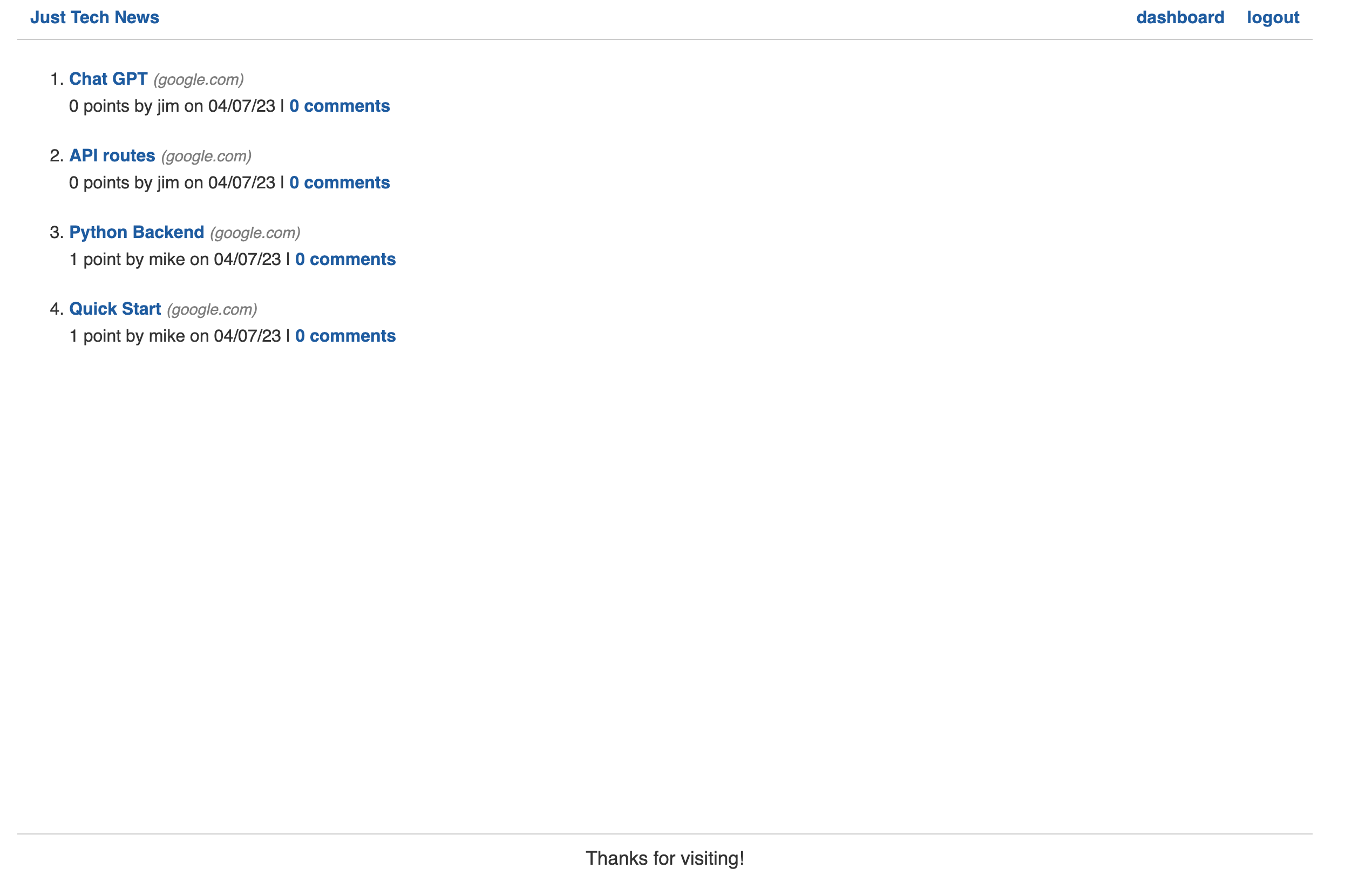
If the user tries to add an comment or navigate elsewhere, the login page will be rendered instead.
If the user has not created an account on this site, they sign up. Otherwise, they can login in with thier existing account information.
Once logged in, the login link on the nav-bar is replaced with a logout option, the dashboard option appears, and the user can now upvote or add comments to posts by clicking the upvote or add comment button.

If the dashboard option is pressed, the user can add a new post, or update an exising post they made by clicking on the post title.

## License
This project uses an MIT license. For more information click the license badge at the top of the README.