https://github.com/dorkydhruv/dmandate
A recurring payments protocol on Solana built with Anchor.
https://github.com/dorkydhruv/dmandate
anchor solana spl-token
Last synced: about 1 year ago
JSON representation
A recurring payments protocol on Solana built with Anchor.
- Host: GitHub
- URL: https://github.com/dorkydhruv/dmandate
- Owner: dorkydhruv
- Created: 2025-02-25T14:14:13.000Z (over 1 year ago)
- Default Branch: main
- Last Pushed: 2025-03-02T21:05:54.000Z (over 1 year ago)
- Last Synced: 2025-05-24T00:12:20.039Z (about 1 year ago)
- Topics: anchor, solana, spl-token
- Language: TypeScript
- Homepage:
- Size: 318 KB
- Stars: 2
- Watchers: 1
- Forks: 0
- Open Issues: 0
-
Metadata Files:
- Readme: README.md
Awesome Lists containing this project
README
# DMANDATE - Decentralized Recurring Payments on Solana
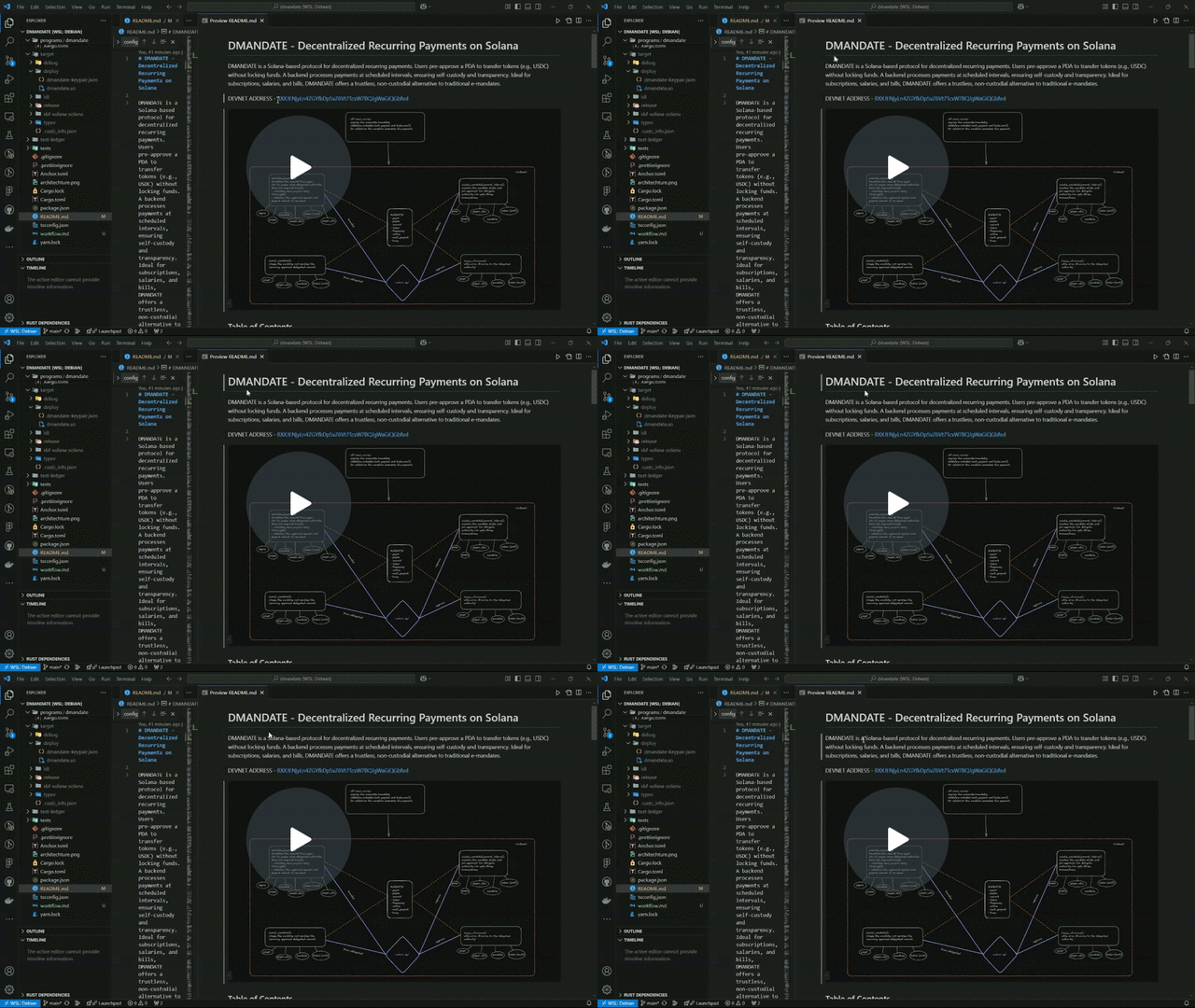
DMANDATE is a Solana-based protocol for decentralized recurring payments. Users pre-approve a PDA to transfer tokens (e.g., USDC) without locking funds. A backend processes payments at scheduled intervals, ensuring self-custody and transparency. Ideal for subscriptions, salaries, and bills, DMANDATE offers a trustless, non-custodial alternative to traditional e-mandates.
DEVNET ADDRESS - [BXXJENjyLn4ZGYfkDpSxZ6Vt7TcxW7BQJgWaGiQGbfed](https://explorer.solana.com/address/BXXJENjyLn4ZGYfkDpSxZ6Vt7TcxW7BQJgWaGiQGbfed?cluster=devnet)

### In action
## Table of Contents
- [Features](#features)
- [Repository Structure](#repository-structure)
- [Smart Contract](#smart-contract)
- [Backend Mandate Processor](#backend-mandate-processor)
- [CLI Tool](#cli-tool)
- [Installation & Setup](#installation--setup)
- [Development](#development)
- [Testing](#testing)
- [Deployment](#deployment)
## Features
- **Non-custodial recurring payments**: Users maintain control of their funds at all times
- **Programmable payment schedules**: Set custom frequencies for payment execution
- **Transparent on-chain history**: All payments and mandates are recorded on the Solana blockchain
- **Automated payment processing**: Backend service checks and executes due payments
- **User-friendly CLI**: Command-line interface for managing mandates and payments
- **Web3 friendly**: Built natively for Solana's SPL tokens
## Repository Structure
```
dmandate/
├── backend/ # Backend payment processor service
│ ├── idl/ # Anchor IDL for the dmandate program
│ └── src/ # Source code for the mandate processor
├── cli/ # Command-line interface tool
├── programs/ # Solana smart contracts written in Rust
│ └── dmandate/ # Main dmandate program
└── tests/ # Integration tests for the program
```
## Smart Contract
The DMANDATE smart contract is built using the Anchor framework and includes the following key instructions:
- `register_user`: Registers a user in the system
- `create_mandate`: Creates a new recurring payment mandate
- `execute_payment`: Executes a payment for an active mandate
- `cancel_mandate`: Cancels an active mandate
- `reapprove_mandate`: Updates the approval amount for an existing mandate
- `close_payment_history`: Closes a payment history record to reclaim rent
## Backend Mandate Processor
The backend service monitors active mandates on the Solana blockchain and automatically executes payments when they are due.
### Features
- Periodic checking of all active mandates
- Automatic payment execution for due mandates
- Error handling for failed payments
- Configurable settings via environment variables or config file
- Logging of all operations
### Configuration
The mandate processor can be configured with the following options:
| Option | Environment Variable | Description | Default |
| -------------- | ---------------------- | ---------------------------------------------- | -------------------------------------------- |
| Check Interval | `CHECK_INTERVAL` | How often to check for payable mandates (ms) | 60000 (1 min) |
| RPC URL | `RPC_URL` | Solana RPC URL | http://localhost:8899 |
| Keypair Path | `KEYPAIR_PATH` | Path to keypair JSON file | ~/.config/solana/id.json |
| Program ID | `PROGRAM_ID` | DMANDATE program ID | BXXJENjyLn4ZGYfkDpSxZ6Vt7TcxW7BQJgWaGiQGbfed |
| Batch Size | `BATCH_SIZE` | Max mandates to process in one batch | 100 |
| Buffer Time | `BUFFER_TIME` | Time buffer before scheduled payment (seconds) | 60 |
| Log Level | `LOG_LEVEL` | Logging level (debug, info, warn, error) | info |
| Notifications | `ENABLE_NOTIFICATIONS` | Enable payment notifications | false |
## CLI Tool
The DMANDATE CLI tool provides a convenient way to interact with the smart contract.
See the [CLI README](cli/README.md) for detailed usage instructions.
## Installation & Setup
### Prerequisites
- Node.js v14+ and npm
- Rust and Cargo
- Solana CLI tools
- Anchor Framework
### Setting Up the Project
1. Clone the repository:
```bash
git clone https://github.com/yourusername/dmandate.git
cd dmandate
```
2. Install dependencies:
```bash
npm install
```
3. Build the Solana program:
```bash
anchor build
```
4. Generate the program ID (if needed):
```bash
solana-keygen new -o target/deploy/dmandate-keypair.json
anchor keys list
```
Update the program ID in `Anchor.toml` and `lib.rs`
5. Setup the backend processor:
```bash
cd backend
npm install
```
6. Setup the CLI:
```bash
cd cli
npm install
npm link # Optional, to use CLI globally
```
7. Create a `.env` file in the backend directory:
```
RPC_URL=https://api.devnet.solana.com
KEYPAIR_PATH=/path/to/your/keypair.json
CHECK_INTERVAL=60000
BUFFER_TIME=60
LOG_LEVEL=info
```
### Running the Mandate Processor
```bash
cd backend
npm run build
node dist/index.js
```
Or use a process manager like PM2:
```bash
npm install -g pm2
pm2 start dist/index.js --name mandate-processor
```
## Development
### Local Development Environment
1. Start a local Solana validator:
```bash
solana-test-validator
```
2. Deploy the program to the local network:
```bash
anchor deploy
```
3. Run the mandate processor against local network:
```bash
cd backend
RPC_URL=http://localhost:8899 npm run start
```
### Making Changes to the Smart Contract
1. Modify code in `programs/dmandate/src/`
2. Build with `anchor build`
3. Update IDL if needed: `anchor idl parse -f programs/dmandate/src/lib.rs -o target/idl/dmandate.json`
4. Copy the new IDL to the backend: `cp target/idl/dmandate.json backend/idl/`
5. Deploy: `anchor deploy`
## Testing
### Smart Contract Tests
Run the test suite:
```bash
anchor test
```
### Backend Tests
```bash
cd backend
npm test
```
## Deployment
### Program Deployment
1. Build the program:
```bash
anchor build
```
2. Deploy to your desired network:
```bash
anchor deploy --provider.cluster devnet # For devnet
# OR
anchor deploy --provider.cluster mainnet # For mainnet
```
3. Verify the program ID and update configuration as needed.
### Backend Deployment
1. Build the backend:
```bash
cd backend
npm run build
```
2. Deploy using your preferred method (PM2, Docker, cloud services).
3. Make sure to set the appropriate environment variables for your deployment.
## License
[MIT License](LICENSE)