https://github.com/dtinth/react-performance-coach
How I optimize React apps to reduce wasted renders
https://github.com/dtinth/react-performance-coach
Last synced: 6 months ago
JSON representation
How I optimize React apps to reduce wasted renders
- Host: GitHub
- URL: https://github.com/dtinth/react-performance-coach
- Owner: dtinth
- Created: 2022-09-08T13:58:49.000Z (over 3 years ago)
- Default Branch: main
- Last Pushed: 2023-02-02T09:13:43.000Z (almost 3 years ago)
- Last Synced: 2024-10-29T22:26:07.554Z (about 1 year ago)
- Language: TypeScript
- Homepage:
- Size: 138 KB
- Stars: 15
- Watchers: 2
- Forks: 0
- Open Issues: 1
-
Metadata Files:
- Readme: README.md
- Changelog: CHANGELOG.md
Awesome Lists containing this project
README
# react-performance-coach
A little library to help you write more performant React apps.
It provides a hook `usePerformanceCoach` that causes your component to re-render itself every 1 second. Once you do this, you can use [React Developer Tools](https://chrome.google.com/webstore/detail/react-developer-tools/fmkadmapgofadopljbjfkapdkoienihi?hl=en) to see which components are re-rendering needlessly. You can then use this information to optimize your app.
Generally, it is fine to re-render a few _top-level components_ every second — if it doesn’t lead to a snowball effect where a top-level component causes the entire subtree to re-render itself.
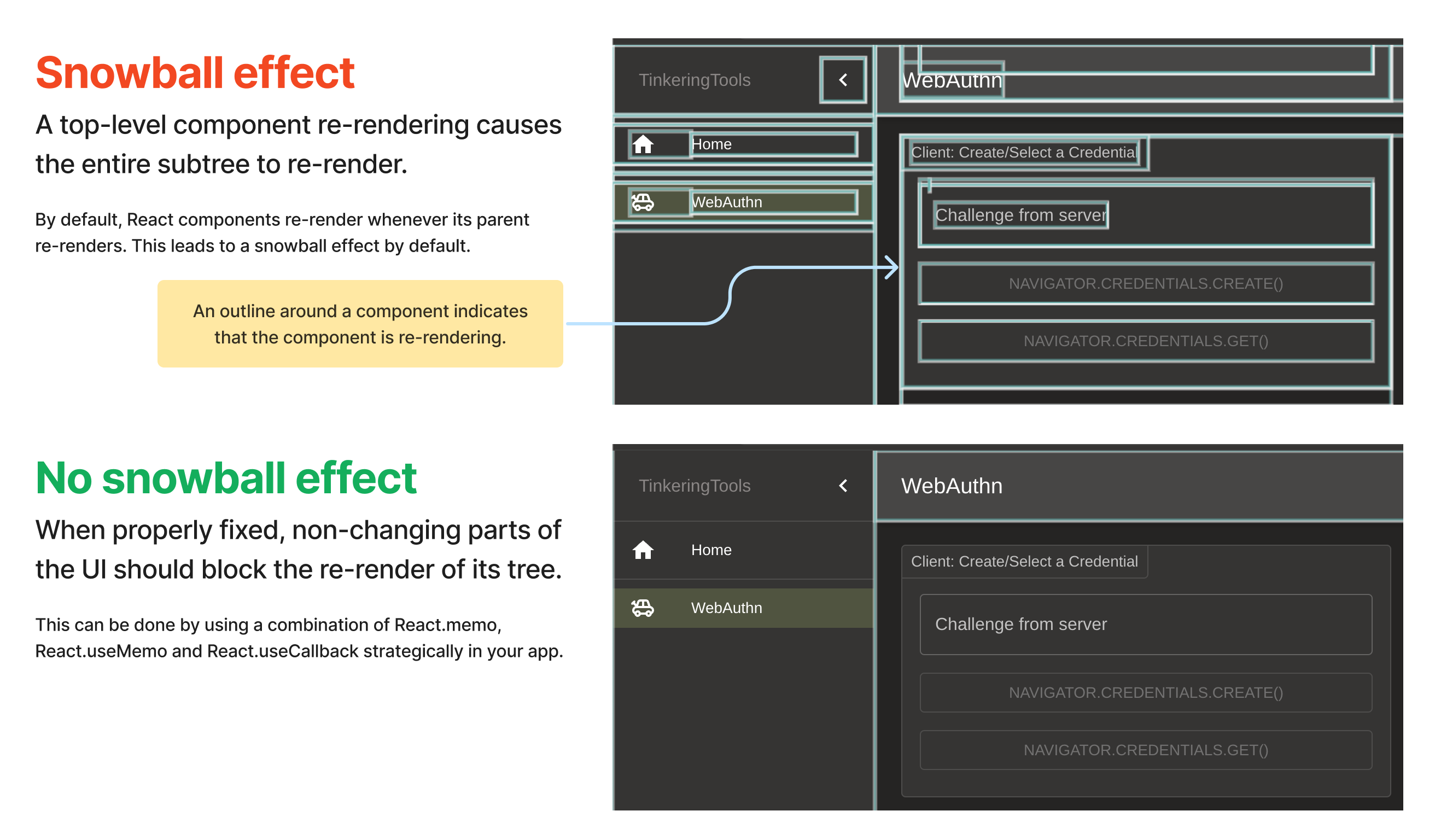
## How to use
1. Install the `react-performance-coach` package and install [React Developer Tools](https://chrome.google.com/webstore/detail/react-developer-tools/fmkadmapgofadopljbjfkapdkoienihi?hl=en) in your browser.
```bash
yarn add react-performance-coach
```
2. In your main app component, use the `usePerformanceCoach` hook.
```jsx
import { usePerformanceCoach } from 'react-performance-coach'
export default function App() {
usePerformanceCoach()
// ...
}
```
3. In the page component that you want to optimize, use the `usePerformanceCoach` hook.
```jsx
import { usePerformanceCoach } from 'react-performance-coach'
export default function ChatPage() {
usePerformanceCoach()
// ...
}
```
4. Run your app in a development server.
5. Open React Developer Tools and make sure that **Highlight updates when components render** is enabled.
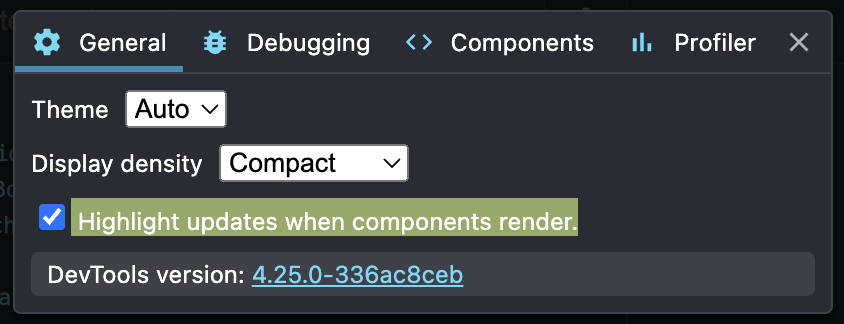
6. Every second, the components that has performance coach installed will re-render. There will be a flashing box around the component that re-rendered.
Ideally, when you see a flashing box around a component, something in that box should have changed. If nothing has changed, then you know that the component is re-rendering needlessly.
Generally, it is fine to have a few components that re-render needlessly. But if you have hundreds of consistently flashing boxes, then that would indicate that you have a performance problem.
7. Use the above information to optimize your app. For example, if you see a flashing box around a component that renders a list of items, then you can use [`React.memo`](https://reactjs.org/docs/react-api.html#reactmemo) to prevent the component from re-rendering when the list of items does not change.
Once optimized, there should be a smaller number of flashing boxes.

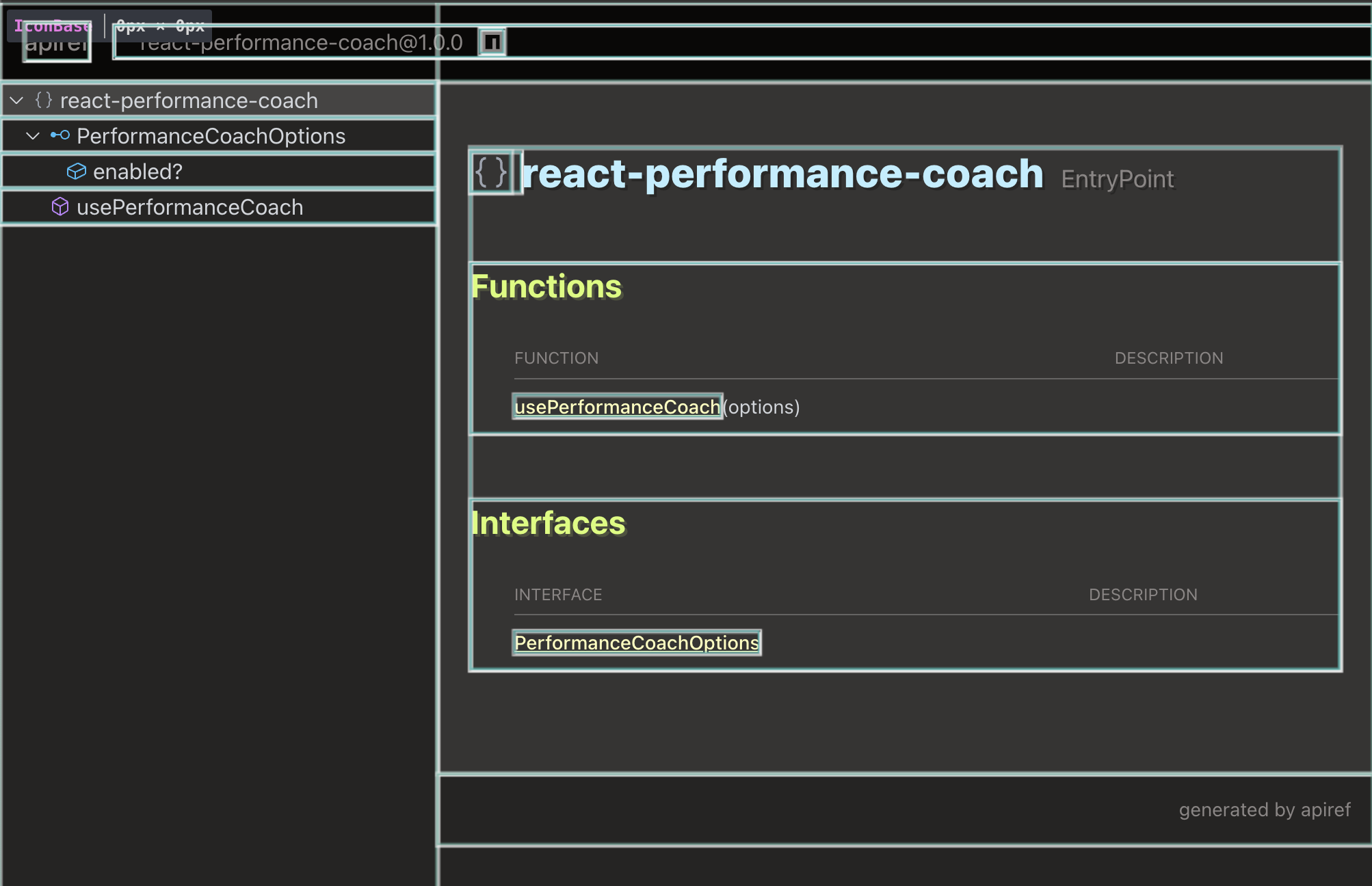
## API reference
[](https://apiref.page/package/react-performance-coach)