https://github.com/duduxs/movieflix
📔 Dev Superior spring bootcamp final challenge
https://github.com/duduxs/movieflix
project react spring
Last synced: 2 months ago
JSON representation
📔 Dev Superior spring bootcamp final challenge
- Host: GitHub
- URL: https://github.com/duduxs/movieflix
- Owner: Duduxs
- Created: 2023-11-13T23:02:44.000Z (over 2 years ago)
- Default Branch: main
- Last Pushed: 2023-11-17T21:37:23.000Z (over 2 years ago)
- Last Synced: 2025-06-03T21:31:14.647Z (about 1 year ago)
- Topics: project, react, spring
- Language: Java
- Homepage:
- Size: 2.82 MB
- Stars: 0
- Watchers: 1
- Forks: 0
- Open Issues: 0
-
Metadata Files:
- Readme: README.md
Awesome Lists containing this project
README

MovieFlix
This application was developed as a challenge in the DevSuperior bootcamp
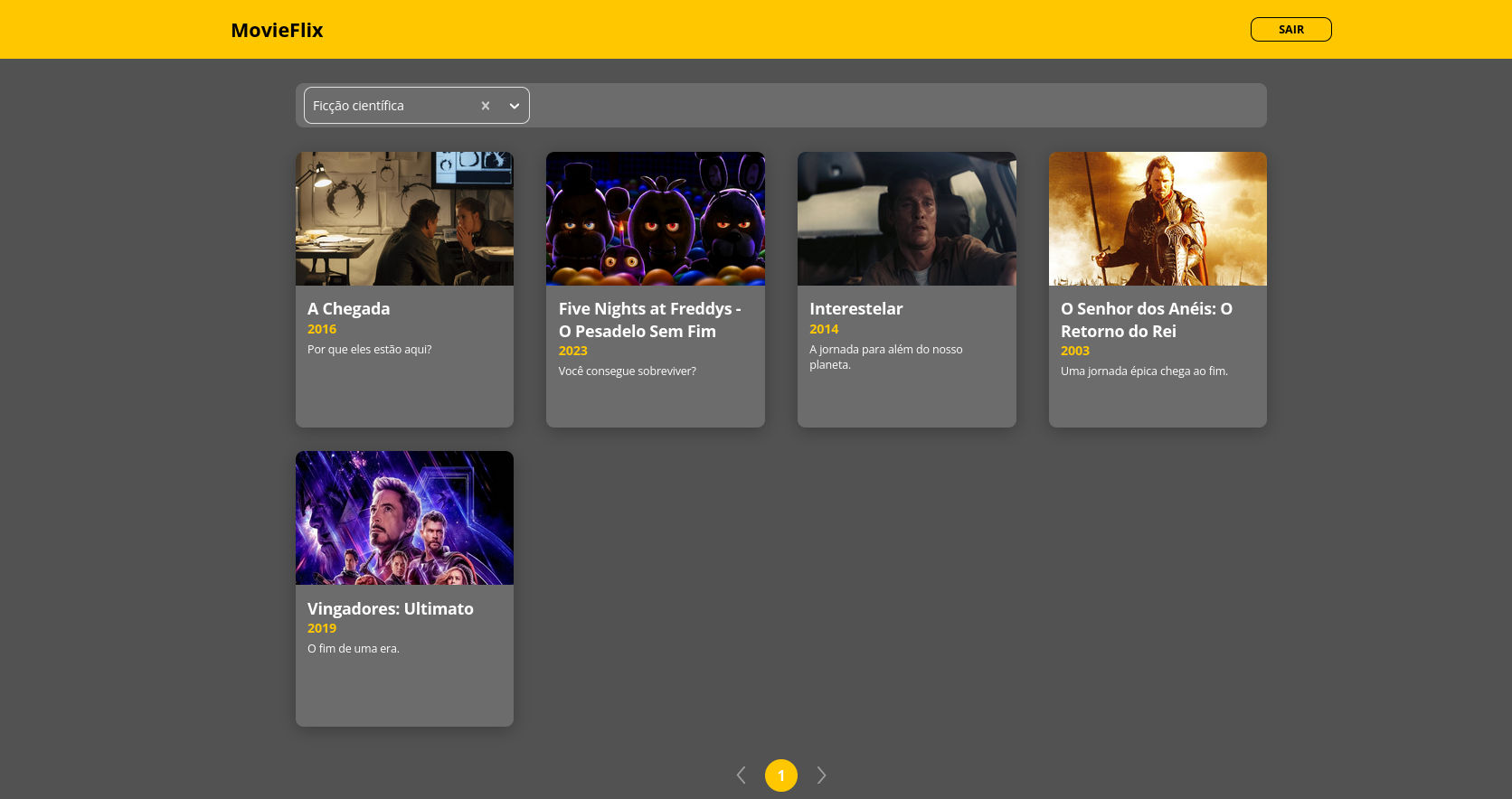
This project is based on an application that can display movie reviews to the client
Technologies |
How To Use |
How To Contribute |
## :rocket: Technologies
This project was developed with the following technologies:
- Web:
- [ReactJS](https://reactjs.org/)
- [Typescript](https://www.typescriptlang.org/)
- [React Router v5](https://github.com/ReactTraining/react-router)
- [Axios](https://github.com/axios/axios)
- Mobile:
- [React Native](https://reactnative.dev/)
- [Expo](https://expo.io/)
- [Typescript](https://www.typescriptlang.org/)
- [React Navigation v5](https://reactnavigation.org/)
- [Axios](https://github.com/axios/axios)
- Backend:
- [JDK 11](https://www.oracle.com/java/technologies/javase/jdk11-archive-downloads.html)
- [Postgres](https://www.postgresql.org/)
- [H2](https://h2database.com/html/main.html)
- [Lombok](https://projectlombok.org/)
- [Spring JPA](https://docs.spring.io/spring-data/jpa/docs/current/reference/html/)
## :information_source: How to use
To clone and run this application, you'll need [Git](https://git-scm.com), [Node.js](https://nodejs.org/), [Yarn](https://classic.yarnpkg.com/) and [Expo](https://expo.io/) installed on your computer. From your command line:
```bash
# Clone this repository
$ git clone https://github.com/duduxs/movieflix
# Go into the repository
$ cd movieflix
```
To run the API server:
```bash
# Go into the backend folder
$ cd backend
# Execute the main class MovieflixApplication in your IDE
# or just type in your terminal inside project backend folder
$ ./mvnw spring-boot:run
```
To run the frontend web:
```bash
# Go into the frontend folder
$ cd frontend
# Install dependencies
$ yarn
# Run the app
$ yarn start
```
Now access on your browser: http://localhost:3000
To run the mobile app:
```bash
# Go into the mobile folder
$ cd mobile
# Install dependencies
$ yarn
# Run the app
$ yarn start
```
## :thumbsup: How To Contribute
- Make a fork;
- Create a branch with your feature: `git checkout -b my-feature`;
- Commit changes: `git commit -m 'feat: My new feature'`;
- Make a push to your branch: `git push origin my-feature`.
---
Made by Eduardo José 😆 Contact me!