https://github.com/easycodingtutorial/crud_api_routes
CRUD Operations Using API ROUTES in NEXTJS14 AND TYPESCRIPT
https://github.com/easycodingtutorial/crud_api_routes
api mongodb nextjs14 routes typescript
Last synced: over 1 year ago
JSON representation
CRUD Operations Using API ROUTES in NEXTJS14 AND TYPESCRIPT
- Host: GitHub
- URL: https://github.com/easycodingtutorial/crud_api_routes
- Owner: EasyCodingTutorial
- Created: 2024-04-27T13:10:50.000Z (about 2 years ago)
- Default Branch: main
- Last Pushed: 2024-12-03T04:24:32.000Z (over 1 year ago)
- Last Synced: 2025-03-25T07:19:23.220Z (over 1 year ago)
- Topics: api, mongodb, nextjs14, routes, typescript
- Language: TypeScript
- Homepage:
- Size: 168 KB
- Stars: 4
- Watchers: 1
- Forks: 0
- Open Issues: 0
-
Metadata Files:
- Readme: README.md
Awesome Lists containing this project
README
# MongoDB TypeScript Next.js CRUD Project
This project implements a CRUD (Create, Read, Update, Delete) operation for managing books using MongoDB, TypeScript, and Next.js 14 with API routes. It provides a simple yet powerful setup for building a book management system.
## Features
- **Book Management:** Allows users to perform CRUD operations on books, including adding new books, updating existing ones, and deleting them.
- **API Routes:** Implements API routes for handling backend logic, ensuring separation of concerns and maintainability.
- **TypeScript Support:** Utilizes TypeScript for enhanced type safety, making the codebase more robust and easier to maintain.
- **Next.js 14:** Employs Next.js 14 for server-side rendering (SSR), providing better performance and SEO optimization.
## Technologies Used
- **MongoDB:** A NoSQL database for storing book data.
- **TypeScript:** A statically typed superset of JavaScript for building scalable applications.
- **Next.js 14:** A React framework for building server-side rendered (SSR) web applications.
- **API Routes:** Next.js API routes for handling backend logic.
## Getting Started
Follow these steps to get the project up and running on your local machine:
1. Clone this repository to your local machine.
2. Navigate to the project directory.
3. Install dependencies by running `npm install` or `yarn install`.
4. Set up your MongoDB database and connection string.
5. Start the backend server using `npm run dev` or `yarn dev`.
6. Access the application in your browser at `http://localhost:3000`.
## Contributions
Contributions are welcome! Feel free to open issues for any bugs, feature requests, or suggestions.
)
## Screenshots

## Learn By Watching Video ▶️
[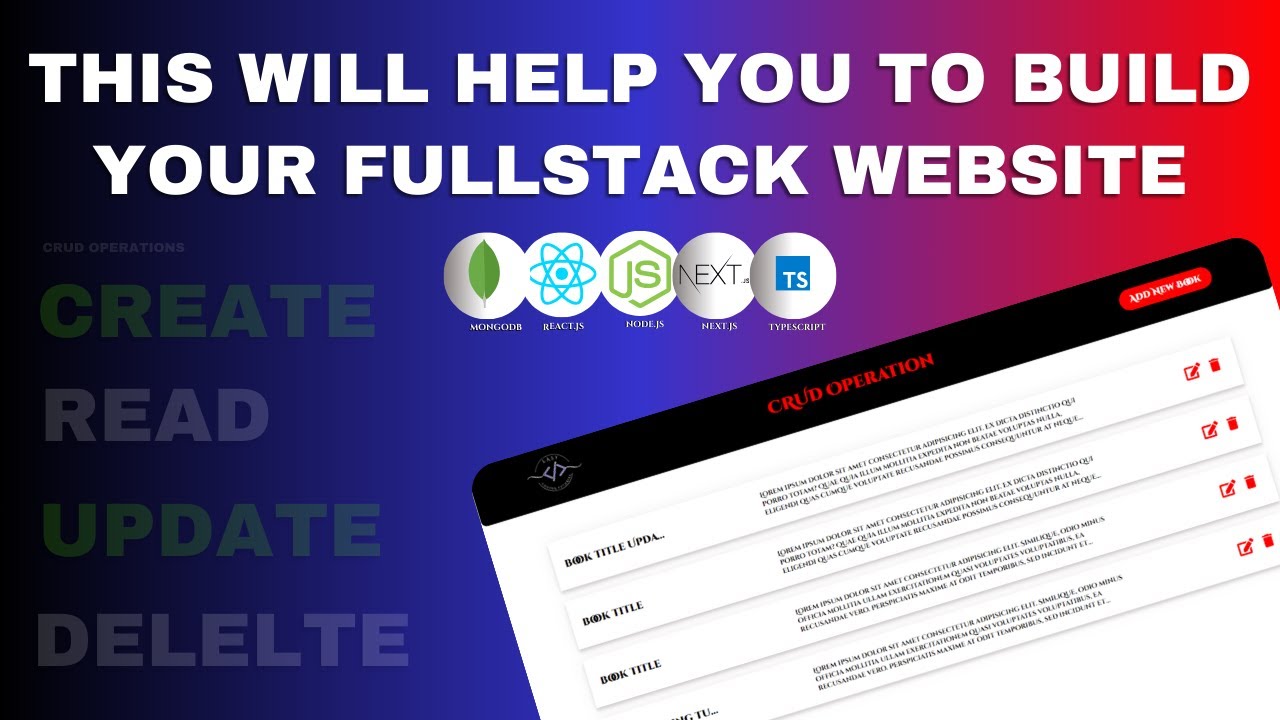](https://www.youtube.com/watch?v=1FlJVPzW3Dg)
## License
[MIT License](https://opensource.org/licenses/MIT)