https://github.com/easycodingtutorial/easyai
Easy AI – The Future of AI Chatbots 🚀
https://github.com/easycodingtutorial/easyai
chatapp chatgpt deepseek-r1 gemini nextjs15 typescript
Last synced: over 1 year ago
JSON representation
Easy AI – The Future of AI Chatbots 🚀
- Host: GitHub
- URL: https://github.com/easycodingtutorial/easyai
- Owner: EasyCodingTutorial
- Created: 2025-02-21T04:28:50.000Z (over 1 year ago)
- Default Branch: master
- Last Pushed: 2025-02-21T04:30:21.000Z (over 1 year ago)
- Last Synced: 2025-03-01T15:08:08.272Z (over 1 year ago)
- Topics: chatapp, chatgpt, deepseek-r1, gemini, nextjs15, typescript
- Language: TypeScript
- Homepage: https://easy-ai-mauve.vercel.app
- Size: 288 KB
- Stars: 1
- Watchers: 1
- Forks: 0
- Open Issues: 0
-
Metadata Files:
- Readme: README.md
Awesome Lists containing this project
README
# Easy AI – The Future of AI Chatbots 🚀
## Overview
**Easy AI** is an advanced AI-powered chatbot designed to be a powerful alternative to **Google Gemini** and **ChatGPT**. It delivers **instant, accurate, and intelligent** responses across a wide range of topics, making it perfect for **conversations, research, coding assistance, content creation**, and much more.
Built with **cutting-edge machine learning models**, Easy AI is optimized for **speed, efficiency, and adaptability**, ensuring a seamless and intuitive user experience.
## 🌟 Why Choose Easy AI?
✅ **Fast & Accurate** – Delivers instant responses with high precision.
✅ **Conversational AI** – Understands and generates human-like text naturally.
✅ **Multifunctional** – Supports **content generation, code assistance, Q&A, and research**.
✅ **Secure & Private** – Your data remains safe with robust security protocols.
✅ **Customizable** – Developers can fine-tune the model for specific use cases.
✅ **SEO-Optimized** – Generates high-quality, search-engine-friendly content.
## ⚡ Technology Stack
- **Next.js 15** – For building a fast and scalable AI-powered web app.
- **TypeScript** – Ensures better code quality and maintainability.
- **Node.js** – Backend powered for handling AI queries efficiently.
- **Gemini API** – Leveraging state-of-the-art AI models.
- **MongoDB ** – Secure storage for chat history and user preferences.
## 🔧 Installation Guide
Follow these steps to run **Easy AI** on your local machine:
1. **Clone the repository**:
```bash
git clone https://github.com/EasyCodingTutorial/EasyAI.git
```
2. **Navigate to the project folder**:
```bash
cd easy-ai
```
3. **Install dependencies**:
```bash
npm install
```
4. **Set up environment variables** in a `.env` file:
```env
# Gemini API Key
NEXT_PUBLIC_GEMINI_API=your-api-key
```
5. **Start the development server**:
```bash
npm run dev
```
6. **Access the chatbot** in your browser:
```
http://localhost:3000
```
If you find issues or want to contribute, **email us at ecoding45@gmail.com**. Let’s make **Easy AI** the best AI chatbot together! 💡
## 🛠️ How to Contribute
1. **Fork the repository** on GitHub.
2. **Create a new branch** for your changes.
3. **Commit your modifications** and push the branch.
4. **Submit a pull request**, and I’ll review it ASAP!
---
## Learn By Watching Video ▶️
[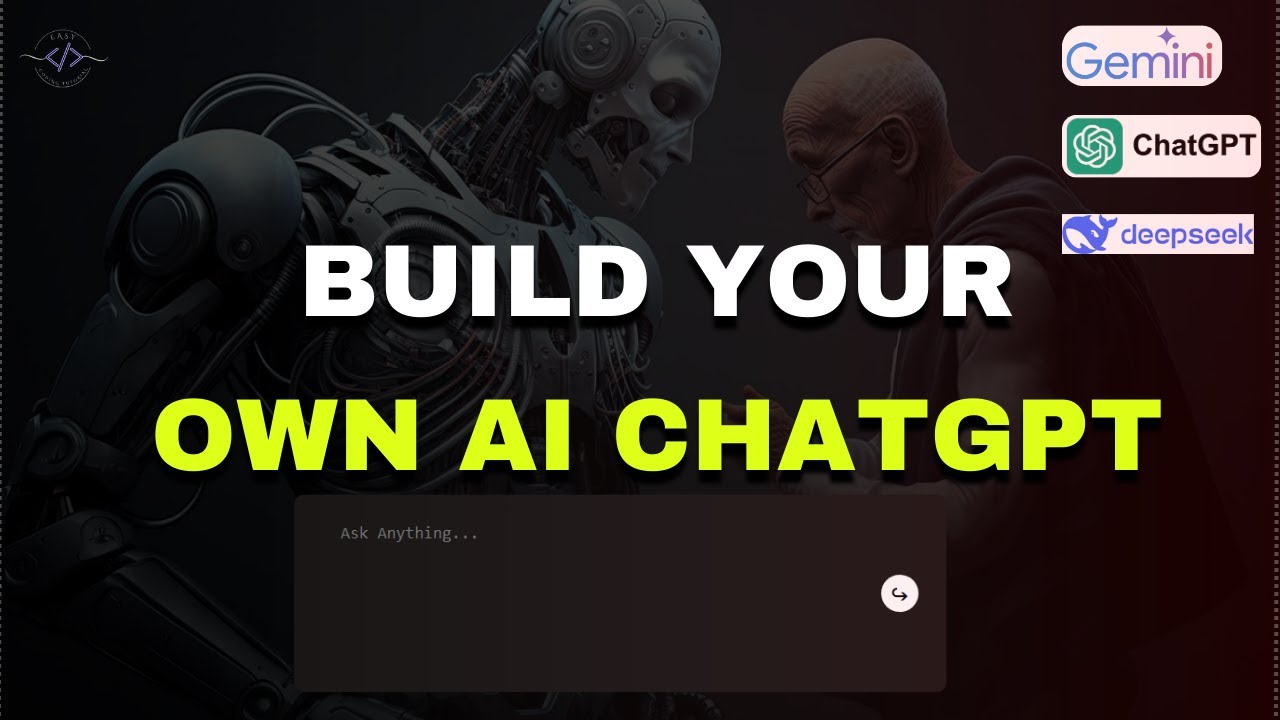](https://www.youtube.com/watch?v=yaWvLH21r8M)
### 🚀 **Easy AI – Effortless Answers, Endless Possibilities.**