https://github.com/easycz/minesweeper-react
Minesweeper in react
https://github.com/easycz/minesweeper-react
Last synced: 2 months ago
JSON representation
Minesweeper in react
- Host: GitHub
- URL: https://github.com/easycz/minesweeper-react
- Owner: easyCZ
- License: mit
- Created: 2016-09-14T21:42:13.000Z (almost 10 years ago)
- Default Branch: master
- Last Pushed: 2016-09-26T23:11:01.000Z (over 9 years ago)
- Last Synced: 2025-01-25T04:45:13.510Z (over 1 year ago)
- Language: JavaScript
- Homepage: https://easy-minesweeper.firebaseapp.com/
- Size: 348 KB
- Stars: 0
- Watchers: 1
- Forks: 0
- Open Issues: 0
-
Metadata Files:
- Readme: README.md
- License: LICENSE
Awesome Lists containing this project
README
[](https://circleci.com/gh/easyCZ/minesweeper-react)
**Step 3**. Compile and launch your app by running:
```shell
$ node run # Same as `npm start` or `node run start`
```
You can also test your app in release (production) mode by running `node run start --release` or
with HMR and React Hot Loader disabled by running `node run start --no-hmr`. The app should become
available at [http://localhost:3000/](http://localhost:3000/).
### How to Test
The unit tests are powered by [chai](http://chaijs.com/) and [mocha](http://mochajs.org/).
```shell
$ npm run lint # Check JavaScript and CSS code for potential issues
$ npm run test # Run unit tests. Or, `npm run test:watch`
```
### How to Deploy
Update `publish` script in the [`run.js`](run.js) file with your full Firebase project name as found
in your [Firebase console](https://console.firebase.google.com/). Note that this may have an
additional identifier suffix than the shorter name you've provided. Then run:
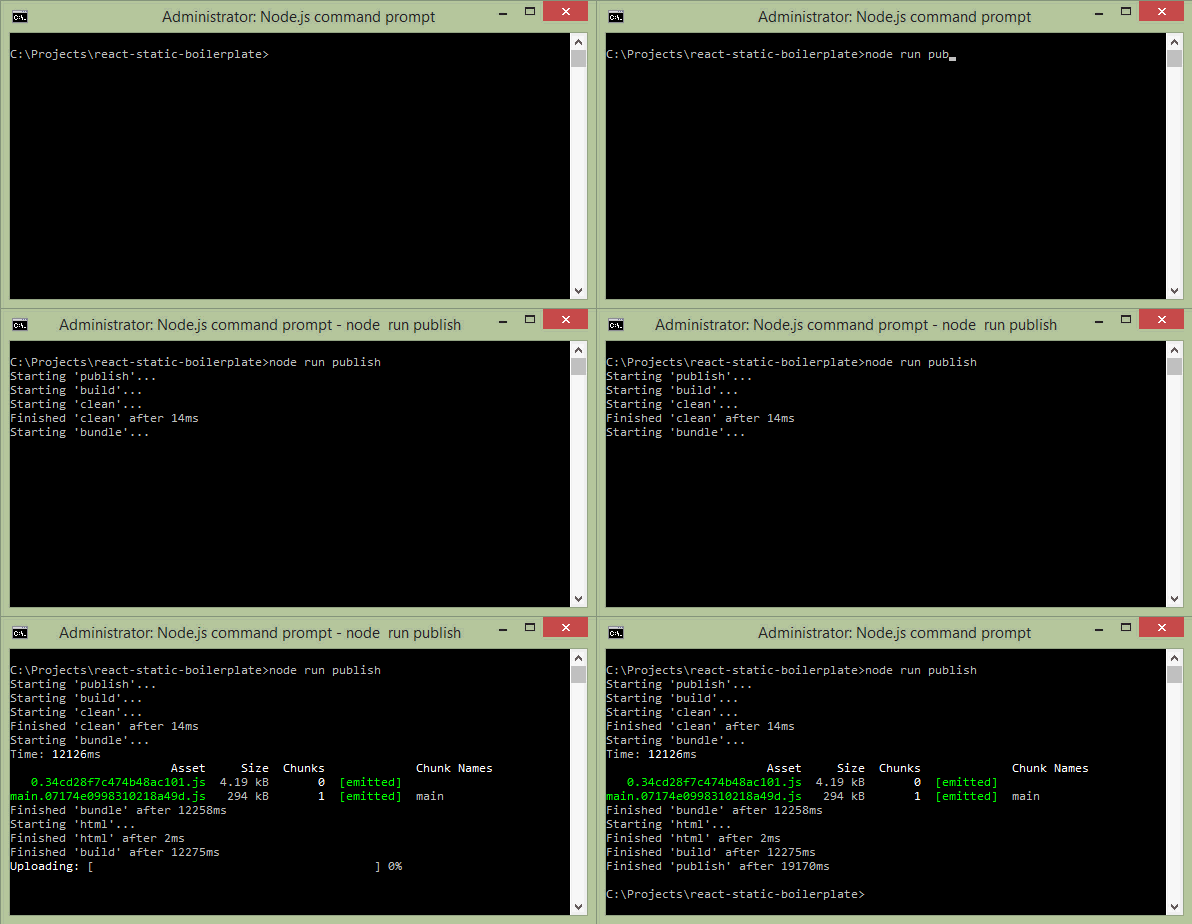
```shell
$ node run publish # Build and publish the website to Firebase, same as `npm run publish`
```
The first time you publish, you will be prompted to authenticate with Google and generate an
authentication token in order for the publish script to continue.
If you need just to build the project without publishing it, run:
```shell
$ node run build # Or, `node run build --release` for production build
```