https://github.com/eggplants/eijiro-to-sqlite
英辞郎 (English-Japanese dictionary) -> sqlite3
https://github.com/eggplants/eijiro-to-sqlite
cli database dictionary eijiro parser python sqlite sqlite3
Last synced: 2 months ago
JSON representation
英辞郎 (English-Japanese dictionary) -> sqlite3
- Host: GitHub
- URL: https://github.com/eggplants/eijiro-to-sqlite
- Owner: eggplants
- License: mit
- Created: 2022-01-23T19:06:04.000Z (over 4 years ago)
- Default Branch: master
- Last Pushed: 2022-03-03T08:39:59.000Z (over 4 years ago)
- Last Synced: 2025-02-06T06:33:00.298Z (over 1 year ago)
- Topics: cli, database, dictionary, eijiro, parser, python, sqlite, sqlite3
- Language: Python
- Homepage: https://pypi.org/project/e2s/
- Size: 32.2 KB
- Stars: 2
- Watchers: 1
- Forks: 0
- Open Issues: 0
-
Metadata Files:
- Readme: README.md
- License: LICENSE
Awesome Lists containing this project
README
# eijiro-to-sqlite
[](
) [](
) [](
)
- [英辞郎](https://booth.pm/ja/items/777563) -> sqlite3
- [Sample data](http://www.eijiro.jp/eijiro-sample-1448.zip): 0 JPY
- [英辞郎 Ver.144.8](https://booth.pm/ja/items/777563): 495 JPY
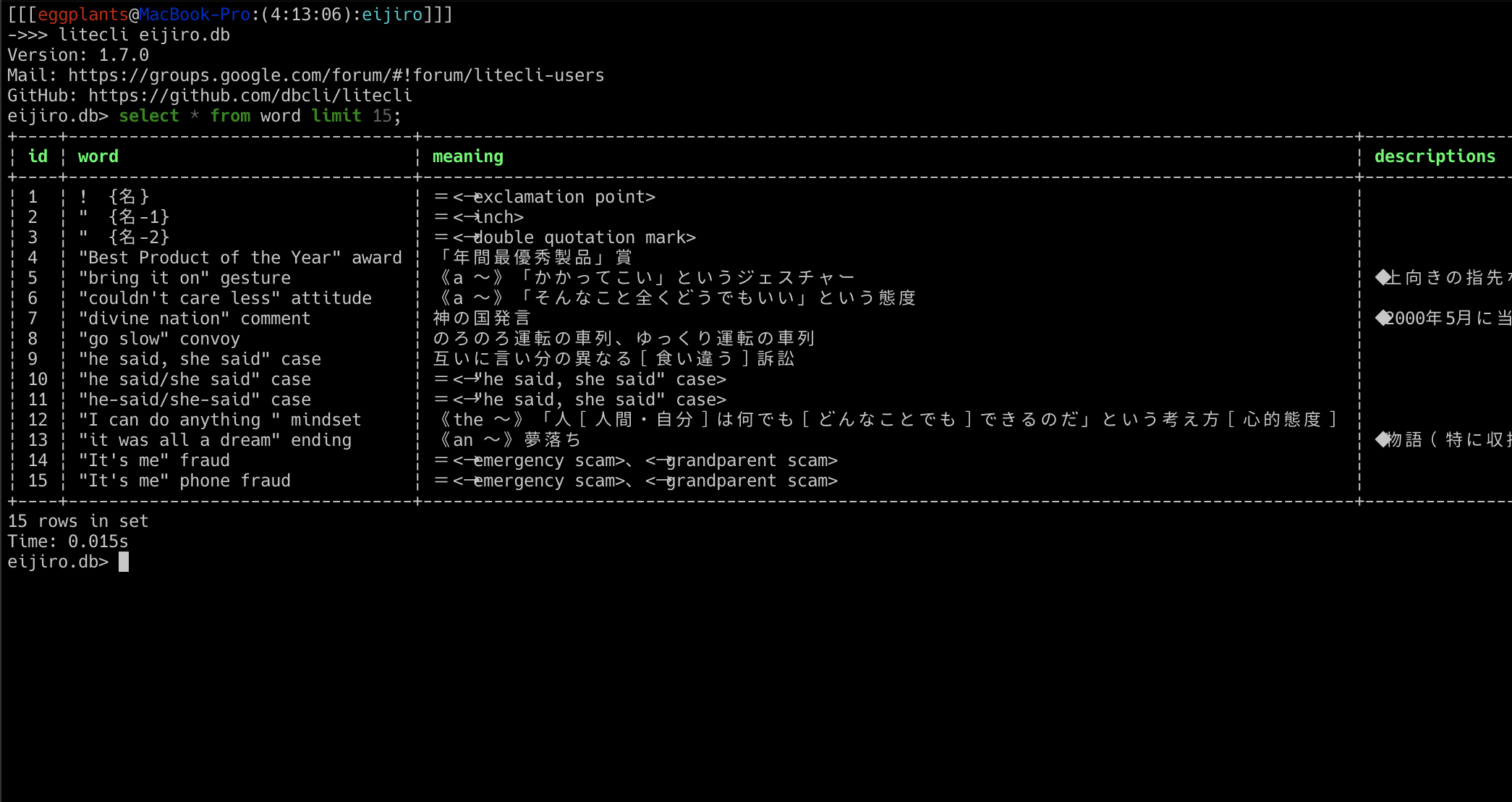
## Screenshot
## Install
```bash
pip install e2s
```
## Run
```bash
wget 'https://www.eijiro.jp/eijiro-sample-1448.zip' # sample data
unzip eijiro-sample-1448.zip
e2s -i EIJIRO-SAMPLE-1448.TXT # `eijiro.db` will be created
```
## Help
```shellsession
$ e2s -h
usage: e2s [-h] [-i TXT] [-o DB] [-j JOINER] [-O] [-V]
Convert eijiro(英辞郎) text data into sqlite3
optional arguments:
-h, --help show this help message and exit
-i TXT, --input TXT Source file (default: EIJIRO-1448.TXT)
-o DB, --out DB Output DB file (default: eijiro.db)
-j JOINER, --joiner JOINER Joiner for descriptions (default: ^^^)
-O, --overwrite Overwrite db (default: False)
-V, --version show program's version number and exit
```
## Schema
```sql
CREATE TABLE word (
id integer primary key,
word text,
meaning text,
descriptions text
)
```