https://github.com/elcorto/gp_playground
Explore selected topics related to Gaussian processes
https://github.com/elcorto/gp_playground
gaussian-processes gpy gpytorch kernel-ridge-regression machine-learning scikit-learn tinygp
Last synced: about 1 month ago
JSON representation
Explore selected topics related to Gaussian processes
- Host: GitHub
- URL: https://github.com/elcorto/gp_playground
- Owner: elcorto
- License: bsd-3-clause
- Created: 2022-05-17T13:59:24.000Z (about 4 years ago)
- Default Branch: main
- Last Pushed: 2025-08-13T18:29:20.000Z (10 months ago)
- Last Synced: 2025-08-13T20:44:19.227Z (10 months ago)
- Topics: gaussian-processes, gpy, gpytorch, kernel-ridge-regression, machine-learning, scikit-learn, tinygp
- Language: Python
- Homepage: https://elcorto.github.io/gp_playground
- Size: 50.6 MB
- Stars: 1
- Watchers: 2
- Forks: 0
- Open Issues: 1
-
Metadata Files:
- Readme: README.md
- License: LICENSE
Awesome Lists containing this project
README
[](https://zenodo.org/badge/latestdoi/493275233)
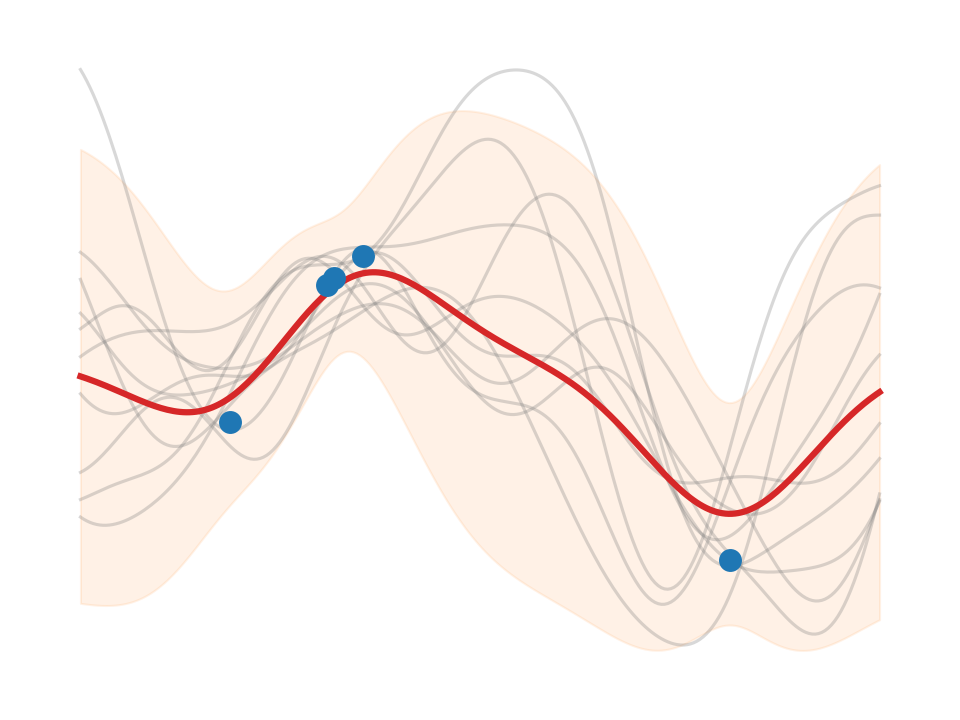
**Check the [book content here](https://elcorto.github.io/gp_playground/root.html)**.
This project uses [Jupyter Book](https://jupyterbook.org) and
[jupytext](https://jupytext.readthedocs.io). To build locally, follow the instructions below or check the CI pipline.
Use
```sh
# https://virtualenvwrapper.readthedocs.io/en/latest/
$ mkvirtualenv gp_play
```
or
```sh
$ python3 -m venv gp_play && . ./gp_play/bin/activate
```
Then install some variant of `torch` (CPU, GPU) plus the packages that we test
here. The `torch` install line is just an example, please check the pytorch
website for more. Examples are tiny, so there is no need to install the GPU
version of `torch`.
```sh
(gp_play) $ pip install torch --extra-index-url https://download.pytorch.org/whl/cpu
(gp_play) $ pip install -r requirements.txt
```
Build
```sh
(gp_play) $ ./generate-book.sh
# If you only modified some notebook scripts (we use jupytext in the
# background), pass their names. Else the script will purge and rebuild all.
(gp_play) $ ./generate-book.sh book/content/gp_pred_comp/notebook_comp.py
# If you only changed markdown files
(gp_play) $ jupyter-book build book
```
View
```sh
$ some_browser book/_build/html/index.html
```