https://github.com/electerious/ackee-bitbar
Ackee stats in your macOS menu bar.
https://github.com/electerious/ackee-bitbar
Last synced: about 1 year ago
JSON representation
Ackee stats in your macOS menu bar.
- Host: GitHub
- URL: https://github.com/electerious/ackee-bitbar
- Owner: electerious
- Created: 2020-09-04T12:45:33.000Z (almost 6 years ago)
- Default Branch: master
- Last Pushed: 2024-12-08T12:09:21.000Z (over 1 year ago)
- Last Synced: 2025-04-03T09:41:37.306Z (about 1 year ago)
- Language: JavaScript
- Size: 41 KB
- Stars: 16
- Watchers: 2
- Forks: 1
- Open Issues: 0
-
Metadata Files:
- Readme: README.md
- Changelog: CHANGELOG.md
- Funding: .github/FUNDING.yml
Awesome Lists containing this project
README
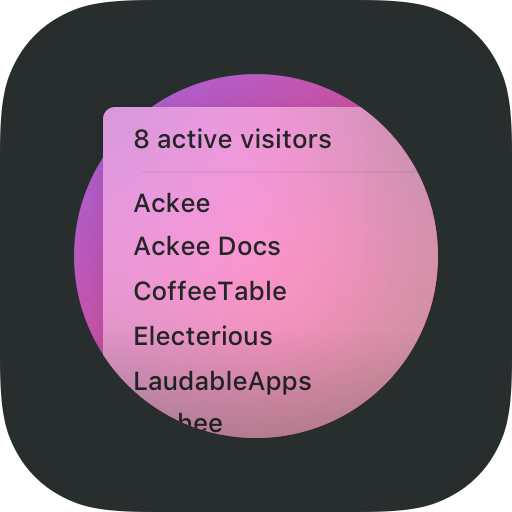
# ackee-bitbar
[](https://www.paypal.com/cgi-bin/webscr?cmd=_s-xclick&hosted_button_id=CYKBESW577YWE)
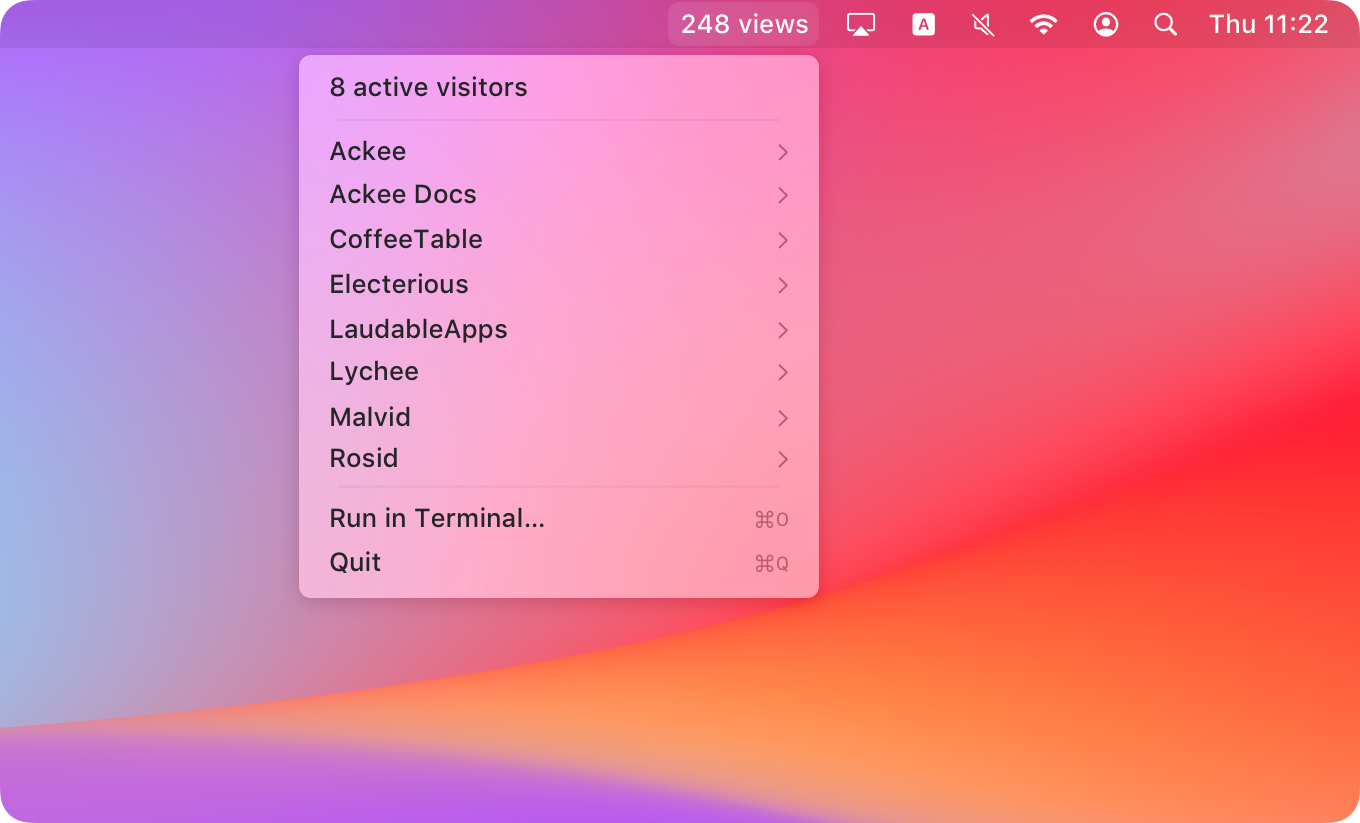
[BitBar](https://github.com/matryer/bitbar) plugin that displays an overview of your current Ackee stats in the macOS menu bar.
## 🚀 Get started
### 1) Grab the project
```sh
git clone https://github.com/electerious/ackee-bitbar.git
```
### 2) Install the dependencies
```sh
cd ackee-bitbar
npm install
```
### 3) Create a configuration
```sh
vim .env
```
```
ACKEE_ENDPOINT=https://ackee.example.com/api
ACKEE_TOKEN=5c5411b0-ef80-425b-8e80-e8c4a76fcad6
```
### 4) Make it executable
```sh
chmod +x index.js
```
### 5) Add the plugin to BitBar
```sh
ln -s index.js ../BitBar/Plugins/Enabled/ackee-bitbar.5m.js
```
## 💭 FAQ
### The plugin shows `env: No such file or directory`
BitBar [requires that the script contains a shebang](https://github.com/matryer/bitbar#tested-languages) that points to your node binary. ackee-bitbar defaults to `/usr/local/bin/node`. You might need to adjust the path at the top of the `index.js`.
### Where can I get my Ackee token?
You can create a new permanent token in the settings of Ackee. Make sure to keep the token in a secure place.
### Is is possible to adjust the refresh interval?
[Sure](https://github.com/matryer/bitbar#using-symlinks). Simply change the `5m` in the symlink filename to `1h`, `1m`, `30s` or the refresh timing of your choice.