https://github.com/elementui/vue-cli-plugin-element
Element plugin for vue-cli
https://github.com/elementui/vue-cli-plugin-element
Last synced: about 1 year ago
JSON representation
Element plugin for vue-cli
- Host: GitHub
- URL: https://github.com/elementui/vue-cli-plugin-element
- Owner: ElementUI
- License: mit
- Created: 2018-08-01T03:54:22.000Z (almost 8 years ago)
- Default Branch: master
- Last Pushed: 2019-08-21T04:44:42.000Z (almost 7 years ago)
- Last Synced: 2025-05-15T23:05:06.884Z (about 1 year ago)
- Language: JavaScript
- Size: 132 KB
- Stars: 829
- Watchers: 12
- Forks: 117
- Open Issues: 49
-
Metadata Files:
- Readme: README.md
- License: LICENSE
Awesome Lists containing this project
README
# vue-cli-plugin-element
Element plugin for `@vue/cli` 3.0.
### Install
First you need to install `@vue/cli` globally (follow the instructions [here](https://cli.vuejs.org/)).
Then create a project and add the Element plugin:
```bash
vue create my-app
cd my-app
vue add element
```
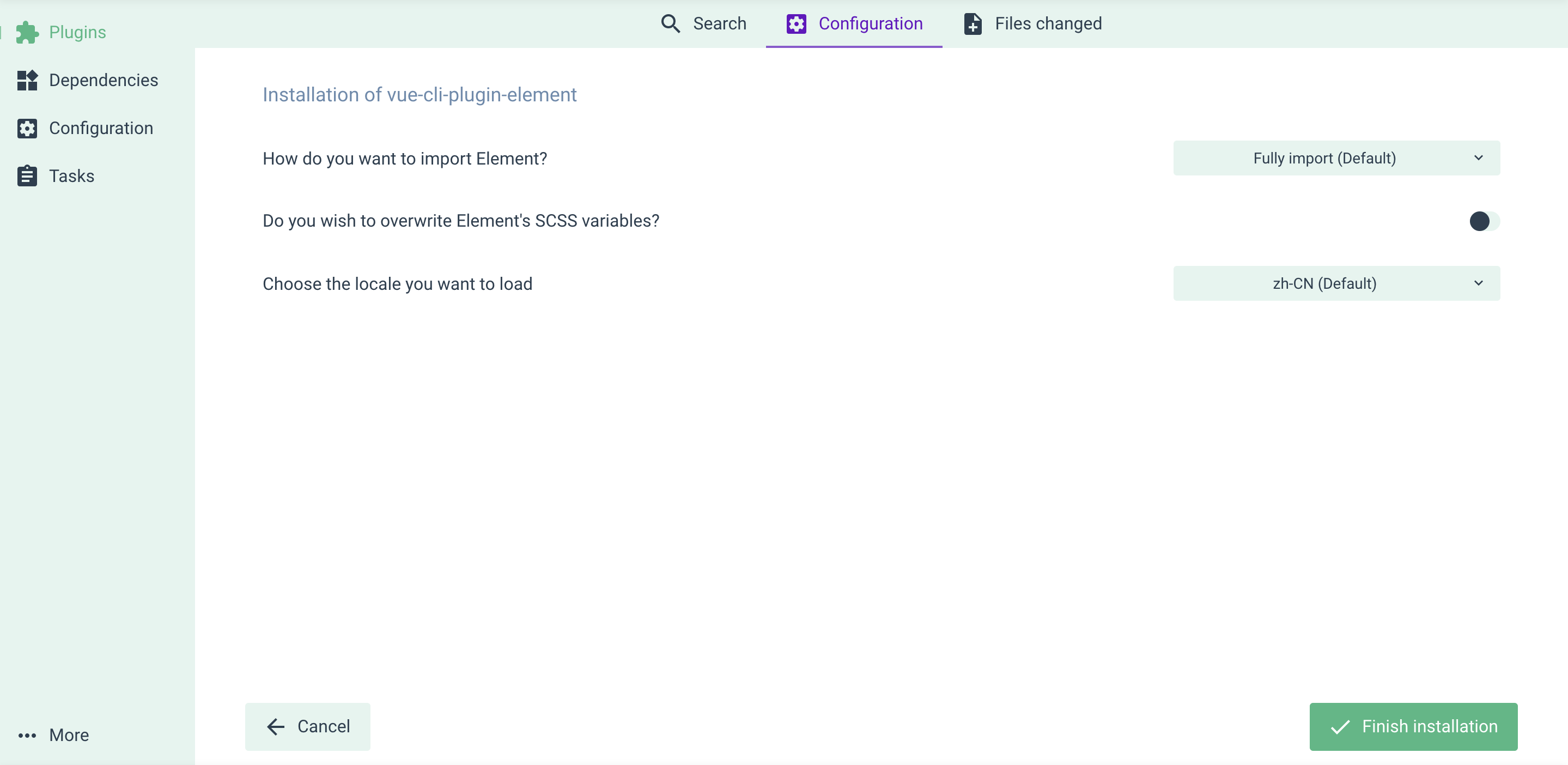
You'll be asked some questions regarding how Element is configured in your project. After that, you're good to go.
### Use with vue-cli UI
Skip this part if you've done everything in the `Install` section.
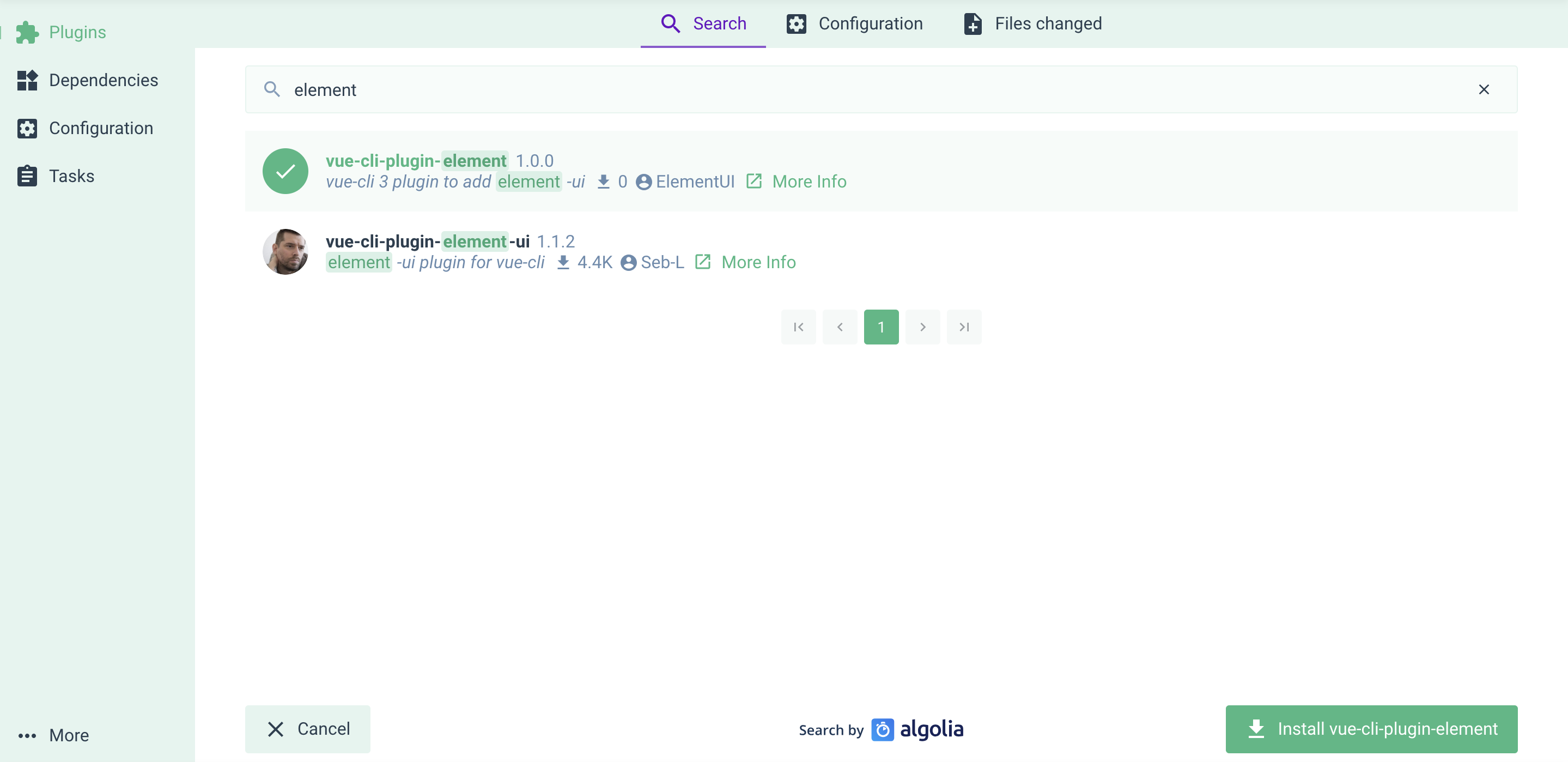
If you prefer managing your project in vue-cli UI (by running `vue ui`), here's how you can add Element plugin: go to the Plugins menu, click the upper right `+ Add plugin` button, find `vue-cli-plugin-element` and install it.
Also there're some configurations for you.