https://github.com/elvan/reaction-timer-game-vue-example
The Reaction Timer Game is a Vue.js project designed to test and improve users' reaction times in a fun and interactive way. It challenges players to respond to visual cues with speed and accuracy, offering a dynamic way to gauge and enhance reflexes over time.
https://github.com/elvan/reaction-timer-game-vue-example
Last synced: 3 months ago
JSON representation
The Reaction Timer Game is a Vue.js project designed to test and improve users' reaction times in a fun and interactive way. It challenges players to respond to visual cues with speed and accuracy, offering a dynamic way to gauge and enhance reflexes over time.
- Host: GitHub
- URL: https://github.com/elvan/reaction-timer-game-vue-example
- Owner: elvan
- Created: 2024-02-13T12:01:17.000Z (over 2 years ago)
- Default Branch: main
- Last Pushed: 2024-02-13T13:34:35.000Z (over 2 years ago)
- Last Synced: 2025-01-21T02:43:56.974Z (over 1 year ago)
- Language: Vue
- Homepage:
- Size: 32.2 KB
- Stars: 1
- Watchers: 1
- Forks: 0
- Open Issues: 0
-
Metadata Files:
- Readme: README.md
Awesome Lists containing this project
README
# Reaction Timer Game
## Screenshots
---
## Description
The Reaction Timer Game is a Vue.js project designed to test and improve users' reaction times in a fun and interactive way. It challenges players to respond to visual cues with speed and accuracy, offering a dynamic way to gauge and enhance reflexes over time.
## Features
- **Project Setup and Initial Files** - The foundation of the project was established with essential configurations for browser compatibility, consistent coding styles, and a basic Vue app structure, including a .browserslistrc, .editorconfig, and initial Vue component setup.
- **Gameplay and Block Component** - Introduced gameplay logic and the Block component, enabling interactive game elements and conditional rendering based on game state. Gameplay begins with a random delay, and the UI was enhanced for a better player experience.
- **End Game Functionality and Block Improvements** - Added functionality to dynamically show the Block based on a timer and implemented an "End game" button, allowing players to stop the game as needed.
- **Refinement of Game Logic** - Simplified the game by removing the "End game" button and enhancing the Block component with reaction timer logic, including start and stop timer methods for an interactive gameplay experience.
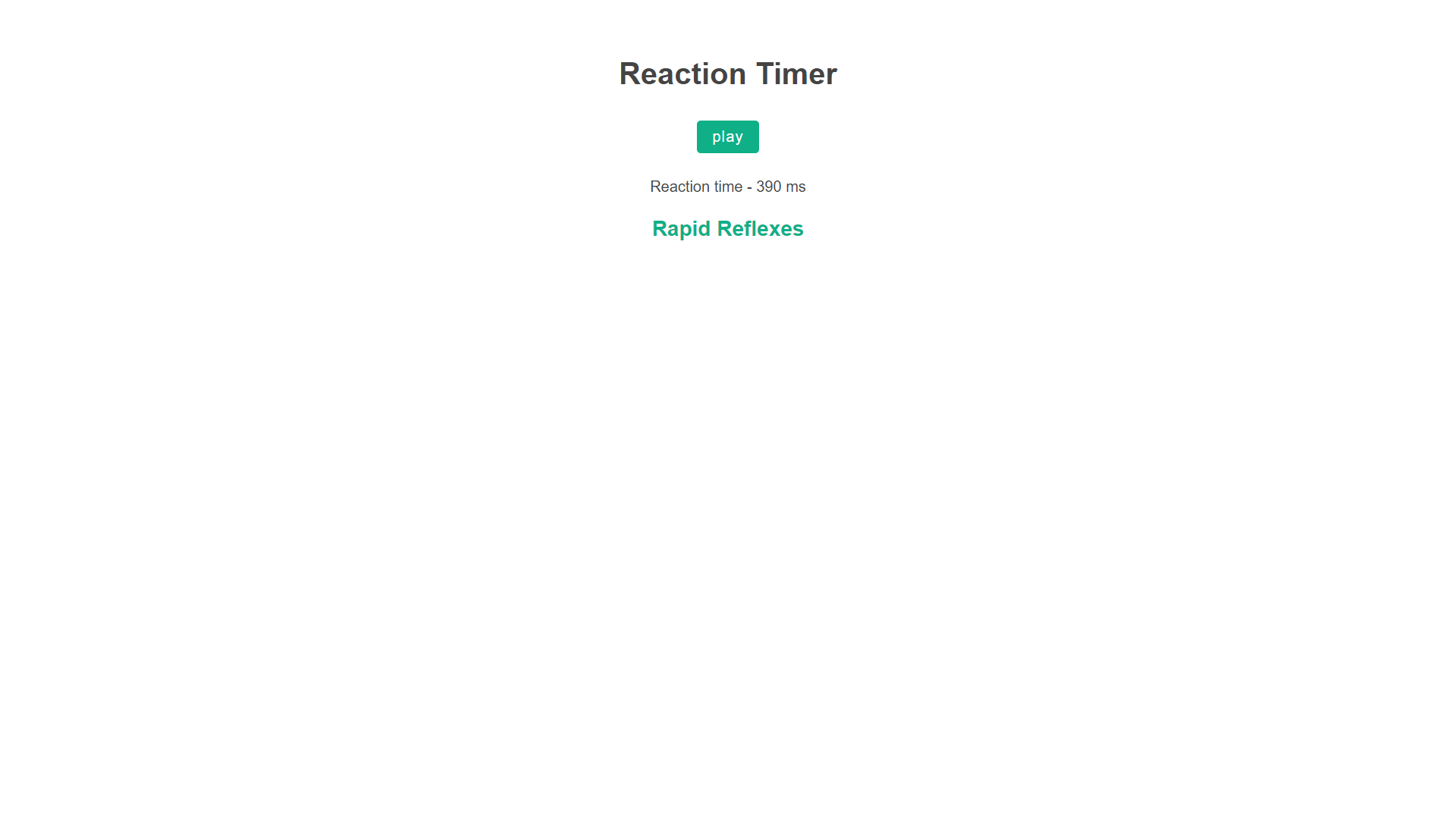
- **Score Display and End Game Logic** - Implemented a score display system that shows reaction time results after the game ends, providing immediate feedback on player performance.
- **Results Component for Displaying Scores** - Introduced a Results component to manage score display more efficiently, organizing the code structure for clearer component interaction.
- **Ranking System in Results Component** - Enhanced the Results component with a dynamic ranking system based on the player's score, offering ranks like Ninja Fingers, Rapid Reflexes, and Snail Pace, along with styled rank display for visual emphasis.
## Installation
### Prerequisites
- Node.js and npm installed on your system
### Environment Setup
1. Clone the repository to your local machine.
2. Navigate to the project directory.
### Installation Commands
```bash
# Install dependencies
npm install
# Serve with hot reload at localhost:8080
npm run serve
# Build for production with minification
npm run build
```
## Usage
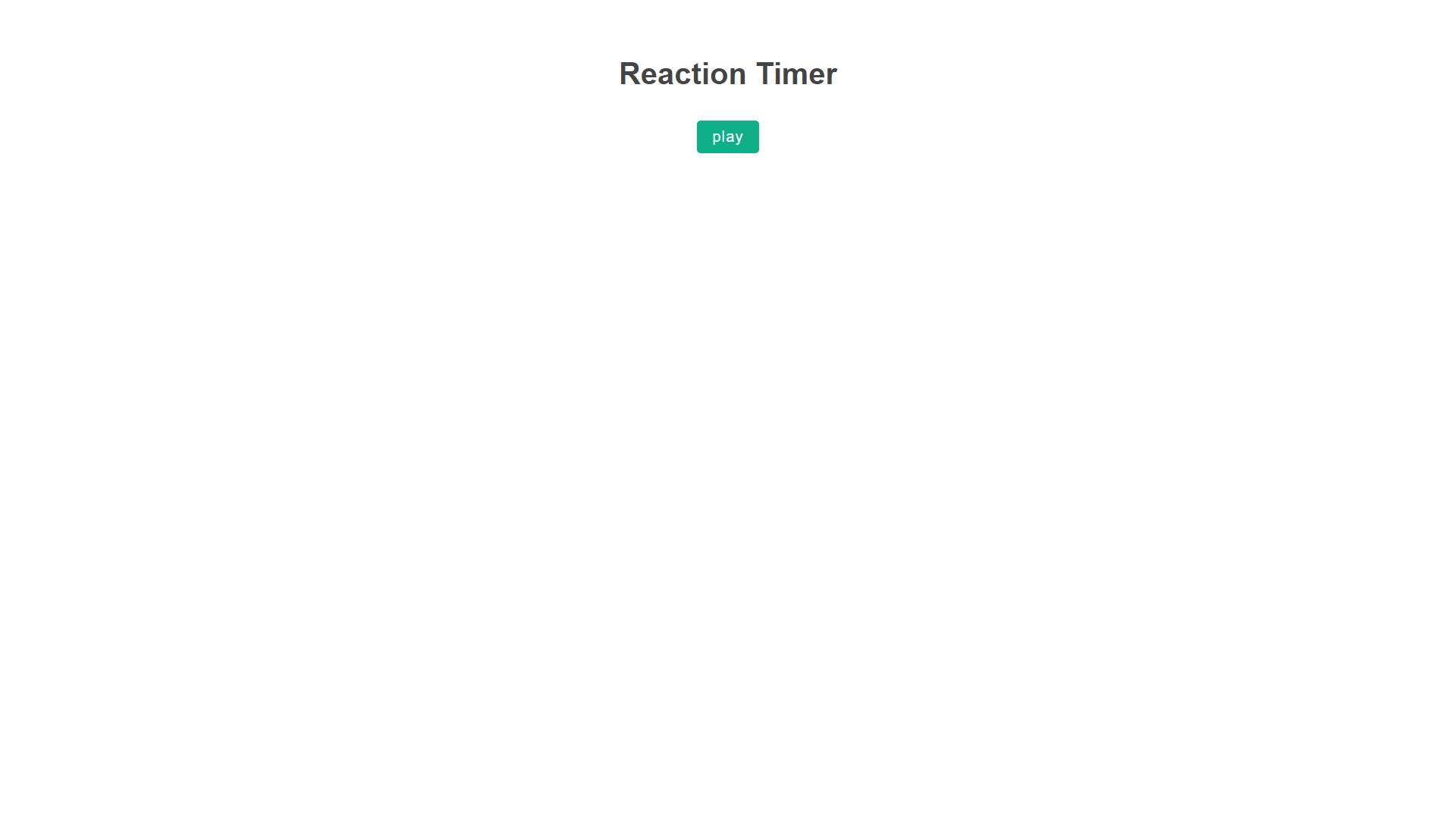
After setting up the project, you can start the game by clicking the "play" button. The game will randomly display a block that you need to click as fast as possible. Your reaction time will be measured and displayed at the end of each round, along with a ranking based on your performance.