https://github.com/elvan/recipe-directory-app-react-example
Recipe Directory is a web application designed to allow users to explore, search for, and contribute recipes.
https://github.com/elvan/recipe-directory-app-react-example
Last synced: 12 months ago
JSON representation
Recipe Directory is a web application designed to allow users to explore, search for, and contribute recipes.
- Host: GitHub
- URL: https://github.com/elvan/recipe-directory-app-react-example
- Owner: elvan
- Created: 2024-02-19T17:33:52.000Z (over 2 years ago)
- Default Branch: main
- Last Pushed: 2024-02-20T14:50:07.000Z (over 2 years ago)
- Last Synced: 2025-03-14T08:21:38.887Z (over 1 year ago)
- Language: JavaScript
- Homepage:
- Size: 295 KB
- Stars: 1
- Watchers: 1
- Forks: 0
- Open Issues: 0
-
Metadata Files:
- Readme: README.md
Awesome Lists containing this project
README
# Recipe Directory
---
---
---
---
## Description
Recipe Directory is a web application designed to allow users to explore, search for, and contribute recipes. It aims to solve the problem of having scattered recipes by providing a centralized platform where users can find recipes based on ingredients, cooking time, or recipe names. The project emphasizes ease of use, accessibility, and dynamic content fetching to ensure a seamless user experience.
## Features
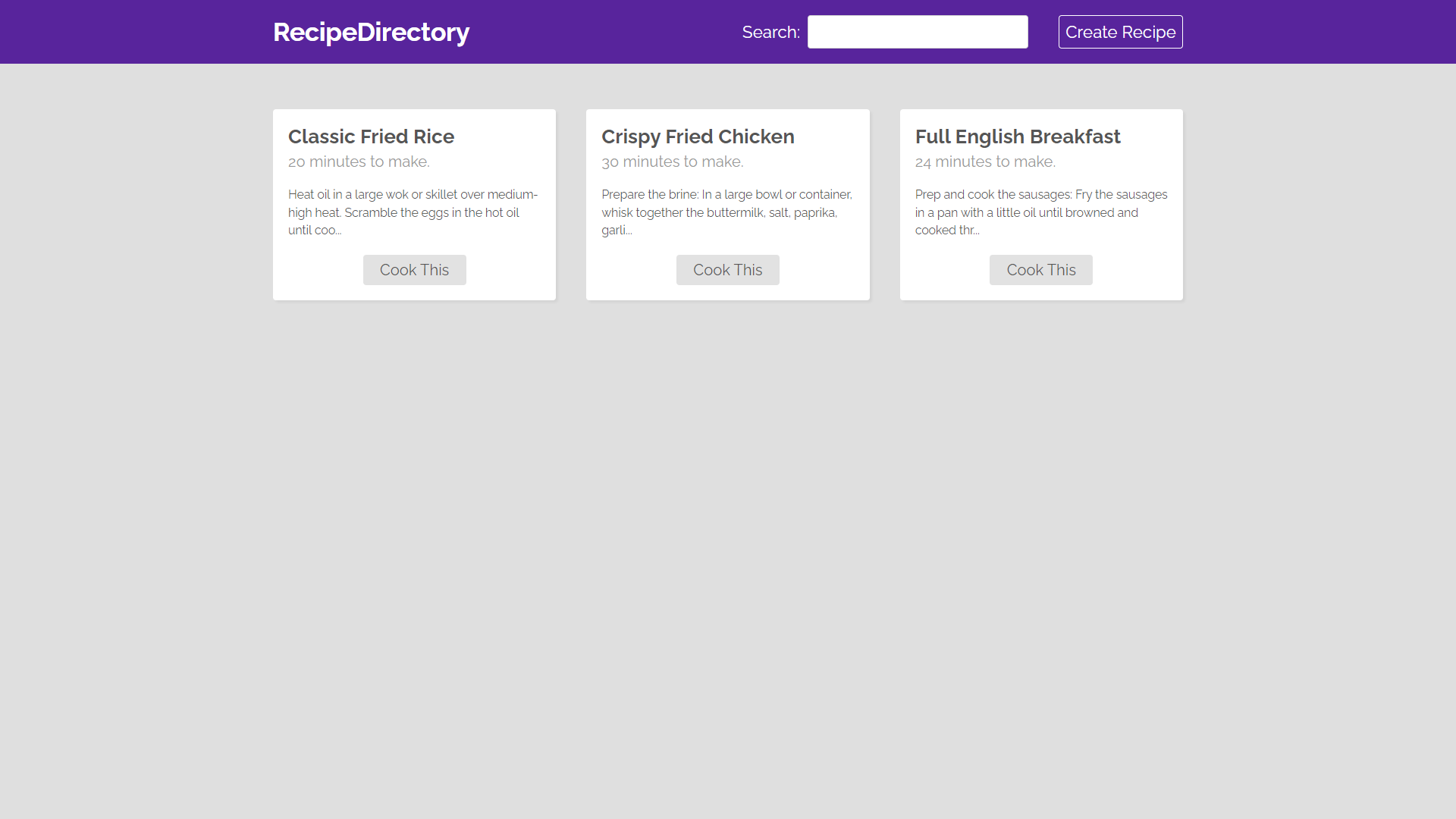
- **Dynamic Content Fetching and Display** - Utilizes custom hooks to fetch data dynamically from a backend service. Recipes are displayed using the RecipeList component, which updates in real-time as users interact with the application. This feature enhances the Recipe page with a layout optimized for readability and user engagement.
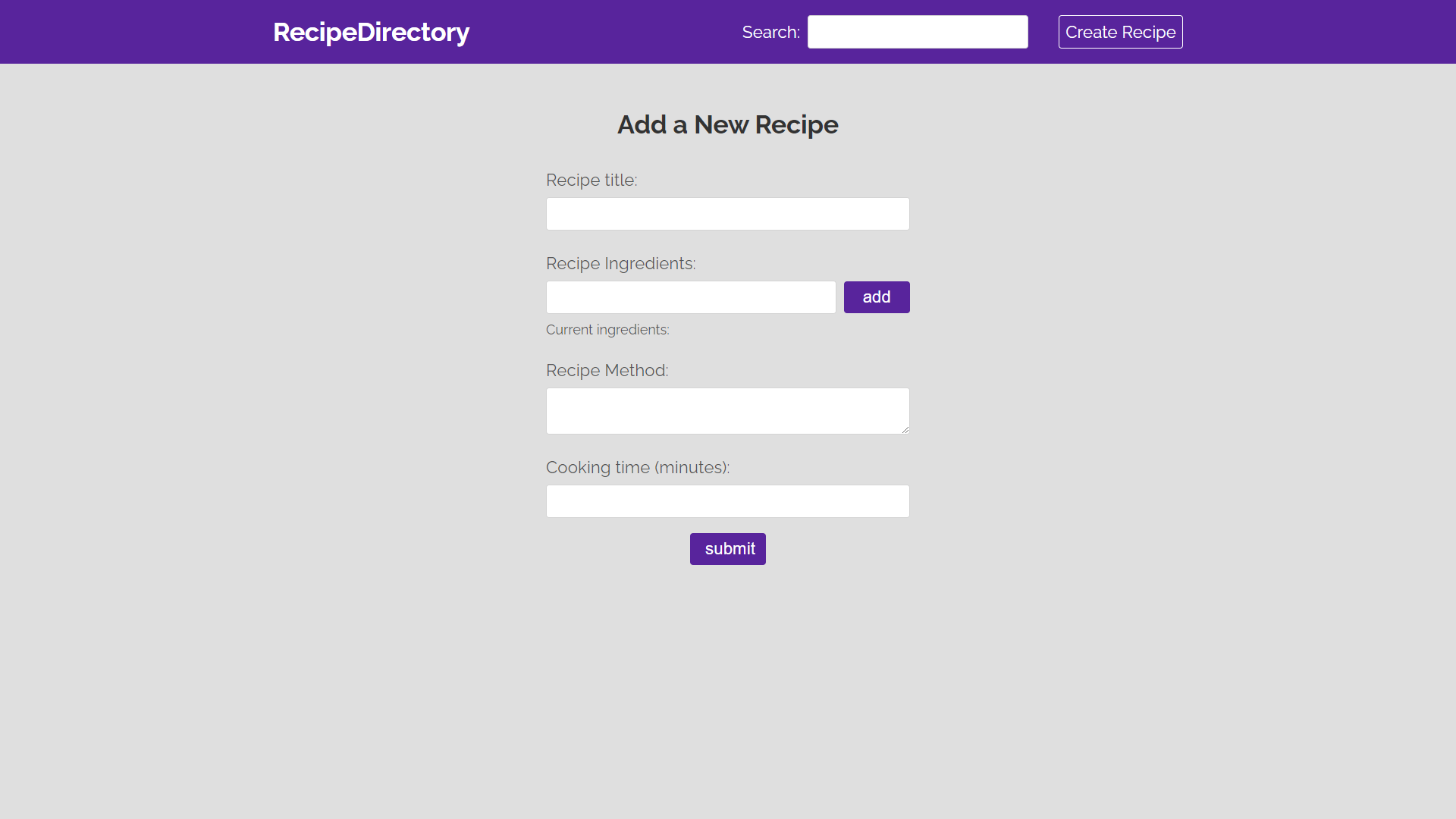
- **Comprehensive Recipe Submission Form** - Implements a detailed form on the Create page, allowing users to submit new recipes by specifying ingredients, cooking methods, and time required. The form supports ingredient management, enabling users to add or remove ingredients dynamically. This functionality is supported by useState and useRef hooks for state management and focus control.
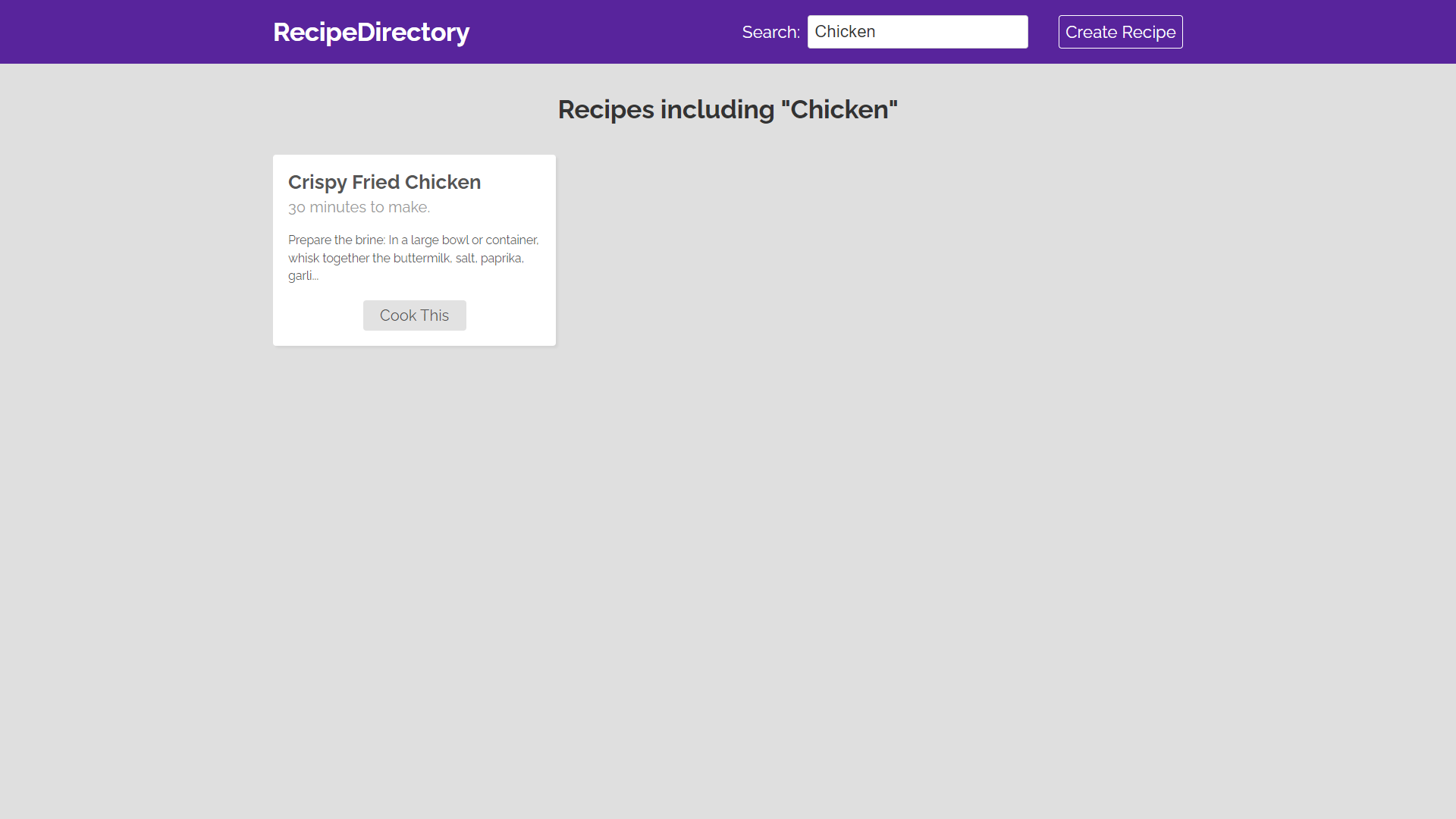
- **Enhanced Search Functionality** - Integrates a Searchbar in the Navbar, enabling users to search for recipes based on specific queries. The search functionality leverages URL query parameters to fetch and display relevant search results on the Search page, enhancing the application's navigability and user experience.
- **Routing and Page Component Structure** - Incorporates react-router-dom for application routing, facilitating navigation between different pages such as Home, Create, Recipe, and Search. This structure is foundational to the application, enabling the development of a multi-page user interface with seamless user navigation.
#### Technology Stack
- React.js
- JavaScript
- CSS
- HTML
- react-router-dom
- Custom Hooks for Fetching Data
## Installation
### Prerequisites
- Node.js and npm must be installed on your system. Node.js can be downloaded from [Node.js official website](https://nodejs.org/).
### Installation Commands
To get the project up and running locally, follow these steps:
1. Clone the repository:
```
git clone https://github.com/elvan/recipe-directory-app-react-example.git
```
2. Install dependencies:
```
npm install
```
3. Start the development server:
```
npm start
```
This will serve the application at `http://localhost:3000`.
## Usage
After completing the installation steps, you can use the project as follows:
- Explore available recipes on the Home page.
- Use the Searchbar in the Navbar to find recipes by keywords.
- Navigate to the Create page to submit a new recipe by filling out the form with the recipe's title, ingredients, method, and cooking time.
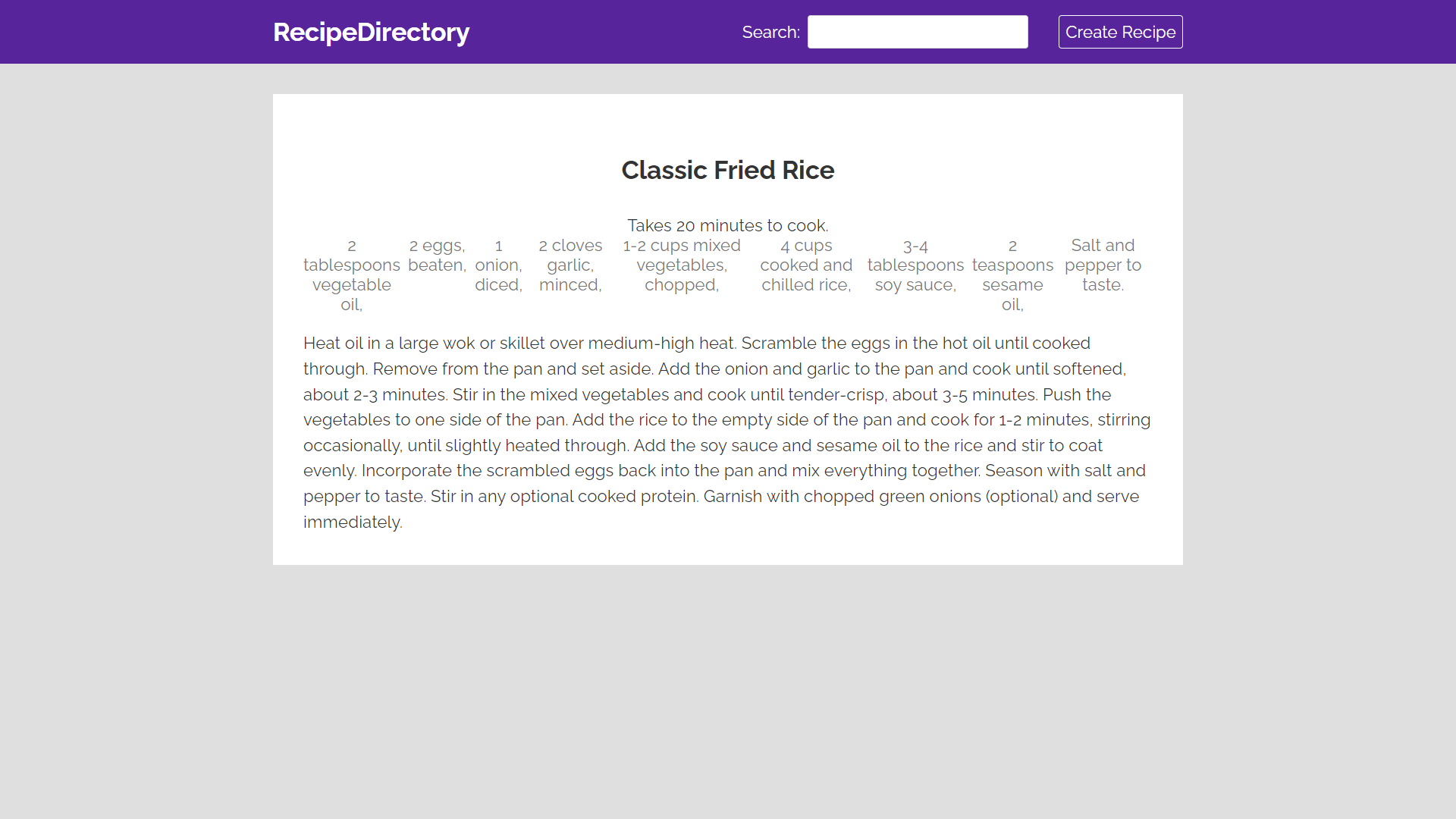
- Click on any recipe in the RecipeList to view detailed instructions, ingredients, and cooking time.
Each feature is designed to enhance the overall usability and functionality of the Recipe Directory, making it easier for users to share and discover recipes.