https://github.com/emonney/quickapp-vs.2015-version
This is the version for Visual Studio 2015. The original repository is at "https://github.com/emonney/QuickApp". ASP.NET Core / Angular4 startup project template with complete login, user and role management. Plus other useful services for Quick Application Development
https://github.com/emonney/quickapp-vs.2015-version
Last synced: 8 months ago
JSON representation
This is the version for Visual Studio 2015. The original repository is at "https://github.com/emonney/QuickApp". ASP.NET Core / Angular4 startup project template with complete login, user and role management. Plus other useful services for Quick Application Development
- Host: GitHub
- URL: https://github.com/emonney/quickapp-vs.2015-version
- Owner: emonney
- License: mit
- Created: 2017-05-30T11:46:36.000Z (about 9 years ago)
- Default Branch: master
- Last Pushed: 2017-05-30T12:17:03.000Z (about 9 years ago)
- Last Synced: 2024-12-29T02:27:00.934Z (over 1 year ago)
- Language: C#
- Homepage:
- Size: 28.6 MB
- Stars: 1
- Watchers: 1
- Forks: 1
- Open Issues: 0
-
Metadata Files:
- Readme: README.html
- License: LICENSE
Awesome Lists containing this project
README
QuickApp - ASPNET Core / Angular2 startup project template
QuickApp - ASPNET Core / Angular2 startup project template

A startup Angular2 / ASP.NET Core (cross-platform ) project template with an end-to-end user and role management implementation.
As well as other common functionalities for Quick Application development.
Download demo
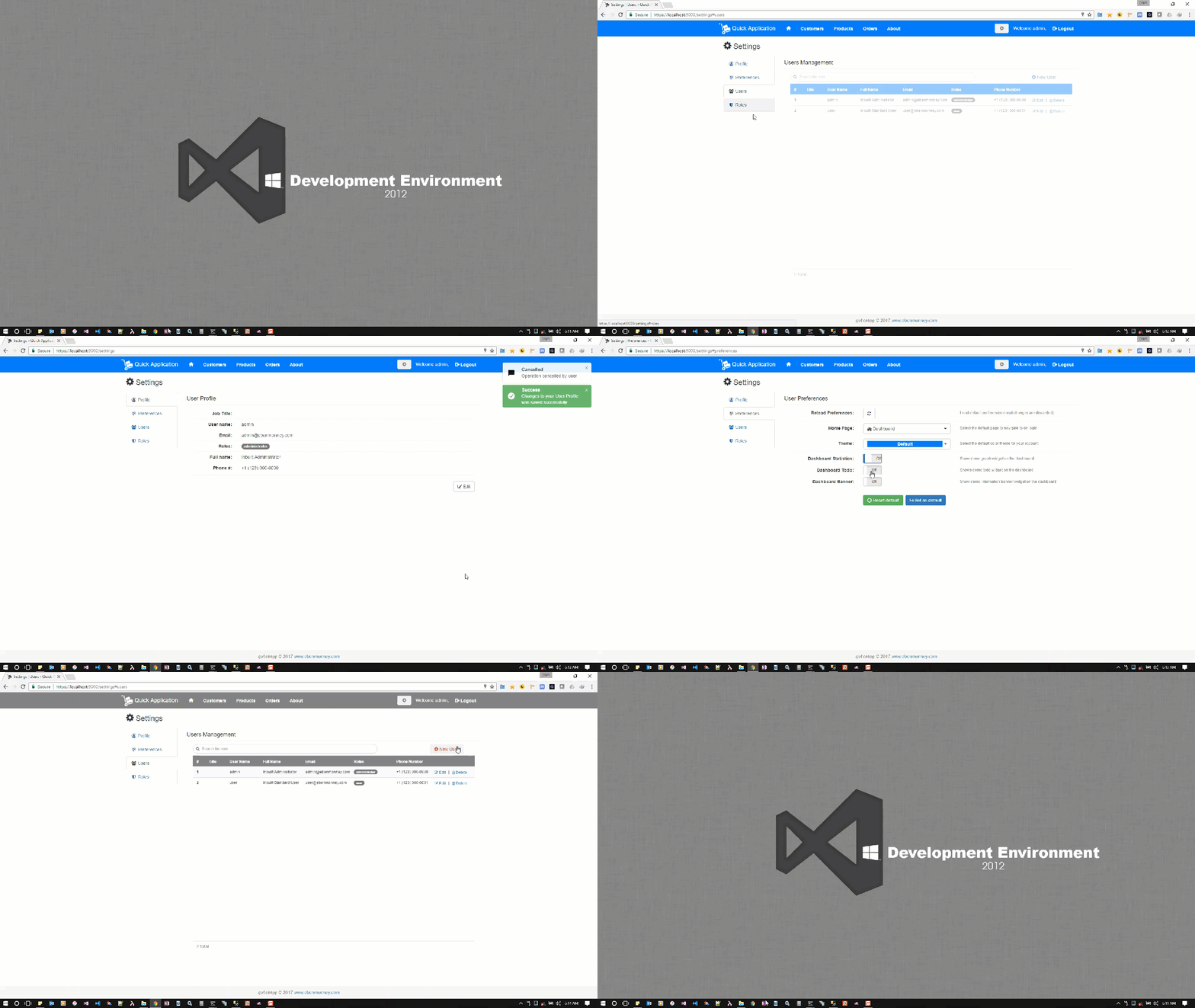
This application consists of:
- Template pages using Angular2 and TypeScript
- RESTful API Backend using ASP.NET Core MVC Web API
- Database using Entity Framework Core
- Authentication based on OpenID Connect
- API Documentation using Swagger
-
Webpack2 for managing client-side libraries - Theming using Bootstrap
You get the benefits of:
- A complete backend and frontend project structure to build on with user and permission-based role management already integrated
- Data Access Layer built with the Repository and Unit of Work Pattern
- Code First Database
- A RESTful API Design
- Angular Directives Quidance
- Angular Pipes Quidance
- Angular Animations Quidance
- Angular Services
- Dialog and Notification Services
- Configuration Page and Service
- Theming with SASS
- Handling Access and Refresh Tokens with WebStorage (Bearer authentication) - No Cookies
- Jquery Integration (Example of using standard Jquery libraries)
- CRUD APIs
Installation
- Clone the Git Repository and edit with your favorite editor. e.g. Visual Studio, Visual Studio Code
-
Install Project template from the Visual Studio Gallery and follow the usual File -> New Project -> Web -> QuickApp - to create a new Project from this template.
Lunch withF5orCtrl+F5(The usual way)
- Yeoman generator package coming soon...
LOGIN WITH USERNAME OR EMAIL ADDRESS
Default Administrator Account
- Username: admin
- Email: admin@ebenmonney.com
- Password: tempP@ss123
Default Standard Account
- Username: user
- Email: user@ebenmonney.com
- Password: tempP@ss123
NOTE For faster builds you can comment out the line "postcompile": [ "node node_modules/webpack/bin/webpack.js --config webpack.config.vendor.js" ] in the "project.json" file.
This is only required for the first time build and when the vendor packages in the webpack.config.vendor.js file is modified.
Documentation
- Overview of QuickApp
- Conceptual overview of what is ASP.NET Core
- Angular2 documentation overview
- Working with Data
- An introduction to webpack
License
Released under the MIT License.
I would love to hear your feedback