https://github.com/eneskaraosman/swifty_chat
A Chat package for flutter
https://github.com/eneskaraosman/swifty_chat
chat chatbot flutter
Last synced: 8 months ago
JSON representation
A Chat package for flutter
- Host: GitHub
- URL: https://github.com/eneskaraosman/swifty_chat
- Owner: EnesKaraosman
- License: mit
- Created: 2021-05-24T10:41:49.000Z (about 5 years ago)
- Default Branch: main
- Last Pushed: 2025-09-19T06:40:24.000Z (10 months ago)
- Last Synced: 2025-09-19T08:33:35.244Z (10 months ago)
- Topics: chat, chatbot, flutter
- Language: Dart
- Homepage:
- Size: 2.54 MB
- Stars: 24
- Watchers: 3
- Forks: 7
- Open Issues: 1
-
Metadata Files:
- Readme: README.md
- Changelog: CHANGELOG.md
- License: LICENSE
Awesome Lists containing this project
README
# swifty_chat
| QuickReply, Text, Image | Html | Carousel | Custom |
:-------------------------:|:-------------------------:|:-------------------------:|:-------------------------:
 |
|  |
|  |
| 
### Platforms
- [x] iOS, macOS
- [x] Android
- [x] Web
### Features
Supported Message types;
- Text
- Image
- `ImageProver` is required, so you can use network or assets to load images.
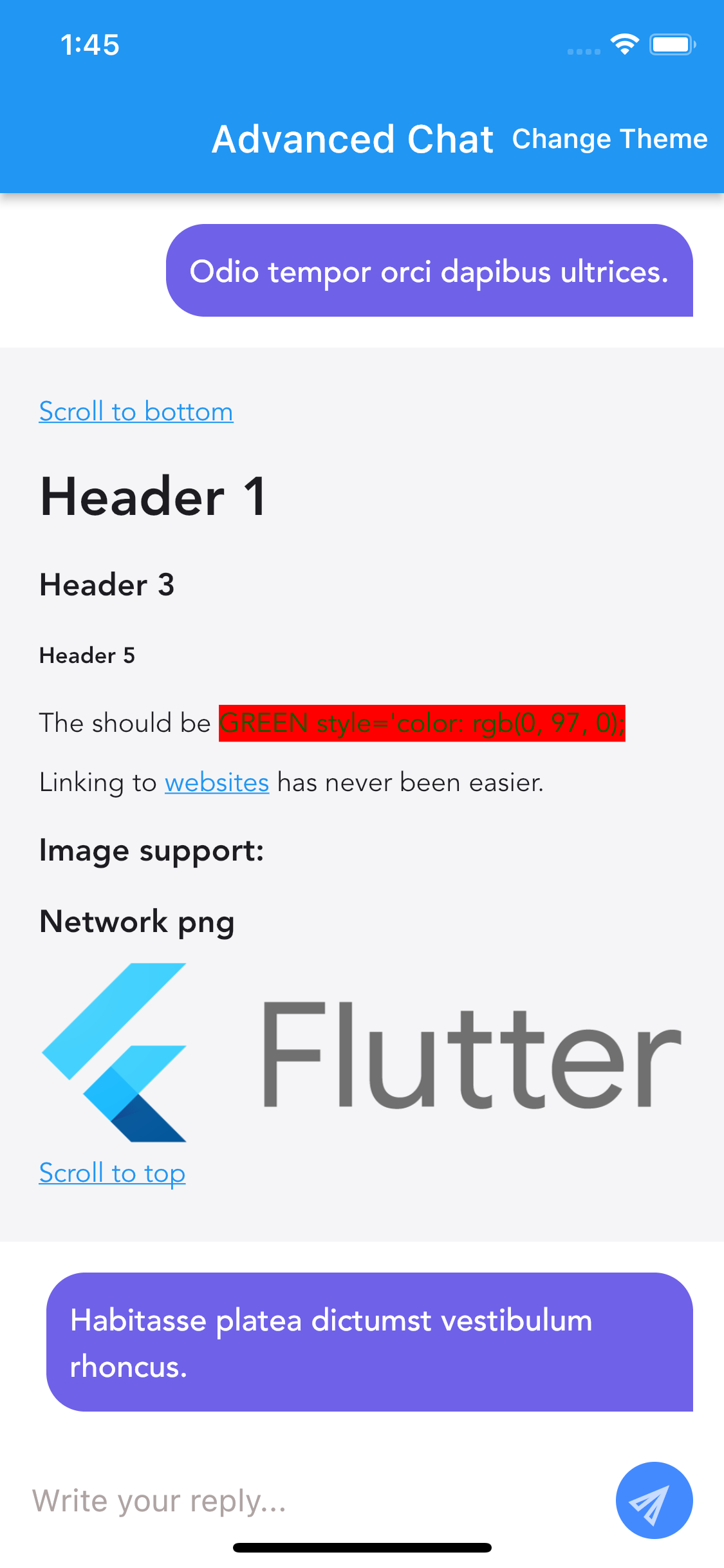
- Html
- [flutter_html](https://pub.dev/packages/flutter_html) package is used for displaying HTMLs, so we have support what package supports.
- QuickReply
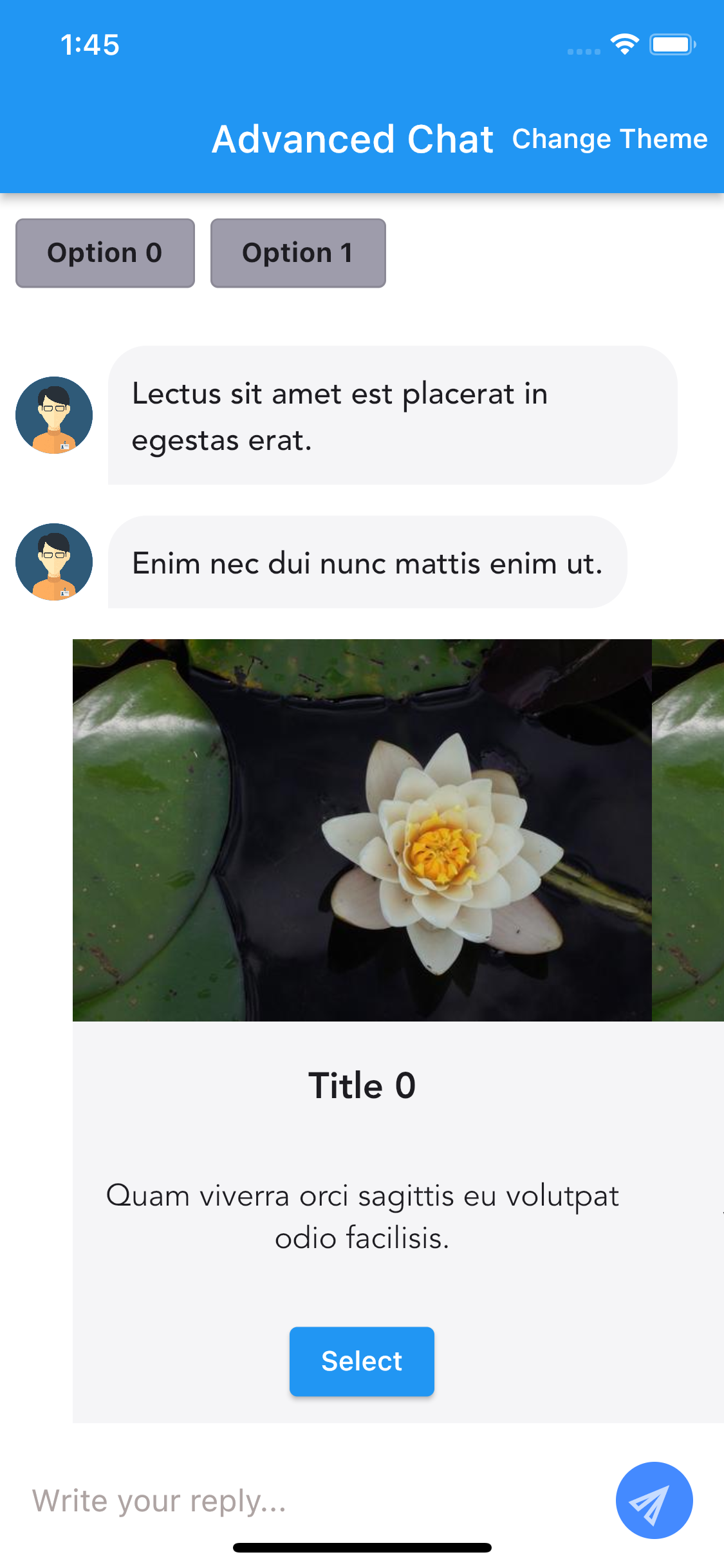
- Carousel
- Custom
- See [CustomMessage.md](CustomMessage.md) for details.
Other;
- Scroll to bottom
+ use `scrollToBottom` method on `Chat`
### Usage
TL;DR
See the example app in the `example` folder. It contains `BasicChat` & `AdvancedChat` pages.
* BasicChat contains only text messages, it's good to see minimum requirements to have package up & running.
* AdvancedChat sample contains all the supported message kinds and related action events like quick reply button tap event, also scrolling to bottom is activated.
This lib requires some abstract classes to be implemented to get started.
* `Message`
* `ChatUser`
* `QuickReplyItem` (if `MessageKind.quickReply` is going to be used)
* `CarouselItem` (if `MessageKind.carousel` is going to be used)
Note that `packages/swifty_chat_mocked_data/lib/src/mock/models` folder contains `Mock...` prefixed classes are the concrete implementation of the related abstract classes.
For a chat app, you need messages right, so here what you need to have a message;
```dart
abstract class Message {
final ChatUser user;
final String id;
final bool isMe;
final MessageKind messageKind;
}
MockMessage(
user: MockChatUser(userName: "Enes"),
id: DateTime.now().toString(),
isMe: true,
messageKind: MessageKind.text("My First Message"),
)
```
As you see above;
* You need a `ChatUser` which means you need to have a class that extends from `ChatUser`, in our case its `MockChatUser`.
* id to have unique messages.
* isMe is to differentiate UI.
* MessageKind is to determine how the message UI is going to look like.
*What kind of message kind exists?*
[MessageKind](packages/swifty_chat_data/lib/src/models/message_kind.dart)
```dart
class MessageKind {
MessageKind.text(String text);
MessageKind.imageProvider(ImageProvider imageProvider);
MessageKind.quickReply(List quickReplies);
MessageKind.carousel(List carousel);
MessageKind.html(String html);
MessageKind.custom(dynamic? custom);
}
```
For more, visit [BasicChat](./example/lib/basic_chat.dart) & [AdvancedChat](./example/lib/advanced_chat.dart)
### Message widget tap actions
You can be notified about message widget press actions
* QuickReply
```dart
Chat(..)
.setOnQuickReplyItemPressed((QuickReply item) {});
```
* Carousel
```dart
Chat(..)
.setOnCarouselItemButtonPressed((CarouselButtonItem item) {});
```
* Html
```dart
Chat(..)
.setOnHTMLWidgetPressed(
() => {
"onLinkTap": (url, _, __) =>
debugPrint("onLinkTapped: $url"),
"onImageTap": (src, _, __) =>
debugPrint("onImageTapped: $src")
},
);
```
* For rest (Image, Text)
```dart
Chat(..)
.setOnMessagePressed((Message message) {});
```
### Avatar
To set avatar for a `ChatUser`, simply pass `avatar` parameter of the related user.
```dart
UserAvatar({
required this.imageProvider, // ImageProvider
this.size = 40,
this.position = AvatarPosition.center, // top, center, bottom
});
```
### Theming
Visit [Theming.md](Theming.md) for details.
### Custom Message
Visit [CustomMessage.md](CustomMessage.md) for details.
### Message Cell Size Configuration
Visit [MessageCellSizeConfiguration.md](MessageCellSizeConfiguration.md) for details.