https://github.com/epicweb-dev/epic-stack-example-has-js-class
https://github.com/epicweb-dev/epic-stack-example-has-js-class
Last synced: about 1 year ago
JSON representation
- Host: GitHub
- URL: https://github.com/epicweb-dev/epic-stack-example-has-js-class
- Owner: epicweb-dev
- Created: 2023-11-16T20:58:06.000Z (over 2 years ago)
- Default Branch: main
- Last Pushed: 2023-11-17T01:30:30.000Z (over 2 years ago)
- Last Synced: 2025-05-06T15:19:13.133Z (over 1 year ago)
- Language: TypeScript
- Homepage:
- Size: 9.95 MB
- Stars: 1
- Watchers: 2
- Forks: 0
- Open Issues: 1
-
Metadata Files:
- Readme: README.md
Awesome Lists containing this project
README
# Epic Stack Example: `has-js` class
This is an example implementation of using CSS to ensure that users who don't
have js enabled have as good a user experience as possible without degrading the
experience of users who do have js enabled.
Inspired by [@jjenzz](https://twitter.com/jjenzz/status/1720939490233946300).
Check the commit history for what it took to implement this.
To run this locally:
```sh
git clone https://github.com/kentcdodds/epic-stack-example-has-js-class
cd epic-stack-example-has-js-class
npm install
npm run dev
```
Then open [localhost:3000](http://localhost:3000) in your browser, login as a
user, and go to the create new note page to find the image uploader. Try it with
and without JS enabled to have the full experience.
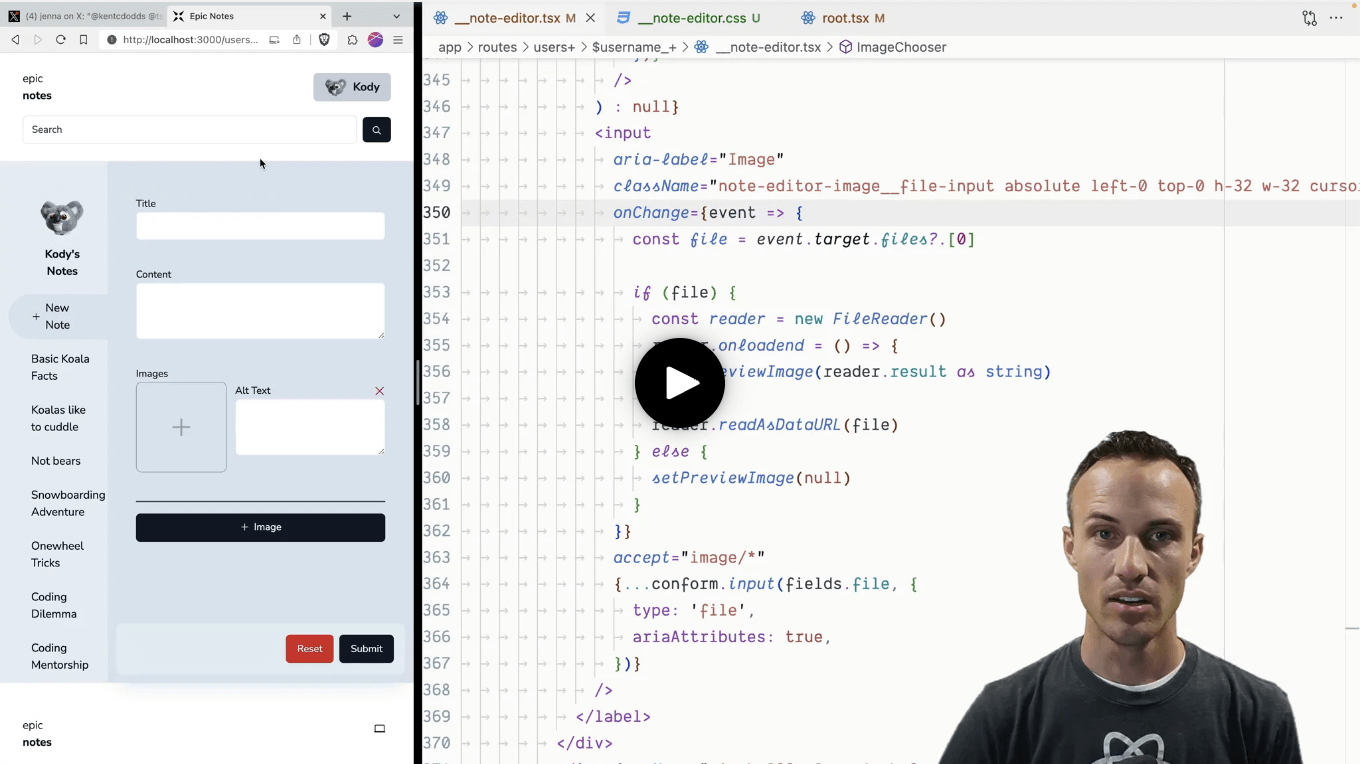
Or, you could just watch
[this video](https://www.epicweb.dev/tips/turn-progressive-enhancement-up-to-11)!
[](https://www.epicweb.dev/tips/turn-progressive-enhancement-up-to-11)