https://github.com/ermjs/php-smart-image-resizer
Resize image, preserve aspect ratio, keep background transparency and fix rotation issue.
https://github.com/ermjs/php-smart-image-resizer
image-resizer php php-gd
Last synced: about 1 year ago
JSON representation
Resize image, preserve aspect ratio, keep background transparency and fix rotation issue.
- Host: GitHub
- URL: https://github.com/ermjs/php-smart-image-resizer
- Owner: ermjs
- License: gpl-3.0
- Created: 2021-03-29T11:35:33.000Z (about 5 years ago)
- Default Branch: main
- Last Pushed: 2021-04-11T07:00:24.000Z (about 5 years ago)
- Last Synced: 2025-03-25T14:14:22.691Z (over 1 year ago)
- Topics: image-resizer, php, php-gd
- Language: PHP
- Homepage:
- Size: 7.44 MB
- Stars: 0
- Watchers: 1
- Forks: 0
- Open Issues: 0
-
Metadata Files:
- Readme: README.md
- License: LICENSE
Awesome Lists containing this project
README
# PHP-Smart-Image-Resizer
Function uses GD only, which is extensively found in almost every PHP installation. It resize images preserving aspect ratio and background transparency also catches some tricky image issues and returns what is wrong as string. Also if the image is a photo taken with a mobile phone or professional camera, it usually faces 90 degrees to the left by default. When this issue detected image will automatically be rotated to correct position. It is easy to use, robust and fast. Enjoy.
## Description
```php
smart_image_resizer ( string $src_image , string $dst_image , string $size , $quality = 100 ) true : string
```
## Parameters
- **src_image :** Source image resource.
- **dst_image :** Destination image resource.
- **size :** Destination width or height depending on greater size of source image
- **quality :** Quality is optional, and ranges from 0 (worst quality, smaller file) to 100 (best quality, biggest file)
## Return Values
Returns `true` on success or `string` on failure.
## Examples
### Example #1 Simple example
```php
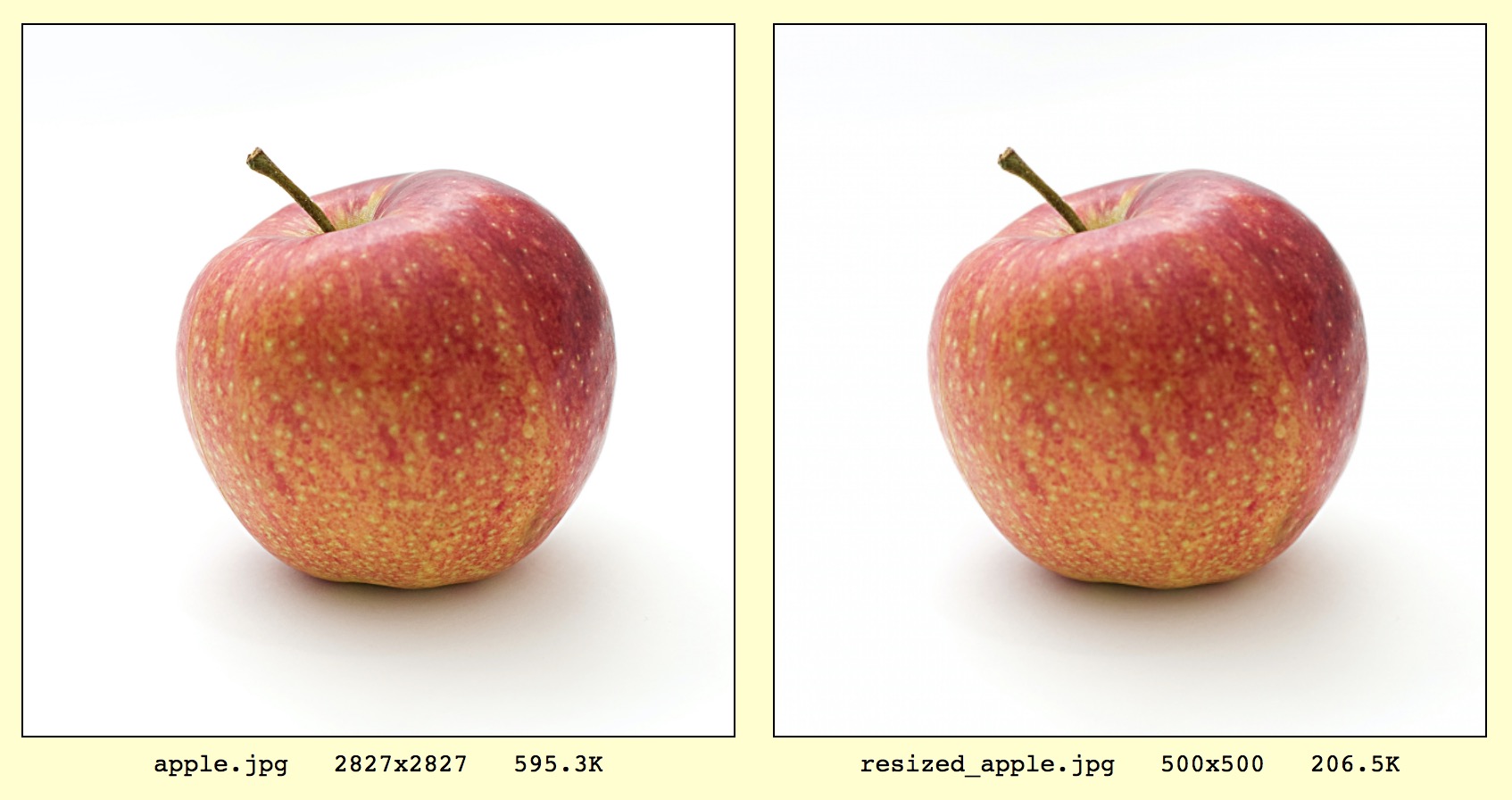
smart_image_resizer('apple.jpg', 'resized_apple.jpg', 500);
```
Output : `true`
### Example #2 Long size adjustment
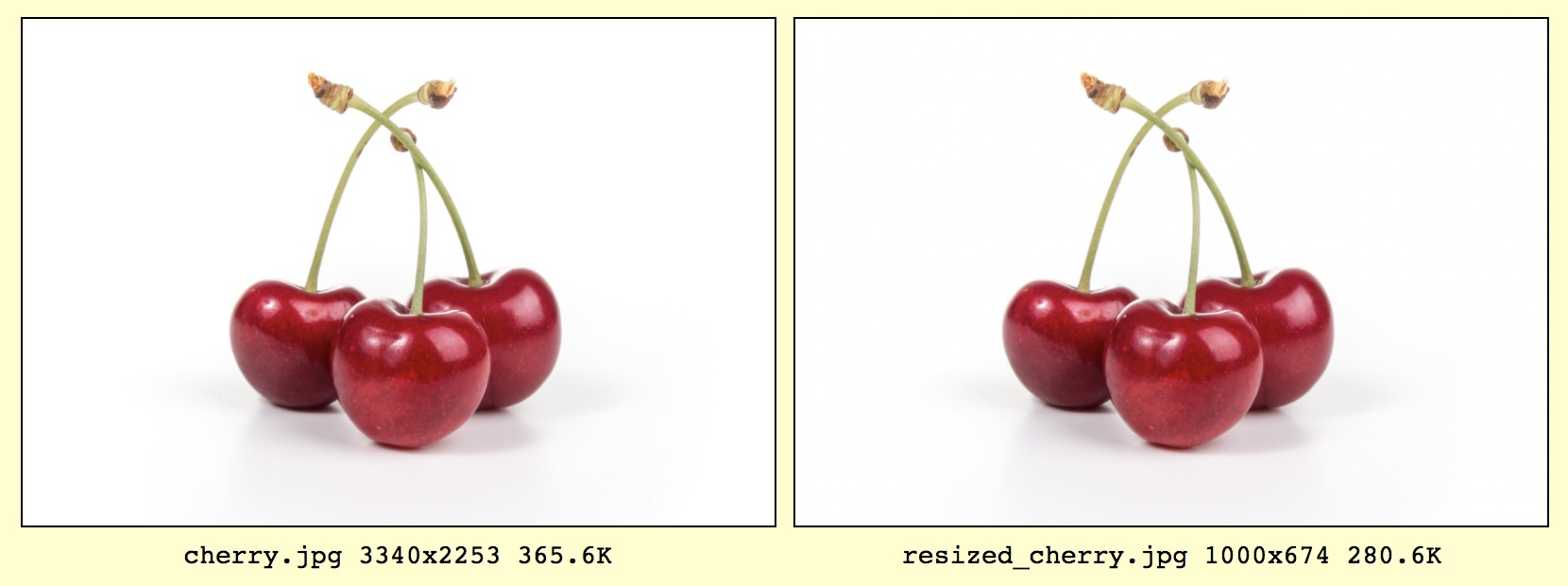
Not all images are square. Sometimes width is greater than height and sometimes height is greater than width. However, we define only one size parameter. This is because function always preserves aspect ratio. The function takes long size of source image scales it according to given parameter value.
```php
smart_image_resizer('cherry.jpg', 'resized_cherry.jpg', 1000);
```
Output : `true`
### Example #3 Quality
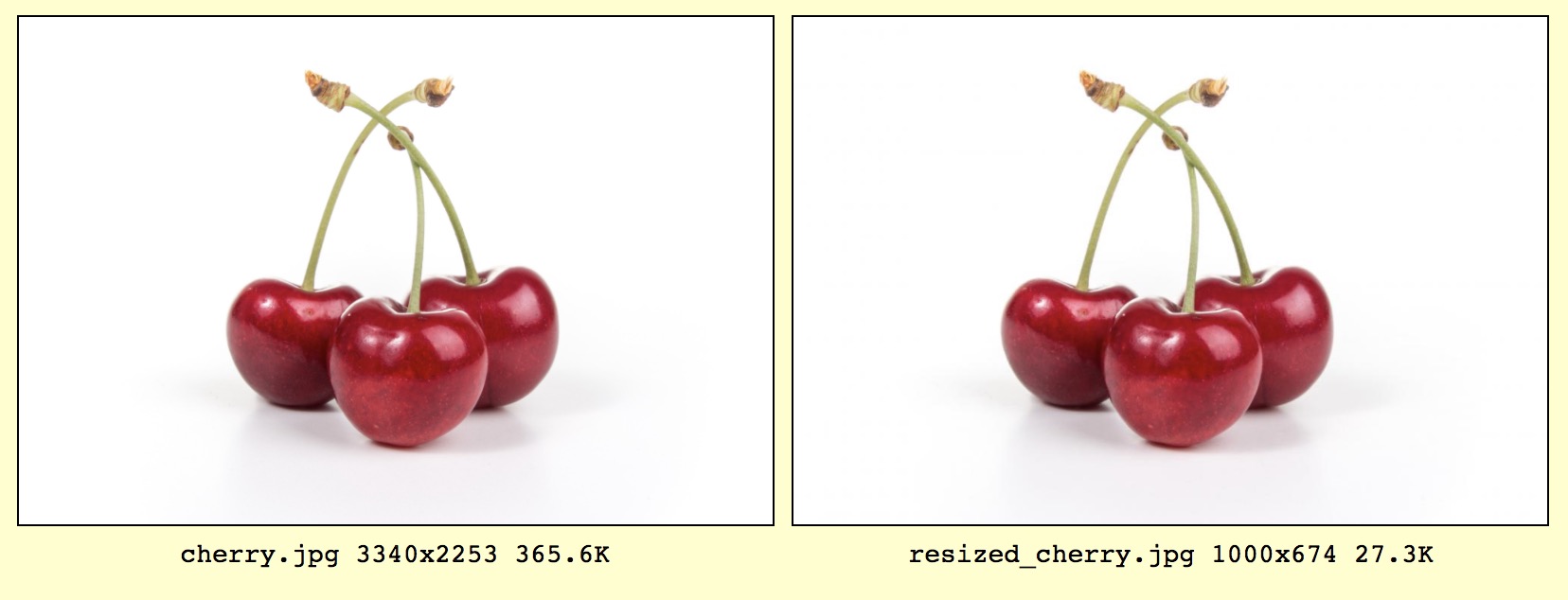
You can change quality of destination image. Let's say we want to resize and reduce quality of new image to 75%. Usually 75% is very good most of the time. Compare file sizes with previous example. File size is reduced almost 90% without losing quality.
```php
smart_image_resizer('cherry.jpg', 'resized_cherry.jpg', 1000, 75);
```
Output : `true`
### Example #4 Transparent background
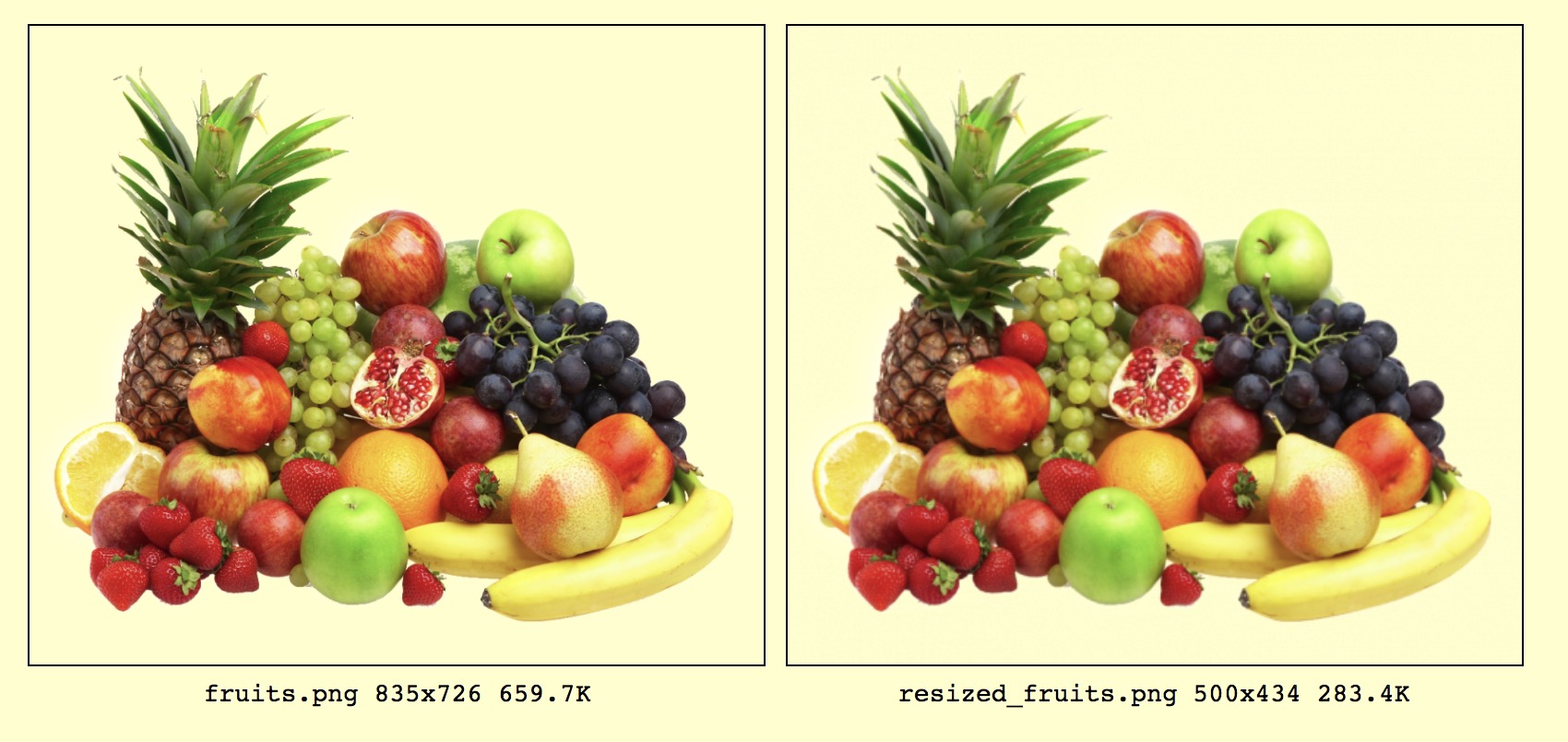
When an image resized it usually lose transparency and all transparent pixels turn to black. This function preserves transparency as well but only for PNG images so far.
```php
smart_image_resizer('fruits.jpg', 'resized_fruits.jpg', 500, 100);
```
Output : `true`
## Errors
Function returns true if everything is alright. When an error occur it returns a string to tell what is wrong. See examples below.
```php
smart_image_resizer('fruits', 'fruits2.jpg', 500, 100);
smart_image_resizer('fruits.jpg', 'fruits2', 500, 100);
smart_image_resizer('fruits.jpg', 'fruits2.png', 500, 100);
```
Output : `Source file extension and target file extension doesn't match or doesn't exist!`
```php
smart_image_resizer('fruits.jpg', 'fruits2.jpg', 500, 100);
```
> This error occurs when image type (e.g PNG) saved with wrong extension (e.g JPG)
Output : `Image MIME type 'image/png' and image extension 'jpg' doesn't match!`
```php
smart_image_resizer('fruits.tga', 'fruits2.jpg', 500, 100);
```
Output : `Unsupported image type!`