https://github.com/esau-morais/dc.ts
💬 Simple Discord clone using React + Redux + Firebase
https://github.com/esau-morais/dc.ts
discord firebase react typescript
Last synced: 2 months ago
JSON representation
💬 Simple Discord clone using React + Redux + Firebase
- Host: GitHub
- URL: https://github.com/esau-morais/dc.ts
- Owner: esau-morais
- License: mit
- Created: 2020-10-21T20:33:22.000Z (over 5 years ago)
- Default Branch: main
- Last Pushed: 2023-03-12T17:11:51.000Z (over 3 years ago)
- Last Synced: 2025-02-01T09:25:08.562Z (over 1 year ago)
- Topics: discord, firebase, react, typescript
- Language: TypeScript
- Homepage: https://dc.emots.dev
- Size: 912 KB
- Stars: 2
- Watchers: 1
- Forks: 1
- Open Issues: 0
-
Metadata Files:
- Readme: README.md
- License: LICENSE
- Security: SECURITY.md
Awesome Lists containing this project
README
# Discord Clone

## Goals
- [X] Add channel
- [X] ID
- [X] Name
- [X] Add chat
- [X] User picture
- [X] Timestamp
- [X] Username
- [X] Login authentication
## Buit with
- [React.js](https://reactjs.org/) → Front-End
- Firebase
- styled-components
- Redux
## How do I start?
1. Fork this project

2. Clone the forked repository
`git clone https://github.com/user/discord-clone` (if you use `git`)
or
`gh repo clone https://github.com/user/discord-clone` (if you use `gh` cli)
3. Install the dependencies
`npm install` (if you use `npm`)
or
`yarn` (if you use `yarn`)
-----
⚠️ Before you start, you'll need to create a firebase project and set:
- Firestore
- Google authentication
_[See here](#how-to-setup-your-firebase-project) how to setup firebase project_
-----
4. Start the project
`npm start` (if you `npm`)
or
`yarn start` (if you use `yarn`)
## How to setup your Firebase project
1. Go to [Firebase console](https://console.firebase.google.com/)
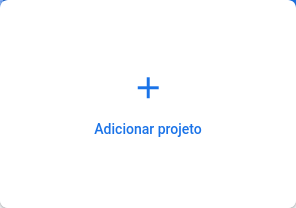
2. Click in add project button
3. Insert the project name (as you want)
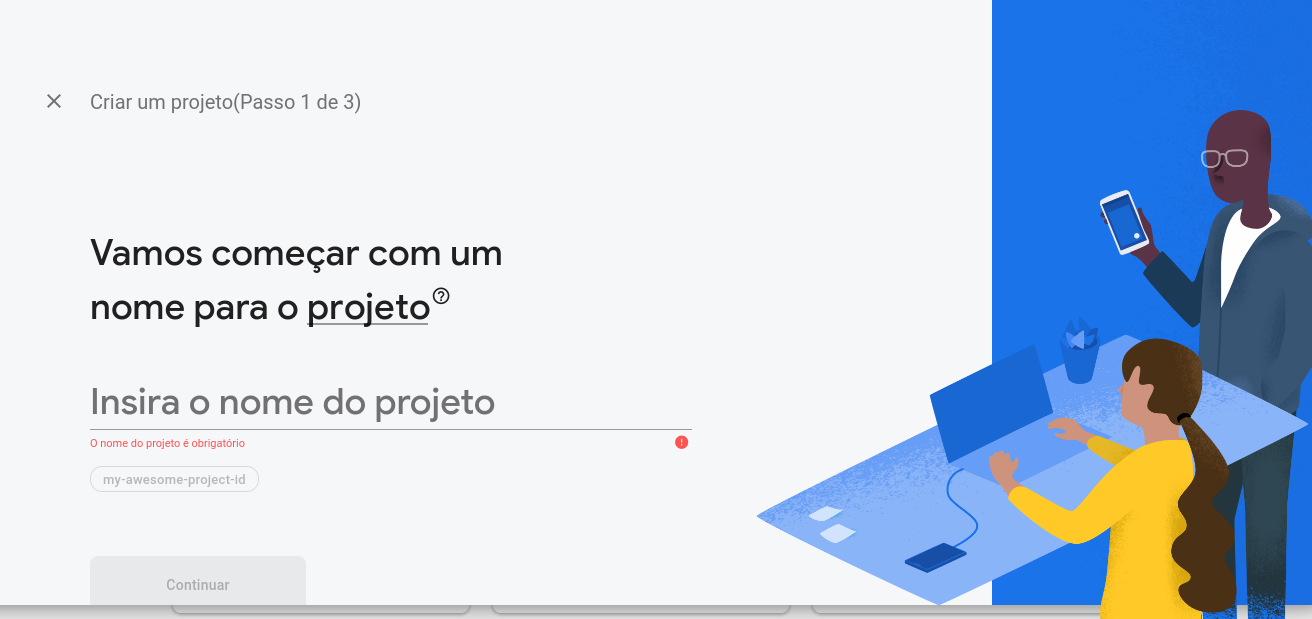
4. Click to continue
5. Click in the settings icon, then click in the project settings

6. Add a web app to the project and set a name
7. After creating, copy the settings and set to the `.env` based on the [.env_sample](./.env_sample)
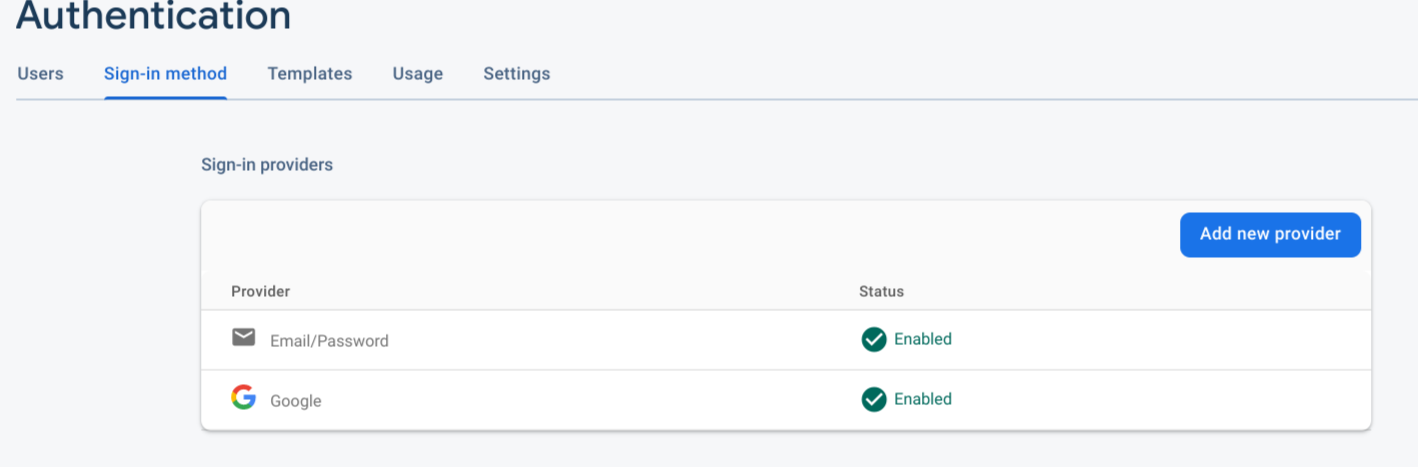
8. Create google authentication

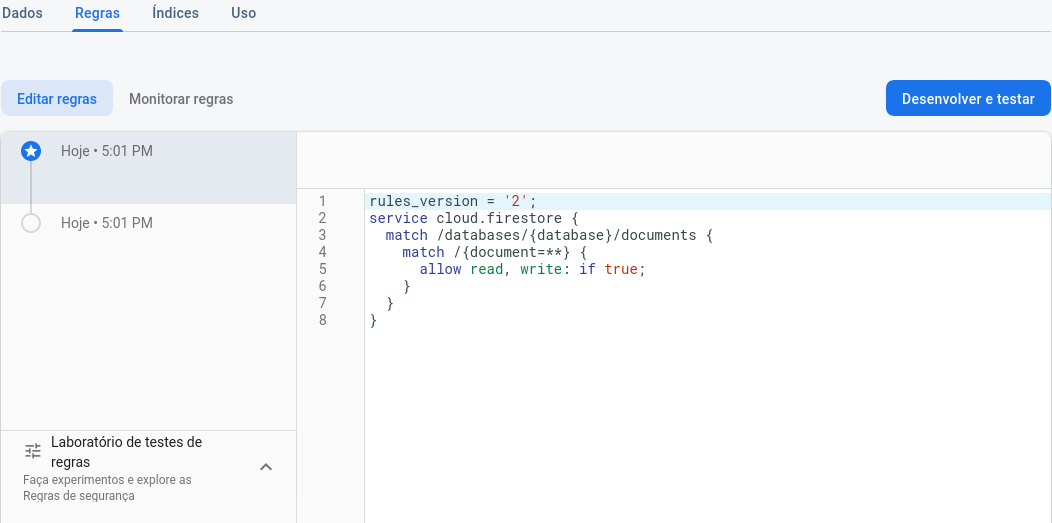
9. Create firestore and set the roles

-----
[LICENSE](./LICENSE)