https://github.com/escomputers/localfilesharing
Simply share local files using Python and Ngrok
https://github.com/escomputers/localfilesharing
filesharing ngrok pc powershell-script python tunneling windows
Last synced: 3 months ago
JSON representation
Simply share local files using Python and Ngrok
- Host: GitHub
- URL: https://github.com/escomputers/localfilesharing
- Owner: escomputers
- License: apache-2.0
- Created: 2024-05-07T21:34:02.000Z (about 2 years ago)
- Default Branch: main
- Last Pushed: 2024-07-28T12:52:24.000Z (almost 2 years ago)
- Last Synced: 2025-12-07T01:20:33.294Z (6 months ago)
- Topics: filesharing, ngrok, pc, powershell-script, python, tunneling, windows
- Language: Python
- Homepage:
- Size: 10.7 KB
- Stars: 0
- Watchers: 1
- Forks: 0
- Open Issues: 0
-
Metadata Files:
- Readme: README.md
- License: LICENSE
Awesome Lists containing this project
README
          # localfilesharing

Simply share local files using Python and [Ngrok](https://www.ngrok.com)

## Requirements

* Register a free account on [Ngrok](https://www.ngrok.com)

* Install [ngrok agent](https://ngrok.com/download) on your PC

* Install [Python 3](https://www.python.org/downloads/)

* Install [Powershell](https://learn.microsoft.com/en-us/powershell/scripting/install/installing-powershell-on-windows?view=powershell-7.4) (Windows users only)

## Usage

### Windows

1. Put [httpsrv.py](httpsrv.py) into C:\

2. Run the [FileSharingSvc.ps1](FileSharingSvc.ps1)

### Unix-like

`bash FileSharingSvc.sh`

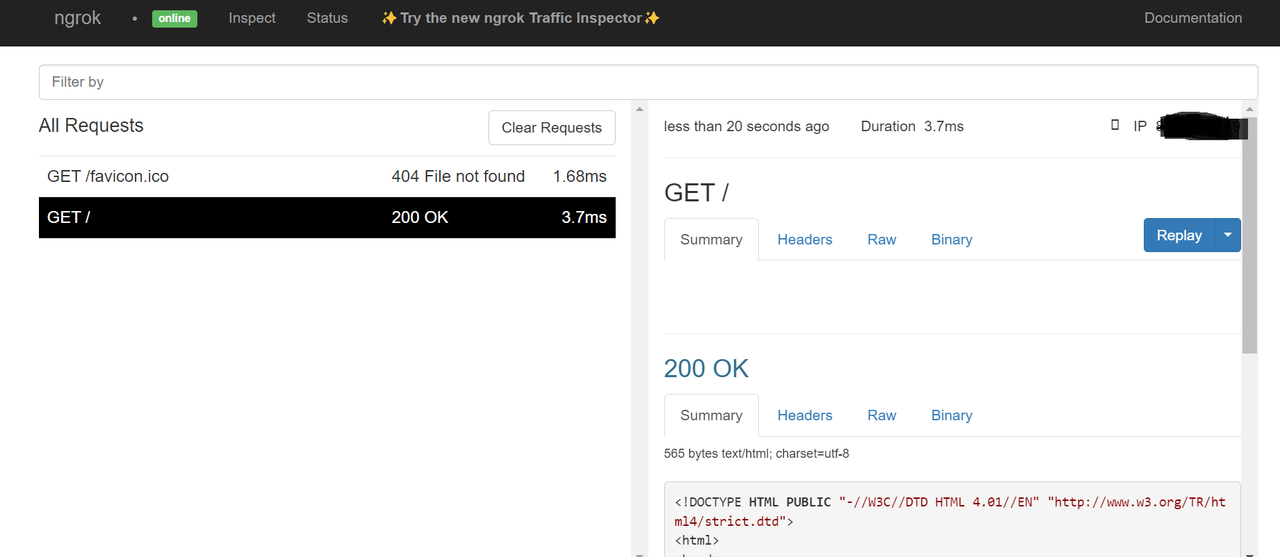
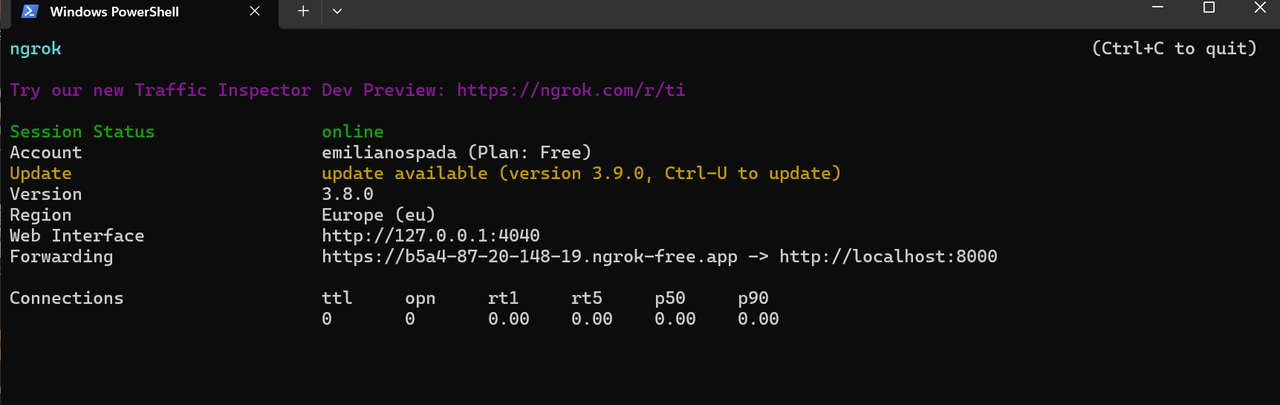
`FileSharingSvc` will execute the python program that runs an HTTP server on port 8000 and the ngrok process which in turn exposes the web server and manages the tunnel.

### Screenshots