https://github.com/evolution-gaming/babylonjs-godrays
Fast, spectacular, configurable and lightweight god rays plugin for BabylonJS
https://github.com/evolution-gaming/babylonjs-godrays
Last synced: about 1 year ago
JSON representation
Fast, spectacular, configurable and lightweight god rays plugin for BabylonJS
- Host: GitHub
- URL: https://github.com/evolution-gaming/babylonjs-godrays
- Owner: evolution-gaming
- Created: 2018-11-05T14:06:21.000Z (over 7 years ago)
- Default Branch: master
- Last Pushed: 2018-11-29T21:23:26.000Z (over 7 years ago)
- Last Synced: 2025-01-27T19:54:08.623Z (over 1 year ago)
- Language: TypeScript
- Size: 2.14 MB
- Stars: 1
- Watchers: 2
- Forks: 2
- Open Issues: 0
-
Metadata Files:
- Readme: README.md
Awesome Lists containing this project
README
# God rays for BabylonJS
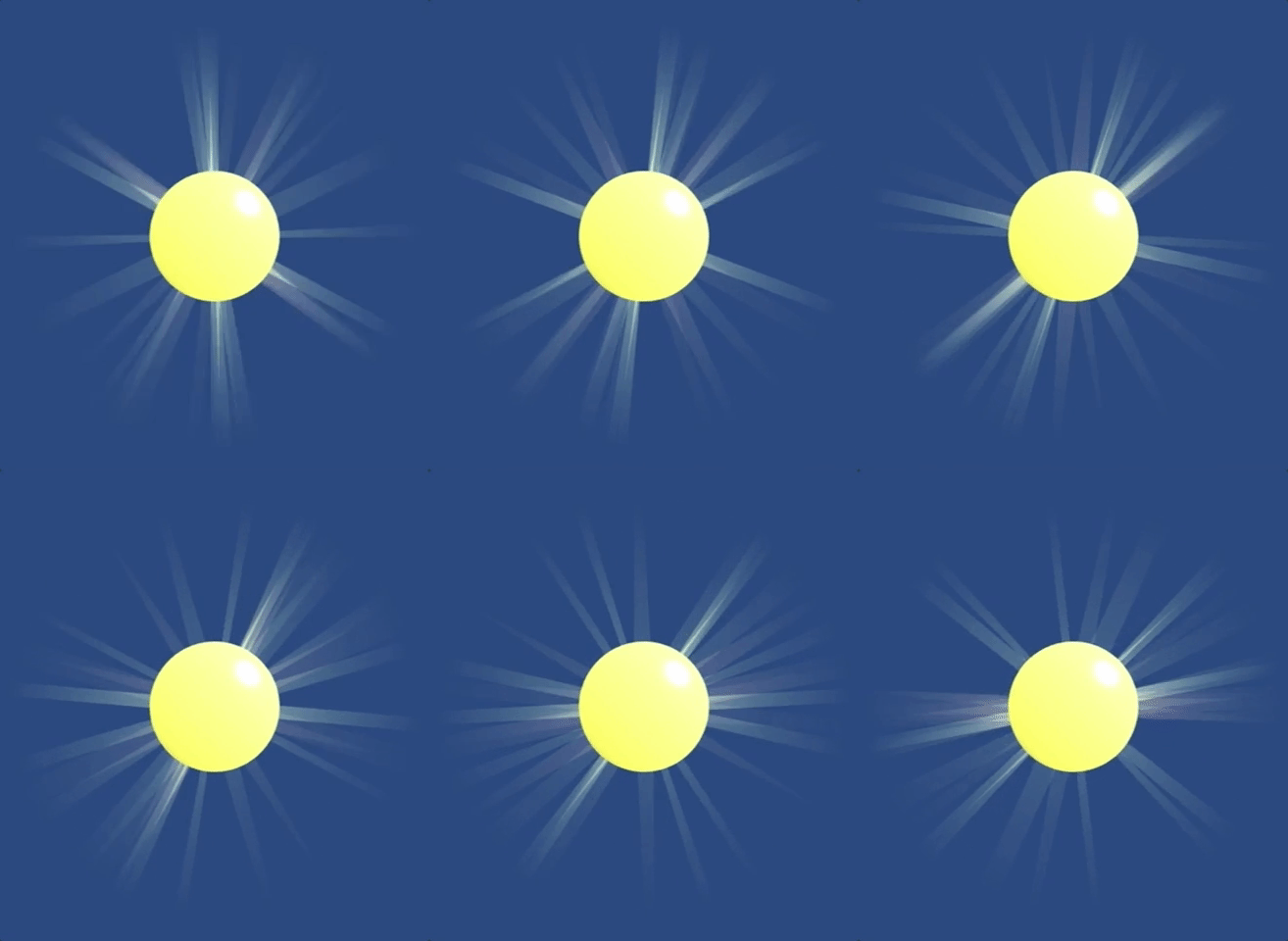
Geometry based godrays for BabylonJS. Few times faster comparing to a built-in post-effect based ones. Configurable rotation speed, colors, size, density.
## How to use
`npm install babylonjs-godrays --save`
```
import { Godrays } from "babylonjs-godrays";
const godrays = new Godrays(scene);
godrays.position = new Vector3(x, y, z);
```
Look for a demo source code for more insights.
## API
* `godrays.start(multConfig)` Starts rays smoothly applying config passed as an argument.
Config interface:
```
interface GodraysConfig {
colors: Array; // Colors of rays
scale: number; // Default is 1
minSpeed: number; // Minimal rotation speed
maxSpeed: number; // Maximum rotation speed
density: number; // From 0 to 1 defines density of the rays
}
```
* `godrays.stop()` Stops rays smoothly.
* `godrays.setColors(Array)` Sets colors of rays.
* `godrays.setRaysScale(number)` Sets scale of rays.
* `godrays.setRotataionSpeed(minSpeed: number, maxSpeed: number)` Sets min, max rotation speed applied to rays.
* `godrays.setDensity(number)` Sets a density of rays.
## License
MIT: http://mit-license.org/
Authored 2018 Denis Radin aka [PixelsCommander](http://pixelscommander.com)