https://github.com/ewels/rich-codex
Create rich code images for your docs.
https://github.com/ewels/rich-codex
Last synced: about 1 year ago
JSON representation
Create rich code images for your docs.
- Host: GitHub
- URL: https://github.com/ewels/rich-codex
- Owner: ewels
- License: mit
- Created: 2022-05-17T21:31:13.000Z (about 4 years ago)
- Default Branch: main
- Last Pushed: 2025-03-14T10:43:50.000Z (over 1 year ago)
- Last Synced: 2025-04-03T08:09:03.154Z (over 1 year ago)
- Language: Python
- Homepage: https://ewels.github.io/rich-codex/
- Size: 5.46 MB
- Stars: 115
- Watchers: 3
- Forks: 6
- Open Issues: 7
-
Metadata Files:
- Readme: README.md
- Changelog: CHANGELOG.md
- License: LICENSE
Awesome Lists containing this project
README
# rich-codex ⚡️📖⚡️
A GitHub Action / command-line tool which generates screengrab images of a terminal window, containing _command outputs_ or _code snippets_.
## 📚 Documentation: https://ewels.github.io/rich-codex/ 📚
[](https://pypi.python.org/pypi/rich-codex/)
## Introduction
Having code examples in your documentation is a fantastic way to help users understand what to expect from your tool.
Using terminal screenshots is a good way to do this because:
- 🌈 Coloured terminal output is supported
- ↔️ You can fit in long lines without scrolling or cropping (images are auto-resized)
- 😎 They look cool
However, manually generating these screenshots is a pain 👎🏻 Remembering to update them every time you make a minor change means that they can easily get out of date.
_**Rich-codex**_ automates this process for you. It searches markdown code for images with shell commands or code snippets. It runs these commands and saves a terminal screen-grab at the embedded path.
Typical use cases:
- 📷 Example CLI tool outputs that _automatically stay in sync with your package_
- ♻️ Syntax-highlighted code snippets that are always up to date with your `examples/`
- 🤩 Fast and simple images for your docs with minimal setup
## Quickstart
1. 📖 Write some markdown docs, use an image tag with a backtick command inside:
```markdown

```
2. 🤖 Add a GitHub Action to automatically run the command, generate the image and commit to the repo:
```yaml
on: [push]
jobs:
rich_codex:
runs-on: ubuntu-latest
steps:
- uses: actions/checkout@v3
- name: Install your custom tools
run: pip install lolcat
- name: Generate terminal images with rich-codex
uses: ewels/rich-codex@v1
with:
commit_changes: "true"
```
3. 🌈 Enjoy reading your documentation 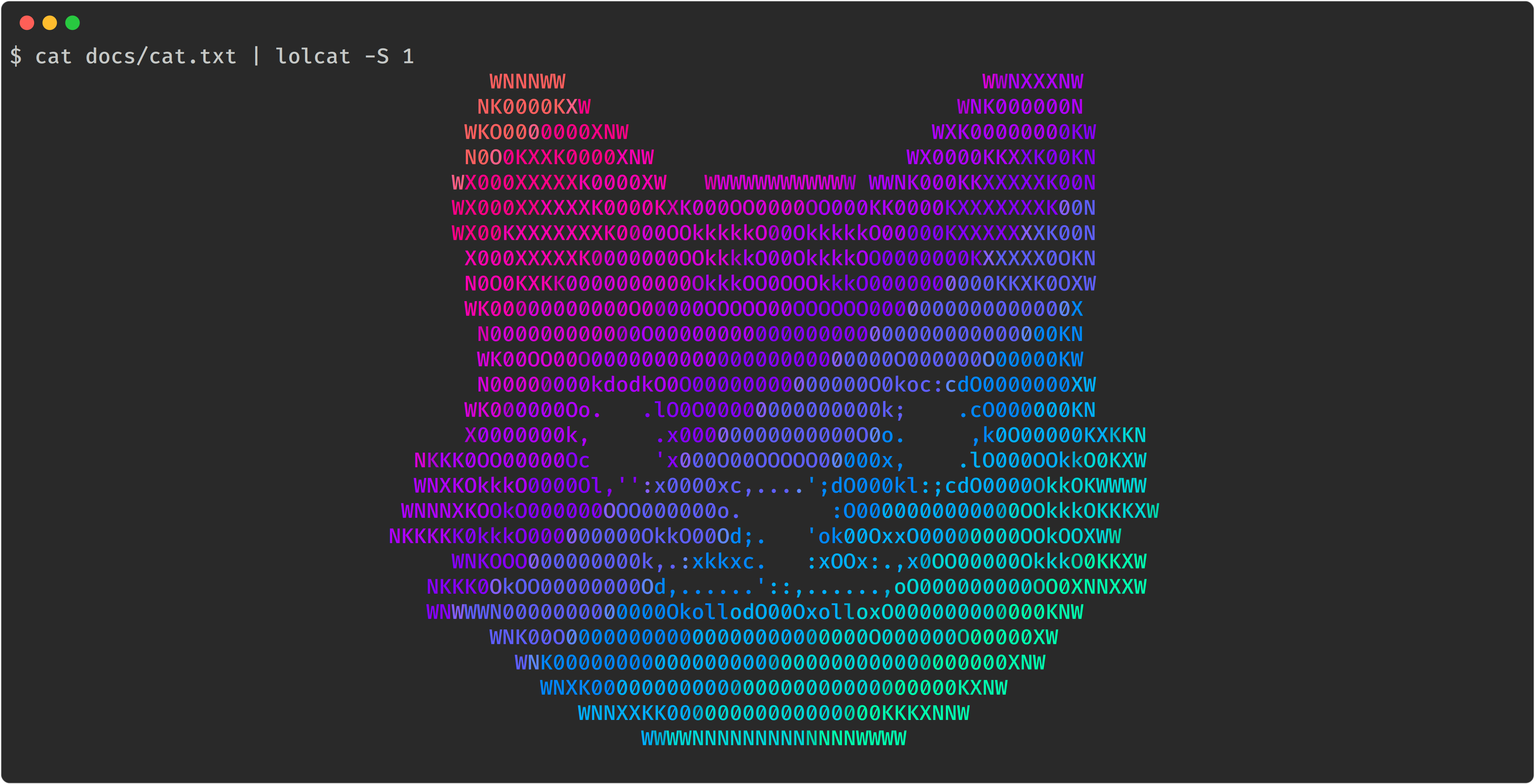
## How it works
Rich-codex is a command-line tool that you can run [via a GitHub action](https://ewels.github.io/rich-codex/installation/github_action/) or as a [command line tool](https://ewels.github.io/rich-codex/installation/cli/). It works with any markdown (including GitHub READMEs).
It collects either commands or code snippets, together with output filenames and configuration options. Commands are run in a subprocess and the standard output & standard error collected. These are then rendered as an image using [Textualize/rich](https://github.com/textualize/rich).
> Rich-codex creates the images that your markdown docs expect. It doesn't require a HTML build-step and doesn't make any changes to your markdown or its output. As such, it's compatible with _**any documentation engine**_, including rendering markdown on [github.com](https://github.com).
Rich-codex needs **inputs** (commands / snippets) and **output filenames** to work. These can be configured in four different ways:
- 🖼 [Markdown images](https://ewels.github.io/rich-codex/inputs/markdown/)
- Search markdown files for image tags with command alt text. eg: ``  ``
- 💬 [Markdown comments](https://ewels.github.io/rich-codex/inputs/markdown/#code-snippets)
- Search markdown files for special HTML comments.
- ➡️ [Command-line / action inputs](https://ewels.github.io/rich-codex/inputs/direct_inputs/)
- Specify a command or snippet using the action `with` inputs.
- ⚙️ [Config files](https://ewels.github.io/rich-codex/inputs/config_file/)
- Use one or more YAML config files for multiple images and more complex customisation.
Images can be generated as SVG, PNG or PDF (detected by filename extension).
> **Keep reading!** 👉 https://ewels.github.io/rich-codex/