https://github.com/exddc/blurry-blob-background-configurator
A simple web app generates a animated blurry blob background effect.
https://github.com/exddc/blurry-blob-background-configurator
Last synced: 3 months ago
JSON representation
A simple web app generates a animated blurry blob background effect.
- Host: GitHub
- URL: https://github.com/exddc/blurry-blob-background-configurator
- Owner: exddc
- License: mit
- Created: 2025-01-19T18:14:43.000Z (over 1 year ago)
- Default Branch: main
- Last Pushed: 2026-02-09T12:08:35.000Z (5 months ago)
- Last Synced: 2026-02-09T17:14:30.302Z (5 months ago)
- Language: TypeScript
- Homepage: https://blurry-blob-background.timoweiss.me
- Size: 396 KB
- Stars: 1
- Watchers: 1
- Forks: 0
- Open Issues: 1
-
Metadata Files:
- Readme: README.md
- License: LICENSE
Awesome Lists containing this project
README
# Animated Blurry Blob Background Generator
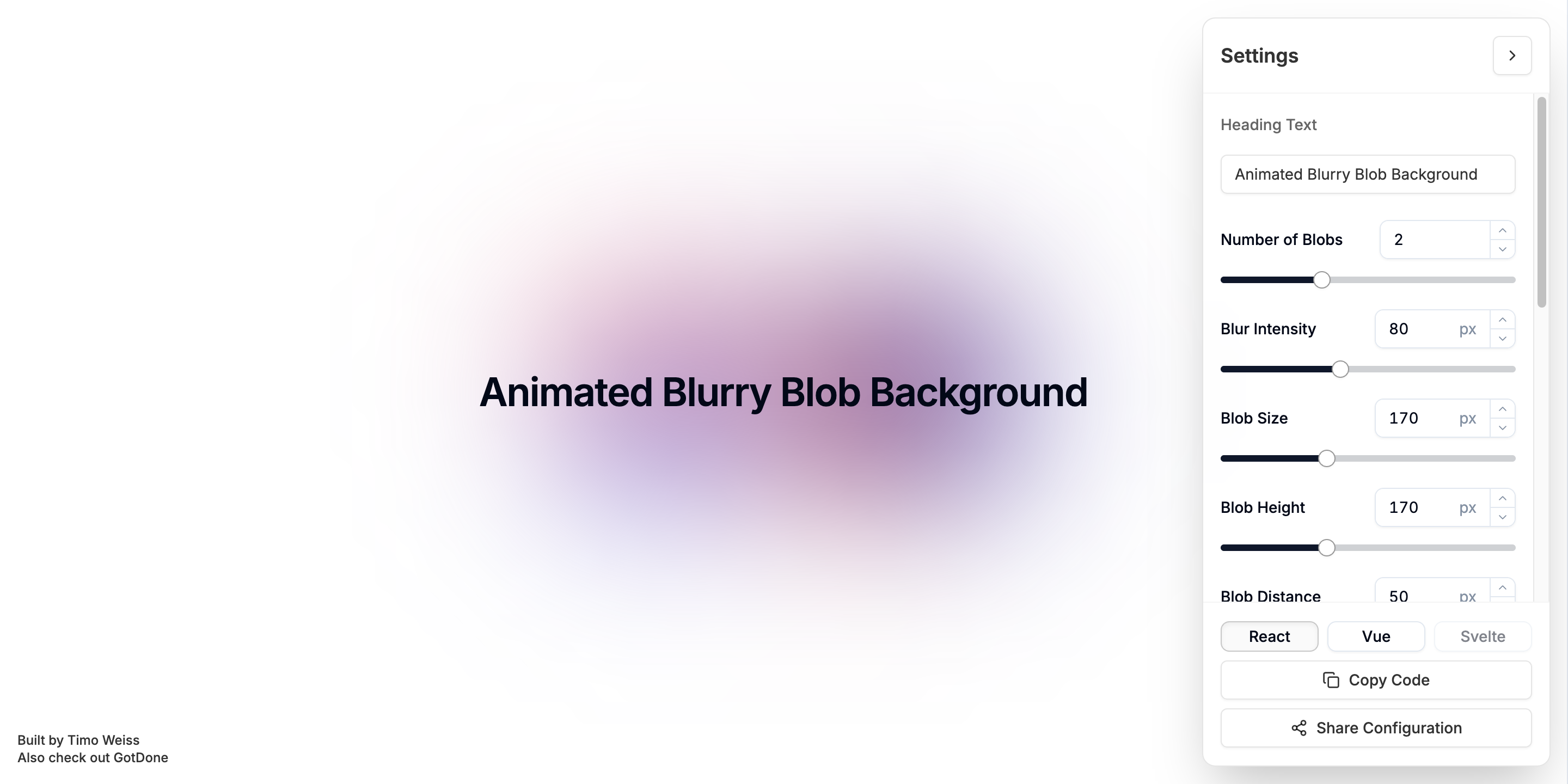
This simple web app generates a animated blurry blob background effect. The user can adjust the number of blobs, the size of the blobs, the speed of the animation, and the blur effect. The user can also download the generated code for React and Vue codebases or share the generated background via a link.
[](https://blurry-blob-background.timoweiss.me)
## Getting Started
First, run the development server:
```bash
npm run dev
```
Open [http://localhost:3000](http://localhost:3000) with your browser to see the result.
## Deployment
You can either deploy the app to Vercel or any other provider that supports Next.js apps. Or you can deploy the app on your own server by running the following command:
```bash
npm run build
npm run start
```
Further configuration is required to deploy the app to a production environment on your own server. You can find more information on your provider's website.
## Contributing
If you would like to contribute to the project, you can do so by submitting a pull request. You can also open an issue if you have any questions or suggestions.
Before you submit a pull request, please make sure that your changes are in line with the project's goals and coding style. You should also make sure that your changes are well tested and documented.
Another way to contribute is by opening an issue. You can open an issue to report a bug or to request a new feature.
## License
This project is open source and available under the MIT License. See the LICENSE file for more details.