https://github.com/fa-yoshinobu/plc-comm-computerlink-dotnet
.NET library for TOYOPUC computer-link protocol. Designed for stable communication with JTEKT TOYOPUC-Plus and PC3J/PC10G.
https://github.com/fa-yoshinobu/plc-comm-computerlink-dotnet
computer-link csharp dotnet jtekt plc toyoda toyopuc
Last synced: 3 months ago
JSON representation
.NET library for TOYOPUC computer-link protocol. Designed for stable communication with JTEKT TOYOPUC-Plus and PC3J/PC10G.
- Host: GitHub
- URL: https://github.com/fa-yoshinobu/plc-comm-computerlink-dotnet
- Owner: fa-yoshinobu
- License: mit
- Created: 2026-03-10T13:26:40.000Z (4 months ago)
- Default Branch: main
- Last Pushed: 2026-03-28T11:51:35.000Z (3 months ago)
- Last Synced: 2026-03-28T14:59:04.936Z (3 months ago)
- Topics: computer-link, csharp, dotnet, jtekt, plc, toyoda, toyopuc
- Language: C#
- Homepage:
- Size: 6.95 MB
- Stars: 1
- Watchers: 0
- Forks: 1
- Open Issues: 0
-
Metadata Files:
- Readme: README.md
- Changelog: CHANGELOG.md
- License: LICENSE
- Agents: AGENTS.md
Awesome Lists containing this project
README
[](https://github.com/fa-yoshinobu/plc-comm-computerlink-dotnet/actions/workflows/ci.yml)
[](https://www.nuget.org/packages/PlcComm.Toyopuc/)
[](https://fa-yoshinobu.github.io/plc-comm-computerlink-dotnet/)
[](https://dotnet.microsoft.com/download/dotnet/9.0)
[](https://github.com/fa-yoshinobu/plc-comm-computerlink-dotnet/blob/main/LICENSE)
[](https://learn.microsoft.com/en-us/dotnet/core/tools/dotnet-format)
# Computer Link Protocol for .NET
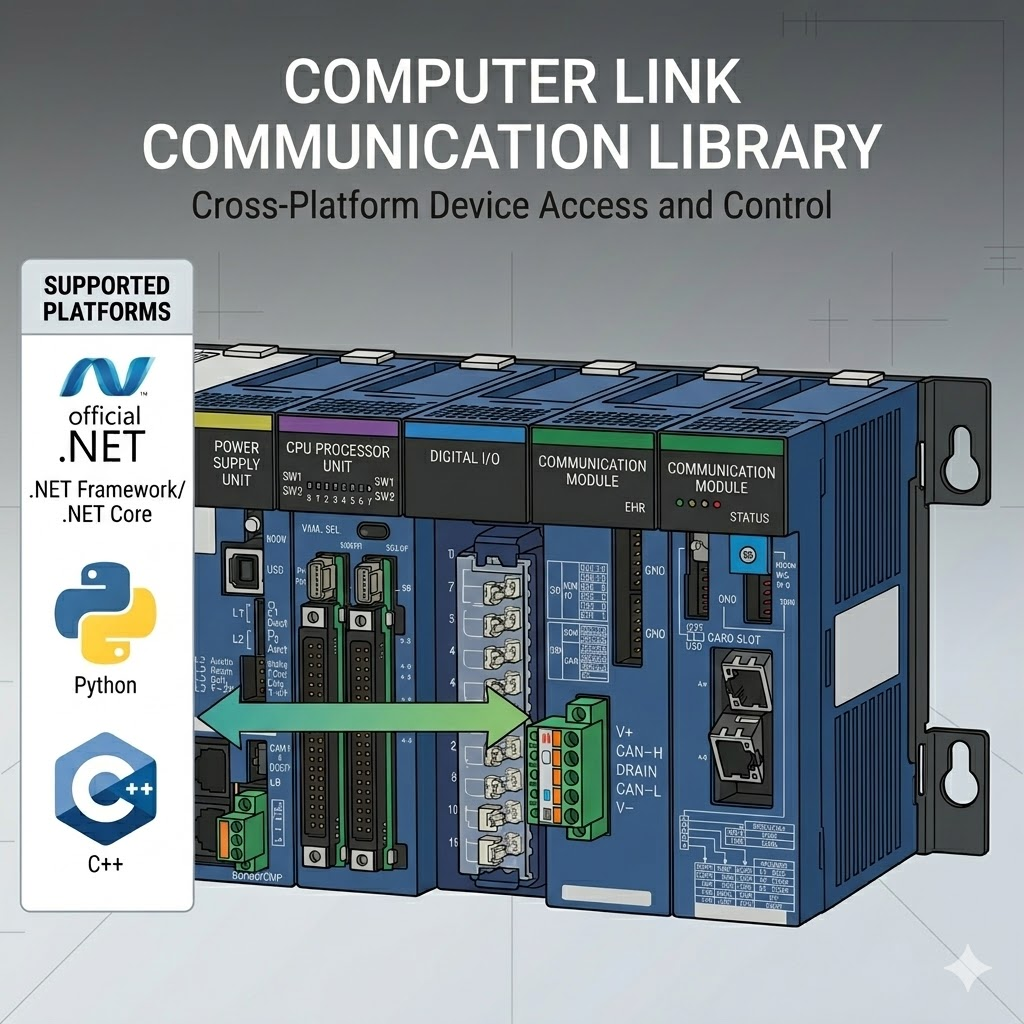
A user-focused .NET library for JTEKT TOYOPUC Computer Link communication.
The recommended entry point is the high-level queued client created by
`ToyopucDeviceClientFactory`.
## Key Features
- High-level device access such as `P1-D0000`, `P1-M0000`, `ES0000`, and `FR000000`
- Explicit connection options and optional relay-hops setup
- Typed helpers for `U`, `S`, `D`, `L`, and `F`
- Snapshot helpers such as `ReadManyAsync`, `ReadNamedAsync`, and `PollAsync`
- Explicit single-request and chunked contiguous block helpers
- Public address parsing and normalization helpers
- FR file-register helpers and relay helpers for common application work
- Ready-to-run examples for minimal reads, cookbook-style usage, monitoring, and soak runs
## Quick Start
### Installation
Install from NuGet:
- Package page: https://www.nuget.org/packages/PlcComm.Toyopuc/
```powershell
dotnet add package PlcComm.Toyopuc
```
Or add a package reference directly:
```xml
```
You can also reference `src/Toyopuc/PlcComm.Toyopuc.csproj` directly from a local solution during development.
### High-level example
```csharp
using PlcComm.Toyopuc;
var options = new ToyopucConnectionOptions("192.168.250.100")
{
Port = 1025,
DeviceProfile = "TOYOPUC-Plus:Plus Extended mode",
};
await using var client = await ToyopucDeviceClientFactory.OpenAndConnectAsync(options);
var word = await client.ReadAsync("P1-D0000");
Console.WriteLine($"P1-D0000 = {word}");
await client.WriteAsync("P1-D0001", 1234);
await client.WriteAsync("P1-M0000", 1);
var typed = await client.ReadTypedAsync("P1-D0200", "F");
Console.WriteLine($"P1-D0200:F = {typed}");
var snapshot = await client.ReadNamedAsync(["P1-D0000", "P1-D0200:F", "P1-D0000.0"]);
Console.WriteLine(snapshot["P1-D0000"]);
```
Basic area families `P/K/V/T/C/L/X/Y/M/S/N/R/D` should use a `P1-`, `P2-`, or `P3-` prefix when a profile is in use.
## Common User Tasks
- Read or write one device: `ReadAsync`, `WriteAsync`
- Read several devices together: `ReadManyAsync`, `ReadNamedAsync`
- Read 32-bit integers or float32 values: `ReadDWordsSingleRequestAsync`, `ReadTypedAsync`
- Change one flag bit inside a word: `WriteBitInWordAsync`
- Read contiguous word blocks: `ReadWordsSingleRequestAsync`, `ReadDWordsSingleRequestAsync`
- Read large contiguous ranges explicitly: `ReadWordsChunkedAsync`, `ReadDWordsChunkedAsync`
- Persist FR data: `ReadFrAsync`, `WriteFrAsync`, `CommitFrAsync`
- Poll a small watch list repeatedly: `PollAsync`
Address helper:
```csharp
string canonical = ToyopucAddress.Normalize("p1-d0000", profile: "TOYOPUC-Plus:Plus Extended mode");
Console.WriteLine(canonical); // P1-D0000
```
Use `*SingleRequestAsync` when one logical request must remain one protocol
operation. Use `*ChunkedAsync` only when protocol-defined boundary splitting is
acceptable for that device family and data set.
## User Docs
- [User Guide](https://github.com/fa-yoshinobu/plc-comm-computerlink-dotnet/blob/main/docsrc/user/USER_GUIDE.md)
- [Examples Guide](https://github.com/fa-yoshinobu/plc-comm-computerlink-dotnet/blob/main/examples/README.md)
- [High-Level API Contract](https://github.com/fa-yoshinobu/plc-comm-computerlink-dotnet/blob/main/HIGH_LEVEL_API_CONTRACT.md)
Start with these example programs:
- `examples/PlcComm.Toyopuc.MinimalRead`
- `examples/PlcComm.Toyopuc.HighLevelSample`
- `examples/PlcComm.Toyopuc.SoakMonitor`
Engineering and validation documents remain under `docsrc/maintainer/`.
## Development and CI
Run local CI:
```powershell
run_ci.bat
```
Run the release-style check including docs:
```powershell
release_check.bat
```
Pack the NuGet package locally:
```powershell
dotnet pack src\Toyopuc\PlcComm.Toyopuc.csproj -c Release
```
## License
Distributed under the [MIT License](https://github.com/fa-yoshinobu/plc-comm-computerlink-dotnet/blob/main/LICENSE).